
Why Generate 4 Thumbnail Variations, Not 1
The generator produces four thumbnails per generation, for the cost of one, so you can pick the most clickable rather than betting on a single idea. Read the batch with four checks (does it read small, is the emotion strong, does it create curiosity, does it stand out), then test your top two.
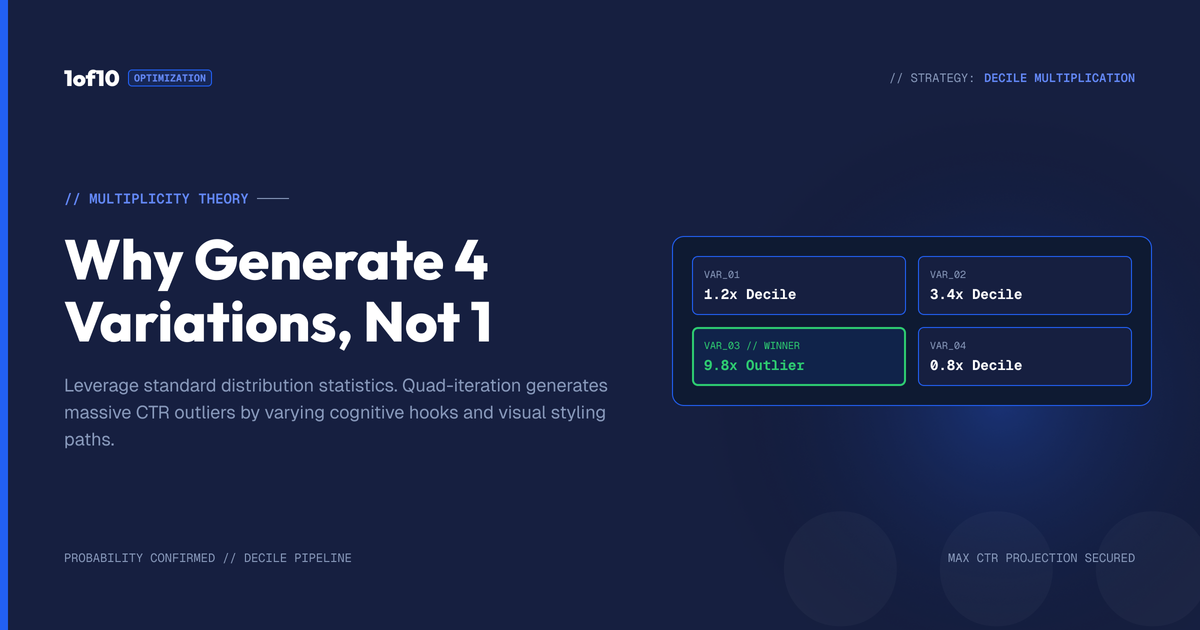
Quick answer: The generator produces four thumbnails per generation, for the cost of one, so you can pick the most clickable rather than betting on a single idea. Read the batch with four checks (does it read small, is the emotion strong, does it create curiosity, does it stand out), then test your top two.
When you hit generate in the 1of10 Thumbnail Generator, it gives you four thumbnails, not one. That default is not the tool being generous with credits. It is a strategy, and it is the same strategy the biggest channels on the platform use to win the click: never bet on a single idea. This guide explains why four beats one, how to read a batch of variations and pick the winner, and how to turn the four-at-a-time workflow into a steady supply of thumbnail ideas you would never have thought of alone.
For the whole tool, start with The Complete Guide to the 1of10 Thumbnail Generator. This post is about why variation is the engine of a good thumbnail.
The problem with betting on one thumbnail
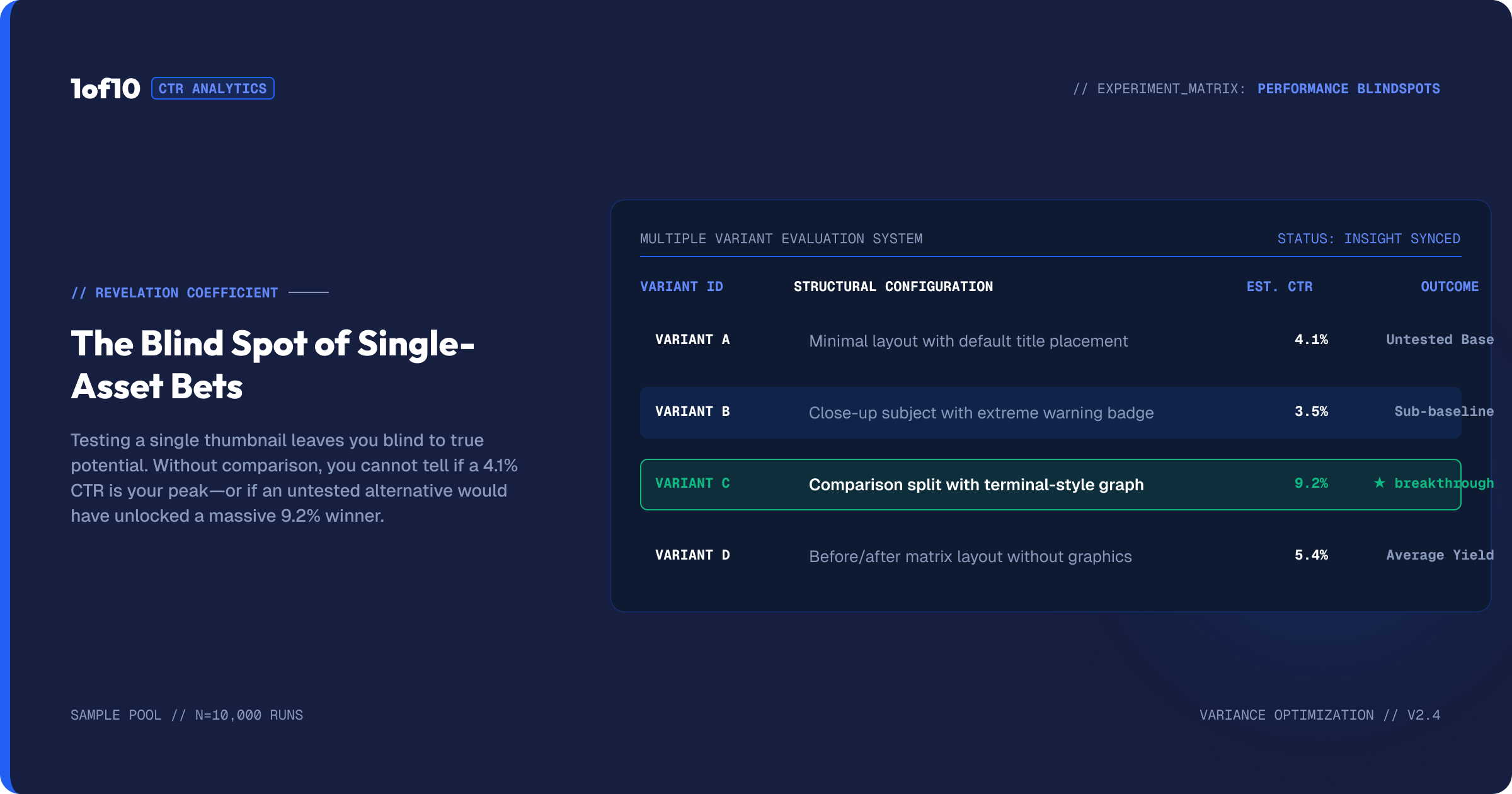
Here is what happens when you make a single thumbnail. You have an idea, you build it, and because you built it, you like it. You have no reference point. You do not know if it is a 4% thumbnail or a 7% thumbnail, because you never saw the alternatives. You ship it, and you find out how it did only after the video is already live and the clicks are already lost.
That is not a creative process. That is a guess with extra steps. The best thumbnail in a set is almost never the first one you would have made on your own, because your first idea is your most obvious idea, and obvious thumbnails get scrolled past. The way you find the non-obvious winner is by generating several and comparing.
Why four is the right number
The tool defaults to four variations per generation for a reason that balances two things: spread and focus.
Spread. One thumbnail is a single point. Four thumbnails is a range. Across four, the tool gives you different compositions, angles, expressions, and emphases for the same prompt. You see your idea expressed four ways, and the differences between them teach you what is working. Maybe the tight face crop reads better than the wide shot. Maybe the version with the subject on the left beats the centred one. You only learn that by seeing them next to each other.
Focus. Four is enough variety to find a winner without drowning you in options. Twenty thumbnails would be noise. Four is a set you can actually evaluate in a few seconds, which is exactly how long a viewer will spend on your thumbnail in the wild.
And because all four come from a single generation, you are paying once for four shots at the right thumbnail. That is the cost logic underneath the creative logic. One generation, four candidates, one winner.
How to read a batch and pick the winner
Four thumbnails in front of you, now what. Do not pick the prettiest. Pick the most clickable, and those are not always the same thing. Run each variation through four quick checks.
The squint test. Shrink the thumbnail in your mind, or literally view it small, and squint. The one that still reads, where you can tell what is happening and the text is legible, wins. Thumbnails are seen tiny. A gorgeous thumbnail that turns to mush at small size loses to a simple one that holds up.
The face and emotion test. If your thumbnail has a face, which variation has the strongest, clearest expression? Emotion drives clicks. A flat face is a wasted face.
The one-second test. Glance at each for one second, the way a viewer will. Which one makes you want to know more? Which creates a question the video answers? That curiosity gap is what earns the click.
The shelf test. Imagine the thumbnail sitting in a row next to five competitors. Which variation stands out from the pack instead of blending in? Distinctiveness beats polish in a crowded feed.
The variation that wins the most of those four checks is your pick. Take it into the editor for final touches, or push it further with another prompt pass.
Variations are a thumbnail idea machine
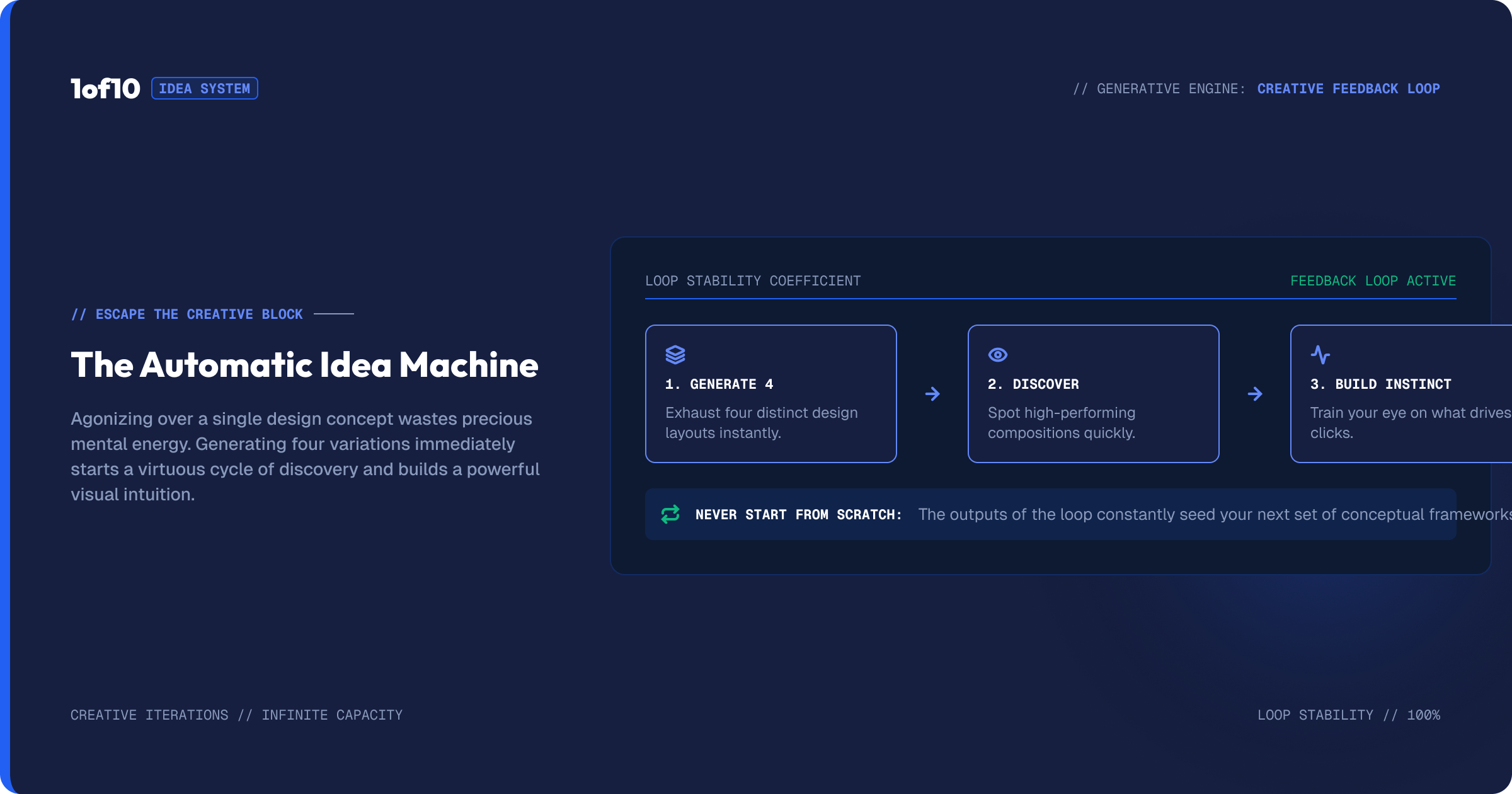
Generating four at a time does something beyond picking a winner for today's video. It feeds you ideas. Every batch shows you compositions and approaches you did not think of, and over time you build an instinct for what your channel's thumbnails can be. If you ever feel stuck for thumbnail ideas, the four-variation workflow is the cure: prompt loosely, generate, and let the spread show you directions. For a deeper bank of concepts, pair it with 50 Thumbnail Ideas That Actually Get Clicks.
This is also why the quick-start method matters. Early in a thumbnail, before you write a detailed prompt, you generate four off the bare title just to see what the tool reaches for. You are mining for directions, not finishing the image. Then you take the strongest direction and refine it with The Detailed-Prompt Method.
The math behind variation
There is a simple reason variation works, and it is worth stating plainly because it reframes how you should think about thumbnails. Click-through rate is a probability. Any given thumbnail has some chance of earning a click from a viewer who sees it. You do not know that chance in advance, and you are a poor judge of it, because you are biased toward the idea you already had.
When you generate one thumbnail, you are taking a single sample from an unknown distribution and betting your video on it. When you generate four and pick the best, you are sampling four times and keeping the top result, which on average lands meaningfully higher than any single sample. Add A/B testing on top, and you are no longer guessing which sample is best; you are measuring it on your real audience. Each layer, four variations then a test, moves you from "I hope this works" toward "I know this is the strongest of the options I generated."
This is exactly how the biggest channels operate. They do not make one thumbnail and pray. They make several, test, and ship the winner. The four-variation default builds that discipline into the tool by default, so you are running the pro process whether you think about it in these terms or not.
From four variations to A/B testing
Picking the best of four is a judgment call. The next level is letting your audience decide for you. YouTube lets creators test thumbnails against each other and serve the winner automatically, which removes the guesswork entirely. The four-variation workflow feeds straight into this: instead of agonising over which of your top two thumbnails to publish, you can test them.
The logic connects directly to click-through rate. A thumbnail that wins a test is, by definition, the one that earned more clicks from real viewers on your real audience. If you are not sure what a good rate even looks like, YouTube CTR: What's a Good Click-Through Rate sets the benchmarks. The point is that variation is the input to testing. You cannot test thumbnails you never generated. Four at a time means you always have strong candidates to put head to head.
Using variations to study your own channel
Beyond any single video, the four-variation habit turns the tool into a research engine for your channel. Every batch is a small experiment in what your thumbnails could look like. Over a few weeks of generating four at a time, patterns emerge. You notice that tight face crops consistently feel stronger than wide shots on your channel, or that a particular color keeps winning the squint test, or that your audience-facing expressions beat looking-away ones.
That accumulated read is worth more than any single thumbnail. It becomes your channel's thumbnail playbook, built from evidence rather than guesswork. Keep your generations organised in the in-tool history and folders so you can scroll back and see what tended to win. Pair that with the concept bank in 50 Thumbnail Ideas That Actually Get Clicks and the design fundamentals in Thumbnail Design: The Complete Guide to More Clicks, and you stop reinventing your thumbnail approach every video and start refining a system.
A simple variation workflow
Here is how to put it all together on a real video.
- Generate four off the title. See the directions the tool reaches for. Note which composition feels strongest.
- Write a detailed prompt around that direction and generate four more. Now your variations are focused on a winning idea rather than scattered.
- Run the four checks. Squint, emotion, one-second, shelf. Shortlist your top two.
- Refine the top one or two in the editor. Magic Eraser to clean, Text to set the hook, Adjust to make it pop.
- Test, do not guess. If you have two strong finalists, run them against each other rather than picking by gut.
Every step in that loop depends on having multiple options to compare. That is what the four-variation default is for.
Common mistakes
Stopping at the first good one. Good is not best. If the first variation looks fine, you still have three more to compare it against. Look at all four before deciding.
Picking the prettiest, not the most clickable. Polish is not the same as performance. A simpler thumbnail that reads at small size and creates curiosity beats a beautiful one that does neither.
Generating once and forcing it. If none of the four are right, the answer is a better prompt and another batch, not editing a weak option to death. Generation is where the big swings happen.
Never testing. Picking by gut is fine, but if your channel has the traffic to test thumbnails, use it. The audience is a better judge than you are.
Ignoring the ideas the spread is giving you. Each batch is free market research on what your thumbnails could be. Pay attention to the directions you did not expect.
What the spread tells you about your prompt
The four variations are not only candidates to choose from. They are feedback on your prompt. Read the spread the right way and it tells you what to fix.
If all four variations are wildly different from each other, your prompt was too loose. The tool had room to interpret, so it interpreted four different ways. That is useful early, when you are fishing for directions, but if you wanted a specific shot, tighten the prompt with more detail about the composition, the subject, and the moment.
If all four are nearly identical and none is quite right, your prompt was specific but pointed at the wrong thing. The tool nailed what you asked for; you asked for the wrong shot. Change what you are describing rather than how precisely you describe it.
If one of the four is great and three are off, you are close. Take the winning composition, describe it more deliberately, and generate again to push the whole batch toward that direction. This is the iteration loop in action, and it is why generating four and reading the spread beats generating one and starting over. The full prompting method, including how to correct across passes, is in The Detailed-Prompt Method. Every batch is both an answer and a diagnosis.
Frequently asked questions
Why does the tool generate four thumbnails at once? Four gives you a range of compositions, angles, and expressions for one prompt, so you can pick the most clickable rather than betting on a single idea. All four come from one generation, so you pay once for four candidates.
How do I choose the best thumbnail variation? Use four checks: does it read when small (squint test), is the facial expression strong, does it create curiosity in one second, and does it stand out next to competitors. Pick the variation that wins the most of those, not the prettiest one.
Where do I get thumbnail ideas if I am stuck? Generate four variations off a loose prompt and let the spread show you directions you had not considered. For a larger bank of concepts, see 50 Thumbnail Ideas That Actually Get Clicks.
Should I A/B test my thumbnails? If your channel has the traffic, yes. Generate strong variations, shortlist your top two, and test them against each other so your audience picks the winner by real click-through rate instead of you guessing.
Is generating four a waste of credits? No. One generation produces all four, so the cost is the same as making one. You get four shots at the winning thumbnail for the price of one generation.
How many thumbnails should I make before publishing? At least one full batch of four, and often two: one batch off the title to find a direction, then a second focused batch with a detailed prompt. From there, shortlist your top two and, if your channel has the traffic, test them rather than picking by gut.
What does the spread of four tell me? It diagnoses your prompt. Four wildly different results mean the prompt was too loose. Four near-identical results that all miss mean you described the wrong shot. One strong result and three off means you are close, so refine that direction and generate again.
The same logic applies to titles
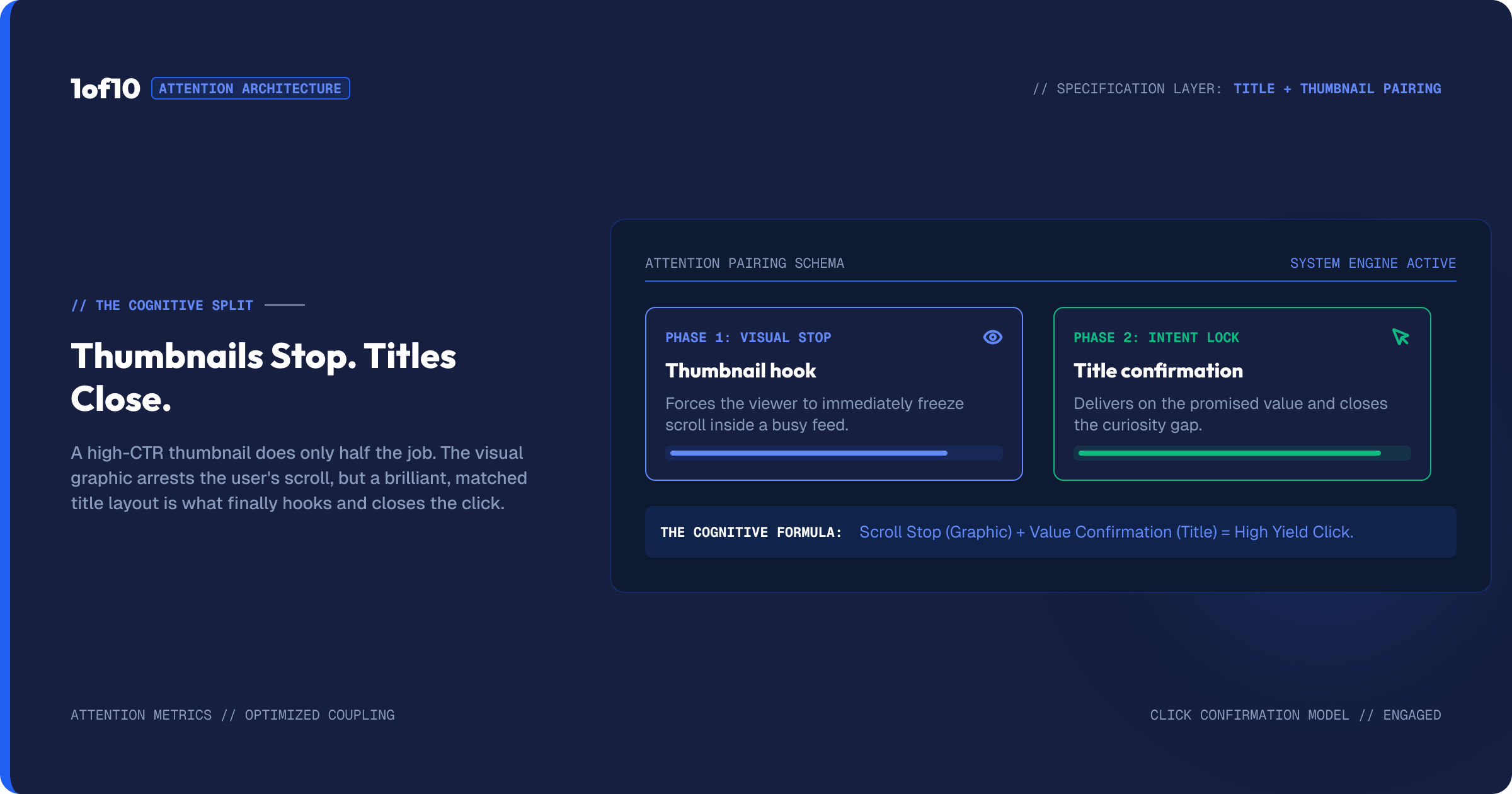
Variation is not a thumbnail-only idea. It is how you should approach everything that drives the click, and the title is the thumbnail's partner. A thumbnail and a title work as a pair: the image stops the scroll, the title closes the click. Generating several title options and picking the strongest follows the exact same logic as generating four thumbnails, for the exact same reason. Your first title is your most obvious title, and obvious titles get scrolled past.
The strongest approach pairs a tested thumbnail with a tested title, so both halves of the click are optimised rather than left to your first guess. If your thumbnail says one thing and your title says another, you split the viewer's attention; if they reinforce each other, they compound. Generate options for both, shortlist the strongest, and where you can, test. For the title half of the equation, see How to Write YouTube Titles That Get Clicked and YouTube Title Formulas That Drive Clicks in 2026. Treat the thumbnail and title as one decision made twice, and run the variation playbook on both.
The takeaway
One thumbnail is a guess. Four is a strategy. The four-variation default gives you a range to compare, a source of ideas you would not have reached alone, and a steady supply of strong candidates to test against each other. Generate four, run the four checks, refine your winner, and let your audience settle the close calls. Variation is not a feature of the tool. It is how good thumbnails get found, and it is the single habit that most reliably separates creators who guess at thumbnails from creators who keep landing the click. The full workflow is in The Complete Guide to the 1of10 Thumbnail Generator.