
Best AI Video Editor for YouTube in 2026: 7 Compared for Talking-Head Creators
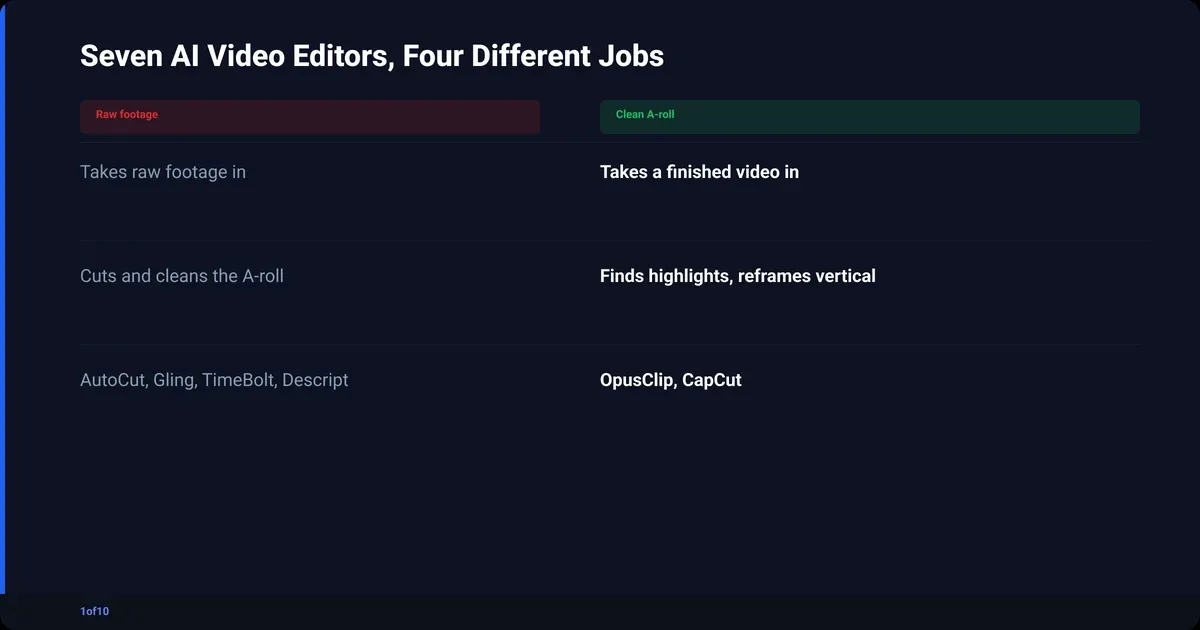
The best AI video editor depends on which job you need done. For cutting a talking-head recording into a clean A-roll, 1of10 AutoCut. For editing by reading a transcript, Descript. For turning a long video into Shorts, OpusClip. For captions on your phone, CapCut. No single tool does all four jobs well, and the ones that claim to usually do one of them properly.
Most "best AI video editor" lists rank a clip maker, a template generator and a silence remover against each other, as if you could swap one for another. You cannot. So this post compares seven tools on what each is built for. One honest note first: we have not run all seven on the same footage side by side. Every claim below comes from the vendor's own product and pricing pages, checked in September 2026, plus what the 1of10 team knows about its own AutoCut talking-head editor. Prices appear only where verified this month; otherwise you get the tier and no number.
If you are new to editing altogether, start with the complete guide to editing YouTube videos, then come back to pick tools.
What does an AI video editor actually do?
An AI video editor is any tool that makes an editing decision for you instead of waiting for you to make it. That covers four different jobs, and a tool that is excellent at one is often useless at the others. Decide which job you are hiring for first.
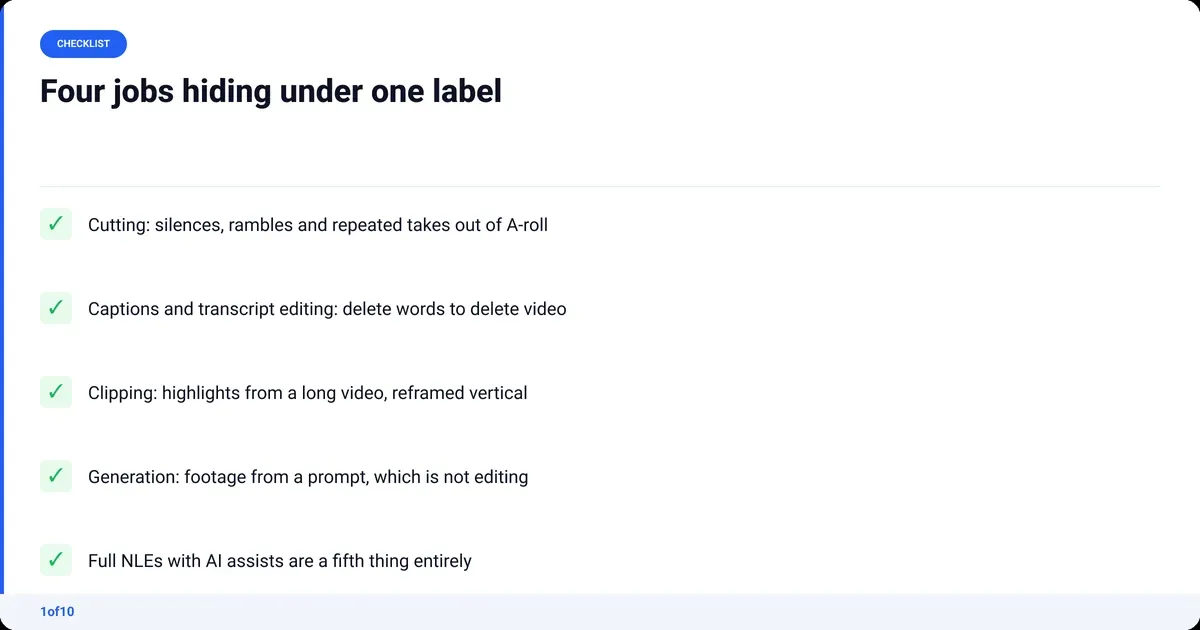
- Cutting. Takes raw A-roll and removes silences, rambles, dead air and repeated takes. The output is the same video, shorter. AutoCut, Gling and TimeBolt live here.
- Captions and transcript editing. Transcribes the audio, lets you delete words to delete video, burns captions in. Descript is the reference product; CapCut does the captions half well.
- Clipping. Scans a long video for its strongest moments, reframes them vertical and captions them for Shorts (OpusClip alternatives compares the clip makers). OpusClip does this and nothing else. YouTube Help confirms Shorts can run up to 3 minutes, which is why clip makers now cut longer than they used to.
- Generation. Makes footage, voiceover or a whole video from a prompt or a template. Canva Magic Video, InVideo and the Veo-style models sit here. This is production, not editing.
Then there are the full editors, Premiere Pro and DaVinci Resolve: timelines (NLEs) with AI features attached. They are editors that now have some AI in them, not "AI video editors" in the search sense.
How we compared the seven tools
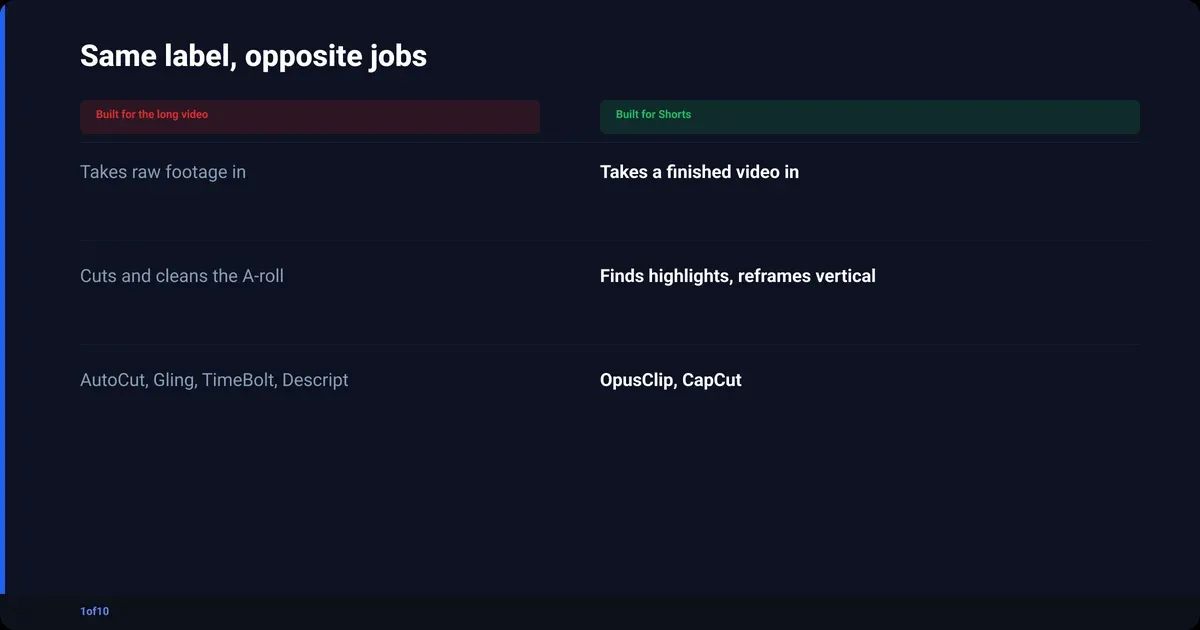
We compared on the job each tool is built to do, not on one benchmark. A silence remover and a clip maker cannot sit the same test, so a single winner across all seven would be a lie. Every tool gets the same five questions instead.
- Built for: the one job the vendor designs around.
- Input and output: what goes in, and whether a finished video, clips, or a project comes out.
- What you still do by hand afterwards.
- Free tier: usable, or a demo.
- Price: only if verified on the vendor's pricing page in September 2026.
"Best for" is the only ranking here: the job each tool wins, not a leaderboard.
The 7 best AI video editors compared
The best AI video editors each win one job. The notes under the table say what you still do yourself afterwards.
| Tool | Built for | Input | Output | Free tier | Price (verified Sep 2026) | Best for |
|---|---|---|---|---|---|---|
| 1of10 AutoCut | Cutting talking-head A-roll, plus retakes and audio | MP4 or MOV, one or several files, up to 30 minutes | Clean A-roll in minutes | First AutoCut free, up to 30 minutes | After the first, 50 credits an edit; Basic ($15/mo billed yearly) includes 150 credits a month | Talking-head creators who want the A-roll done without opening a timeline |
| Descript | Editing video by editing the transcript | Video or audio | Edited project, captions, export | Yes | Hobbyist $16/mo annual ($24 monthly), Creator $24/mo annual ($35 monthly) | Creators who think in words, podcasters |
| Gling | Silence and bad-take removal | Raw talking-head footage | Export, or XML into your NLE | Yes | Plus $10/mo annual ($20 monthly), Pro $20/mo annual ($40 monthly) | YouTubers who finish in Premiere Pro or Resolve |
| TimeBolt | Silence removal and jump cuts on desktop | Video or audio, in batches | Render, or XML/EDL into your NLE | Yes | Pro $17/mo, $97/yr, or $347 lifetime | Podcasters with a backlog of episodes |
| OpusClip | Turning long video into Shorts | A long video file or link | Vertical captioned clips | Yes | Starter $15/mo, Pro $29/mo | Channels repurposing long videos into Shorts |
| CapCut | Captions, templates and phone editing | Phone or desktop footage | Finished social video | Yes, plus a paid Pro tier | Not verified this month, no number | Phone-first editors and Shorts |
| DaVinci Resolve | Full professional NLE with AI assists | Anything | Anything, you drive | The standard version is free | Studio $295 one-time | Creators who want total control for free |
1of10 AutoCut
Raw talking-head footage in, clean A-roll out: silences and repeated takes removed, the voice cleaned, extra mics synced, retakes lined up for you to pick. What you still do: B-roll and titles. It is not a clip maker; it makes the long video.
Descript
The transcript is the timeline: delete a sentence in the text and the cut follows. Filler-word removal, captions and podcast edits live in the same tool. What you still do: watch the result; a cut that reads well can look wrong on screen. The Descript pricing breakdown has the tier detail.
Gling
Removes silences and bad takes from raw talking-head footage, then exports a file or an XML for Premiere Pro, Resolve or Final Cut. What you still do: everything after the cut, including grade and audio.
TimeBolt
Desktop software that strips silence and builds jump cuts across batches of files, then renders or sends an XML/EDL to your NLE. Built for a backlog, not one video. What you still do: set the thresholds, then check the cuts.
OpusClip
A clip maker. Feed it a long video and it picks the moments it scores highest, reframes them vertical and adds captions. What you still do: choose which clips to publish and fix the captions it guesses wrong. It never touches the long video.
CapCut
The phone-first editor: auto captions, templates, background removal, quick trims. It is where most Shorts get made. What you still do: the cut itself; it is not built for a 20-minute talking-head recording. Its pricing page was not verified this month, so no number. If you have outgrown it, see the CapCut alternatives for YouTube creators.
DaVinci Resolve
A full professional editor with AI assists: transcript-based editing, voice isolation, Magic Mask, smart reframe. The standard version is free; Studio is $295 one-time. What you still do: everything. Resolve makes your decisions faster; it does not make them for you.
What is the best AI video editor for YouTube talking-head videos?
For a talking-head YouTube video, the best AI video editor is the one that takes raw footage and gives back a finished A-roll without you touching a timeline. That is what 1of10 AutoCut is built for. Gling and TimeBolt cut the silence; AutoCut also cleans the audio, syncs extra mics and lines up your retakes in the same pass.
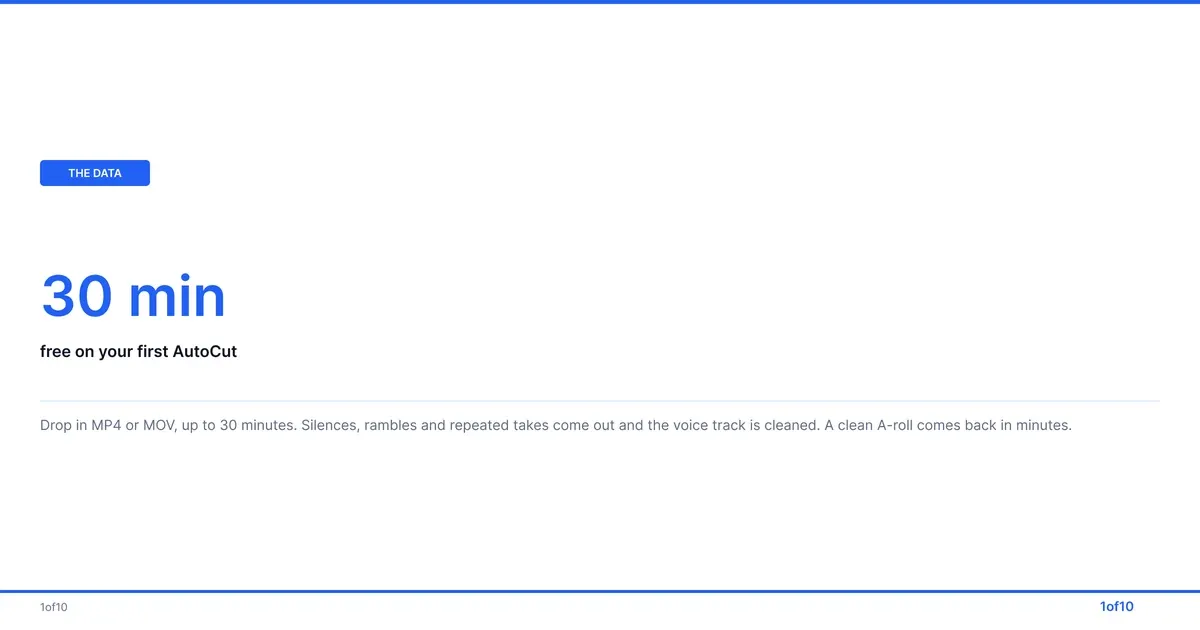
- Silences, rambles, dead air and repeated takes come out.
- Auto Sync lines up extra mics or audio sources, so picture and sound stay locked.
- Audio Enhance removes background noise and improves the voice, phone and cheap-mic recordings included.
- Auto Retakes shows every version of a line side by side so you pick one.
- A finished A-roll comes back in minutes, ready to publish or to take into Premiere Pro or Resolve for B-roll and titles.
Where AutoCut is not the pick: a Shorts-only channel wants OpusClip or CapCut, editing by reading is Descript, placing every cut yourself is Resolve. AutoCut is for people who talk to a camera and would rather not spend the evening deleting gaps.
Your first AutoCut is free, on up to 30 minutes of raw footage, no prompts, no setup. After that, each edit costs 50 credits, and every 1of10 plan includes credits (150 a month on Basic, checked Oct 2026).
Which AI video editor is best for clips, captions and transcript editing?
OpusClip for clips, CapCut for captions, Descript for transcript editing. The three jobs overlap less than the marketing suggests, and buying one tool to do another's job is the most common way creators waste a subscription.
- Clips: OpusClip scores moments in a long video and cuts vertical Shorts with captions.
- Captions: CapCut does auto captions on the phone, fast, in the styles you see on most Shorts.
- Transcript editing: Descript is the only one of the seven where the transcript is the timeline. For interviews and podcasts, deleting words beats scrubbing.
One caveat: all three work on a finished video. Run the cutting job first; a clip maker fed a rambling recording finds rambling highlights.
Is there a free AI video editor worth using?
Yes. The honest free AI video editor list for a YouTube creator in 2026 is short: DaVinci Resolve's free version for the full editor, 1of10 AutoCut's free first cut, and the free tier of whichever tool matches your remaining job.
| Tool | Free tier | What it covers |
|---|---|---|
| DaVinci Resolve | Standard version, free, no time limit | A complete professional editor with AI assists |
| 1of10 AutoCut | First AutoCut free, up to 30 minutes | Cut, retakes, sync and audio on talking-head footage |
| Descript, Gling, TimeBolt, OpusClip, CapCut | Free plans exist | Capped by minutes, exports or features; check the vendor page, the caps change |
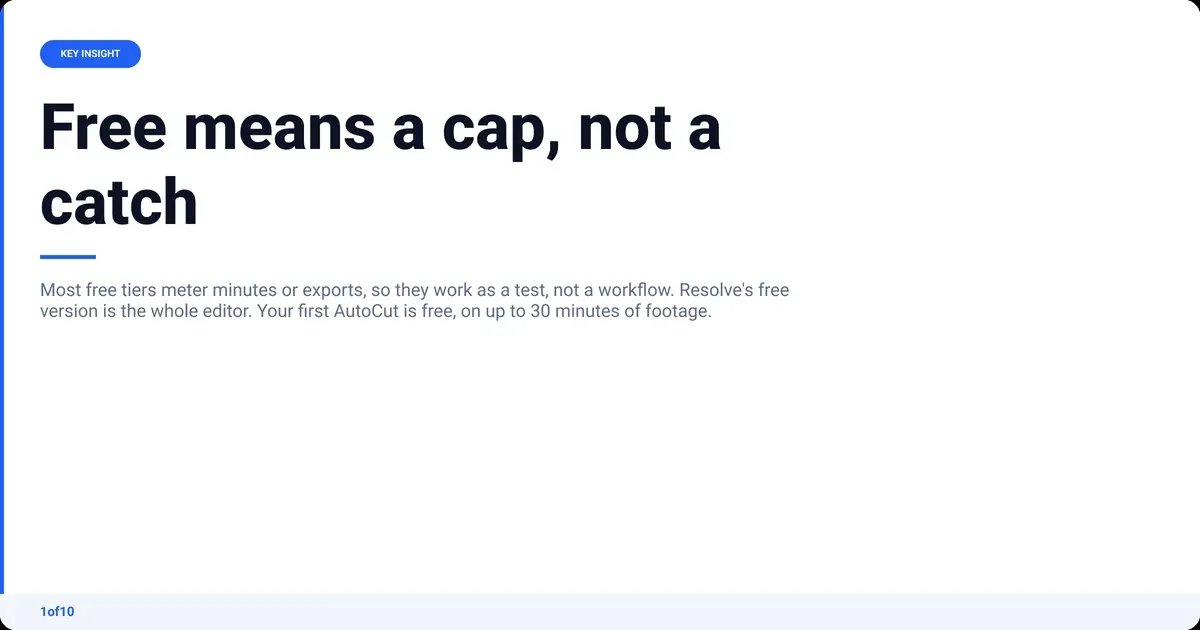
The catch with free tiers is not quality, it is the cap. Most free plans meter minutes or exports, so they work as a test, not a workflow. Resolve is the exception because the free version is the product.
Can AI edit videos well?
Yes, for decisions that have a right answer. Removing a four-second silence, choosing the take where you did not stumble, matching a grade to a colour standard, pulling hiss out of a voice track: an AI editor gets those right most of the time, in minutes. It edits badly when the decision is creative.
- Good at: silences, dead air, repeated takes, captions, noise removal, a first-pass grade.
- Fine at, with a check: picking the best retake, caption spelling of names and product terms.
- Bad at: pacing a story, knowing which tangent is the good one, choosing B-roll, cutting for a joke.
Where AI powered video editing still fails
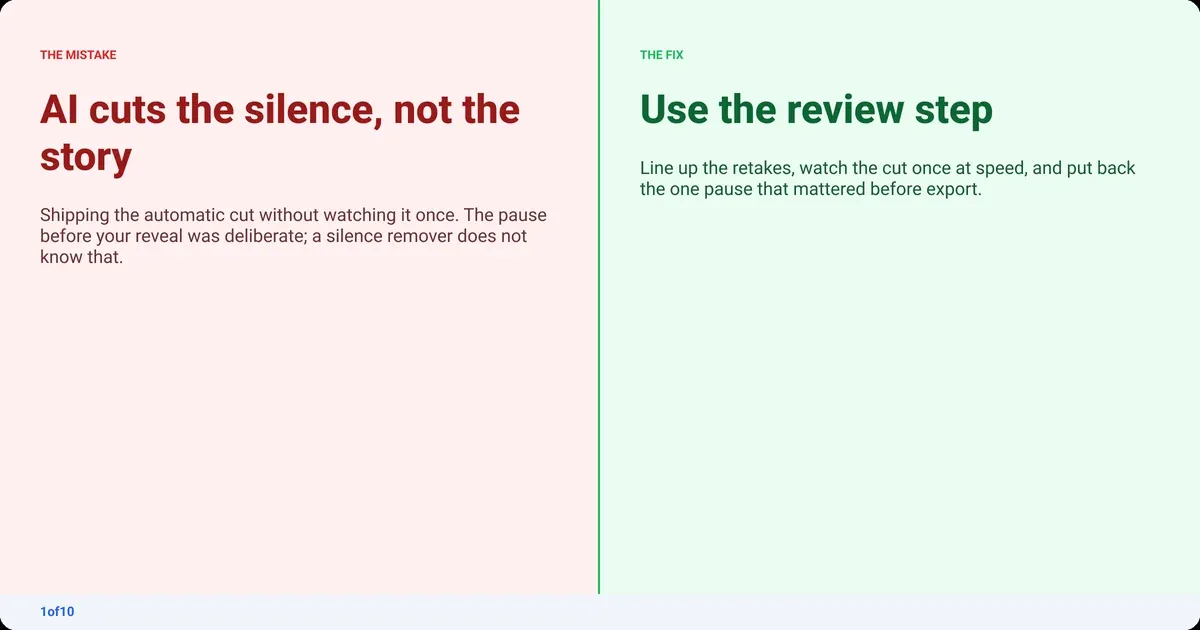
AI powered video editing fails at intent. A silence remover does not know the pause before the reveal was deliberate. A clip maker scores "engagement" and misses that the quiet bit was the point. Every tool here has a review step: Auto Retakes in AutoCut, the editable transcript in Descript, the clip picker in OpusClip. Use it. The edit nobody watched is the one with a cut mid-word.
One thing AI editing does not do: trigger YouTube's synthetic content disclosure. YouTube's rules on altered or synthetic content exempt minor, primarily aesthetic edits, and name colour grading, caption creation and audio repair specifically. Cutting, grading and cleaning your own footage is editing, not generation.
How to stack AI video editing tools for a YouTube workflow
The AI video editing tools above are stages, not rivals. Most talking-head channels need two of them plus a finishing editor, and the order matters more than the brands.
- Record. Talking head, one or several takes. Keep the bad takes; the cutting tool wants them all.
- Cut the A-roll. Drop the raw files into AutoCut, or Gling or TimeBolt if you prefer to fix the audio yourself. Review the retakes. What is a jump cut shows what the cut should look like.
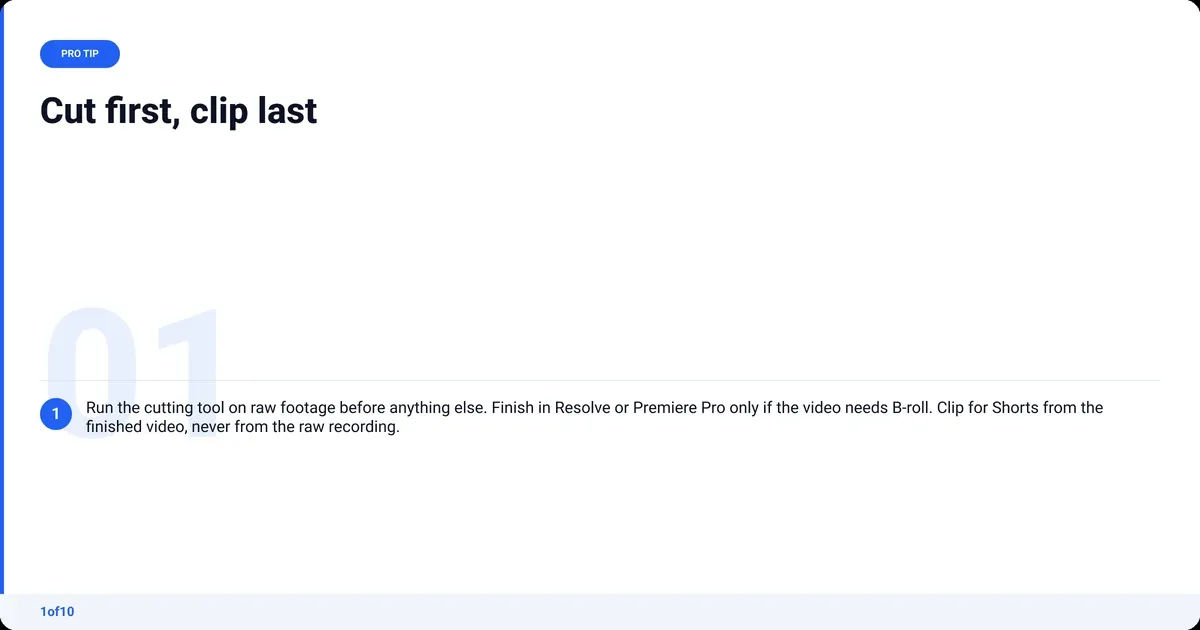
- Finish, if the video needs it. Take the A-roll into Resolve or Premiere Pro for B-roll, titles and music. Skip this if the video is you talking and nothing else. The colour grading for YouTube guide covers grading by hand.
- Export to YouTube's spec. MP4, BT.709 colour, per the YouTube Help page linked above.
- Clip for Shorts. Run the finished long video through OpusClip, or cut a couple by hand in CapCut. Clipping comes last because it needs the finished video.
- Caption where needed. CapCut or Descript for burned-in captions on Shorts; YouTube's own captions do for the long video.
If that looks like a lot, it is two apps: AutoCut and whatever you clip in. The video editing for beginners guide covers the finishing stage without assuming you know Premiere Pro.
Stage 2 is the one to test first, because it eats evenings. Your first AutoCut is free, on up to 30 minutes of raw footage.
Frequently asked questions
Which AI video editor is the best?
There is no single best. For cutting talking-head footage into a clean A-roll, 1of10 AutoCut. For editing by transcript, Descript. For turning long videos into Shorts, OpusClip. For captions on a phone, CapCut. For a free full editor, DaVinci Resolve. Pick the job first, then the tool.
Which AI video maker is the best?
An AI video maker (InVideo alternatives covers the category) is a generation tool, not an editor: it produces footage or a whole video from a prompt or a template. Canva Magic Video and InVideo are the template-led options creators use most. None of them edit footage you shot. If you have a recording and want it cut, you need an editor.
Can ChatGPT be used to edit videos?
Not directly. ChatGPT works on text, so it can write a script, draft a cut list from a transcript or suggest chapter titles, but it cannot open your footage and make a cut. A practical pairing is ChatGPT for the script and AutoCut or Descript for the edit.
What is the best free AI video editor?
DaVinci Resolve is the best free full editor, because the free version is the complete product with AI assists included. For a free automatic cut of talking-head footage, your first 1of10 AutoCut is free, on up to 30 minutes of raw footage. The other free tiers in this post are real but capped, so treat them as tests.
Is there a good AI video editor app for iPhone or Android?
CapCut is the app most creators use on iPhone and Android for captions, templates and quick edits, and it is where most Shorts get made. Descript and OpusClip run in the browser and reach a phone that way. Cutting a long talking-head recording is better done on a desktop or in a browser tool; the file sizes fight a phone.