
What Is a Jump Cut? How to Make Them by Hand and Automatically
A jump cut is an edit that removes a piece of one continuous shot and joins the two remaining halves, so the subject appears to jump forward in time. The camera barely moves between the two halves, which breaks the 30-degree rule of continuity editing. Jean-Luc Godard made the jump cut famous in Breathless (1960). YouTube talking-head videos made it the default edit.
That is the whole definition. Below: how a jump cut differs from a normal cut, the famous examples, why YouTube runs on them, how to make them by hand, and the mistakes that look amateur. If you would rather skip the manual part, AutoCut finds the silences in raw footage and makes the jump cuts for you.
What exactly is a jump cut?
Take one shot of a person talking to camera. Cut out the middle ten seconds. Join the start to the end. The person's head is now in a slightly different place, their hands have moved, and the viewer feels time skip. That skip is the jump cut.
Three things define it:
- Same shot, same subject. Both halves come from the same take, or from two takes framed almost identically.
- A piece is missing. Footage has been removed, so time has been compressed.
- The camera barely moves. The angle changes by less than 30 degrees, so the eye reads it as a jump rather than a new shot.
That last point is the technical heart of it. Continuity editing has a convention called the 30-degree rule: when you cut between two shots of the same subject, move the camera at least 30 degrees so the viewer accepts it as a new angle. Break that rule and the cut "jumps". For most of film history that was a mistake. Jean-Luc Godard turned it into a style in Breathless (1960), cutting mid-conversation in the car scenes and leaving the jumps in on purpose. Wikipedia's entry on the jump cut has the longer history if you want it.
Jump cut vs cut: what is the difference?
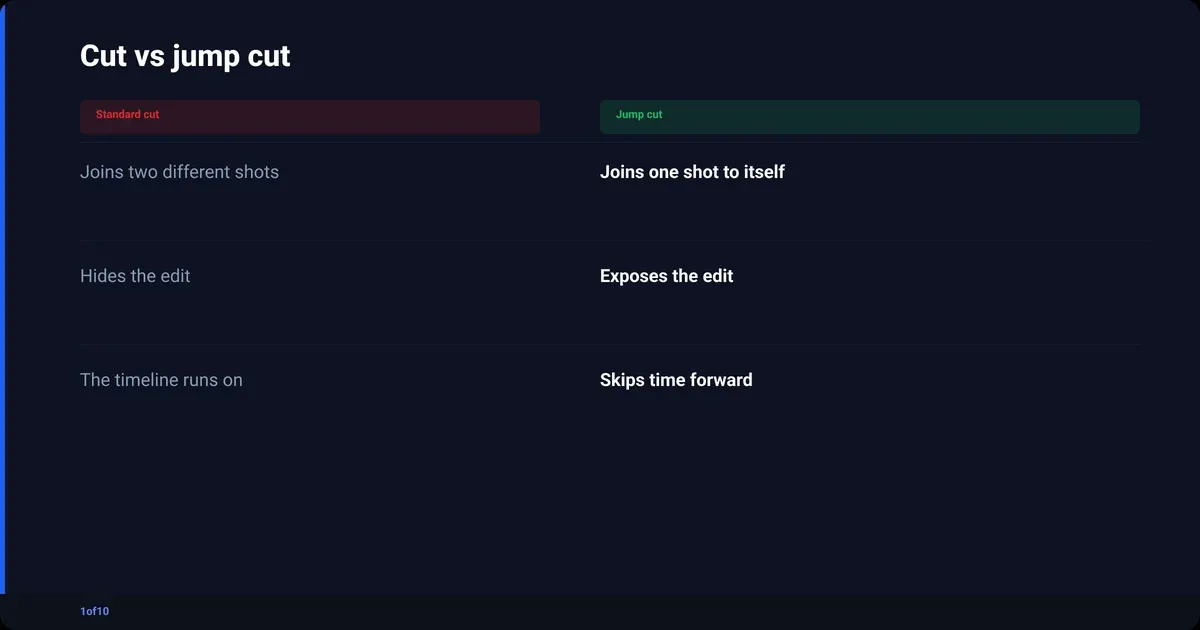
A standard cut joins two different shots: a wide to a close-up, one person to another, the room to the street outside. A jump cut joins two pieces of the same shot. The standard cut hides the edit by changing what you are looking at. The jump cut exposes the edit by leaving what you are looking at the same and skipping time.
A match cut is a third thing again, and people mix it up with the jump cut constantly. A match cut links two different shots through a shared shape, movement or idea. The bone thrown into the air that becomes a spacecraft in 2001: A Space Odyssey is the classic one. It hides the transition with a visual rhyme. The jump cut does the opposite.
| Cut type | What changes | What stays the same | The feeling |
|---|---|---|---|
| Standard cut | The shot (angle, subject or location) | The scene's timeline runs on | Invisible |
| Jump cut | Time, a chunk is removed | Shot, subject, angle | A skip forward |
| Match cut | Shot and often location | A shape, a movement or an idea | A clever link |
| J-cut / L-cut | Audio and picture cut at different points | The scene | Smooth conversation |
If you only remember one line: a cut changes the picture, a jump cut skips the clock.
Jump cut examples: from Breathless to the vlog on your feed
Three worth knowing by name, then the one you see every day.
- Breathless (1960). Godard shoots Patricia in the passenger seat while Michel drives and talks. The camera never changes position, but her head and the background jump repeatedly. It is the reference point for every film-school definition, and the Columbia Film Language Glossary describes it as a device that draws attention to the editing itself.
- Little Shop of Horrors (1986). In the "Buying Time" scene Frank Oz uses jump cuts to compress a long action into a few beats, a comic use of the same trick.
- The Royal Tenenbaums (2001). Wes Anderson runs through Margot's secret history in a series of jump-cut vignettes, each one a hard skip forward with the framing held.
- Any talking-head YouTube video since about 2010. Creator sits down, hits record, talks for forty minutes, then cuts every pause, stumble and repeated sentence. What is left is a twelve-minute video made of two hundred jump cuts. Nobody calls them jump cuts. Everyone makes them.
The film examples use the jump cut to unsettle or to compress. The YouTube example uses it to hide the boring bits. Same edit, different job.
Why jump cut editing runs every YouTube talking-head video
Talking-head videos live on jump cuts for one reason: retention. YouTube's own audience retention report shows the percentage of viewers still watching after the first 30 seconds and marks every dip where people skipped or left. Dead air, "um", a sentence restarted three times: those are the dips. Cutting them is the cheapest retention fix a creator has.
Second reason: one camera, one framing, one person is the cheapest video to make and the hardest to watch for ten minutes. Jump cuts give that shot a rhythm. Every cut is a small reset for the viewer's attention.
Third: retention feeds recommendations. Our guide to how the YouTube algorithm works covers the signals; the short version is that a video that holds people gets shown to more people.
The YouTube jump cut vs the film jump cut
The film jump cut wants to be seen. The YouTube jump cut wants to disappear. That changes how you make them:
- Film: hold the framing exactly, let the subject jump, make the viewer feel the gap.
- YouTube: cut on a word boundary, often add a small punch-in or punch-out, so the eye reads "new sentence" rather than "footage missing".
- Film: a handful of jump cuts in a two-hour movie.
- YouTube: one every three to eight seconds for the whole runtime.
When a creator says "jump cut" they mean the YouTube version. The how-to below is built for it.
Are jump cuts good or bad?
Jump cuts are good when they remove something the viewer did not want and bad when they remove something the viewer needed. That is the whole test. A pause where you found the right word: cut it. A pause where you let a point land: keep it. The edit is neutral. The judgement is yours.
Where jump cuts help:
- Talking-head, tutorial, commentary and vlog formats, where the content is what you say.
- Any take with hesitations, restarts or long breaths.
- Compressing a real-time process (cooking, building, setting up) into a watchable minute.
Where they hurt:
- Interviews and podcasts, where the pause is part of the answer.
- Emotional beats, where the cut kills the moment.
- Any video where the audience already complains it feels "too fast".
For film it is a taste argument. For a YouTube creator it is the retention graph. Dips at your pauses: cut more. Viewers leaving because it feels like a strobe light: cut less. Our YouTube analytics guide explains how to read that graph.
How do you do jump cuts in any editor?
The process is the same in Premiere Pro, DaVinci Resolve, Final Cut, CapCut or a free editor. The buttons change; the steps do not. Budget roughly an hour of editing per ten minutes of raw footage.
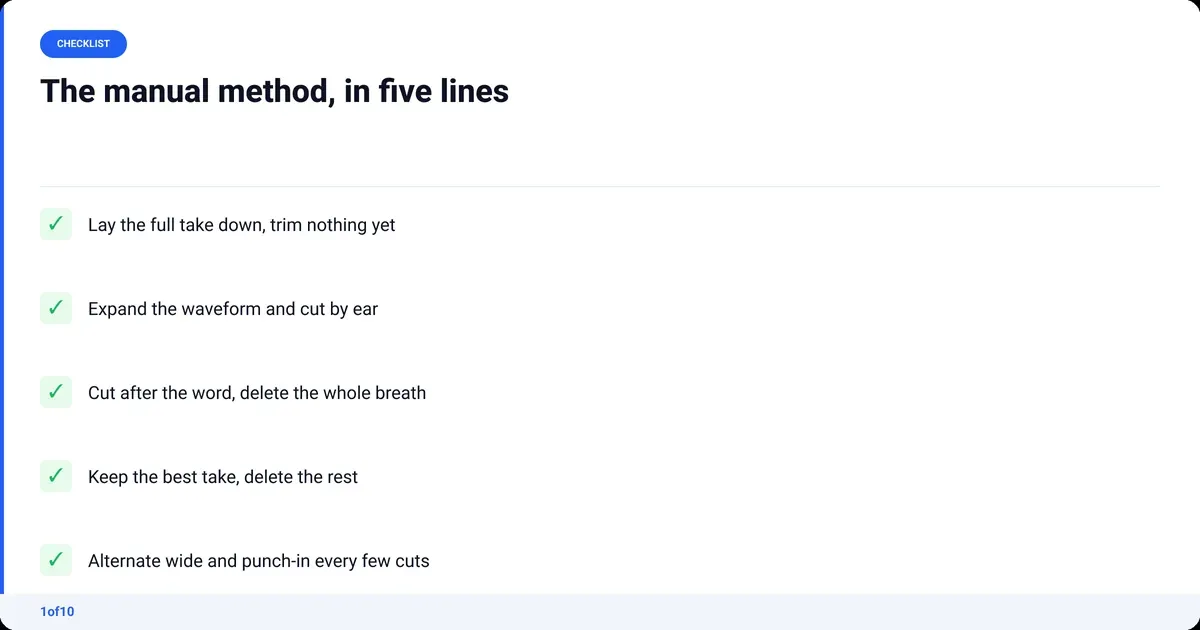
- Lay the whole take on the timeline. One track for video, one for audio. Do not trim anything yet.
- Expand the audio waveform. Make it tall. Silences show as flat lines, words as blocks. You cut by the waveform, not by scrubbing the picture.
- Mark every flat line longer than about half a second. Play through once at 1.5x speed and drop a marker at each one. Include "um", breaths and the moment you look at your notes.
- Cut at the start and end of each marked gap. Use the blade tool or the split shortcut. Cut on the audio, and cut just after the last word finishes, not on the breath.
- Delete the gap and close it. Ripple delete in most editors. The two halves snap together and you have a jump cut.
- Handle repeated takes. When you said the same sentence three times, keep the cleanest delivery and delete the other two the same way.
- Vary the framing. Every second or third cut, scale the outgoing or incoming clip to roughly 110 to 120 percent. The alternation between the wide frame and the punch-in makes the cut feel intentional.
- Watch it back at full speed with the picture. You cut by ear; now check by eye. Fix any cut where your head snaps, where audio clicks, or where a sentence lost its first syllable.
If you are still choosing an editor, the pillar post on how to edit YouTube videos compares the options, and the CapCut alternatives post has the shortlist if you have outgrown CapCut.
Steps three to six eat the hour. Find a gap, cut, delete, repeat, a couple of hundred times. It is mechanical, which is exactly the part software is now good at.
The jump cut mistakes that make a video feel amateur
Bad jump cuts are more common than bad footage. The five that show up most, with the fix for each.
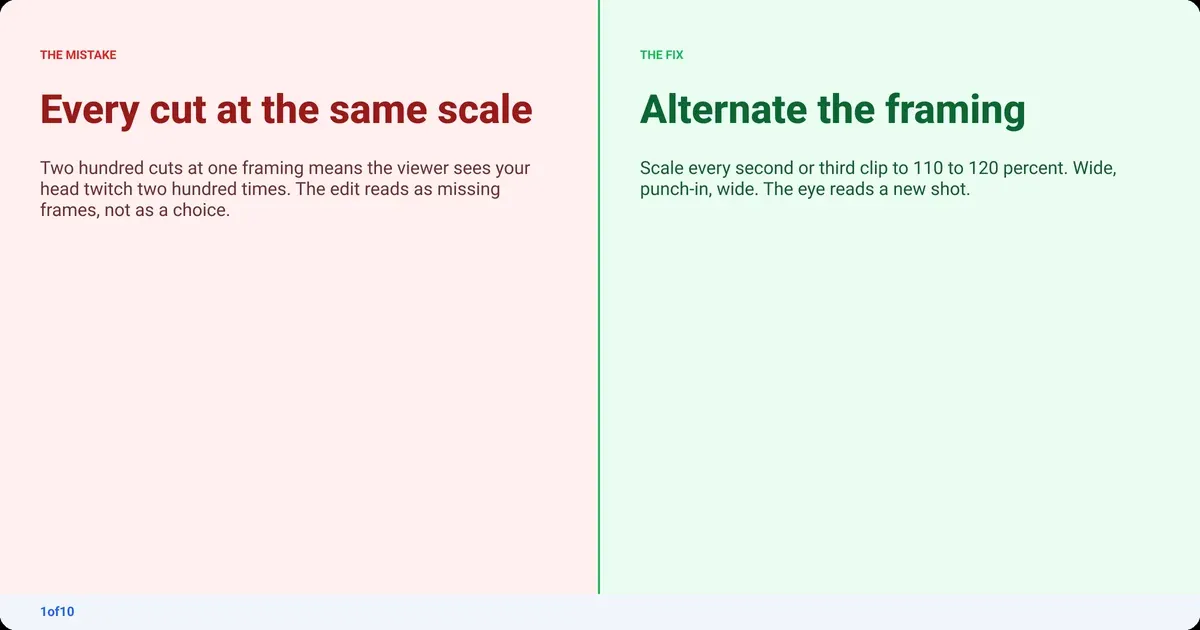
Every cut looks the same
If every cut is the same framing at the same scale, the viewer sees your head twitch two hundred times. Fix: alternate. Wide, punch-in, wide, punch-in. The scale change tells the eye "new shot" instead of "missing frames".
Cutting on the breath
Cut before the breath and you lose the end of the word. Cut in the middle of it and you get a click. Fix: cut just after the word finishes, then again just before the next word starts. Lose the whole breath, not half of it.
Removing every pause
Some pauses are content. Fix: keep a pause after a claim you want to land and after a joke. A video with zero pauses is exhausting by minute four, and your retention graph will show it.
Audio mismatch across the cut
Room tone, mic distance and level all drift over a forty-minute take. When two moments from far apart in the take are joined, the sound jumps too. Fix: add a two-frame audio crossfade on every cut, and normalise the whole take before you start cutting.
Cutting the first syllable
Editing by waveform alone, it is easy to shave the front of a word that starts softly. Fix: watch it back at full speed once, with the picture. Your ears catch a clipped "th" faster than your eyes catch a gap in the waveform.
How to make jump cuts automatically with AutoCut
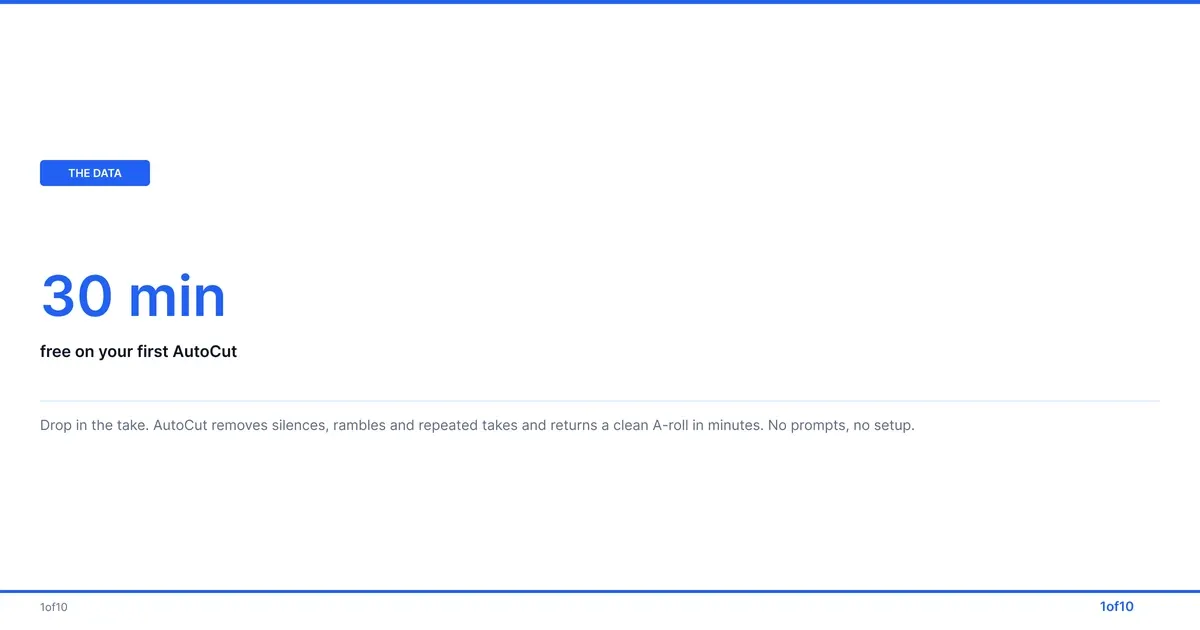
AutoCut, 1of10's AI video editor, does steps three to six of the manual process for you. You drop in raw talking-head footage, one file or several video and audio files, MP4 or MOV, up to 30 minutes long. There are no prompts and no setup. It removes the silences, rambles, dead air and repeated takes and returns a clean A-roll, usually in minutes.
What that means in jump cut terms:
- Silence removal is the jump cut. Every gap you would have bladed by hand is found and closed.
- Auto Retakes lines up every version of a sentence side by side, so the "keep the best take" decision is a click rather than a listen-through.
- Audio Enhance removes background noise and improves the voice, including phone and cheap-mic recordings, which also solves the audio mismatch across cuts.
- Auto Sync lines up extra mics or audio sources, so picture and sound stay locked.
It is a long-form tool: the whole video with the boring parts gone, not a stack of vertical clips. Publish the result as is, or take it into Premiere Pro or DaVinci Resolve for the framing variation, B-roll and graphics. The 1of10 video editor page covers the full workflow.
Your first AutoCut is free, on up to 30 minutes of raw footage. Upload a take, watch what it cuts, and compare it with what you would have cut by hand.
Frequently asked questions
What is the difference between a match cut and a jump cut?
A jump cut joins two pieces of the same shot with time removed, so the subject appears to skip forward. A match cut joins two different shots through a shared shape, movement or idea, like a bone becoming a spacecraft. The jump cut exposes the edit on purpose; the match cut hides it behind a visual rhyme.
Can you give me an example of a jump cut?
The car scene in Breathless (1960) is the textbook example: Patricia sits in the passenger seat while the camera holds one position and her head jumps between frames. On YouTube, any talking-head video where the creator's sentences flow with no pauses is a chain of jump cuts, usually one every three to eight seconds.
Are jump cuts bad editing?
Not by themselves. In continuity editing a jump cut was treated as an error because it breaks the 30-degree rule. Since Godard it has been an accepted style, and on YouTube it is the standard way to remove pauses from talking-head footage. It becomes bad editing only when it removes something the viewer needed, or when every cut looks identical.
What is the 30-degree rule in editing?
The 30-degree rule says that when you cut between two shots of the same subject, the camera angle should change by at least 30 degrees. A smaller change makes the two shots look nearly identical, so the subject appears to jump. A jump cut is what you get when you break the rule, either by accident or on purpose.
How do I make jump cuts on YouTube videos faster?
Cut by the audio waveform, not the picture: expand it, find the flat lines, cut at each end and ripple delete. Alternate a wide frame with a punch-in so the cuts feel deliberate. Or drop the raw footage into AutoCut, which removes the silences and repeated takes automatically and returns a clean A-roll, with your first AutoCut free.
Why do YouTubers use so many jump cuts?
Because pauses, restarts and filler words show up as dips on the audience retention report, and a video that holds attention gets recommended more. Jump cuts remove the dips and add rhythm to a single-camera shot. They also let a creator record in one long take with mistakes and fix everything in the edit.