
CapCut Alternatives for YouTube Creators: 9 Editors Compared (2026)
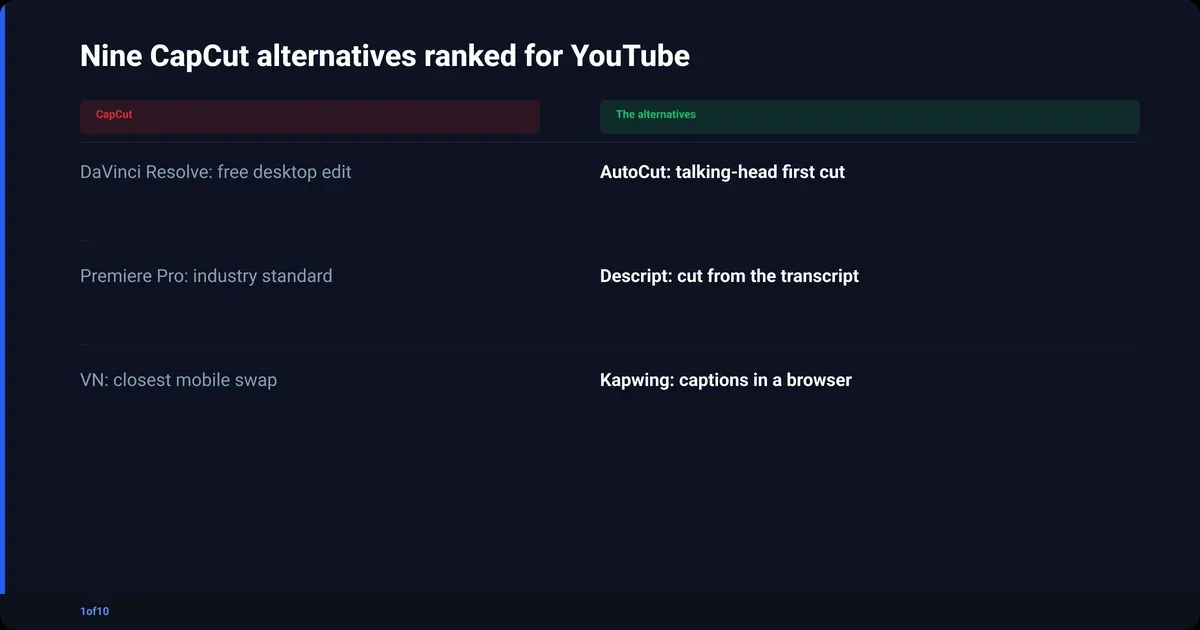
The best CapCut alternative for a YouTube creator depends on what you cut. If you make talking-head videos, 1of10 AutoCut removes the silences and bad takes for you and your first AutoCut is free. If you want a full desktop editor, DaVinci Resolve is free with no watermark. If you edit on a phone, VN Video Editor is the closest one-to-one swap. Nine options are compared below.
Every other post ranking for this query is a listicle for everyone: TikTokers, marketers, wedding videos. You publish on YouTube: horizontal, 1080p or 4K, eight to twenty minutes long, with a talking-head A-roll that takes longer to cut than it took to film. This post is ranked for that job. It sits under our guide to editing YouTube videos without learning Premiere Pro.
Why have people stopped using CapCut?
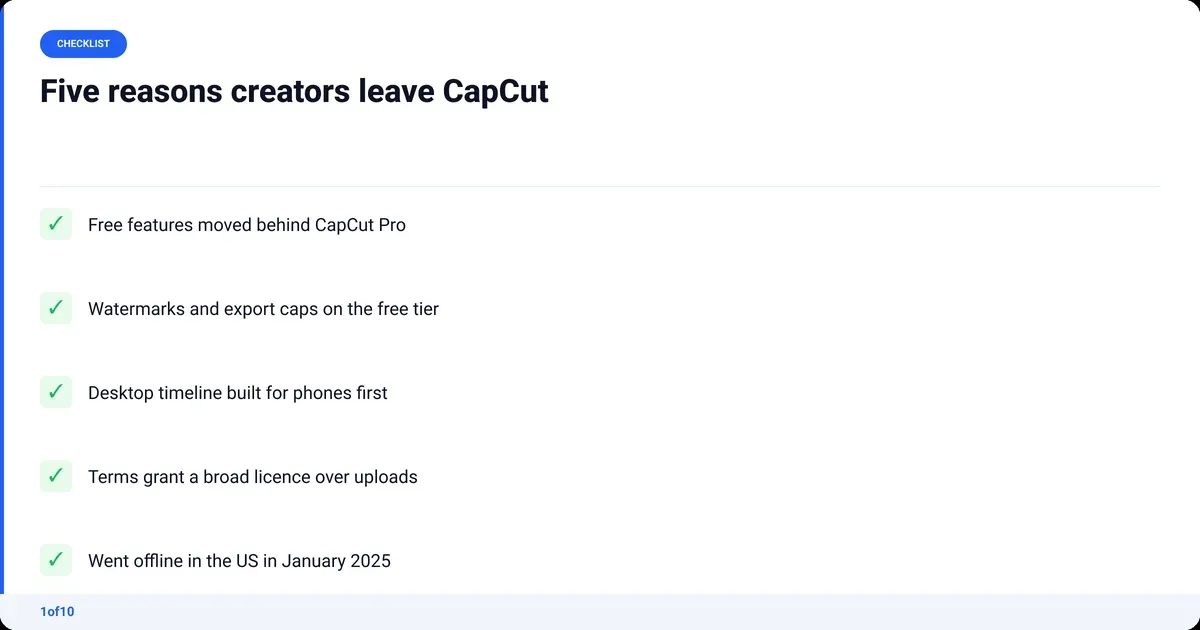
Creators who leave CapCut usually leave for one of four reasons: features they used for free moved behind CapCut Pro, watermarks and export limits on the free tier, a mobile-first app that gets awkward on a desktop timeline, and terms of service that hand ByteDance a broad licence over what you upload. A fifth reason arrived in January 2025, when the app briefly went offline in the US alongside TikTok.
- Paywall creep. Effects, transitions, auto-captions and export options that used to be free now show a Pro badge. Free users hit the wall mid-project.
- Export friction. The free tier adds a watermark on some outputs and holds back higher resolutions and frame rates. YouTube recommends 8 Mbps for 1080p and a 35 to 45 Mbps range for 4K, per YouTube's upload encoding guidance.
- Desktop is second class. CapCut started on phones. The PC and Mac versions work, but long-form multi-track editing was never the design goal, and it shows past ten minutes.
- Ownership terms. CapCut's 2025 terms update kept your copyright but granted the company a wide, royalty-free licence to your uploads, including your face and voice.
- Ownership of the company. CapCut is a ByteDance product, and the US divest-or-ban law that hit TikTok covers it too. If your whole workflow lives in one app, one ruling can take it away.
What is the best CapCut alternative for YouTube?
There is no single best CapCut alternative because CapCut does three jobs: cutting, effects and captions. The table below ranks nine editors by which of those jobs they do well for a YouTube creator, and what each gets wrong. Pick by the job you spend the most hours on, not by the longest feature list.
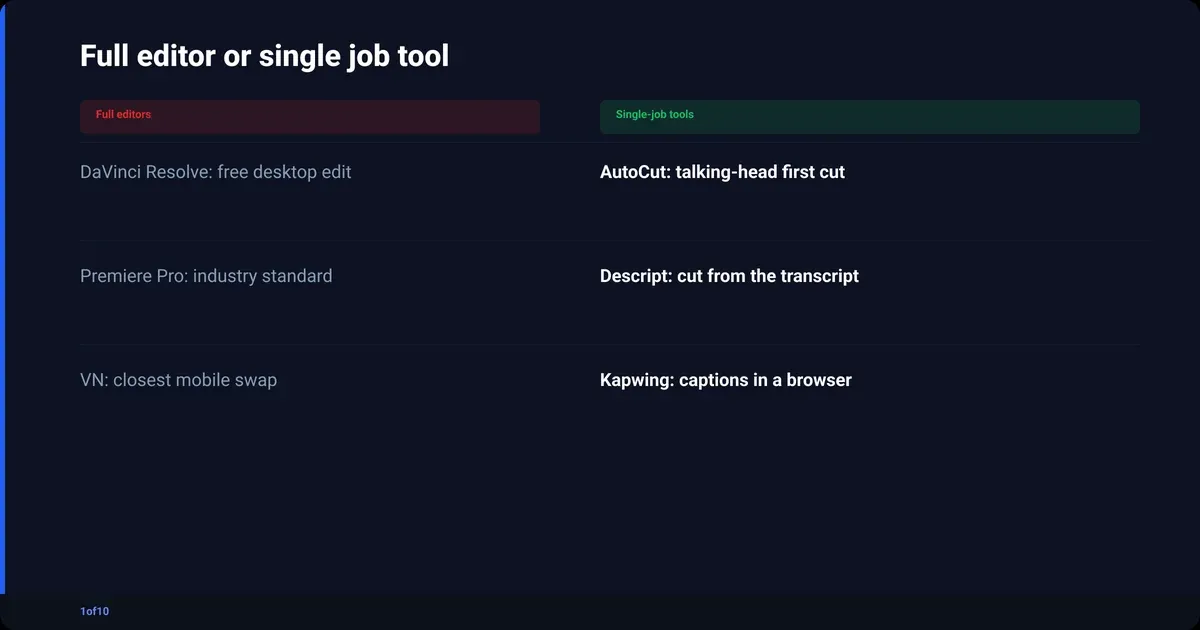
| Editor | Best for | Platform | Free tier | Watch out for |
|---|---|---|---|---|
| 1of10 AutoCut | First cut of talking-head A-roll | Browser | First AutoCut free, up to 30 minutes | Not a full editor: no B-roll, no graphics |
| DaVinci Resolve | Full desktop edit and colour | Windows, Mac, Linux | Free, no watermark | Steep learning curve, wants a real GPU |
| Descript | Editing by deleting words in the transcript | Windows, Mac, browser | Free with watermark, 60 minutes a month | Credits system, weaker timeline than an NLE |
| Premiere Pro | Industry-standard timeline, plugins | Windows, Mac | Seven-day trial only | Subscription only, no lifetime licence |
| VN Video Editor | Closest one-to-one mobile swap | iOS, Android, Mac | Free, no watermark | Fewer effects and templates than CapCut |
| InShot | Fast vertical cuts for Shorts | iOS, Android | Free with watermark | Horizontal long-form gets fiddly |
| iMovie | Free Apple starter editor | Mac, iPhone, iPad | Free | Two video tracks, Apple devices only |
| Canva | Template videos plus your thumbnails | Browser, app | Free tier | Not a real timeline editor |
| Kapwing | Browser editing with auto-captions | Browser | Free with watermark | Upload and export caps on free |
1of10 AutoCut: the talking-head option
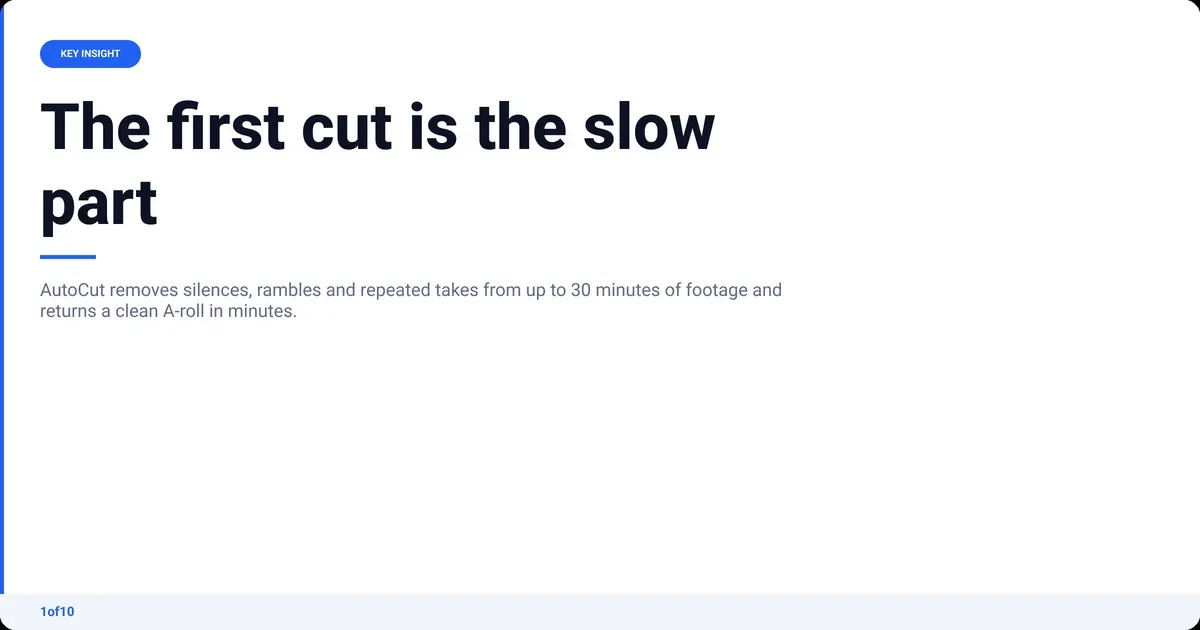
AutoCut is not trying to be CapCut. It does the one job CapCut makes you do by hand: it takes a raw talking-head recording, one or several MP4 or MOV files up to 30 minutes, and removes the silences, rambles, dead air and repeated takes. A clean A-roll comes back in minutes, with no prompts and no setup.
- Auto Retakes lines every version of a take up side by side, so you pick the one you like.
- Auto Sync lines up extra mics or audio sources, so picture and sound stay locked.
- Audio Enhance strips background noise and lifts the voice, including phone and cheap-mic recordings.
- Your first AutoCut is free, on up to 30 minutes of raw footage. After that, each AutoCut edit costs 50 credits, which every 1of10 plan includes (150 a month on Basic, 1,000 on Pro).
The honest con: it produces the long video, not vertical highlights, and it stops at the A-roll. If you need B-roll or lower thirds, you take the clean cut into Resolve or Premiere and finish there. That finishing pass is a fraction of what the first cut used to take.
DaVinci Resolve: the free desktop editor
Resolve is what most people mean by "a real CapCut alternative for PC". The free version has a full multi-track timeline, the Fairlight audio page and the colour tools Hollywood grades on. No watermark, no export cap. Studio costs $295 one-time (verified Sep 2026) and adds GPU effects and noise reduction. The cons: heavy install, wants a real graphics card, and the first week is hard.
Descript: edit by editing the text
Descript transcribes your footage and lets you cut it by deleting words. For scripted talking-head and podcast video it is fast. The free tier gives 60 minutes of media a month with a 720p watermarked export; Hobbyist is $16 a month, Creator $24 a month and Business $50 a month, all billed annually (verified Sep 2026). The cons: AI features run on credits, and the timeline is thin once you leave the transcript.
Premiere Pro: the industry standard
Premiere Pro is what agencies and full-time editors use, which matters if you plan to hand off to one. Plugins and tutorials exist for everything. It is subscription only, with a seven-day trial and no lifetime licence. If you mostly cut A-roll, you are paying for a lot of software you will not open.
VN Video Editor: the one-to-one mobile swap
VN is the app Google's AI Overview points at for this query, and it earns that. Multi-track timeline, keyframes, auto-captions, free exports with no watermark, on iOS, Android and Mac. It is the closest thing to CapCut without ByteDance behind it. The cons: fewer effects and templates, and it is a phone editor first.
InShot: quick vertical cuts
InShot is built for Shorts, Reels and TikToks: trim, resize, text, music, done. It handles the Shorts half of a channel well. The free version watermarks exports. Horizontal fifteen-minute videos are possible but painful.
iMovie: the free Apple starter
If you own a Mac or iPhone, iMovie is already installed and free. It handles a simple talking-head edit, titles and music. The ceiling is low: two video tracks, limited colour tools, no Windows version. Good for month one, outgrown by month three.
Canva: templates and thumbnails
Canva's video editor (thumbnails are a separate job: see Canva vs Photoshop for thumbnails) is template-led, which suits intros, outros and channel trailers more than a twelve-minute talking-head video. Its real value for a YouTube creator is that the thumbnail lives next to the video assets. The free tier is enough to test before you pay for Canva Pro.
Kapwing: browser editing with captions
Kapwing runs in a browser tab, which makes it the "CapCut alternative free online" answer. Auto-captions, resizing and a basic multi-track timeline. Free exports carry a watermark and the free plan caps upload length and export quality. Veed is a near-identical option. Treat both as caption-and-resize tools, not your main editor.
Which CapCut alternative for PC is best?
DaVinci Resolve is the best CapCut alternative for PC if you want a full editor, Descript if you edit from the transcript, and AutoCut in a browser tab if your bottleneck is the first cut of talking-head footage. All three export files YouTube accepts, since YouTube takes MP4, MOV and the other common containers and recommends H.264 in an MP4.
Desktop matters more for YouTube than for TikTok for three reasons:
- Horizontal 1080p and 4K. Phone editors default to vertical and downscale on export. A desktop editor keeps the full frame at the bitrate YouTube recommends.
- Multi-track. A-roll, B-roll, music, sound effects, captions. A phone screen cannot show four tracks.
- Project length. Twenty-minute projects with proxies and colour grades need RAM and a GPU.
If your PC is older, start with AutoCut for the cut and finish in Resolve with proxies on. AutoCut runs in the browser, so there is nothing to install on an older machine.
Is there a free video editor like CapCut with no watermark?
Yes. Four of the nine editors above export with no watermark for free: DaVinci Resolve on desktop, VN Video Editor on mobile, iMovie on Apple devices, and 1of10 AutoCut on your first free AutoCut. The rest either watermark free exports or cap resolution until you pay.
| Editor | Free tier | Watermark on free | Export cap on free |
|---|---|---|---|
| DaVinci Resolve | Full editor | No | None (Studio adds effects, not resolution) |
| VN Video Editor | Full mobile editor | No | None stated |
| iMovie | Full starter editor | No | None |
| 1of10 AutoCut | First AutoCut, up to 30 minutes | No | Up to 30 minutes per upload |
| Descript | 60 minutes of media a month | Yes | 720p |
| InShot | Full mobile editor | Yes | Removable per export by watching an ad |
| Kapwing | Basic editor | Yes | Length and quality capped |
| Canva | Template editor | Some premium elements | Some premium elements |
"Free" is also about time. An editor that costs three hours per video is not free if you publish twice a week. AutoCut automates the slow part, the first cut.
Apps like CapCut for iPhone and Android
VN and InShot are the two apps like CapCut worth installing. VN for anything longer than a minute, InShot for Shorts. Both are free and handle vertical and horizontal.
For a YouTube channel: shoot on the phone if you like, but edit long-form on a desktop or in a browser. Phone editors are great for a Short and painful for a twelve-minute video with B-roll. If Shorts are part of your plan, our post on how long YouTube Shorts can be covers the limits and what performs.
CapCut pricing: what you are actually paying for
CapCut has a free tier and a CapCut Pro subscription billed monthly or yearly. Pro is where the effects, premium templates, cloud storage, AI tools and higher export options live. We could not load CapCut's pricing page on the day of writing, so we are not stating a number.
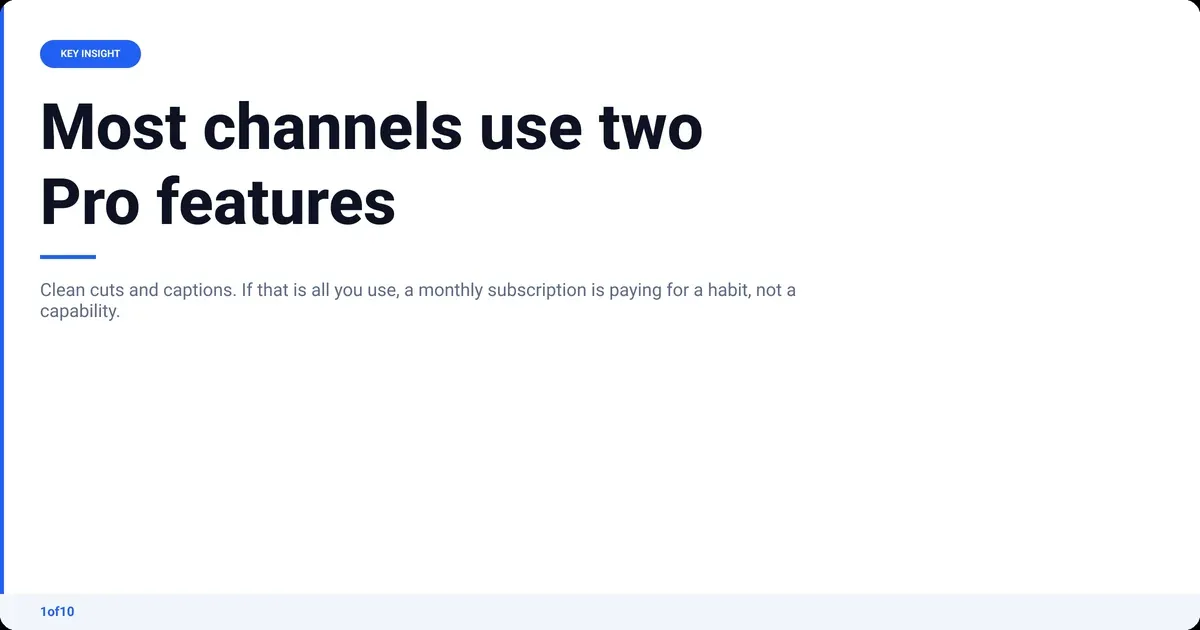
Most talking-head channels use two Pro features: clean cuts and captions. Here is what the alternatives charge for those jobs, using only prices we verified:
| Editor | What you pay | For |
|---|---|---|
| 1of10 AutoCut | First AutoCut free; then 50 credits an edit on any plan (checked Oct 2026) | Automatic first cut, retakes and audio clean-up |
| DaVinci Resolve | Free; Studio $295 one-time (verified Sep 2026) | Full editor; Studio adds GPU effects and noise reduction |
| Descript | Free; Creator $24 a month billed annually (verified Sep 2026) | Transcript editing, 30 media hours a month, 4K export |
| Canva Pro | Paid plan; see Canva's pricing page | Templates, brand kit, background remover |
Two of those are one-time or free. A monthly CapCut Pro subscription for captions and cuts is paying for a habit, not a capability.
Is CapCut or Canva better?
Canva is better for thumbnails, channel art and template intros. CapCut is better for the video itself, because Canva's editor is a slideshow tool with a timeline bolted on. For a YouTube creator the honest answer is neither: Canva for static design, a proper editor for the video.
- Canva when the output is a thumbnail, an end screen or a five-second intro.
- A timeline editor when the output has more than two video tracks or runs past two minutes.
- Never a talking-head video in Canva. You will fight the timeline for every trim.
If thumbnails are why you keep Canva, our guide to YouTube thumbnail design covers what earns the click, and the free thumbnail resizer handles sizing without an account.
How to choose your CapCut alternative in five minutes
Most creators stop at step two.
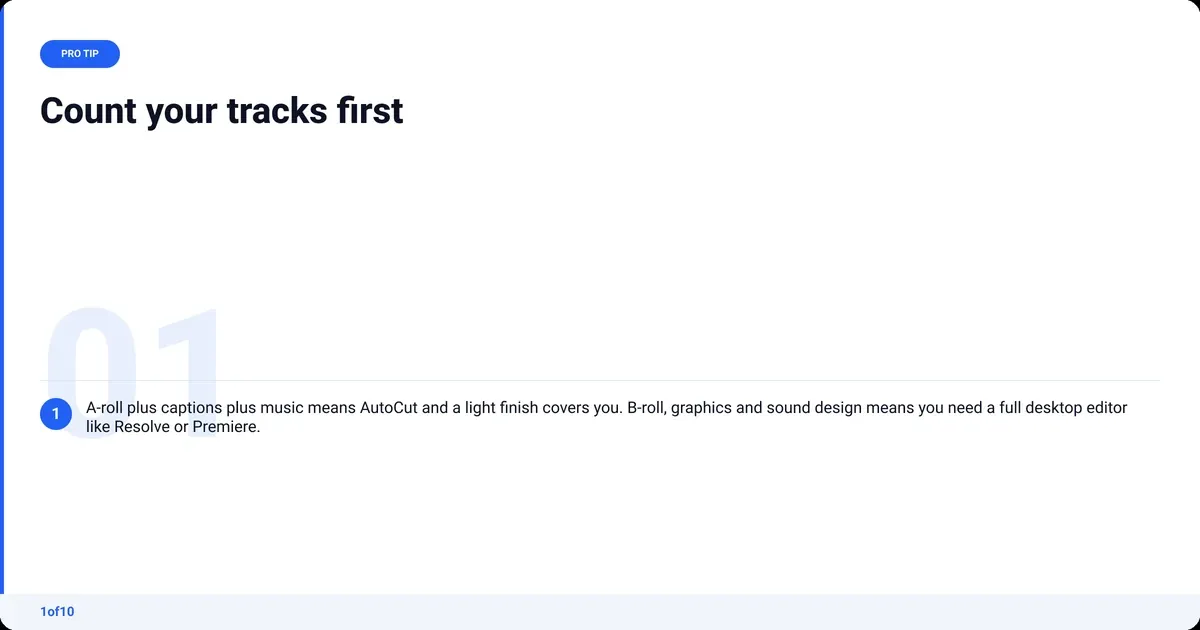
- Count your tracks. A-roll plus captions plus music: AutoCut and a light finish covers it. B-roll, graphics and sound design: you need Resolve or Premiere.
- Time your first cut. If removing silences and bad takes is more than half your edit time, automate that step first, whatever editor you finish in.
- Pick your device. Desktop for long-form. Phone for Shorts. Browser if your machine is old.
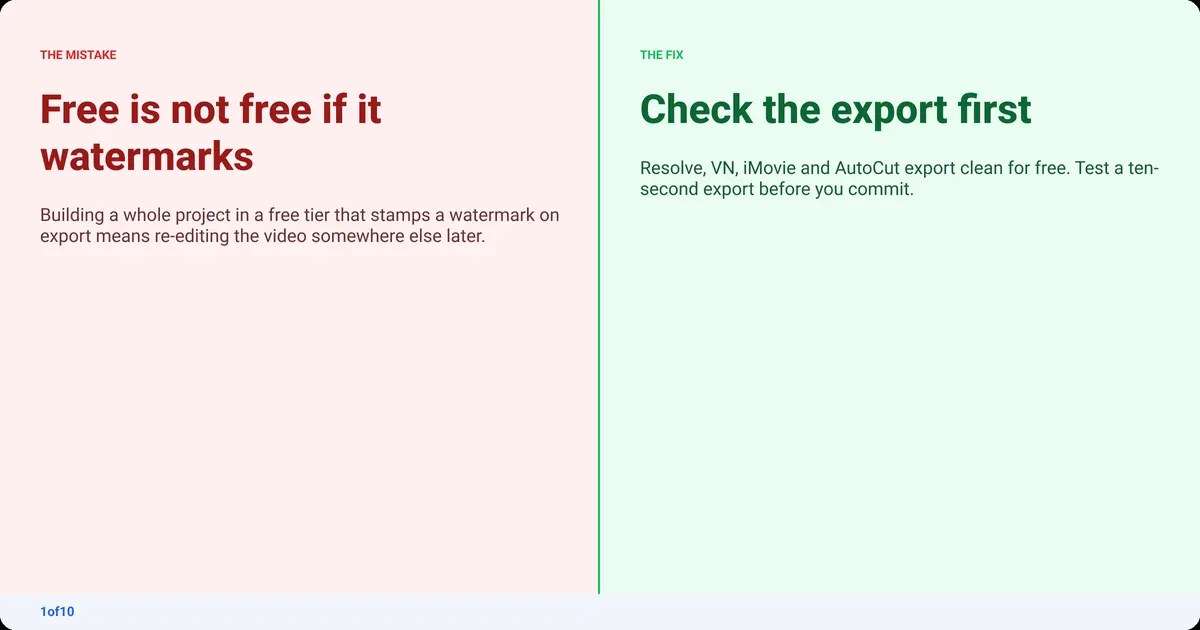
- Check the watermark and export cap before you build a project in anything. A watermark on export costs you a re-edit later.
- Read the terms. If unreleased footage of your face and voice matters to you, know what licence you grant when you upload it.
Then our post on how to upload a video to YouTube covers the settings that matter on the day.
More comparisons:
Frequently asked questions
Is there any better app than CapCut?
For YouTube creators, yes, depending on the job. DaVinci Resolve is a better desktop editor and it is free. VN Video Editor is a better mobile editor if you want no watermark and no ByteDance terms. For talking-head footage, 1of10 AutoCut is faster because it makes the first cut for you instead of handing you a blank timeline.
What is the best free version of CapCut?
There is no free version of CapCut beyond its own free tier. The closest free replacements are VN Video Editor on mobile, which exports with no watermark, and DaVinci Resolve on desktop, a full professional editor at no cost. Your first AutoCut is free, on up to 30 minutes of raw talking-head footage.
Is there a CapCut alternative that is free online with no watermark?
Rarely. Kapwing and Veed run in a browser but watermark free exports (Veed alternatives covers the browser editors). 1of10 AutoCut runs in a browser and your first AutoCut is free with no watermark, on up to 30 minutes of raw talking-head footage; then you download the clean A-roll. A full browser timeline with no watermark usually costs money.
Can 1of10 AutoCut replace CapCut completely?
Not for every channel. AutoCut replaces the slowest part of a talking-head edit: cutting silences, rambles and repeated takes, then cleaning the audio. It does not add B-roll or vertical clips. If your videos are mostly you talking to camera, it can be your whole edit. If they are heavily produced, it is your first step before Resolve or Premiere.
Does CapCut own my videos?
You keep your copyright. CapCut's terms grant the company a licence to use content you upload, and the 2025 update widened it to include likeness and voice. That is not ownership, but it is broader than desktop editors, which store your files locally and claim nothing. Read the current terms before uploading footage you have not published.