
How to Find and Track Competitor YouTube Channels (2026)
A competitor YouTube channel shares your viewers, not just your topic, and sits within roughly 10x of your size in either direction. You find them in your own Audience tab, in search results for your topics, and in the recommendation rail next to your videos. Then you track their uploads and flag any video that gets 3x the channel's usual views. That video is the one to study.
Most "YouTube competitor analysis" guides are written for brands with a social media team. You are one person with a channel. You need a short list of channels that fight for the same watch time you do, and a fast way to see which of their videos overperformed and why.
This post gives you the whole method by hand: search, filters, a spreadsheet, and some simple maths. Then it shows where 1of10's Tracked Channels does the boring weekly part, starting on the free plan. The YouTube analytics guide covers the wider picture.
What counts as a YouTube competitor?
A competitor is a channel a viewer would watch instead of yours: same audience, similar format, and a size close enough that YouTube tests your videos against theirs. A 20 million subscriber channel in your topic is a reference, not a competitor. A 40,000 subscriber channel that gets the same recommendations you do is the real thing.
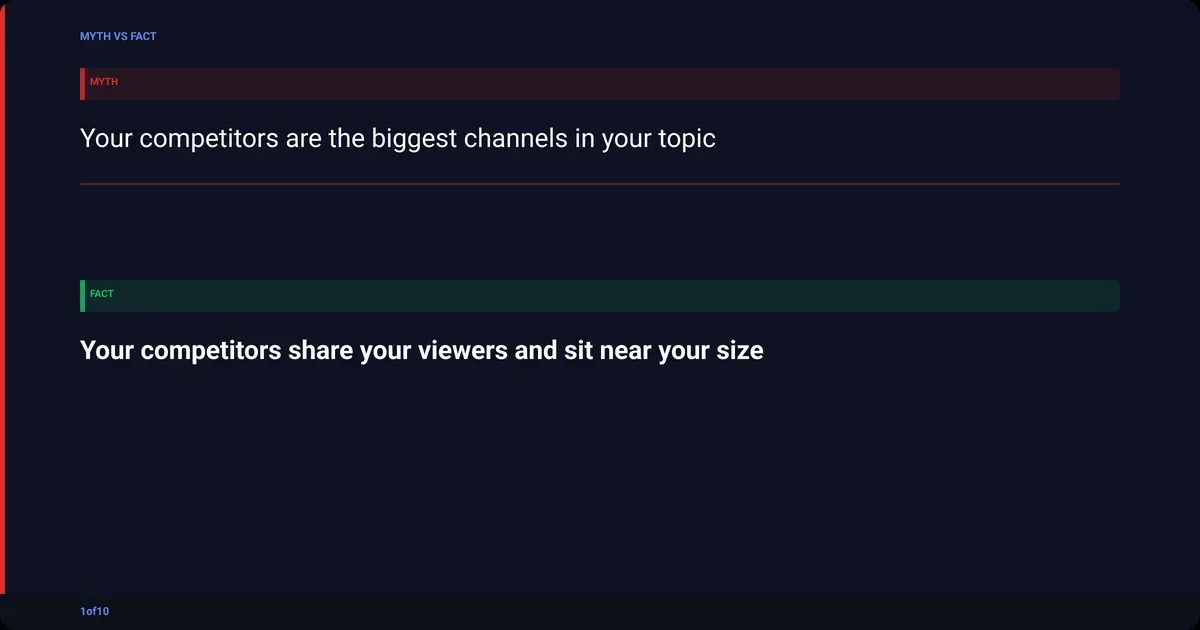
Three tests, all three must pass:
- Same viewer. If a fan of theirs would enjoy your last five videos, yes. If the topic matches but the tone or age group does not, no.
- Same format. Long-form talking head competes with long-form talking head. A Shorts-only channel in your niche competes for a different session.
- Similar size. Use median views per video, not subscribers. Anything from a third of your median to 10x your median is fair game.
| Channel | Same viewer | Same format | Similar size | Verdict |
|---|---|---|---|---|
| Huge channel in your topic | Yes | Yes | No | Reference, study their packaging only |
| Mid-size channel, your topic, your format | Yes | Yes | Yes | Competitor, track it |
| Your topic, but Shorts only | Partly | No | Maybe | Watch for ideas, do not track |
| Adjacent topic, same audience, same format | Yes | Yes | Yes | Competitor, often the most useful kind |
That last row matters. A cooking channel and a budget grocery channel chase the same viewer at dinner time, and adjacent channels are where the ideas nobody in your topic has tried yet come from.
How do you find competitor YouTube channels?
Start with the data YouTube already gives you, then widen out. Twenty to thirty candidates is the goal at this stage. Do not judge yet, just collect channel names and URLs.
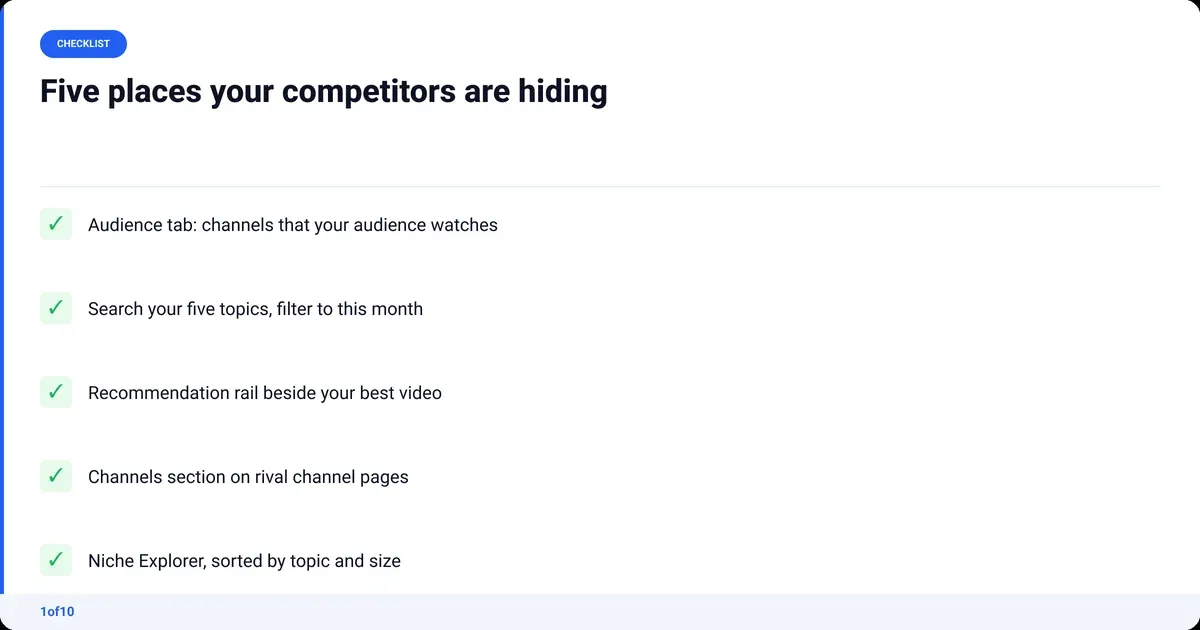
- Open your Audience tab in YouTube Studio. The report called "Channels that your audience watches" lists the other channels your viewers watched over the past 28 days, and "What your audience watches" shows the specific videos from the past seven days, per YouTube Help. This is the best source because it is your actual viewers, measured. Small channels sometimes see nothing here; skip to step 2 if so.
- Search your five core topics. Type each one into YouTube, open the filters and set Upload date to "This month". Sort by view count. Write down every channel that shows up on more than one search. Repeat with "This year" to catch channels that post less often.
- Read the recommendation rail. Open your best-performing video in a private window, so your own history does not skew it, and note the channels in the sidebar. Do the same on the top three videos from step 2.
- Check the Channels section on rival pages. Creators can add a "Channels" section to their Home tab that highlights subscriptions and featured channels, per YouTube's channel layout help. When it exists it is a hand-picked list of who they consider peers.
- Run a niche search. 1of10's Niche Explorer lists channels by topic and size, which gets you a list in minutes rather than an afternoon.
If you searched "how to find similar YouTube channels" hoping for one magic button: the Audience tab is the closest thing, and steps 2 to 4 fill in what it misses.
Filter the list: same audience, similar size
Cut your 20 to 30 candidates to 10 or 12. Twelve is about the most you can review by hand every week without it becoming a chore you skip. Run each candidate through the three tests above, then these checks.
- Active. At least three uploads in the last 90 days. A dormant channel tells you what worked last year.
- Size by median views, not subscribers. Open the Videos tab, sort by date, and eyeball the view counts on the last ten uploads. The middle value is the median. Public subscriber counts are shortened anyway; YouTube shows "1.23 K" for 1,234, per YouTube Help, so they are a rough guide at best.
- Mix. Aim for eight direct competitors and four adjacent ones. The adjacent four are your idea supply. Fewer than eight after filtering means you are too strict on format.
What can you see about other YouTube channels?
More than most creators assume, and less than they hope. Everything on a public channel page is fair game. Everything inside the owner's YouTube Studio is not. The public data is enough to find outliers.
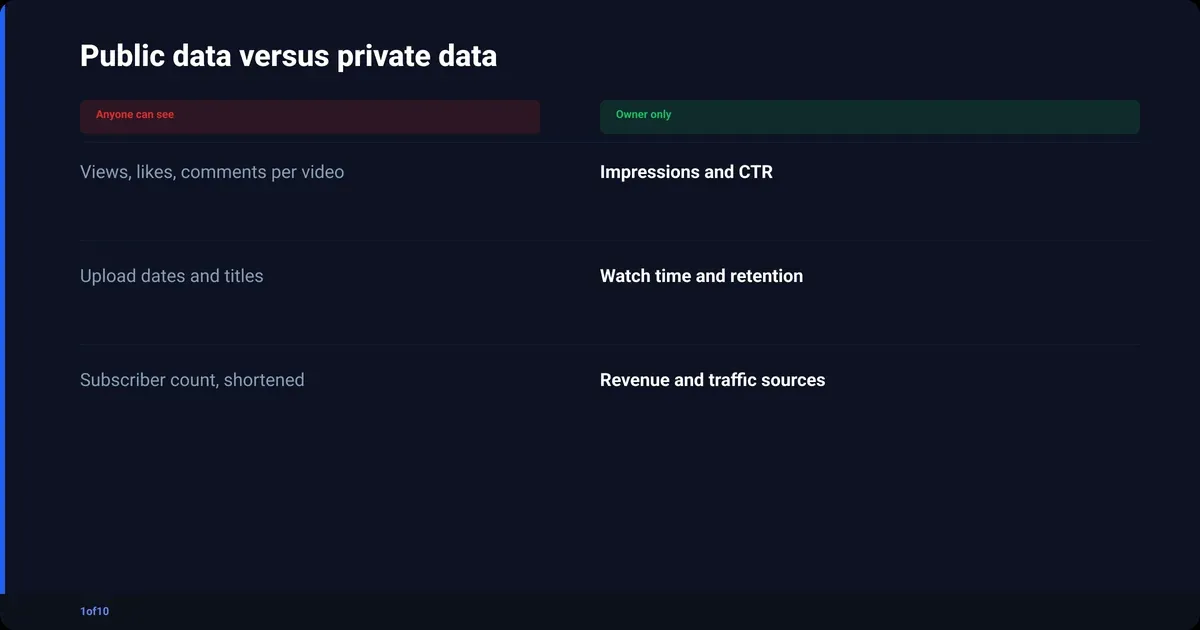
| Public (anyone can see it) | Private (only the channel owner) |
|---|---|
| Subscriber count (shortened) | Impressions and click-through rate |
| Total channel views, video count | Watch time and audience retention |
| Views, likes and comments per video | Traffic sources |
| Upload date and time | Demographics and returning viewers |
| Title, thumbnail, description, chapters | Revenue and RPM |
| Community posts, Shorts, live streams | Which videos got pushed to the home feed |
Impressions and CTR live in the owner's Content tab, per YouTube Help on thumbnail impressions. Any tool that claims to show a competitor's CTR is estimating. Views per video against the channel's own median is the honest proxy, and it is public.
For the full breakdown of what is visible and how to read it, see YouTube analytics for other channels. If you want daily subscriber movement, the YouTube subscriber tracker guide covers the free options.
How to track YouTube channels in a spreadsheet
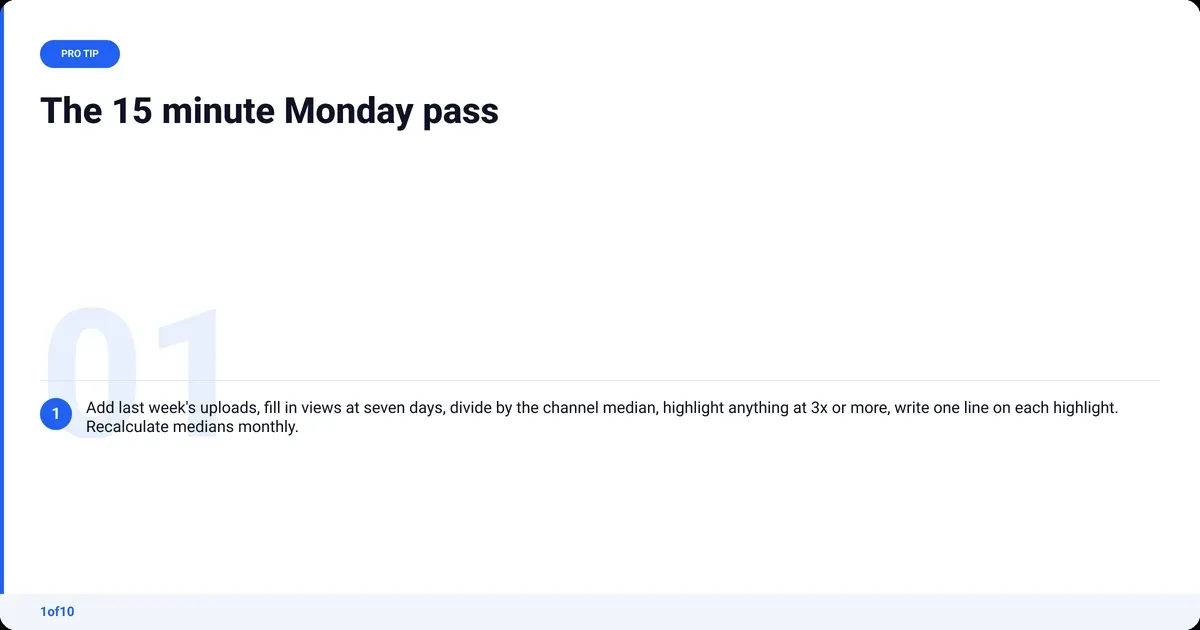
One sheet, one row per video, a 15-minute pass once a week. That is the whole system, and it works. It just does not scale past a dozen channels.
Set up these columns:
| Column | What goes in it |
|---|---|
| Channel | Name and URL |
| Video | Title, linked |
| Published | Date |
| Views at 7 days | The number you actually compare |
| Channel median | Median views of that channel's last 10 uploads, updated monthly |
| Multiple | Views at 7 days divided by channel median |
| Format | Talking head, list, challenge, tutorial, reaction, story |
| Note | One line on the hook, the thumbnail, anything unusual |
Weekly pass, in order:
- Open each tracked channel's Videos tab sorted by date. Add every upload from the past week as a row.
- For videos that are now seven days old, fill in views at 7 days. Same-age comparison is what makes the multiple fair; a two-day-old video always looks weak next to a two-month-old one.
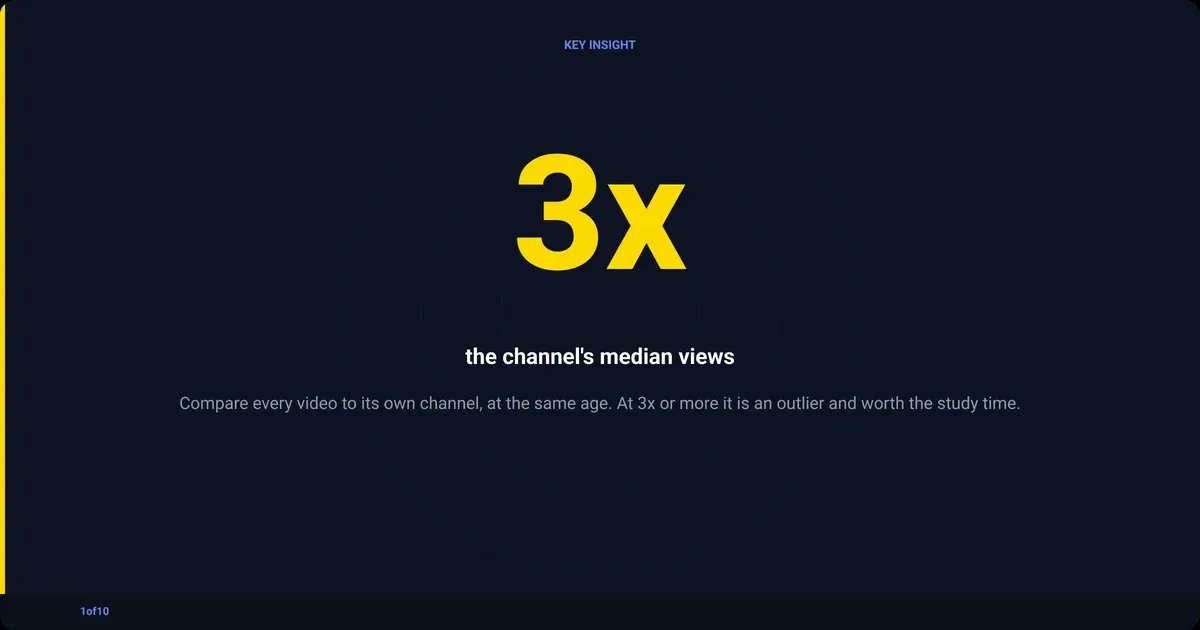
- Divide by the channel median. Anything at 3x or higher gets a highlight.
- Write one line about each highlighted video before you forget why it caught your eye.
- Once a month, recalculate each channel's median from its last ten uploads.
Twelve channels posting three times a week is 36 rows every Monday. Most people stop after a month. The tracking is the part worth automating, not the thinking.
How do you spot which competitor videos broke out?
Compare each video to its own channel, never to yours or to the niche. A video that pulls 3x its channel's median views in the same time window is an outlier, and outliers are the only competitor videos worth studying closely. Everything else is the channel doing what it normally does.
The maths on a real-shaped example. A channel's last ten uploads at seven days old: 8k, 11k, 9k, 14k, 10k, 62k, 9k, 12k, 10k, 13k. Sorted, the two middle values are 10k and 11k, so the median is 10.5k. The 62k video scores 5.9x. The 14k video scores 1.3x and is a normal week.
| Video | Views at 7 days | Channel median | Multiple | Read it as |
|---|---|---|---|---|
| A | 62,000 | 10,500 | 5.9x | Outlier, study everything |
| B | 14,000 | 10,500 | 1.3x | Normal, ignore |
| C | 31,000 | 10,500 | 3.0x | Outlier, study the packaging |
| D | 4,000 | 10,500 | 0.4x | Flop, useful too: what did they try that failed? |
The multiple is what makes a small channel's win visible. A 62k video is invisible next to million-view channels, but 5.9x against its own baseline says YouTube found a new audience for that idea. It is the same outlier method that finds video ideas anywhere on the platform.
When you have an outlier, look at four things in order:
- The title and thumbnail together. Read them as one unit. What promise did they make that the channel's normal videos did not?
- The first 30 seconds. New hook structure, or the usual open with a better idea?
- The format. Same format as the channel's median videos, or a departure? Departures that hit are the highest-value finds.
- The comments. Sort by top. The audience says what they responded to, usually in the first five.
Write those four answers into the Note column. That is your competitor analysis, one row at a time.
How to do a YouTube competitor analysis in an hour
A full YouTube competitor analysis does not need a week. One hour, once, sets up the system; the weekly pass keeps it alive.
- Minutes 0 to 10: build the long list. Audience tab, five searches, recommendation rail. Twenty to thirty names.
- Minutes 10 to 20: filter. Three tests, active in 90 days, size by median views. Cut to 12.
- Minutes 20 to 40: first outlier pass. For each of the 12, scan the last 20 uploads and note anything that looks 3x or more above the channel's usual views. Eyeball it; precision comes later. Expect 8 to 15 videos.
- Minutes 40 to 55: pattern notes. Fill in the four questions above for each outlier. Two channels winning with the same format in the same month is a signal, not a coincidence.
- Minutes 55 to 60: pick one idea. Choose the pattern that fits your channel and put it in your next upload slot.
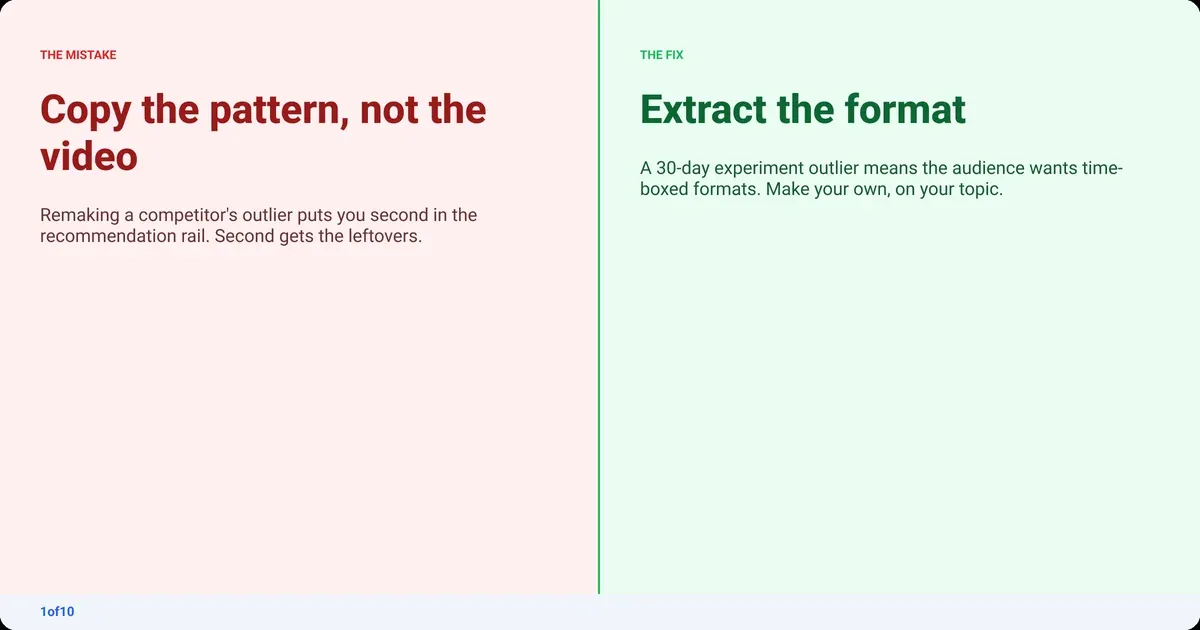
One warning that saves a lot of wasted uploads: copy the pattern, not the video. A competitor's "I tried X for 30 days" outlier tells you the audience wants a time-boxed experiment format. It does not tell you to try X. Remaking the exact video puts you second in the recommendation rail, and second gets the leftovers.
Competitor tracking on YouTube with 1of10
Everything above works by hand. The weekly tracking is the part that dies after a month, so that is the part 1of10 automates.
Tracked Channels is the spreadsheet with the maths done. Add a channel and its new uploads appear in your Trackers feed with an outlier score, which is the multiple from the section above: that video's views against the channel's own typical performance, calculated for you. Across 1of10's outlier database that is 300,000+ high-performing videos and 62.6 billion analysed views, with no median to update by hand.
What the tiers give you:
- Free. Outlier search (the top 5 results), bookmarks, competitor tracking and 60 AI credits a month, no card needed. Enough for a real test of the method.
- Basic, $19 a month or $15 a month billed yearly (checked Oct 2026). The full research tools with every result, saved folders (direct in one, adjacent in another), Niche Explorer for the long list, Trending Formats and advanced filters, plus 150 AI credits a month.
- Pro, $89 a month or $69 a month billed yearly. Everything in Basic with 1,000 AI credits a month for the thumbnail, title and idea generators. Credits meter the AI tools only; research never uses credits.
Two things go beyond the spreadsheet. The Chrome extension shows outlier scores directly on YouTube pages, so the multiples are already there when you land on a competitor's Videos tab. And the homepage outliers feed surfaces overperforming videos across your niche, not only from the channels you track, which is how you catch the adjacent channel you did not know existed.
The thinking stays yours. The four questions, the pattern notes, the choice of what to make next: no tool does that well. This one hands you the highlighted rows on Monday morning.
More comparisons:
- 1of10 vs OutlierKit
- 1of10 vs TubeLab
- Best OutlierKit alternatives
- Best TubeLab alternatives
- Best ViewStats alternatives
Frequently asked questions
Is there a free tool to analyze YouTube competitors?
Yes. YouTube Studio's Audience tab shows which other channels your viewers watch, at no cost. 1of10's free plan includes competitor tracking and flags their outlier videos, with no credit card. Public channel pages give you views, likes, comments and upload dates for any video, which is enough to calculate outlier multiples by hand.
How do I find similar YouTube channels to mine?
Open YouTube Studio, go to Analytics, then Audience, and read "Channels that your audience watches". Add the channels in the recommendation rail next to your best video, viewed in a private window. Then search your five main topics filtered to this month and note any channel that appears more than once. That covers most of your real competitors.
Can I see another YouTube channel's analytics?
Only the public part. Views, likes, comments, upload dates, subscriber count (shortened) and total channel views are visible to anyone. Impressions, click-through rate, watch time, retention, traffic sources and revenue are private to the owner. No third-party tool has those numbers for channels it does not own; anything shown is an estimate.
Is Social Blade good for competitor tracking?
Social Blade is fine for subscriber and total view history over time (the Social Blade alternatives page covers the rest of the field), which is useful for spotting a channel that is accelerating. It does not compare individual videos to a channel's median, so it will not tell you which upload broke out or why. Use it for the growth curve and a per-video method for the analysis.
Who is YouTube's biggest competitor?
If you mean the platform: TikTok for short-form attention, Twitch for live, and Netflix for the living-room screen. For a creator, that question is the wrong one. Your competitors are the channels YouTube recommends alongside your videos, and the Audience tab in YouTube Studio names them for you.
How many competitor channels should I track?
Ten to twelve. Eight direct competitors that match your audience, format and size, plus four adjacent channels that share your viewers but not your topic. Fewer than eight and you miss patterns. More than twelve and the weekly review takes long enough that you stop doing it, unless a tool is doing the tracking for you.