
Descript Pricing in 2026: What Each Plan Limits and Where YouTubers Hit the Ceiling
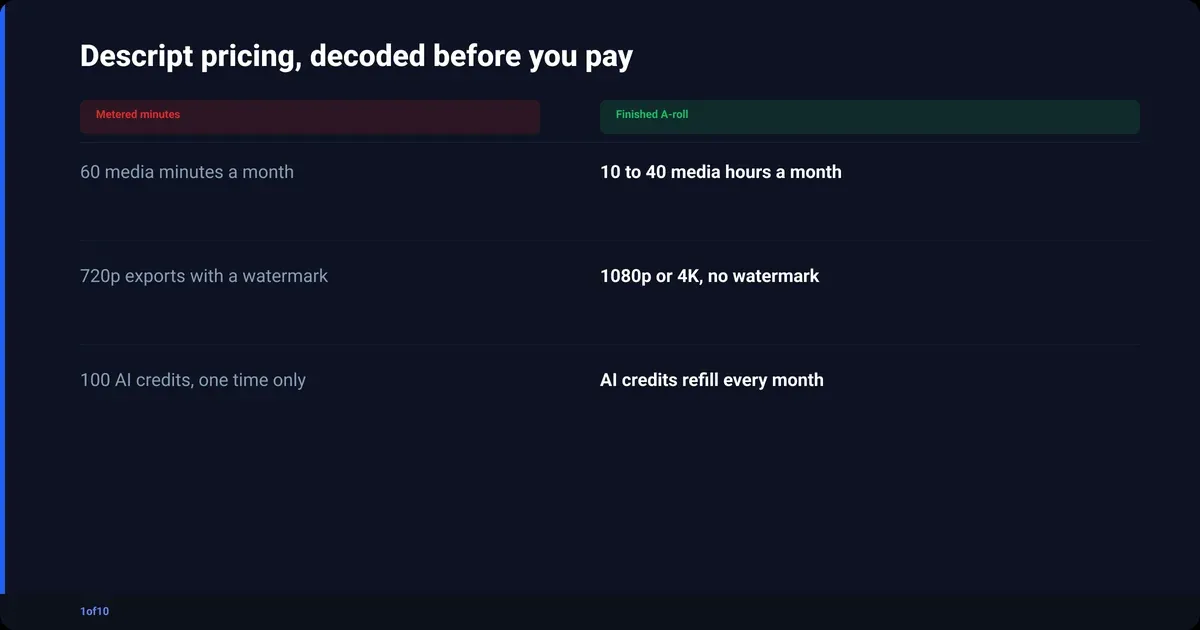
Descript pricing in 2026 runs from a free plan to $50 per person per month on annual billing (verified Sep 2026). The tiers are Free, Hobbyist, Creator, Business and Enterprise. The number that decides your bill is not the export length. It is media minutes: every minute of raw footage you upload counts against your monthly allowance, transcribed or not.
I checked every figure below on Descript's own pricing page on 18 September 2026. Paid plans are per person per month; the annual rate is what you pay monthly on a yearly commitment. Enterprise has no public price.
One thing before the table. If what you want from Descript is the boring part of editing a talking-head video (cut the silences, fix the audio), AutoCut does that on up to 30 minutes of raw footage, and your first AutoCut is free. More on that further down; the tiers first.
Descript pricing in 2026: every tier at a glance
Descript sells four self-serve plans plus Enterprise. Free caps you at 60 media minutes a month with watermarked 720p exports. Hobbyist is $16 per person per month on annual billing or $24 month to month. Creator is $24 annual or $35 monthly. Business is $50 annual or $65 monthly (all verified Sep 2026). The gaps between tiers are media hours, AI credits, export resolution and seats.
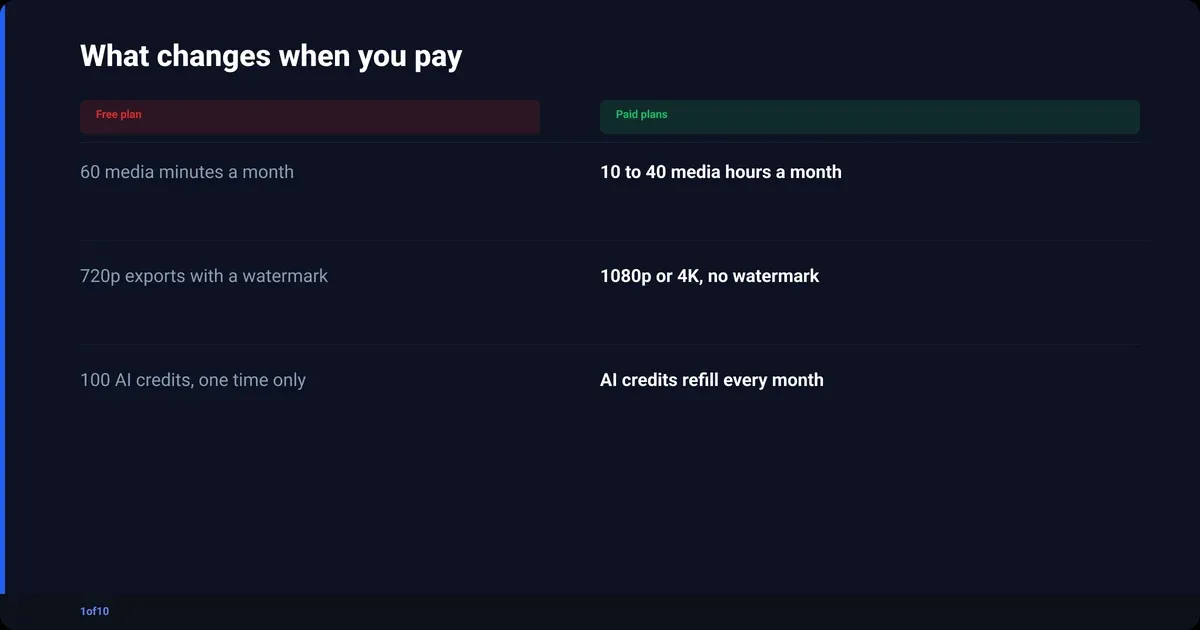
| Plan | Annual billing (per person, per month) | Monthly billing | Media minutes per month | AI credits | Max export | Storage | Seats |
|---|---|---|---|---|---|---|---|
| Free | $0 | $0 | 60 minutes | 100, one time | 720p, watermarked | 5 GB | 1 |
| Hobbyist | $16 | $24 | 10 hours | 400 per month | 1080p, no watermark | 100 GB | 1 |
| Creator | $24 | $35 | 30 hours | 800 per month | 4K, no watermark | 1 TB | Up to 3 |
| Business | $50 | $65 | 40 hours | 1,500 per month | 4K, no watermark | 2 TB | Up to 5 |
| Enterprise | Custom | Custom | Sized to your team | Sized to your team | 4K | Custom | Custom |
All prices verified Sep 2026 on Descript's pricing page.
What each step up actually buys you:
- Free to Hobbyist: the watermark goes, exports move to 1080p, media minutes go from 60 to 600, and you get Underlord (Descript's AI co-editor) plus AI Speech with custom voice clones. Still no custom fonts, no batch export.
- Hobbyist to Creator: 4K export, 30 media hours, full Underlord, AI video generation, unlimited stock media, custom fonts, batch export, timeline export to professional editors, up to three seats.
- Creator to Business: 40 media hours, 1,500 credits, Brand Studio, dubbing in 30+ languages with proofreading, custom avatars, priority support with an SLA.
- Business to Enterprise: SSO and SCIM, SOC 2 Type II, opt-out of AI training, custom legal terms, a dedicated success manager.
Paid yearly, that is $16 x 12 = $192 for Hobbyist, $24 x 12 = $288 for Creator and $50 x 12 = $600 for Business, per person. Paid monthly: $288, $420 and $780. That gap is the "save up to 35%" the page advertises.
What does the Descript free plan actually include?
The Descript free plan gives you 60 media minutes a month, 100 AI credits that never refill, 2 recording hours, 5 GB of storage, one seat, and exports capped at 720p with a Descript watermark (verified Sep 2026). You can learn the editor on it. You cannot publish from it: the watermark and the 720p cap are both dealbreakers.
What the free plan holds back, in Descript's own terms:
- Limited access to the AI tools: Underlord, Studio Sound, Green Screen, Eye Contact and Remove Filler Words are all restricted.
- No custom fonts and no ability to create layout packs.
- Search shows only the first five results.
- The 100 AI credits are one-time. Use them and the AI features stop until you upgrade.
Who it suits: someone deciding whether text-based editing fits how their brain works. Import one short recording, delete some words from the transcript, watch the video cut itself. Treat it as a trial with no clock, not as a plan.
What do media minutes and AI credits mean for your Descript cost?
Your Descript cost is set by two meters. Media minutes count every file you upload or record inside Descript, transcribed or not. AI credits are spent when you run AI features such as Underlord, Studio Sound or voice generation. Both refill monthly on paid plans. Creator and Business can buy top-ups; Free and Hobbyist cannot (verified Sep 2026).
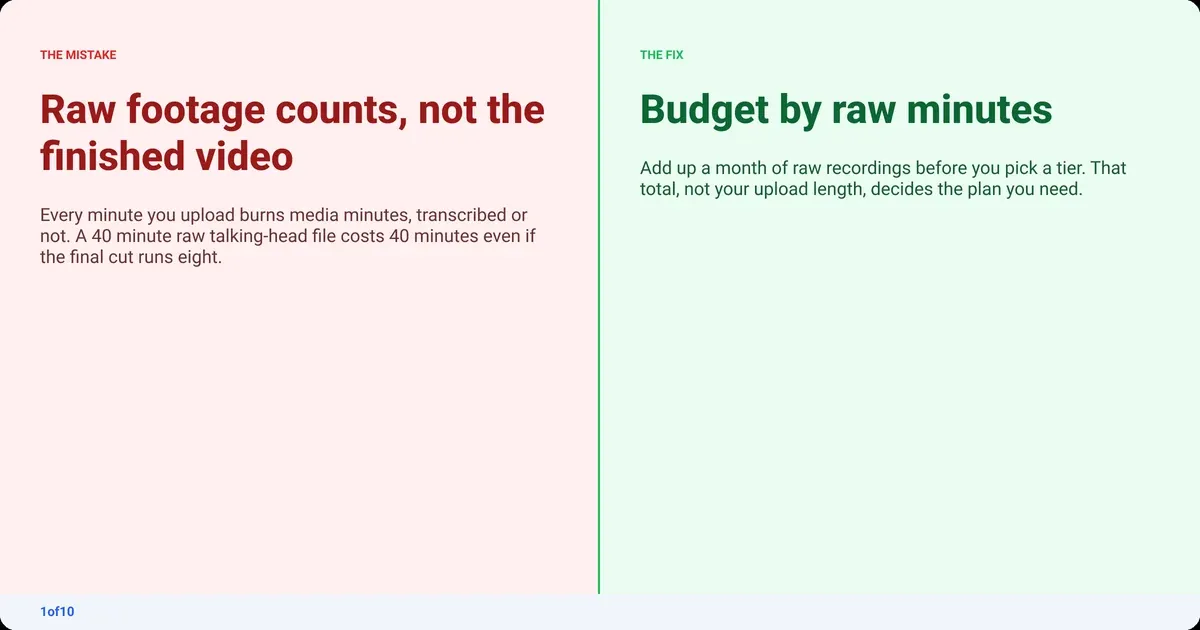
The page's own definition is the part most people get wrong: "Media hours track uploaded media files and media recorded in Descript, regardless of whether they're transcribed." So a 40 minute raw recording costs 40 media minutes the moment it lands in your project. The finished 8 minute upload is irrelevant to the meter.
To estimate your real monthly usage:
- Count the videos you publish in a month.
- Multiply by the length of the raw recording, not the final cut. Talking-head creators typically shoot 3x to 5x their published runtime.
- Add any separate audio tracks, screen recordings or second camera angles. Each is its own file and each burns minutes.
- Add anything you record directly in Descript. That also counts against the plan's recording hours.
- Compare the total with the tier caps: 60 minutes, 10 hours, 30 hours, 40 hours.
AI credits are harder to forecast because the pricing page does not publish a per-feature credit price. The safe read is that credits go fastest on generation (voice, video, avatars) and slowest on cleanup. If you plan to run Studio Sound on every video and clone your voice for pickups, budget for Creator so you have the 800 pool and the top-up option.
Where does a talking-head YouTuber hit the ceiling?
A talking-head channel hits the Descript ceiling in three places: media minutes on Free, export resolution on Hobbyist, and per-seat pricing the moment an editor joins. For one person publishing weekly at 1080p, Hobbyist holds. For 4K, more than roughly three videos a week, or a second pair of hands, you are on Creator (verified Sep 2026).

The raw-footage math for common schedules, using the caps above:
| Schedule | Raw footage per month (approx.) | Lowest tier that fits on minutes | Catch |
|---|---|---|---|
| 1 video a week, 20 min raw | 80 min | Hobbyist | Free dies at the third recording |
| 2 videos a week, 35 min raw | 280 min | Hobbyist | 1080p max; 4K needs Creator |
| 3 videos a week, 45 min raw | 540 min | Hobbyist | 60 minutes of headroom, one reshoot from the cap |
| 4 videos a week, 45 min raw | 720 min | Creator | A second seat doubles the bill |
| Daily, 30 min raw | 900 min | Creator | A second camera angle makes it 1,800 min |
The resolution ceiling matters more than it looks. YouTube lists 2160p (3840 x 2160) as a standard 16:9 resolution in its video resolution guidance, and its recommended upload encoding settings put 1080p at 8 Mbps and 2160p at 35 to 45 Mbps. Shoot 4K on Hobbyist and Descript sends it out at 1080p. Creator is the first tier where the export matches the camera.
Signs you have outgrown your tier:
- You are trimming raw files before import to save minutes.
- Your 4K footage leaves as 1080p.
- Underlord features you want are greyed out.
- You have an editor and they are working off your login.
- You are buying top-ups in more months than you are not.
If the reason you are paying is that Descript removes your ums, dead air and bad takes, you are paying per minute of raw footage for a mechanical job. That is exactly the job AutoCut edits automatically, and your first AutoCut is free.
Is Descript worth it?
Descript is worth it if you edit by reading, not by scrubbing, and you use the parts only Descript does well: text-based cutting, transcript-driven podcast editing, voice clones for pickups, dubbing on Business. At $16 to $24 per person per month on annual billing (verified Sep 2026), that is fair for a creator who lives in the transcript. It is not worth it if you want a silence cutter with a nicer interface.
Worth it when:
- Your videos are mostly you talking, and you would rather delete sentences than drag clips.
- You cut a podcast and a video version from the same recording.
- You need a voice clone to fix a flubbed line without reshooting.
- A small team needs shared templates (Brand Studio, on Business).
Not worth it when:
- You only need the cut, a grade and clean audio, and you own or plan to learn an NLE such as Premiere Pro or DaVinci Resolve.
- Your channel is 4K and your budget stops at Hobbyist.
- You publish rarely and the minutes would sit unused.
- You want vertical clips from long videos; that is a clip maker's job.
The honest summary: Descript charges for a workflow, not a result. If you love the workflow, pay for it. If you only want the result, there are cheaper ways to the same A-roll.
Descript vs CapCut: which is better for YouTube editing?
Descript vs CapCut is a choice between two editing models. Descript edits from the transcript, so it is fastest on talking-head and podcast content. CapCut is a timeline editor with templates, effects and a strong mobile app, so it is fastest on B-roll heavy, short-form and phone-first work. CapCut's pricing was not verified for this post, so no numbers here.
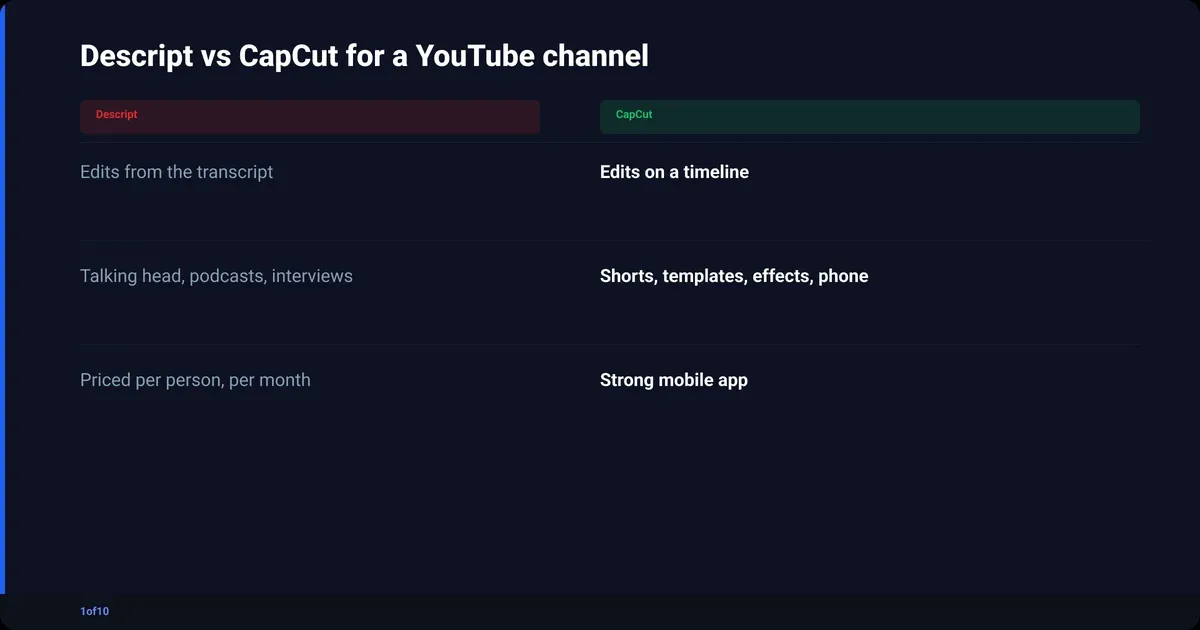
| Descript | CapCut | |
|---|---|---|
| Core editing model | Transcript first | Timeline first |
| Best at | Talking head, podcasts, interviews | Shorts, templates, effects, phone editing |
| Silence and filler removal | Built in, transcript driven | Available, timeline driven |
| Export ceiling on entry paid tier | 1080p (verified Sep 2026) | Not verified |
| Team seats | Per person, up to 3 on Creator | Not verified |
| Learning curve | Low if you can edit a document | Low for basics, longer for the effects stack |
Pick Descript if your channel is a person and a camera. Pick CapCut if your channel is cuts, overlays and music. If neither fits, CapCut alternatives for YouTube creators covers the wider field, and the next section covers the talking-head option.
Descript alternatives for the cut, grade and audio
Descript alternatives fall into three buckets. Full editors (Premiere Pro, DaVinci Resolve) give you every tool and every hour of learning. Silence cutters (Gling, TimeBolt, AutoPod for multi-cam podcasts) remove pauses and hand you a timeline. AutoCut from 1of10 sits between them: a clean A-roll with the cut and the audio fix done, no timeline required.
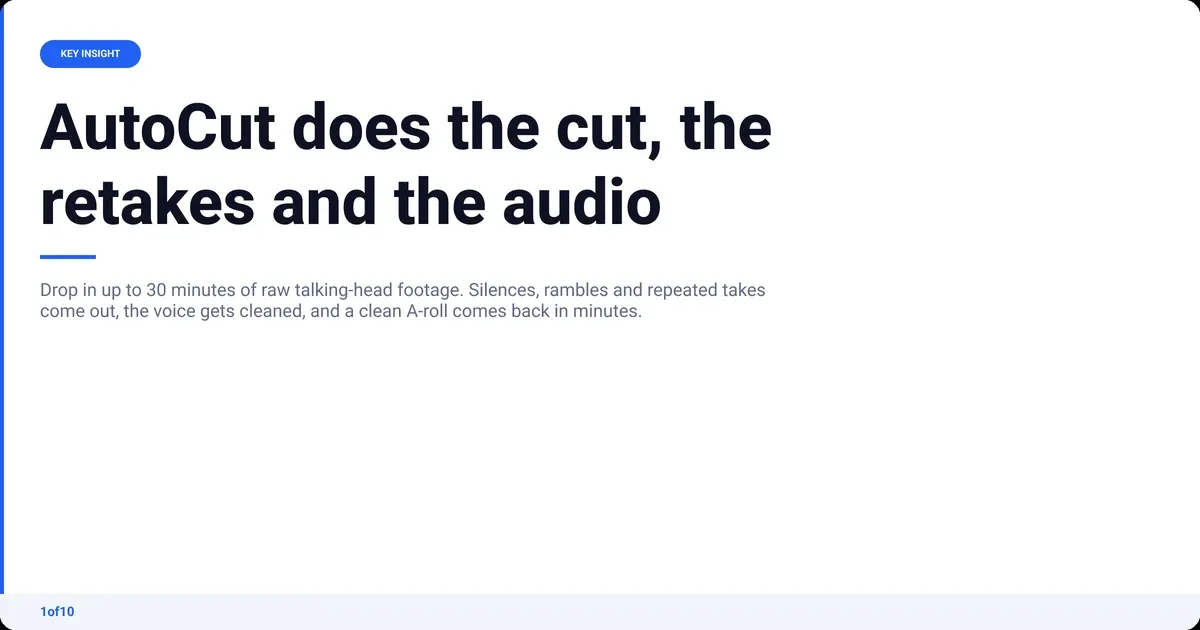
What AutoCut does and does not do:
- Drop in raw talking-head footage, one file or several video and audio files, MP4 or MOV, up to 30 minutes. No prompts, no setup.
- AutoCut removes silences, rambles, dead air and repeated takes and returns a clean A-roll.
- Auto Sync lines up extra mics or audio sources, so picture and sound stay locked.
- Audio Enhance removes background noise and improves the voice, including phone and cheap-mic recordings.
- Auto Retakes lines every version of a take up side by side so you pick the one you like.
- Finished A-roll in minutes.
- It is not a clip maker. It produces the long video, not vertical highlights.
It works on its own or as step one before Premiere Pro or DaVinci Resolve. A sensible split: AutoCut for the A-roll, then your NLE for B-roll, titles and music. The full workflow is in the how to edit YouTube videos guide.
Your first AutoCut is free, on up to 30 minutes of raw footage, enough to run one real video end to end and compare the A-roll with what your current tool gives you. Video editing for beginners covers the choice of editing model from the start, and what a jump cut is explains the cut style AutoCut produces.
How to pick: a two minute checklist
Decide the tier from three numbers: raw minutes per month, the resolution your camera shoots, and how many people touch the edit. Everything else on the Descript pricing page is a feature you will either use every week or never.
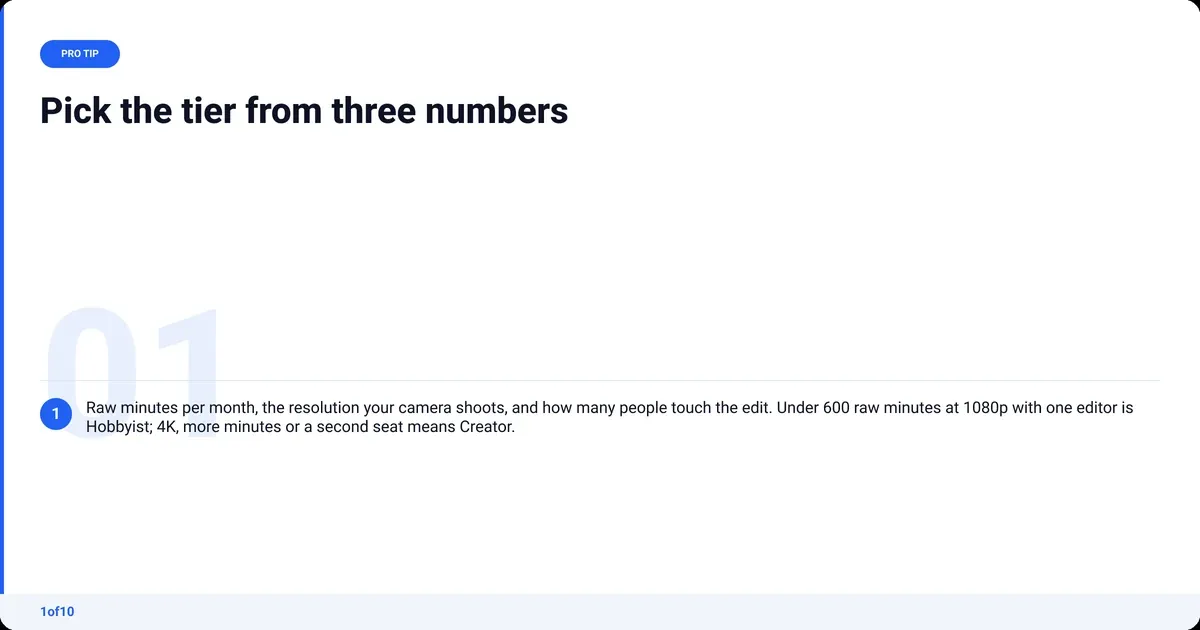
- Add up last month's raw recordings in minutes. Under 60 and you are learning, not publishing: use Free. Under 600: Hobbyist. Over 600: Creator or Business.
- Check your camera. 4K footage means Creator at minimum (verified Sep 2026), or accept 1080p uploads.
- Count seats. Every person is a separate charge on every paid plan.
- List the AI features you will run weekly. If it is only silence removal and Studio Sound, you are paying for a lot you will not use.
- Run one video through your free first AutoCut. If the A-roll comes back right, the tier question may answer itself.
Frequently asked questions
What is better than Descript?
Nothing is better at text-based editing. For the job most YouTubers use it for, cutting silences and cleaning audio on a talking-head video, AutoCut does it automatically and returns a clean A-roll in minutes, with your first AutoCut free. For full control, Premiere Pro or DaVinci Resolve remain the standard.
Is Descript worth the cost?
Descript is worth the cost if you edit from the transcript and use its AI tools weekly. Hobbyist at $16 per person per month on annual billing (verified Sep 2026) is fair for a weekly 1080p channel. It is poor value if you only want silence removal, or if you shoot 4K and need Creator just to export at native resolution.
Which is better, CapCut or Descript?
Descript is better for talking-head videos, podcasts and interviews because you edit by deleting words from a transcript. CapCut is better for short-form, template-driven and phone-edited content because it is a timeline editor with a deep effects library. Choose by what your channel is made of, not by feature count.
How much does a 2 minute video cost on Descript?
On Descript, a finished 2 minute video costs whatever raw footage you uploaded to make it. Ten minutes of raw takes costs 10 media minutes, so the Free plan's 60 minutes covers about six such videos a month (verified Sep 2026). Exports on Free are 720p and watermarked, so a publishable version needs Hobbyist or above.
Does Descript have a free trial?
Descript has a free plan rather than a timed trial. It includes 60 media minutes a month, 100 one-time AI credits, 2 recording hours and 5 GB of storage, with exports limited to 720p and watermarked (verified Sep 2026). That is enough to test text-based editing on real footage, not enough to publish from.
Is Descript pricing per month or per year?
Both. Every paid plan is priced per person per month, and you choose annual or monthly billing. On annual billing you pay $16, $24 or $50 a month for Hobbyist, Creator and Business; on monthly billing the same plans are $24, $35 and $65 (verified Sep 2026). Descript advertises the annual option as saving up to 35%.