
Rough Cut vs Final Cut: What Each Editing Stage Actually Means
A rough cut is the first complete version of a video: every scene in order, the bad takes gone, nothing polished. A final cut is the version you upload. Between them sit the fine cut, where pacing gets tight, and picture lock, where the edit stops changing. Color, sound and graphics are finished after the picture is locked, not before.
Film editors have used these words for a century, and almost every definition online is written for a film crew. This one is for a video shot at a desk, and it shows where the hours actually go. If you have never edited anything, start with the video editing for beginners guide and come back. If you would rather skip the slow part, AutoCut builds the rough cut from raw footage in minutes, so your first job is the fine cut.
What is a rough cut?
A rough cut is the first version of a video that plays start to finish in the intended order. The selects are made, the junk is gone, the structure is visible. It is "rough" because the pacing is loose, the cuts are not frame-accurate, and there is no grade, mix, music timing or graphics. It exists so you can judge the story, not the polish.
What a rough cut has:
- Every section in order. Intro, points, outro, in the sequence you plan to publish.
- One take per moment. You have chosen which take of each line survives, even if provisionally.
- The obvious garbage removed. False starts, long silences, the bit where you checked your phone.
- Placeholder everything. Temp music or none, a note where B-roll will go, no titles.
What it does not have: frame-accurate trims, a final length (it almost always runs long), or any finishing. No grade, no noise removal, no captions, no end screen.
People also call it the first cut or the editor's cut. In film, the editor's cut is the rough cut the editor delivers before the director sits in; Wikipedia's entry on the rough cut covers that lineage. For a YouTube video, all three labels mean the first watchable pass.
The five stages of video editing, in order
Video editing runs through five stages: assembly cut, rough cut, fine cut, picture lock and final cut. Each answers a different question. Assembly asks "is it all here?", rough asks "does the story work?", fine asks "does every cut earn its place?", lock asks "are we done changing the picture?", final asks "is it ready to ship?".
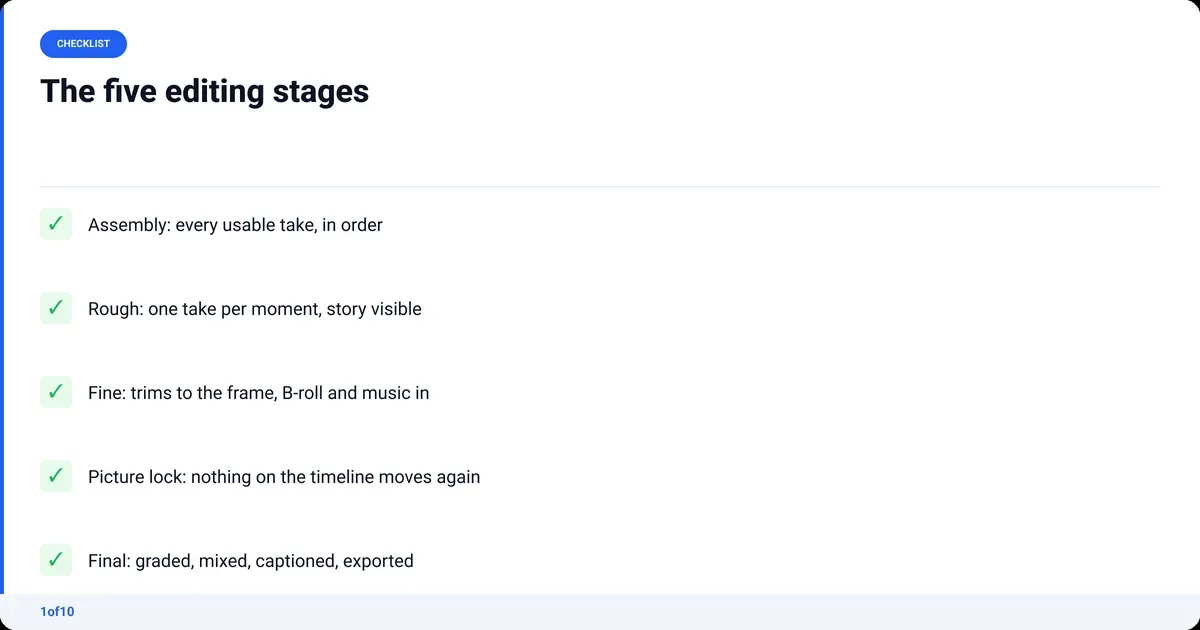
| Stage | The question it answers | What is in it | What is still missing | Film equivalent |
|---|---|---|---|---|
| Assembly cut | Is all the footage here? | Every usable take laid on the timeline in script order | Selection, pacing, everything else | Assembly, string-out |
| Rough cut | Does the story work? | One take per moment, structure visible, junk removed | Frame-accurate trims, B-roll, music, grade, mix | Editor's cut, first cut |
| Fine cut | Does every cut earn its place? | Tight trims, B-roll placed, music timed, jump cuts decided | Grade, mix, final graphics | Fine cut, director's cut |
| Picture lock | Are we done changing the picture? | The fine cut, frozen; no clips move again | Color, sound mix, titles, captions | Picture lock |
| Final cut | Is it ready to ship? | Locked picture plus grade, mix, graphics, export | Nothing | Final cut, release version |
Assembly cut
The assembly cut is every usable take, in script order, with nothing chosen yet. For a talking-head video it is the step where you drop every clip on the timeline, sync any external audio, and delete only what is unusable: the clap, the dead air before "action", the take you abandoned two words in. You watch it to see what you have.
Rough cut
The rough cut is the assembly with decisions made. You pick the take of each line you like most, drop the rest, and put the sections in the order that tells the story best, which is not always the order you shot them. Structural changes happen here: moving a point earlier, cutting a tangent, realising the intro is the third thing you said.
Fine cut
The fine cut is the rough cut with the pacing fixed. Trims are made in frames, not seconds. B-roll covers the cuts that need covering. Music goes in and cuts land on beats. The jump cuts are chosen on purpose, not left over from removing silence; the jump cut guide covers how to make those look intentional. The length settles here.
Picture lock
Picture lock is a decision, not a task: no clip on the timeline moves again. Everything after it (color, sound, captions, graphics) is timed to the frame, so moving one clip after the mix breaks all of it. Solo creators skip this stage, then spend an evening re-timing captions because they "just tightened one bit".
Final cut
The final cut is the locked picture with everything finished on top: the color grade, the cleaned and mixed audio, titles, captions, the end screen, exported at the settings YouTube wants. It is the file you upload. The edit does not change between lock and final; how it looks and sounds does.
Rough cut vs fine cut: what changes between them?
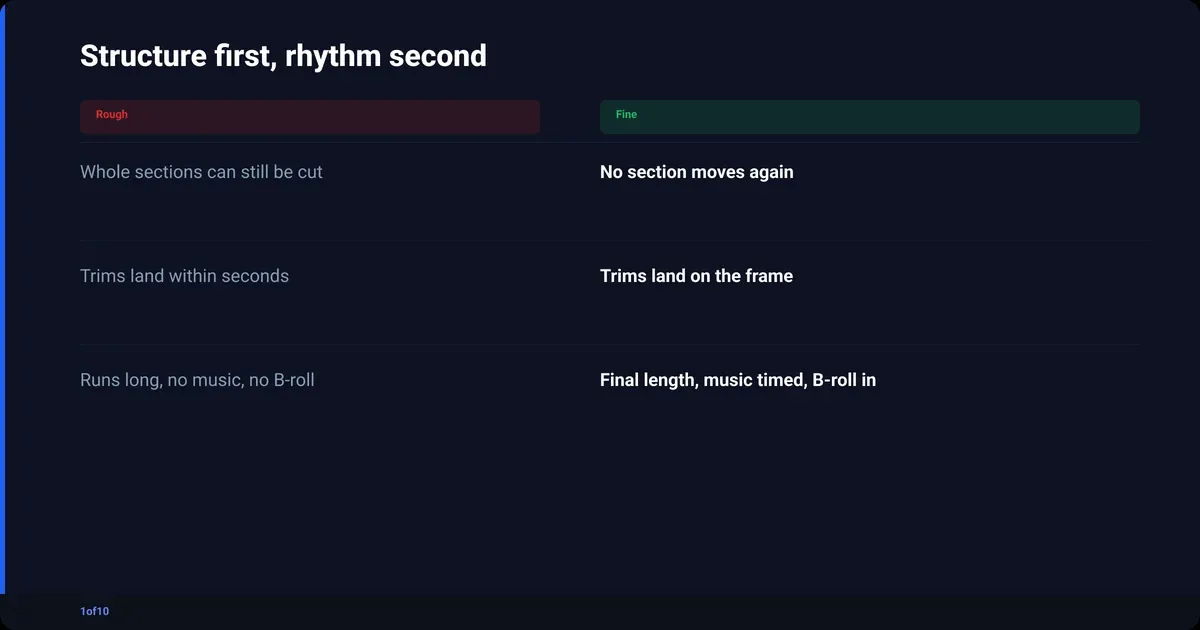
The rough cut settles structure; the fine cut settles rhythm. Between the two, no scene moves, but almost every cut does. The rough cut asks whether a section should exist. The fine cut asks whether a cut should land three frames earlier. Doing the second kind of work before the first is the most common way to waste an editing day.
What changes from rough to fine:
- Trims shrink from seconds to frames. The pause before a punchline goes from "about right" to exactly right.
- B-roll and cutaways go in. Cuts that need hiding get covered; cuts that should show stay as clean jump cuts.
- Music is timed, not just placed. Cuts move to hit beats, or the track moves to hit cuts.
- The length locks. A rough cut runs long; the fine cut is the length the video will be.
- Last doubts get settled. A section that still feels wrong gets removed, not polished.
The rule that keeps the two stages apart: in the rough cut you may delete whole sections; in the fine cut you may not.
What does "final cut" mean in editing?
In editing, the final cut is the finished version of the video, the one that gets delivered or uploaded. The phrase has two other meanings that confuse searches. Final Cut Pro is Apple's editing software, named after the term. In film contracts, "final cut" is the right to decide what the finished film is, which most directors do not hold.
The three meanings, side by side:
- The stage. Final cut editing is the last stage: picture locked, then graded, mixed, titled and exported.
- The software. Final Cut Pro is one NLE among several. You can make a final cut in Premiere Pro, DaVinci Resolve, CapCut or anything else that exports a file. The how to edit YouTube videos guide compares the options.
- The right. Final cut privilege is the contractual power to approve the release version. Studios usually keep it; Wikipedia's page on final cut privilege lists the handful of directors who have it.
As a YouTuber you hold final cut on everything you make. That is also why videos never get finished: nobody makes you lock the picture. Set your own lock and mean it.
What each stage looks like for a YouTube talking-head video
For a talking-head video the stages map onto four or five sessions, and the rough cut is the one that eats the day. Take a 12-minute video shot in about 45 minutes of takes. Assembly is mechanical, fine cut and finishing are creative, and the rough cut sits between: hours of watching yourself talk, choosing between takes that differ by one word.
- Assembly (mechanical). Import the A-roll, sync any external audio, lay it all on the timeline in script order. Delete only what is unusable. You now have 45 minutes on the timeline.
- Rough cut (the long one). Watch every take. Keep the best take of each line and delete the rest. Cut the silences, rambles and repeated sentences. Move sections if the order is wrong. You come out with 14 to 16 minutes that plays through.
- Fine cut (the fun one). Trim every cut to the frame. Decide which cuts stay as visible jump cuts and which get a cutaway. Drop in B-roll, screenshots and the music bed. Get it to 12 minutes.
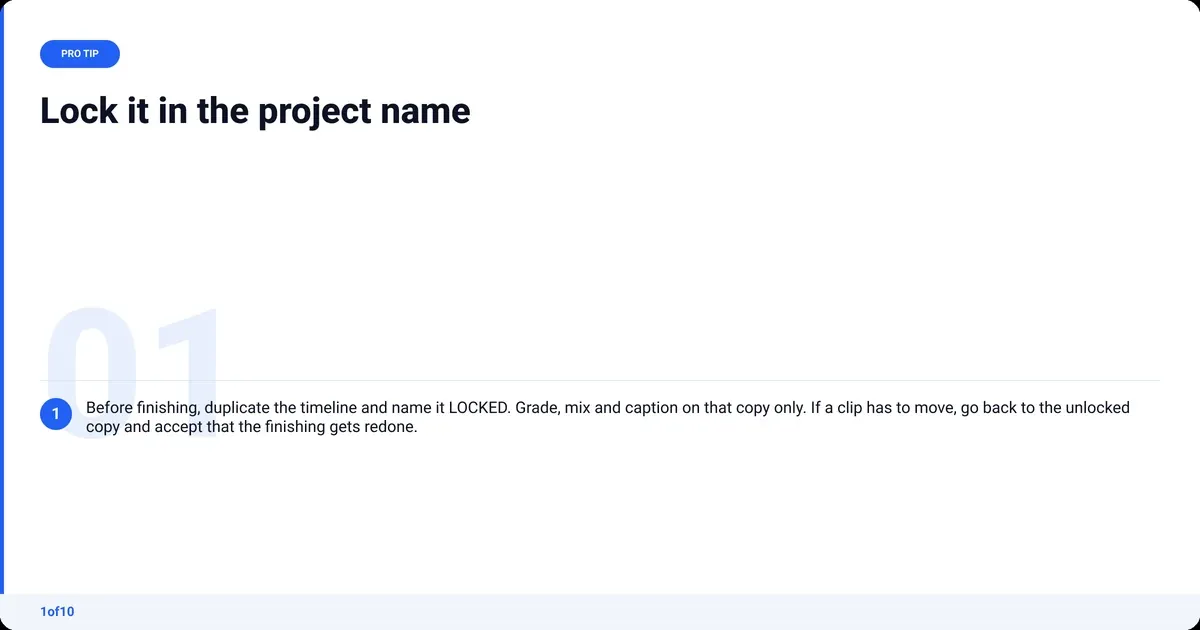
- Picture lock (a decision). Duplicate the timeline, name it LOCKED, and do not move a clip on it again.
- Final cut (finishing). Color grade the A-roll, clean the audio, add captions, titles and the end screen. Export and upload.
One thing film editors never had: a stage after final cut. YouTube Studio lets you trim the start, middle or end of a live video, and YouTube's help page on trimming confirms the URL, view count and comments stay the same. It is limited on unedited videos with over 100,000 views unless you are in the Partner Program, and it is a safety net, not a stage.
How long should each stage take?
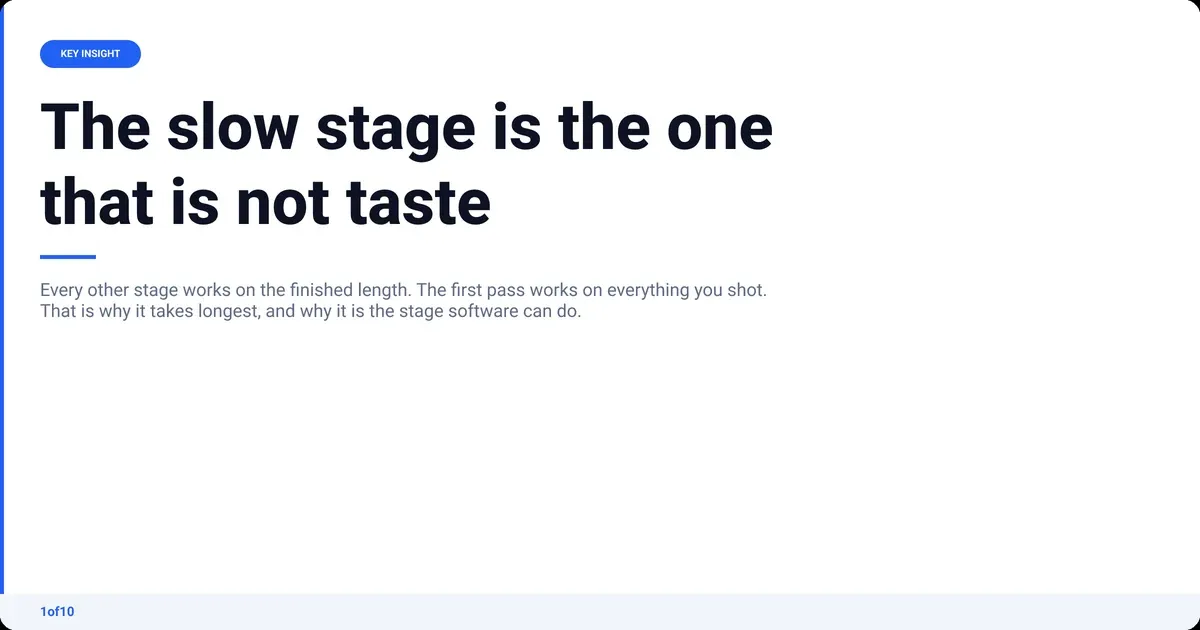
The rough cut takes the longest, and the reason is arithmetic, not skill. Every other stage works on the finished length. The rough cut works on the shot length. If you record 45 minutes for a 12-minute video, you watch at least 45 minutes just to choose, before a single creative decision. The footage-to-runtime ratio sets the floor on rough cut time.
A working split, as a guide rather than a law:
| Stage | Works on | What sets the time | Who can do it |
|---|---|---|---|
| Assembly | All the footage | Import and sync speed | Anyone, or the software |
| Rough cut | All the footage | Shot length: you watch every take | Anyone who can hear a bad take |
| Fine cut | The finished length | Your taste and your standards | You |
| Picture lock | Nothing | A decision | You |
| Final cut | The finished length | How much finishing you do | You, or partly the software |
The rough cut is the only stage that is both slow and not really creative. Choosing between "so the thing is" and "so, the thing is" is not taste; it is hearing which take is clean. That makes it the stage software is good at. The fine cut, where taste lives, is still yours.
How AutoCut hands you the rough cut
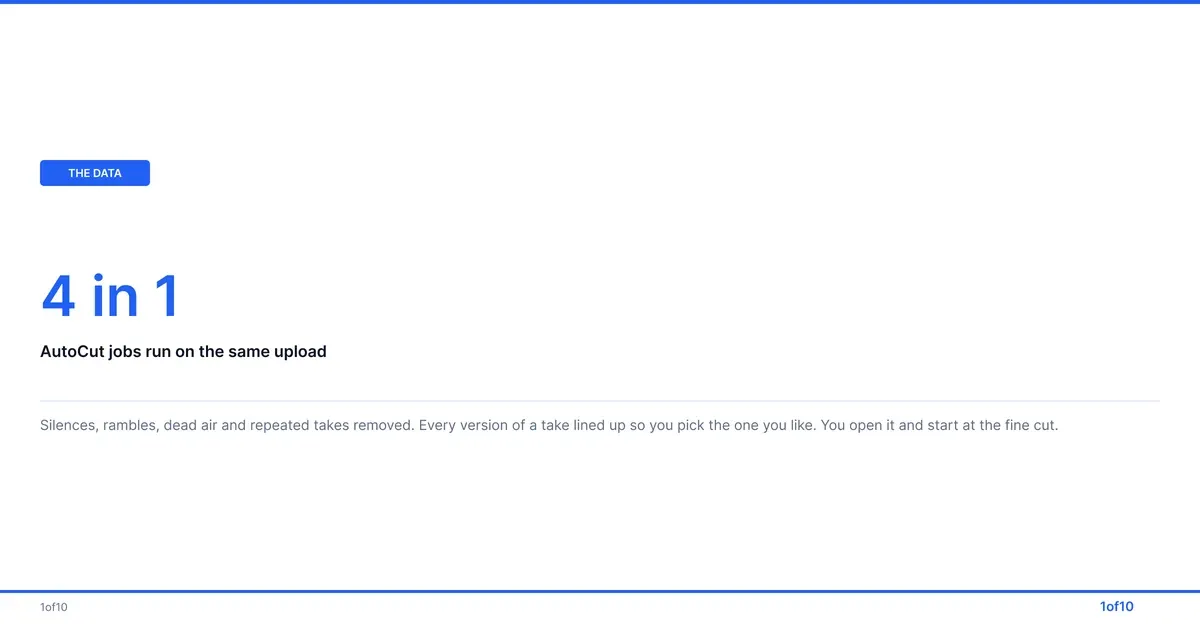
AutoCut, 1of10's AI video editor, does the assembly and the rough cut, and stops there on purpose. You drop in raw talking-head footage, one file or several video and audio files, MP4 or MOV, up to 30 minutes, with no prompts and no setup. It returns a clean A-roll in minutes: silences, rambles, dead air and repeated takes removed. You open that in your NLE and start at the fine cut.
What comes back with it:
- Auto Retakes. Every version of a take lined up side by side, so the one rough cut decision that is taste (which clean take you prefer) stays with you and takes seconds.
- Auto Sync. Extra mics or audio sources lined up, so picture and sound stay locked before the fine cut.
- Audio Enhance. Background noise removed and the voice improved, including phone and cheap-mic recordings.
What it does not do is the fine cut. It will not choose your B-roll, time your music, or decide which jump cuts show. It makes the long video, not vertical clips; it is not a clip maker. It works alone for a video that is just you talking, or as the first step before Premiere Pro or DaVinci Resolve. Your first AutoCut is free, on up to 30 minutes of raw footage.
Rough cut mistakes that cost you the fine cut
Most rough cut problems are the same problem: doing fine cut work too early. The rough cut has one job, to settle the structure, and every hour spent polishing a section you later delete is an hour gone.
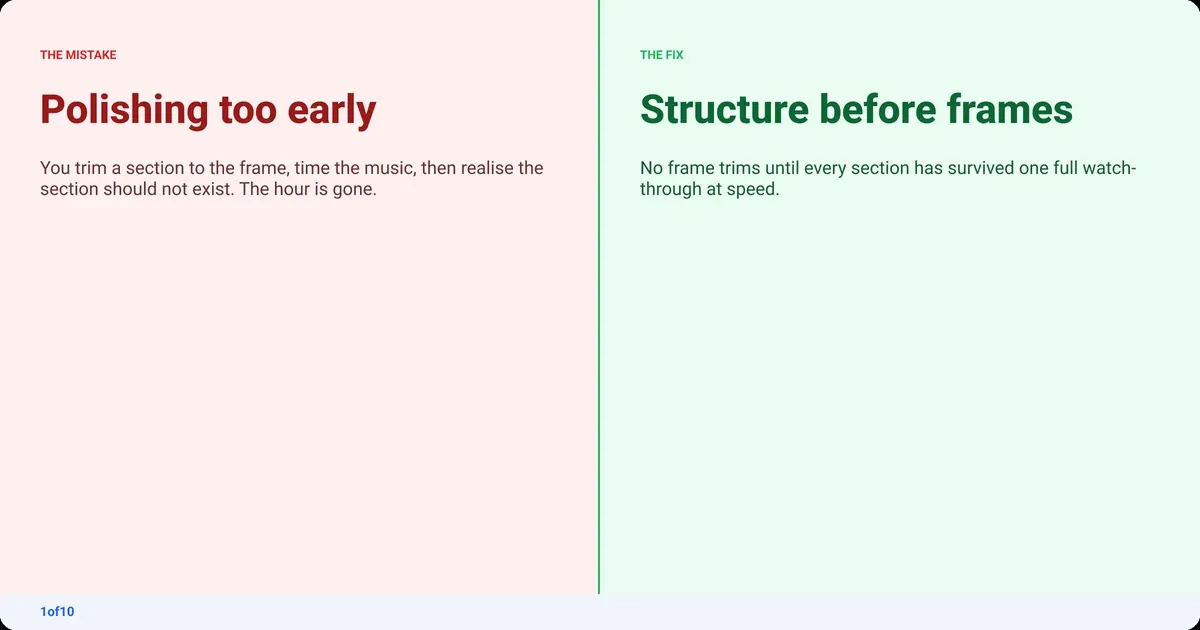
- Polishing before the structure is settled. You trim a section to the frame, add music, then cut the section. Fix: no frame trims until every section has survived a full watch-through.
- Cutting to the music first. The track dictates the pacing before you know what the video is about. Fix: no music in the rough cut. Temp track at fine cut, final track at lock.
- Deleting instead of disabling. You bin the alternate takes and then need one. Fix: disable or move to a scratch track; delete at picture lock.
- Never watching it at speed. You scrub through and judge cuts one at a time. Fix: watch the whole thing once, start to finish, no pausing, notes on paper.
- Showing it to people without a warning. A friend watches an ungraded, unmixed rough cut and tells you the audio is bad. Fix: tell them what a rough cut is, and ask only about the story.
Skip the slow stage and the mistakes lose their teeth. Your first AutoCut is free, on up to 30 minutes of raw footage.
Frequently asked questions
What is a rough cut called?
The rough cut is also called the first cut or the editor's cut. In film, the editor's cut is the version the editor delivers before the director joins, and the director's cut follows it. Some people say "assembly" for the rough cut, but strictly the assembly cut is the earlier stage where nothing has been chosen yet.
Is a rough cut the same as an assembly cut?
No. The assembly cut is every usable take laid out in script order, with no selection made; it is far longer than the finished video and not meant to be watched for enjoyment. The rough cut is the assembly with choices made: one take per moment, junk removed, sections in their final order. Assembly answers "is it all here?", rough cut answers "does it work?".
How long is a rough cut compared to the final cut?
A rough cut is nearly always longer than the final cut, because trims are loose and doubtful sections are still in. For a talking-head video that will run 12 minutes, a rough cut of 14 to 16 minutes is normal. The fine cut brings it to the published length; nothing after picture lock changes the runtime.
Can I upload a rough cut to YouTube and fix it later?
Partly. Upload it as private or unlisted and you can watch it on a phone or TV, which is a useful check. Once public, YouTube Studio's trim tool can remove sections from the start, middle or end without changing the URL or view count, but it cannot add footage, re-order sections, grade or mix. It is a safety net, not a stage.
What is the difference between picture lock and final cut?
Picture lock is the moment the edit stops changing: no clip on the timeline moves again. Final cut is what you get after lock, once color grading, audio mixing, captions, titles and the end screen are finished and the file is exported. The picture is identical in both; the difference is that final cut has the finishing applied.
Do I need Final Cut Pro to make a final cut?
No. Final Cut Pro is Apple's editing software, named after the term, but the final cut is a stage, not a product. Any editor that exports a file makes a final cut: Premiere Pro, DaVinci Resolve, CapCut or the free tools. The stage names are the same in every program.