
How to Make a YouTube Short: Phone, Desktop and From a Long Video (2026)
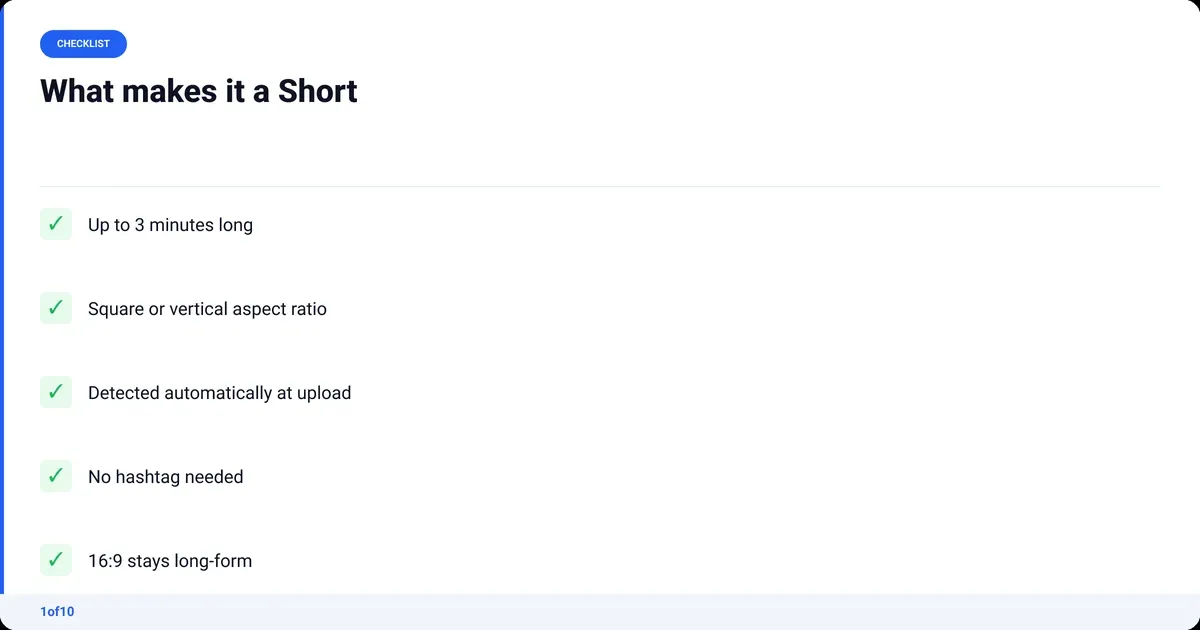
A YouTube Short is any video up to 3 minutes long with a square or vertical aspect ratio. Upload a file that fits those two rules and YouTube files it as a Short on its own. No hashtag, no setting, no separate upload type. Here is how to make a YouTube Shorts video three ways: record it in the app on your phone, upload a finished file from a PC, or cut one out of a long video you already posted.
Every spec below was checked against YouTube Help in September 2026, because half the guides on page one still say 60 seconds. The part those guides skip decides whether anyone watches: picking a topic that is already overperforming in your niche. That is what Shorts Outliers does, and it comes last, after the mechanics.
What counts as a YouTube Short in 2026?
A video counts as a Short when it is up to three minutes long and has a square or vertical aspect ratio. YouTube reads the length and the shape of the file at upload and sorts it. That rule has applied to every upload since 15 October 2024, according to YouTube Help's three-minute Shorts page. A 16:9 clip stays a long-form video no matter how short it is.
YouTube Shorts length
- Maximum 3 minutes. In the Shorts camera that can be one clip or several clips that add up to three minutes.
- A Short cut from one of your existing videos with the Remix tool is capped at 60 seconds.
- Videos uploaded before 15 October 2024 keep whatever status they had. A two-minute vertical video from 2023 is still long-form.
- The length that performs is a separate question from the length that is allowed. How long can YouTube Shorts be covers what the data says about that.
Shorts aspect ratio
- Vertical 9:16 is the standard. 1080 x 1920 pixels is the frame most phones shoot and most editors export.
- Square 1:1 also qualifies. It plays with black bars in the Shorts feed, so use it only when the source is square.
- The YouTube app accepts Shorts at a maximum resolution of 1080p.
- If you want a long video to stay long, export it at 16:9. That is the only reliable way to keep a short clip out of the Shorts feed.
| Spec | Rule in 2026 | Where YouTube says it |
|---|---|---|
| Maximum length | 3 minutes (180 seconds) | Three-minute Shorts page |
| Remix clip length | Up to 60 seconds | Create Shorts from your videos |
| Aspect ratio | Square or vertical | Upload Shorts from a computer |
| Resolution in the app | Up to 1080p | Create Shorts (Android) |
| Detection | Automatic, from length plus aspect ratio | Three-minute Shorts page |
| Hashtag | Not required | Not mentioned on any page |
How to make a YouTube Shorts video on your phone
Open the YouTube app, tap Create, choose Short, then hold the capture button to record or tap the gallery icon to add clips you already shot. Tap Done, then Next, give it a title and tap Upload Short. The flow is the same on iPhone, iPad and Android. Only the button placement differs, and YouTube Help's Create Shorts page keeps a version for each.
- Sign in to the YouTube app and tap the plus icon at the bottom of the screen. YouTube labels it Create.
- Tap Short. The camera opens in vertical.
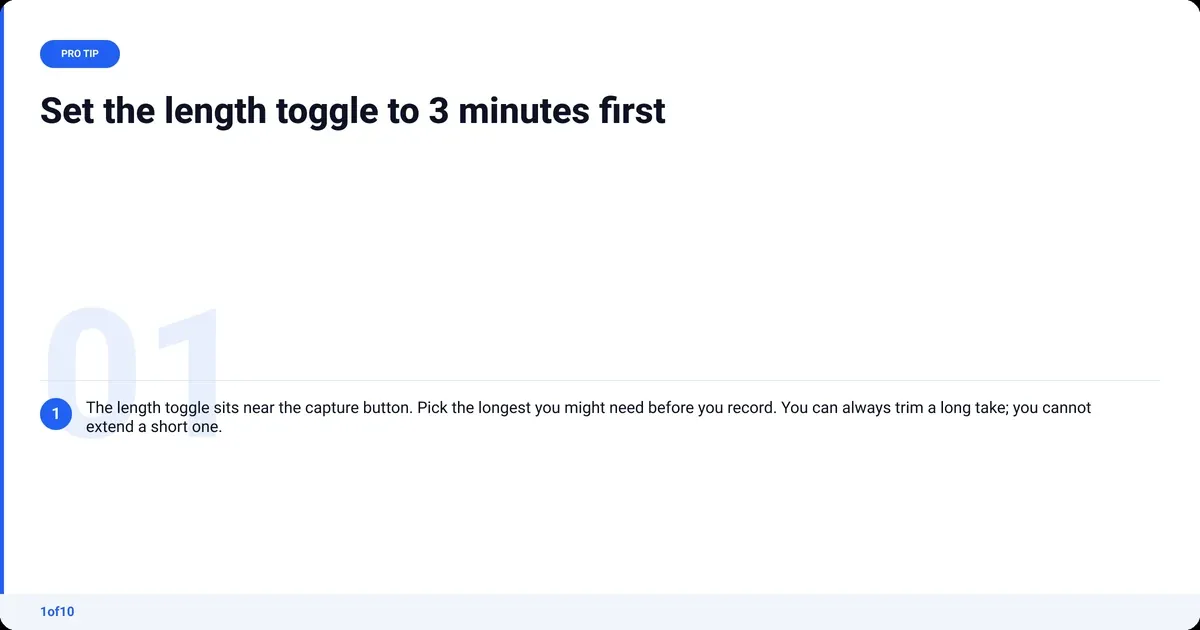
- Set the length. Tap the length toggle near the capture button and pick the longest you might need, up to 3 minutes. You can trim later.
- Hold Capture to record, or tap once to start and again to stop. Release between shots to build the Short from several clips.
- Or skip the camera. Tap the gallery icon next to the capture button and pick clips or photos from your phone.
- Add what you need from the side tools: speed, timer, text, filters and sound from the YouTube library. Tap Done.
- Tap Next. Add a title, choose visibility (Public, Unlisted or Private), and set the audience.
- Tap Upload Short. Or tap Save draft and finish it later.
Two things trip people up. The audience setting asks whether the video is made for kids; answer it honestly because it changes comments and ads. And a draft lives on your phone, not on your channel, so do not reinstall the app before you upload it. iPhone, Android and iPad run the same camera; hold an iPad upright or the clip comes out 16:9 and lands as a long video.
How do you upload YouTube Shorts from a PC or laptop?
YouTube Studio on desktop has no Shorts camera. You upload a finished vertical file the same way you upload any video: click Create, then Upload videos, pick the file, fill in the details and publish. If the file is under three minutes and square or vertical, Studio treats it as a Short. YouTube Help's desktop upload page confirms both rules and allows up to 15 short files at a time.
- Go to studio.youtube.com and sign in.
- Click Create in the top-right corner, then Upload videos.
- Drag in the file, or select up to 15 files. Each one must be 3 minutes or less and square or vertical.
- Fill in the title, description and thumbnail on the Details screen. For a batch, click Edit draft on each one.
- Set the audience and any age restriction.
- Set visibility, or schedule it for later.
- Click Publish. The Short appears on your channel's Shorts tab within a few minutes.
New to Studio? The how to upload a video to YouTube walkthrough covers the Details screen field by field.
Export settings that keep it a Short
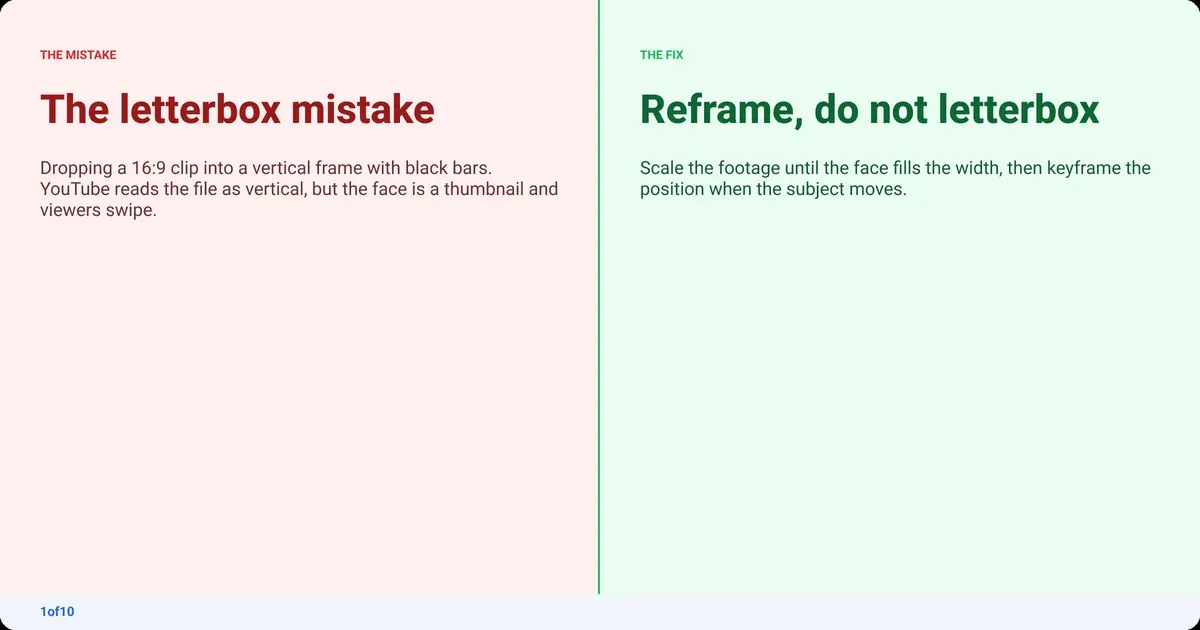
- Frame size 1080 x 1920, vertical. Do not letterbox a vertical clip inside a 1920 x 1080 frame; YouTube sees a 16:9 file and files it as long-form.
- MP4 with H.264 video and AAC audio. MOV works too.
- Under 3 minutes. Check the exact duration in the export dialog; 3:00.5 is a long video.
- Burn in captions. Plenty of viewers watch with the sound off.
How to create a YouTube Short from a video you already have
Two routes, and the segment length picks between them. Under 60 seconds and already on your channel: use Remix in the app. Anything longer, or anything you want to reframe and caption properly: cut it in an editor and upload the file as above.
Route 1: Remix your own long video in the app
YouTube Help's Create Shorts from your videos page sets the rules. The video has to be public, it has to be yours, and the Short is capped at 60 seconds. The Short links back to the original video.
- On desktop, open YouTube Studio, click Content, open the video, click Show more, and under Shorts remixing tick Allow people to sample this content. Save.
- On your phone, open the video's watch page and tap Remix, then Edit into a Short.
- Drag the selector over up to 60 seconds of the video and tap Next.
- Add text, filters or extra recorded segments (the total stays under 60 seconds).
- Tap Next, add a title, and tap Upload Short.
Route 2: Cut it from your A-roll in an editor
For anything over 60 seconds, or where the face is small in a 16:9 frame.
- Open the finished A-roll and find the 30 to 90 seconds that stand on their own. A segment that needs the previous minute to make sense will not hold a cold viewer.
- Change the sequence to 1080 x 1920 and reframe. Scale the 16:9 footage up until the face fills the width, then keyframe the position if the subject moves.
- Cut the segment tight. Every pause you left in the long video for pacing is dead air in a Short.
- Add captions and a two-word text hook on the first frame.
- Export with the settings above and upload from desktop.
The slow part is step zero: getting a clean A-roll in the first place. Cutting silences and repeated takes by hand is an hour before the real work begins. AutoCut removes the silences, rambles, dead air and repeated takes from raw talking-head footage and returns a clean A-roll in minutes, and your first AutoCut is free, on up to 30 minutes of raw footage. It is not a clip maker; it hands you the long cut, and you pick the segment. For the full long-form workflow, the how to edit YouTube videos guide runs from raw footage to export.
One habit saves the most time: decide which segment becomes the Short before you film the long video. Say the point in one clean take, look at the lens, and leave a beat of silence either side so the cut is easy.
What makes a Short get pushed in the Shorts feed?
The Shorts feed shows a new Short to a small batch of viewers and watches two numbers: how many swipe away, and how much of it the rest watch. Those two numbers decide whether the next batch is bigger. YouTube reports them as Viewed vs swiped away and average view duration in the Shorts section of Analytics. Topic and first second move those numbers more than tags or hashtags ever will.
- The first second is the hook, and it is visual. Start on the thing, not on a greeting. Text on frame one does the job for viewers with sound off.
- One idea per Short. The moment a second idea starts, the swipe rate climbs.
- Match the length to the idea. A 12-second payoff stretched to 50 seconds loses its viewers at second 13. The 3-minute cap is not a target.
- End where you started. A loop that replays cleanly lifts watch time without the viewer deciding anything.
- The title still matters. YouTube Help lists six places viewers find Shorts: the Shorts tab, search, the home feed, your channel page, Subscriptions and notifications. Five of those read the title.
If a Short does well in the feed and nowhere else, it is probably a good hook on a weak title. The YouTube Shorts analytics guide shows how to read each traffic source in Studio.
How do you pick a Shorts topic before you film?
Look for Shorts in your niche that are getting many times more views than their channel normally gets. That gap is the signal: the topic or format is working with viewers, not just riding a big subscriber base. Copy the shape of the idea, not the video. Almost every Shorts guide skips this step; it is the one that separates 400 views from 400,000.
The manual way takes about an hour. Open ten channels your size, sort each Shorts tab by Popular, note the channel's typical view count, and write down every Short sitting at five times that or more. Then look for what they share: the hook, the format, the promise in the title. Repeat next week, because the feed moves.
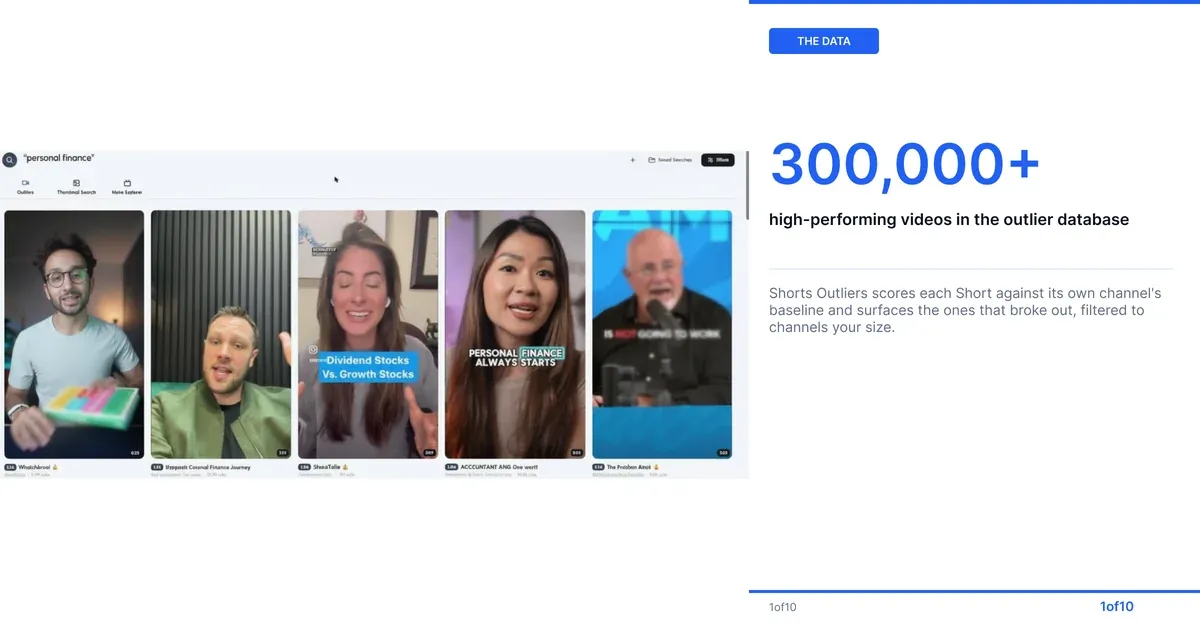
The faster way is to let a database do the comparing. 1of10's Shorts Outliers view scores every Short against its own channel's usual performance and surfaces the ones that broke out, across 1of10's outlier database of 300,000+ high-performing videos. Filter by niche, by how recent, and by channel size, so you are looking at channels like yours rather than at MrBeast. Outlier search never uses credits (Free shows the top 5 results), and the Chrome extension shows the same outlier scores on YouTube pages while you browse. Bookmark the five that fit your channel and you have a week of Shorts topics with evidence behind them before you touch the camera.
Then close the loop: publish, wait a week, and check whether your own Short became an outlier against your channel's baseline. The YouTube analytics guide covers how to read that baseline.
Frequently asked questions
Are YouTube Shorts easy to make?
Yes, the mechanics take under five minutes once you have done it twice: open the app, tap Create, tap Short, record, add a title, upload. The hard part is not making the Short, it is picking a topic and a hook that holds a viewer past the first second. Spend your time there, not on the editing tools.
How do you make a YouTube Short on a PC without the app?
Export a vertical file under 3 minutes from any editor, then upload it in YouTube Studio with Create, then Upload videos. Studio reads the length and aspect ratio and files it as a Short automatically. There is no Shorts camera on desktop, so the file has to be finished before you upload it.
How do you make YouTube Shorts with AI?
Two ways inside the app. Edit with AI on the Short screen builds a rough cut from clips and a description. Outside the app, an AI editor like AutoCut cleans the long video first by removing silences and repeated takes, then you cut the Short from the clean A-roll. Neither picks the topic for you, which is the step that matters most.
How much money is 1,000,000 views on YouTube Shorts?
Less than you expect, because Shorts pay by revenue share on feed ads rather than per video. The exact figure depends on your niche and audience country, but most channels land between $0.04 and $0.15 per 1,000 engaged views. The how much YouTube pays per view breakdown has the real numbers by niche for both Shorts and long-form.
How many views do you need on YouTube Shorts to make $1,000?
First you need to be in the Partner Program, which for Shorts means 1,000 subscribers and 10 million public Shorts views in the last 90 days, per YouTube Help. After that, the view count for $1,000 depends on your Shorts RPM. For most channels, the long-form video the Short points to pays far better than the Short itself.
How do you make a YouTube Short on an iPad?
Same as a phone. Open the YouTube app, tap the plus icon, tap Short, hold the iPad upright, and record or add clips from the gallery. Hold it vertical while filming; a clip recorded with the iPad on its side is 16:9 and YouTube will file it as a regular video, not a Short.