
YouTube Title Generator: Free vs Paid Options in 2026, and What Each One Actually Writes
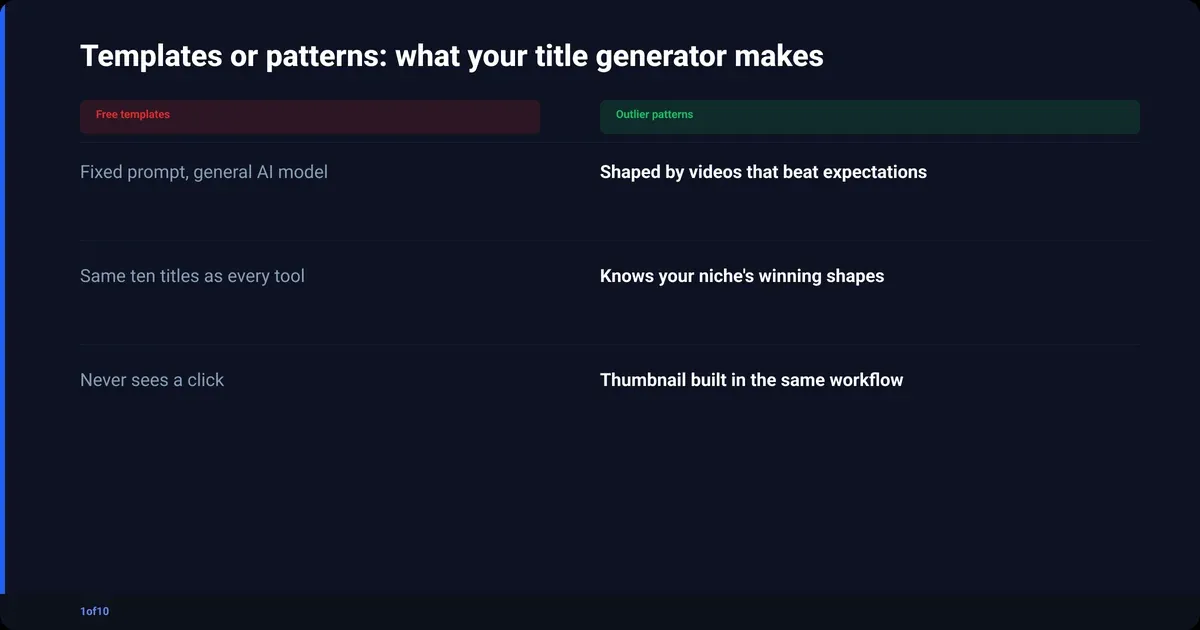
A free YouTube title generator wraps a general AI model in a fixed prompt and hands you templates: ten plausible titles with no idea what clicks in your niche. A paid one earns its price only when it brings performance data. 1of10's AI title generator builds titles from patterns across 300,000+ outlier videos, and every plan can run it on monthly AI credits, from 60 on Free to 1,000 on Pro.
That is the argument in one paragraph. The rest is the receipts: how the tools work, what the free ones output, whether vidIQ or TubeBuddy are worth paying for, and the blind spot every standalone generator shares.
What does a YouTube title generator actually do?
Nearly every YouTube title generator does the same thing. It takes your topic, drops it into a prompt like "write 10 click-worthy YouTube titles about X", sends that to a general-purpose language model, and prints the list. The model has read a lot of the internet. It has not read your YouTube Analytics.
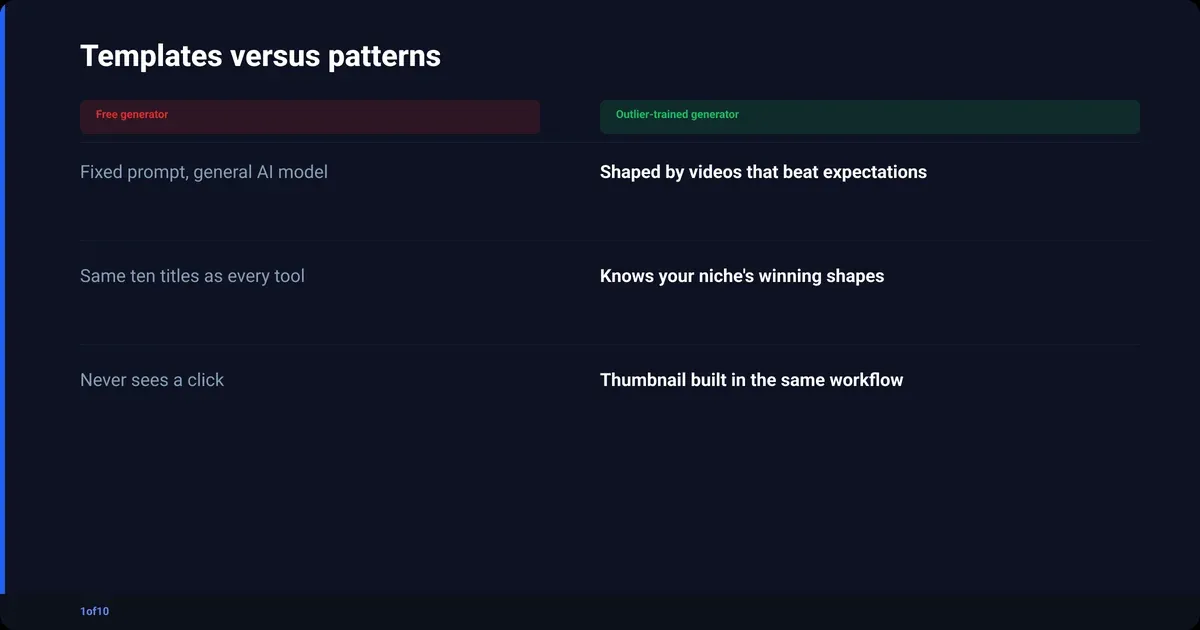
That one loop explains most of what you will see:
- The titles sound right because the model knows what a YouTube title looks like.
- They repeat across tools because the tools share the same models and similar prompts.
- They are generic because the prompt is generic. "Emergency fund" in, "The Ultimate Guide to Building an Emergency Fund" out.
- Nothing checks whether a title like that has ever earned a click.
The quality gap between tools is rarely the model. It is whether anything behind the prompt has seen real click data. That is the line between templates and patterns. Three limits follow, and they apply to almost every tool on the first page of Google:
- No niche awareness. Curiosity gaps carry gaming, numbers and timeframes carry finance, withholding the punchline works in horror and fails in tutorials. A general model does not know which one you are.
- No feedback loop. The tool never learns whether its titles got clicked. It optimises for what reads well to a model, not what performs on a feed.
- No thumbnail. The title is written blind to the image it will sit next to. More on that below.
Free YouTube title generator tools: what you get and where they stop
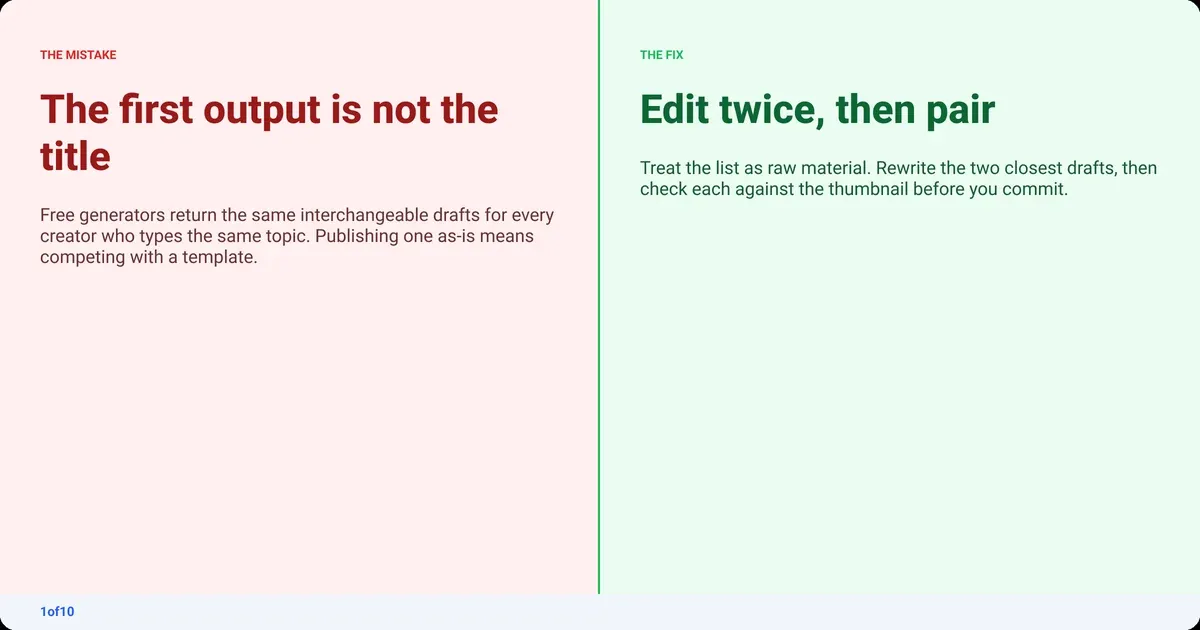
A free YouTube title generator is good for exactly two jobs: breaking a blank-field freeze and giving you volume to edit. Feed it a topic, get five to fifteen drafts, pick the two closest, rewrite them. No free tool produces a publish-ready title on the first pass, and any page claiming otherwise is selling.
The free tools on the first page in 2026 (vidIQ's free generator, Hootsuite, Veed, fatjoe, TubeRanker, Opus and a dozen smaller ones) come in three kinds:
- Pure generators. Topic in, list out, no scoring. Fast, no login, fine for a quick unblock.
- Generators with a score. Some add a readability or "CTR" number to each title. The score weights keyword density and length, which tracks search loosely and browse-feed performance not at all.
- Generators inside a bigger app. Editor suites bolt a title tool onto the video product. Convenient, no better.
We ran one topic, an emergency-fund explainer, through five of these. Every one returned a version of "How to Build an Emergency Fund in 2026" and "Why You Need an Emergency Fund (And How to Start)". Usable. Interchangeable. That is what a template looks like.
Using ChatGPT as a free YouTube title generator
If you can write a prompt, ChatGPT beats most dedicated free tools on raw title quality. "Give me 10 YouTube titles" gets you the same templates. This gets you closer to a strategic draft:
"You are a YouTube title strategist in [niche]. My channel targets [audience]. The video covers [one sentence]. The surprising part is [insight]. Write 10 titles under 70 characters. For each, use one trigger: curiosity gap, a specific number, loss aversion, or social proof. Label the trigger and explain in one line why it works."
Same limits as every free tool: no click data, no niche performance, no thumbnail. But it is free and the prompt is yours to tune.
Is a paid AI YouTube title generator worth it?
A paid AI YouTube title generator is worth it when the money buys data, not a nicer interface. The two established suites, vidIQ and TubeBuddy, both bring real YouTube data to the title problem. They bring different data, and neither is built around what actually clicked. Both sit in the wider category covered in the best YouTube SEO tools guide.
vidIQ
vidIQ's AI title features draw on trend data and competitor performance in your category, a real step up from a blank prompt. In a fast-moving niche (tech, AI, news commentary), seeing which title structures are moving right now is useful.
Pricing sits on a free tier with 150 AI credits a month, then Boost at $199/yr and Max at $468/yr (checked Oct 2026). The vidIQ pricing breakdown covers what each tier gates. The suggestions are still written without the thumbnail.
TubeBuddy
TubeBuddy's title tooling lives in SEO Studio, which scores a title candidate against search volume and competition. That is real search data, and for a channel that grows through YouTube search it is a more reliable signal than any free scorer. SEO Studio and the AI Title Generator are paid features; TubeBuddy's pricing page lists which tier unlocks each.
The catch: it scores for search. Established channels tend to get more impressions from browse and suggested than from search, and a search-optimised title can lose to one with more tension in it. Know which lane you are in before you trust the score.
Free vs paid YouTube title generators: the comparison
| Tool | Cost | Where the titles come from | Learns from real clicks? | Thumbnail in the same workflow? |
|---|---|---|---|---|
| Free web generators (Hootsuite, Veed, fatjoe, TubeRanker, Opus) | $0 | General AI model plus a fixed prompt | No | No |
| ChatGPT with your own prompt | Free tier available | General AI model plus your prompt | No | No |
| vidIQ | Free tier, 150 AI credits/mo; Boost $199/yr; Max $468/yr (checked Oct 2026) | Trend and competitor data in your category | Partly (trends, not CTR) | No |
| TubeBuddy | Pro and Legend paid plans; see TubeBuddy's pricing page | Search volume and competition scoring | No (search score) | No |
| 1of10 | Research free; generation on every plan's credits, 8 a run (Basic from $15/mo billed yearly, checked Oct 2026) | Patterns from 300,000+ videos across 1of10's outlier database | Yes, built from videos that beat their channel's norm | Yes, thumbnail generator in the same Create tab |
The table is the point of this post. Free tools generate from a prompt. vidIQ and TubeBuddy generate or score from search and trend data. 1of10 generates from outliers: videos that beat their own channel's average by a wide margin. That is the closest any tool gets to "what actually clicked", and it is also why the generation is not free.
Why does a title generator need to know your thumbnail?
Because YouTube never shows a title on its own. Every impression is a thumbnail with a title beside it, judged together in about two seconds. YouTube counts an impression only once the thumbnail has been on screen for more than a second with at least half of it visible, per YouTube's definition of impressions and click-through rate. The click is one decision made on two inputs.
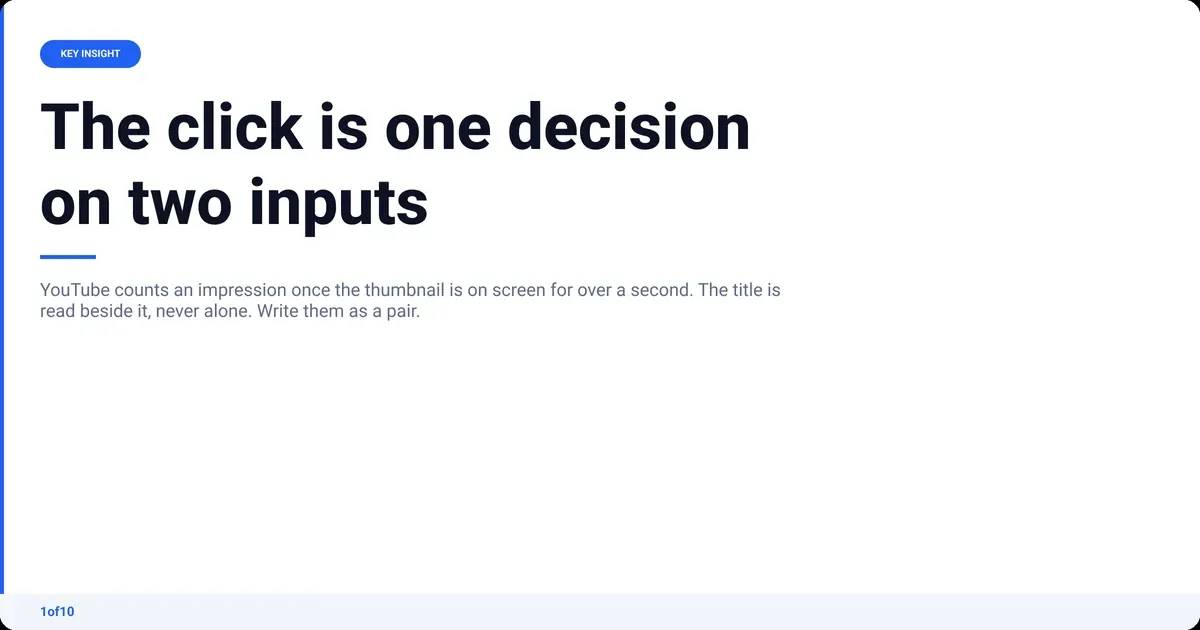
Every standalone generator, free or paid, writes the title without seeing the image. Three ways that costs clicks:
- Curiosity-gap title, flat thumbnail. "I Tried This for 30 Days and Did Not Expect the Result" next to a low-contrast shot with no focal point. The title opens a gap; the image does not pull on it.
- Credibility title, faceless thumbnail. "How I Made $10,000 in 30 Days" over a laptop and a graph. The claim needs a person to be believable.
- Timely title, evergreen thumbnail. A trend-riding title above a thumbnail styled for a tutorial. The two signal different videos.
None of those titles are bad. They were written blind. The guide to a good click-through rate on YouTube has the numbers on what a pair that agrees is worth.
How 1of10's title generator works, and who it is for
1of10's Title Generator does not start from a prompt template. It starts from patterns in the outlier database: 300,000+ high-performing videos and 62.6 billion analysed views across 1of10's outlier database. The titles it writes are shaped by what beat expectations in real niches, and the thumbnail generator sits one tab over in the same workflow.
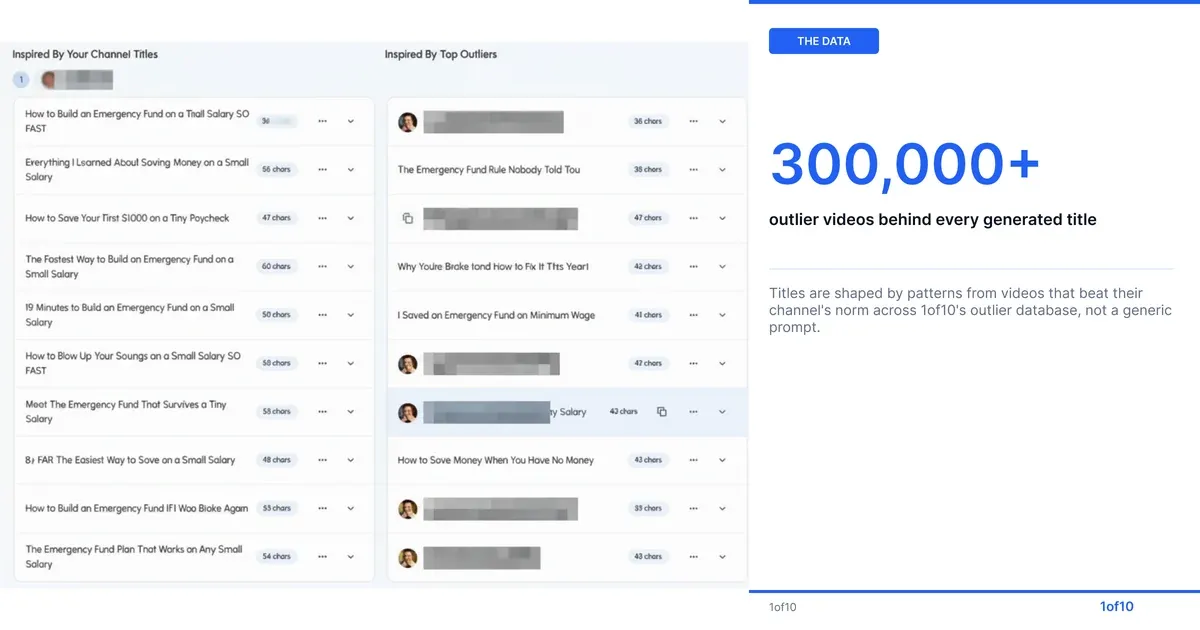
The workflow, start to finish:
- Search outliers in your niche. Open Homepage Outliers and see which videos in your category are outperforming their channel. Never uses credits; Free shows the top 5 results.
- Generate titles. In Create, open the Title generator, enter your topic and niche, and get options shaped by outlier patterns rather than a generic prompt. This uses AI credits.
- Generate the thumbnail next to it. Same Create tab, same session. You compare title-and-thumbnail pairs, not titles on their own.
- Check Trending Formats. Under Analyze, Trending Formats shows the title and thumbnail patterns overperforming right now, so you can sanity-check the pair before publishing.
Plainly, on price (checked Oct 2026): every plan can generate titles, and the plans differ in AI credits. A title or idea run costs 8 credits. Free ($0) gives 60 credits a month and the top 5 outlier results. Basic is $19 a month, or $15 a month billed yearly, with 150 credits and the full research tools. Pro is $89 a month, or $69 a month billed yearly, with 1,000 credits for the title, thumbnail and idea generators plus AI Optimize. The tier-by-tier split is in the 1of10 pricing guide.
On Free or Basic you still have the raw material: the outliers. Reading twenty outlier titles in your niche and writing your own beats any free generator, and it costs nothing.
YouTube title ideas generator: start from outliers, not a blank field
A YouTube title ideas generator is only as good as its inputs. Typed topic in, template out. Titles that already overperformed in your niche in, reusable pattern out. That is the difference between "10 titles about emergency funds" and "the three title shapes finance outliers used this quarter".
The manual version, on any tier: search outliers, bookmark ten titles that beat their channel's average, find the shared structure (a number, a timeframe, a contrarian claim, a named mistake), and write five of your own in that shape. The 14 title templates that go viral on YouTube is a shortcut list of the shapes that keep showing up.
Is there a YouTube title analyzer that uses real data?
Most tools called a YouTube title analyzer score readability and keyword placement, which is a guess dressed as a number. Two things score against real data:
- TubeBuddy's SEO Studio scores a title against search volume and competition. Useful for search-led channels, silent on browse.
- 1of10's outlier data does not grade your title; it shows you which titles are winning right now. Trending Formats surfaces the patterns overperforming in your niche, and the Chrome extension shows outlier scores on YouTube pages as you browse. Compare your draft to those and you have a benchmark, not a readability grade.
Which YouTube title generator should you use?
Pick by budget and by how your channel grows:
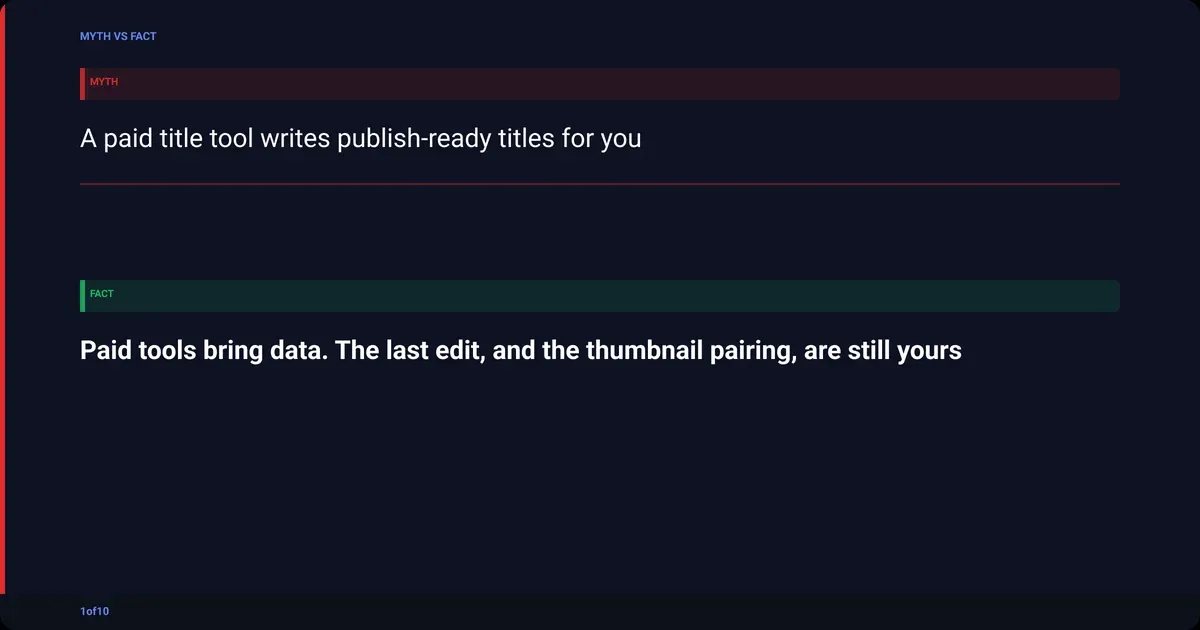
- No budget, need a title today. ChatGPT with the prompt above, or any free web generator for volume. Treat the output as raw material, run two editing passes, and write the thumbnail text at the same time.
- Search-led channel, uploading weekly. TubeBuddy's SEO Studio gives you a data-backed search score. Still check the title against your thumbnail by hand.
- Trend-led or fast-moving niche. vidIQ's trend and competitor data is the more relevant signal.
- You want titles built from what actually clicked, with the thumbnail in the same workflow. 1of10, on the plan whose credits fit your volume. On the free plan, spend the 60 monthly credits and use outlier search to write from real patterns by hand.
One rule holds across all four: the best YouTube title generator is the one that ends with a title-and-thumbnail pair you have looked at together. A tool that solves one half is solving half the click.
How to write a title the generator cannot (2026 checklist)
Whatever tool you use, the last pass is yours. YouTube caps titles at 100 characters, per YouTube Help's upload page, and viewers often see far less on a phone. YouTube's own thumbnail and title tips say to keep titles short, put the most important words first, and make sure the title accurately represents the video, because misled viewers leave and that hurts discoverability.
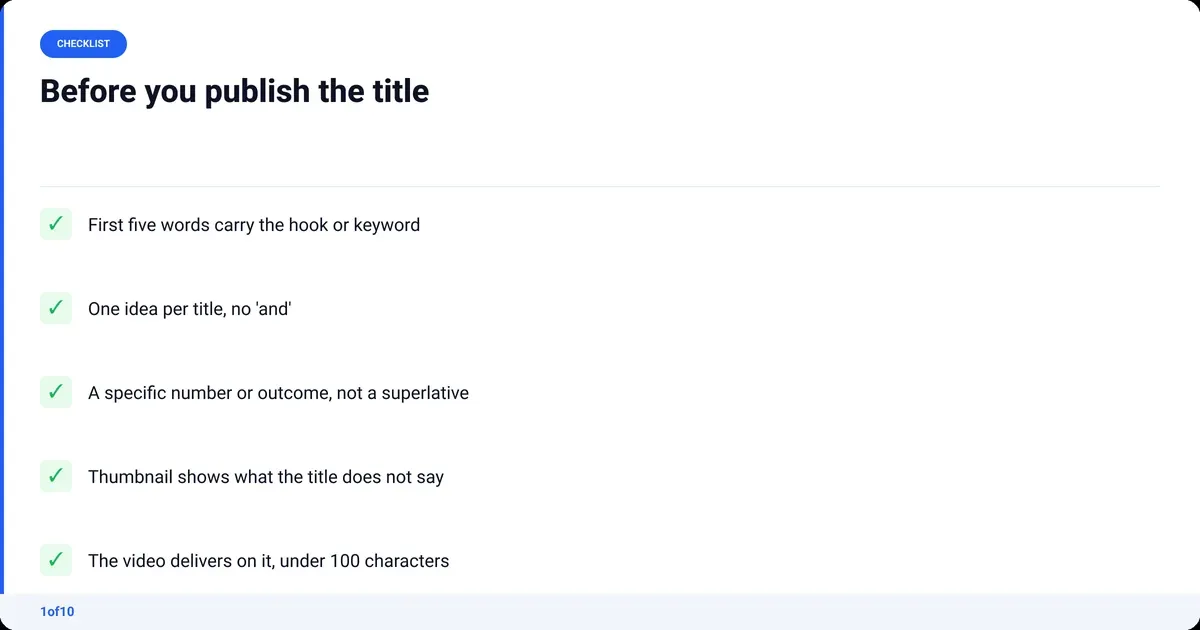
Run every generated title through this before you publish:
- First five words carry it. Assume the rest gets cut on mobile and in Shorts overlays. Front-load the hook or the keyword.
- One idea per title. If it needs an "and", it is two videos.
- A specific beats a superlative. "$412 in 30 days" beats "insane results". Numbers, timeframes and named outcomes are what outlier titles share.
- The thumbnail says something the title does not. If both say the same thing, one is wasted. Title states, thumbnail shows.
- It is true. Accuracy is a retention issue as much as an ethics one. A title the video does not deliver on teaches the algorithm to stop showing you.
Generators get you to a draft. This list gets you to the one that clicks.
Frequently asked questions
What is the best free YouTube title generator?
For raw title quality, ChatGPT with a specific prompt (niche, audience, one-line topic, the surprising part) beats most dedicated free web tools. For speed and volume with no login, any free web generator will do; they draw on the same models. None use click data, so budget two editing passes and check the title against your thumbnail.
Can ChatGPT work as a YouTube title generator?
Yes, and with a good prompt it outperforms most free dedicated tools. Give it your niche, your audience, the video in one sentence, the surprising element, and ask for ten titles under 70 characters, each labelled with the trigger it uses. What it cannot give you is performance data: it does not know which title would earn a click in your niche.
Is there a YouTube title generator for Shorts?
The same tools work for Shorts; there is no separate category worth paying for. What changes is space. In the Shorts feed the title sits as a small overlay, so the first few words do almost all the work. Front-load harder, cut to one idea, and skip anything that only pays off at the end of the sentence.
What is a YouTube title analyzer?
A YouTube title analyzer scores a title you paste in. Most score readability and keyword placement, which does not predict clicks. TubeBuddy's SEO Studio scores against search volume and competition, real data for search-led channels. 1of10 takes a different route: it shows the outlier titles and Trending Formats winning in your niche right now, so you benchmark against results.
How long should a YouTube title be?
YouTube's hard limit is 100 characters, per YouTube Help. In practice aim for 60 to 70 so the full title shows in search and the hook survives on mobile, and put the most important words in the first five. Longer titles are not penalised, but the tail is invisible to most viewers, so anything essential that lands there is wasted.