
How to Start a Faceless YouTube Channel With AI in 2026 (Step-by-Step)
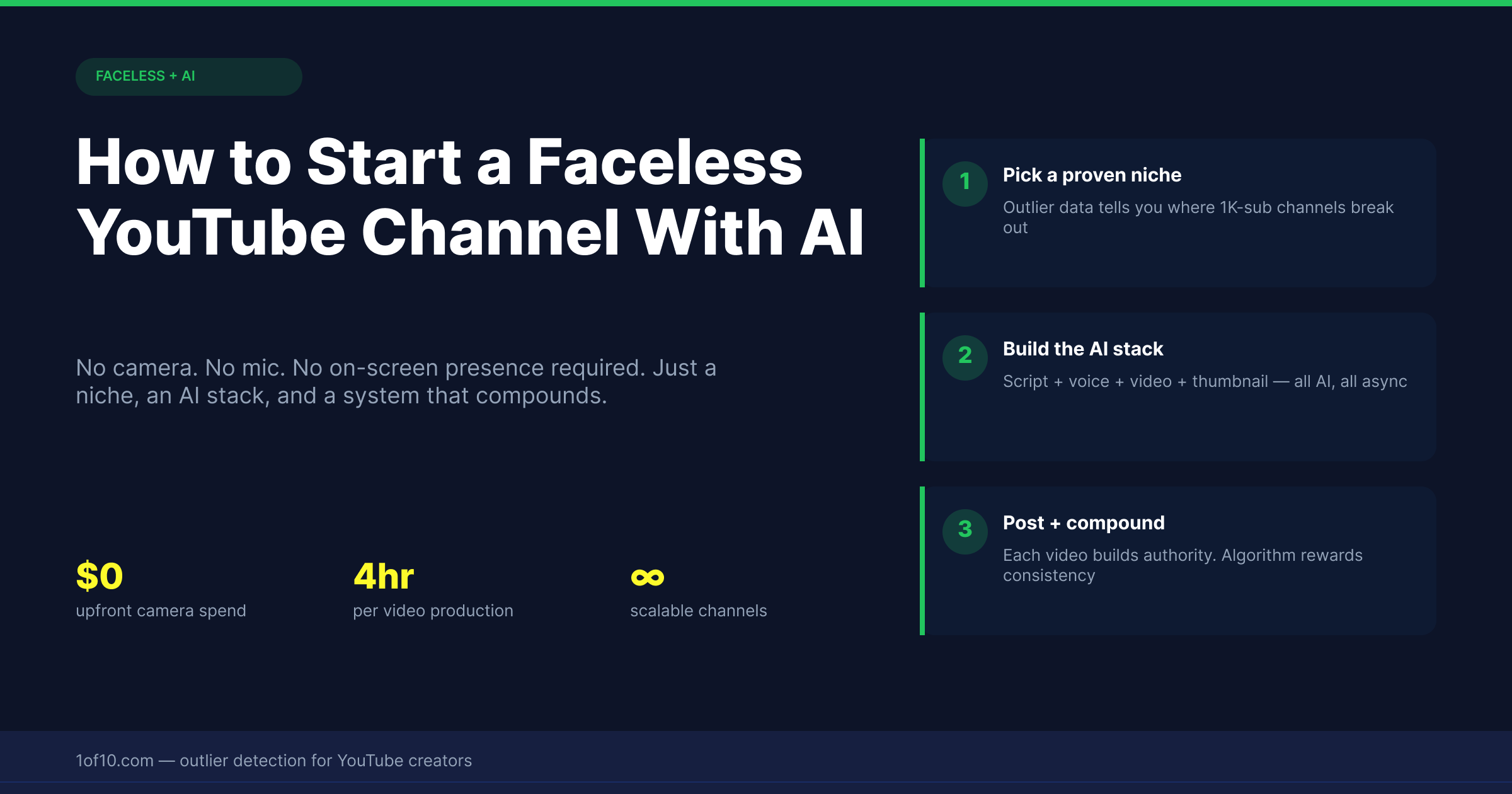
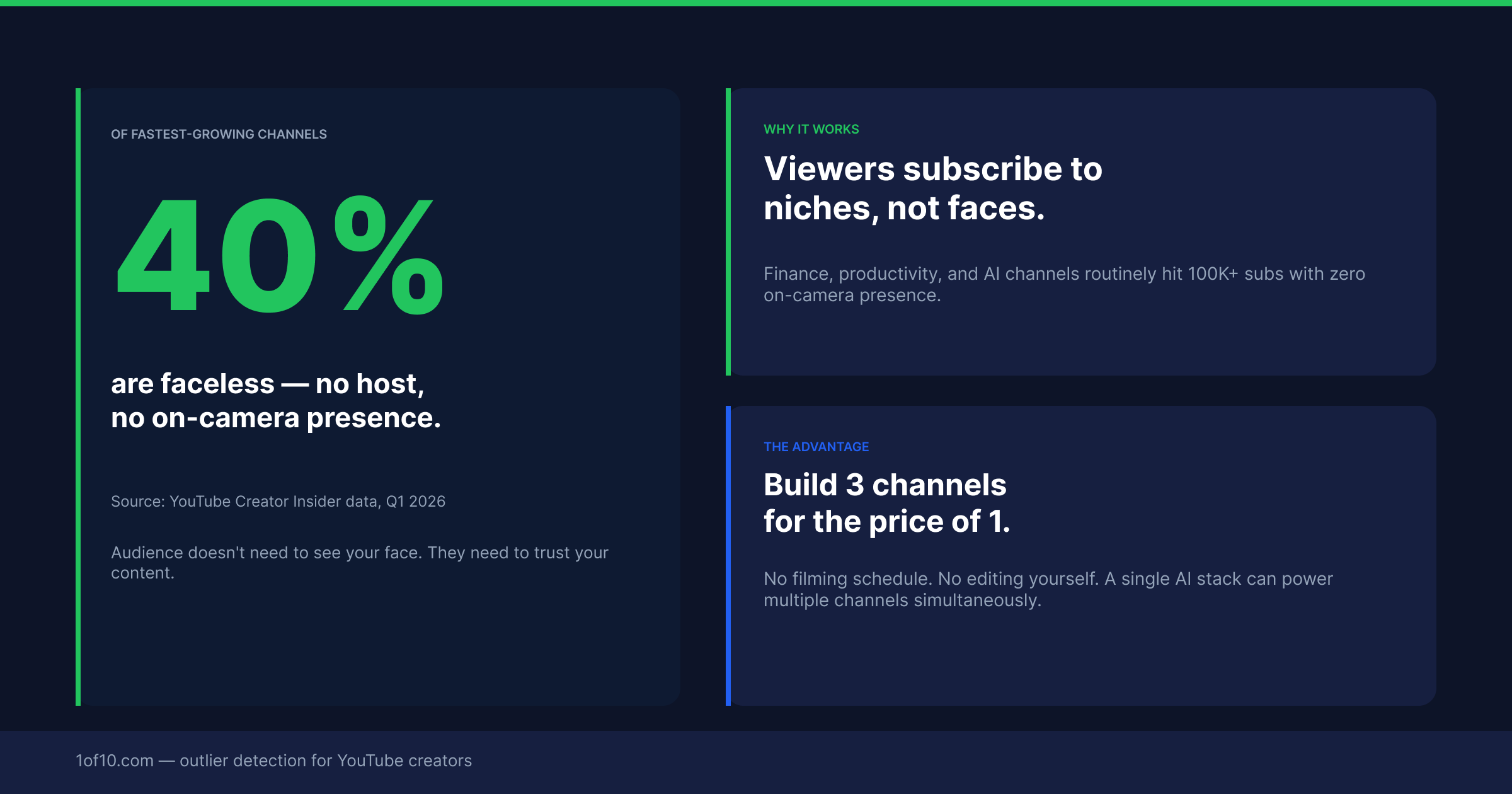
More than 40% of the top 1,000 YouTube channels by subscriber count never show a presenter on camera.
Some of the largest channels on the platform — channels with tens of millions of subscribers and hundreds of millions of monthly views — are entirely faceless. No presenter. No personal brand built around a person. Just strong content, consistent publishing, and good understanding of what audiences in their niche want to watch.
AI has made faceless channel creation dramatically more accessible in 2026 by automating the most time-consuming production stages.
This guide covers everything you need to start a faceless channel: how to pick a niche that actually has algorithmic momentum, how to validate your topic ideas before filming, and the exact AI toolstack that handles each production stage without requiring you to appear on camera.
Why Faceless Channels Work
A face-on-camera channel builds an audience relationship with a specific person. That creates strong loyalty but also a ceiling: growth is constrained by how much people want to watch that specific individual.
A well-run faceless channel can publish consistently regardless of how any individual feels on a given day. It can scale production because the creative output does not depend on one person being available and performing.
For certain niches — history, finance, software reviews, business case studies, documentary-style content, and educational explainers — this structural advantage is significant. The faceless vs face YouTube channel comparison covers the tradeoffs in more detail.
Step 1: Pick a Niche With Algorithmic Momentum (Not Just High CPM)
This is where most faceless channel attempts fail before they properly start.
CPM is the advertising rate per thousand views. But if your videos in a high-CPM niche do not get distributed by the algorithm, high CPM is irrelevant. You need both: a niche where the advertising market pays well and where the algorithm is actively pushing content right now.
The way to check algorithmic momentum in any niche is outlier analysis. Scan channels in your potential niche and look for videos that are significantly outperforming those channels' own baselines.
**1of10** scans any niche and shows you which videos are outperforming their channel average. The niche explorer lets you compare multiple niches at once.
| Niche | CPM Range | AI-Friendly | Competition |
|---|---|---|---|
| Personal Finance | $15–45 | High | High |
| AI and Tech Tools | $8–20 | Very High | Medium |
| Software Reviews | $10–20 | High | Medium |
| Business Case Studies | $10–20 | High | Medium |
| Health and Longevity | $8–15 | High | Medium |
| History / Documentary | $5–10 | High | Low–Medium |
| Career / Productivity | $6–12 | High | Medium |
| True Crime | $4–8 | Medium | High |
| Real Estate | $12–30 | Medium | High |
If you want a broader scan of where opportunity sits right now, the 2026 atlas of YouTube niches: 50 blue oceans with low competition maps out the underserved areas worth considering.
Step 2: Find Your First 20 Video Topics Before You Film Anything
Base your first 20 video topics on outlier data from your chosen niche.
- Use outlier analysis to identify 10–15 videos across your niche that are significantly outperforming their channels' baselines
- For each outlier, note the topic, the angle, the title format, and when it was published
- Look for patterns: are certain topic categories appearing repeatedly?
- Identify the angles on those topics that have NOT yet been covered
1of10 automates this research. The youtube idea generator helps you develop raw outlier signals into fully formed, angle-specific video concepts.
Step 3: Script Your Videos (With AI, Then Human Edit)
What AI handles well: structure, information sequencing, listicle formats, explanatory frameworks, historical narratives, and product comparisons.
What AI does not handle well: the hook (the opening 30 seconds that determine whether viewers stay), original opinion or commentary sections, any content requiring knowledge of events after the model's training cutoff.
The workflow: generate an AI draft, rewrite the hook entirely, rewrite the sections that sound generic, adjust for your channel's tone and perspective, and review for factual accuracy. Plan for approximately 40–60% of the initial AI draft to be edited or rewritten.
Step 4: Voiceover Without Recording Yourself
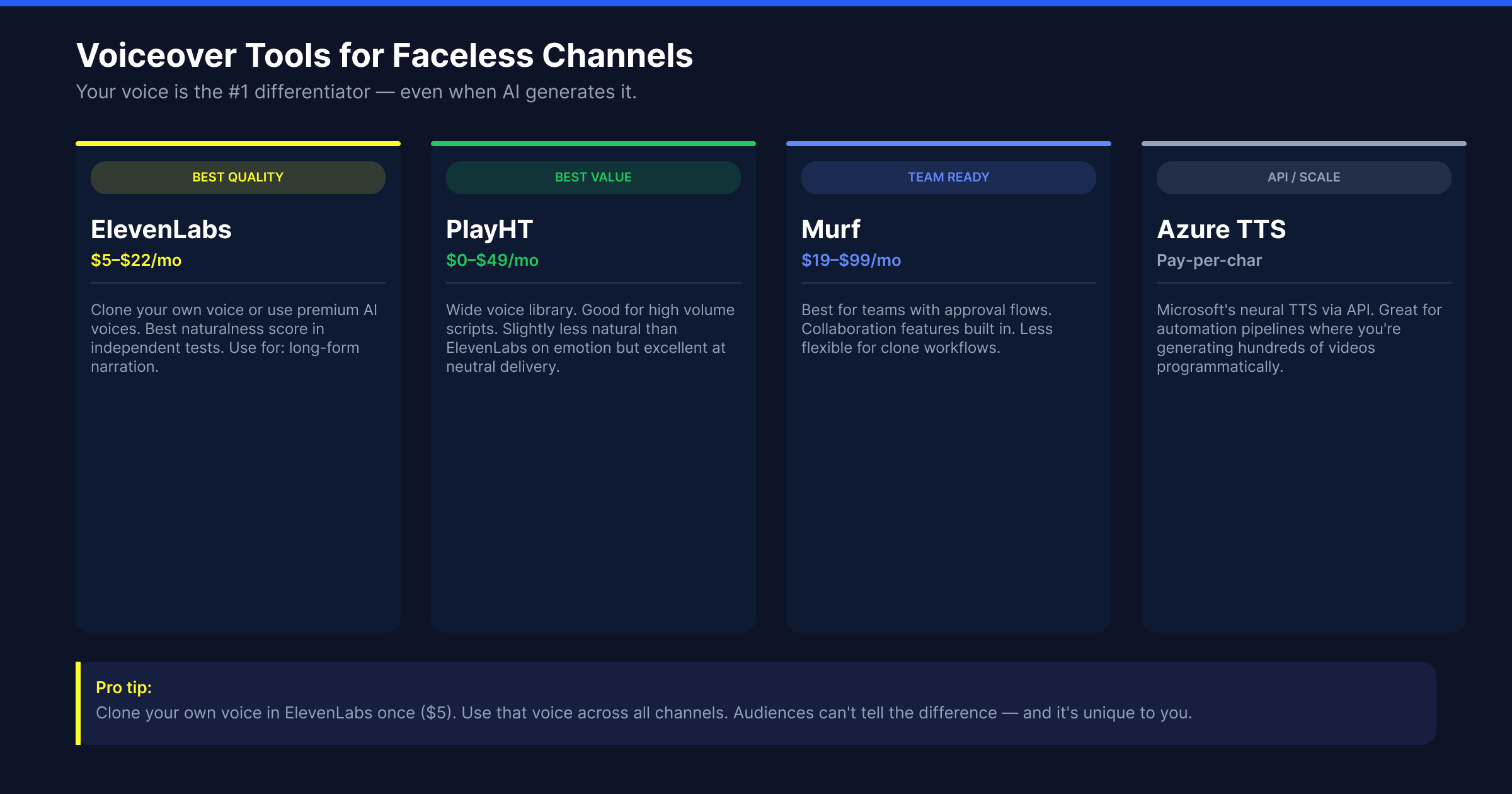
ElevenLabs is the current standard for AI voiceover quality. The output at medium and high quality settings sounds natural at conversational pace and handles most technical vocabulary well.
Murf is a strong alternative with a broader voice library and particularly good performance on formal or instructional tones.
A third option: record your own voice for an initial sample, upload it to ElevenLabs to create a custom voice clone, and then use AI to generate your narration in your own voice. This preserves your voice identity while removing the actual recording requirement for each video.
Key considerations:
- Match voice tone to niche. Finance content benefits from an authoritative, measured pace. Productivity content benefits from an energetic, conversational tone. History content benefits from a documentary-style delivery.
- Proof the voiceover before combining with video. AI still stumbles on unusual proper nouns, niche-specific terminology, and sentences with ambiguous emphasis. Listen to the full output before it goes into production.
Step 5: Video Production Without a Camera
Screen recording content: Software tutorials, website walkthroughs, how-to guides using digital tools. The simplest faceless format and often the highest value for technical audiences.
Stock footage plus narration: History content, business case studies, documentary explainers. Storyblocks ($15–20/month) provides a large library of royalty-free clips. Pexels is free.
AI-generated visual content: Tools like Runway and Kling generate short video clips from prompts. Best used as B-roll and atmospheric sequences rather than primary visuals.
Motion graphics and data visualisation: Finance, statistics, and business content works well with simple animated charts, graphs, and text overlays. Canva, Adobe Express, and Descript handle this well.
Step 6: Thumbnails That Actually Get Clicked
Faceless channels have a structural disadvantage on thumbnails compared to face-on-camera channels. Human faces attract attention faster than any other image element.
Faceless channels need to compensate with stronger visual hooks, higher contrast, more compelling text overlays, and formats that create visual tension without relying on a face. The guide to YouTube thumbnail fonts is particularly important here -- text overlays are doing heavier lifting on a faceless channel than on a face-forward one.
1of10's **AI YouTube thumbnail generator** analyses what is already performing well in your niche and generates thumbnail options grounded in those patterns. The similar thumbnails feature shows which specific thumbnail patterns are already getting clicks on similar videos. Once you have 2-3 strong variants, use YouTube Studio's native A/B test to validate which one drives more clicks from your actual audience.
Step 7: Titles That Drive Clicks in Your Niche
The formulas that consistently perform well across most faceless content categories:
The number format: "7 Personal Finance Mistakes That Kill Your Retirement (Most People Make #3)"
The contrast format: "This Channel Made $0 for 11 Months. Then Everything Changed."
The stakes format: "The Investing Strategy Hedge Funds Do Not Want You to Know"
The how-to with specificity: "How to Build a $5,000/Month YouTube Channel Without Being on Camera (Real Numbers)"
The AI YouTube title generator produces variations across multiple formats for any topic. The similar titles feature shows which title patterns are getting traction on comparable content.
The Timeline: What to Realistically Expect
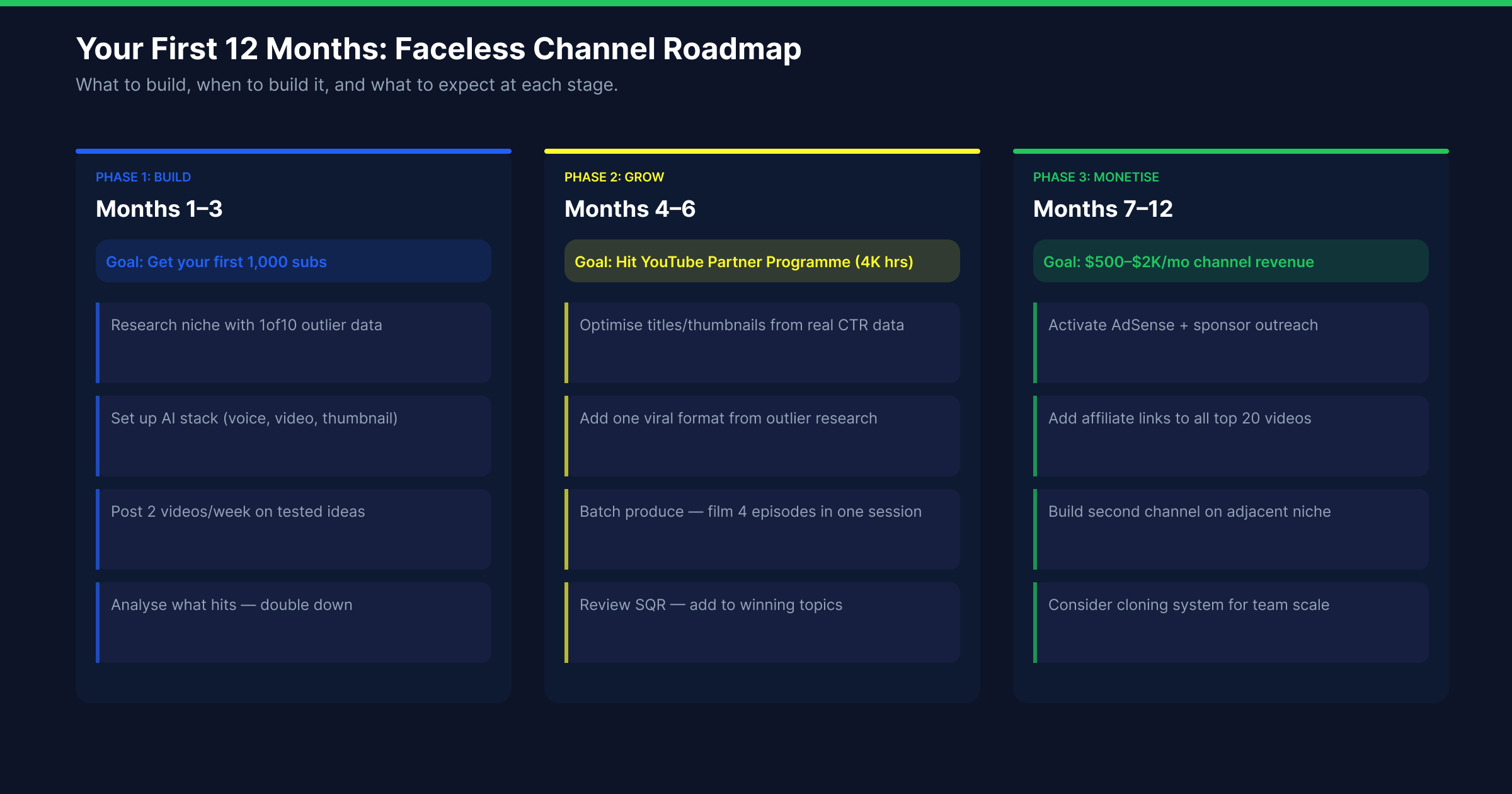
Months 1–3: Channel setup, first 15–20 videos published. This is the data collection phase.
Months 4–6: If you have been publishing consistently and picking topics using outlier data, you start to see which video types perform best. YPP is achievable in this window.
Months 7–12: The compounding begins. Older videos continue generating views. Revenue from YPP starts meaningful conversation.
Year 2+: Channels with strong topic selection in year one often see accelerating growth in year two as their catalogue builds distribution momentum.
The most common failure point: quitting between months 3 and 6. This is where you have published enough to have real data but not enough to have built distribution momentum. The channels that survive to month 9 with consistent quality publishing almost always find their footing. The how to grow a YouTube channel guide covers the compounding mechanics in detail, including why the month 3-6 window is where most channels stall unnecessarily.
The Complete AI Toolstack
| Stage | Tool | Monthly Cost |
|---|---|---|
| Niche validation / topic research | 1of10 | Free trial / paid |
| Script drafting | Claude or ChatGPT | $20 |
| Voiceover | ElevenLabs | $22–99 |
| Stock footage | Storyblocks | $15–20 |
| Video assembly | InVideo AI or CapCut | $25–free |
| Thumbnail generation | 1of10 | Included |
| Title generation | 1of10 | Included |
| Editing and transcript | Descript | $24 |
Minimum viable toolstack (under $100/month): 1of10 for research, thumbnails and titles + ElevenLabs for voiceover + Pexels for free stock footage + CapCut for editing.
The One Decision That Determines Everything Else
Every other decision in building a faceless channel is a downstream consequence of niche selection.
Validate your niche with outlier data before you build anything else. Scan your niche using 1of10, identify whether the algorithm is actively pushing content in that category, and confirm that the topic angles you want to cover are supported by genuine viewer demand.
Start your free trial at 1of10.com, no card required.