
How to Change a Thumbnail on YouTube Shorts (Phone and Desktop)
How to change thumbnail on YouTube Shorts in 2026: open the YouTube mobile app, go to Your videos, tap More on the Short, tap Edit, pick a frame and tap Done. To upload a custom image instead, use YouTube Studio on a computer: Content, Shorts, edit, then Upload file under Thumbnail. Both work after the Short is live.
Two routes, two different results. The phone route only lets you pick a frame from the video itself. The desktop route takes any 9:16 image, as long as your account is verified. Everything below is checked against YouTube Help as of September 2026, because most advice on this topic predates custom Shorts thumbnails.
If you want the custom route and have no image yet, 1of10's Thumbnail Generator builds one from your title and the thumbnails already winning in your niche. That is the last section. Steps first.
How to change thumbnail on YouTube Shorts from your phone
On Android or iPhone, the YouTube app lets you swap the thumbnail of any posted Short for a different frame from the same video. No gallery uploads here; that is desktop only. It takes about a minute.
Change the thumbnail on a Short you already posted
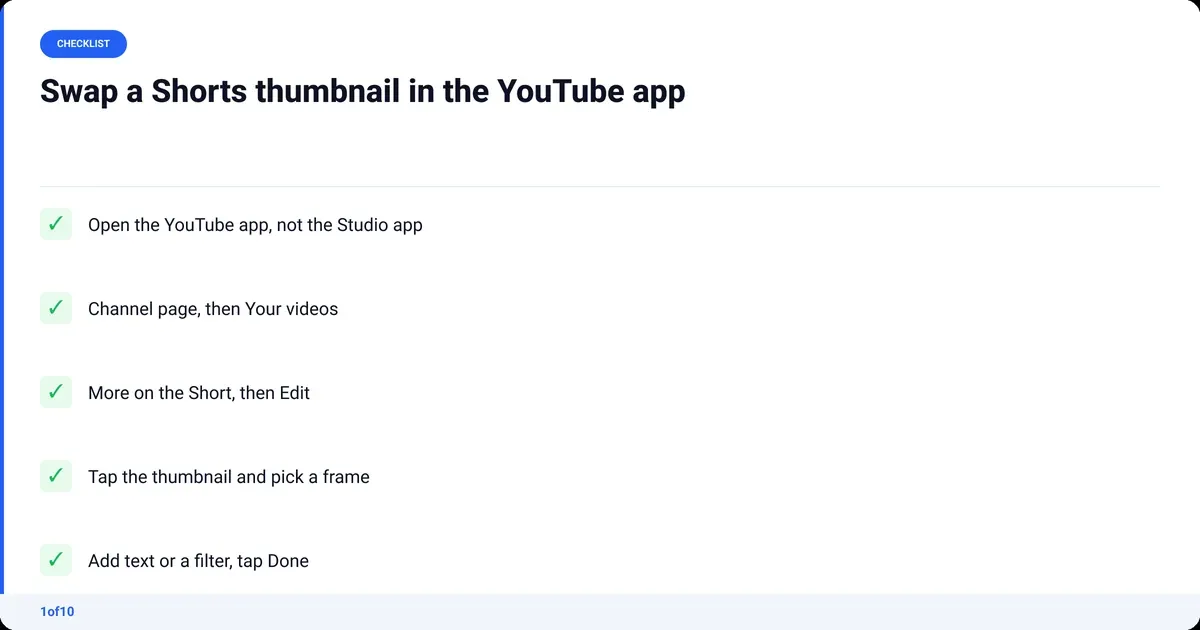
- Open the YouTube app and sign in.
- Go to your channel page, then Your videos.
- Find the Short, tap More (the three dots), then Edit.
- Tap the thumbnail and select the frame you want.
- Add text or a filter if you want them, then tap Done.
One warning from YouTube Help's Shorts creation page: once you finish an edit, you cannot go back to previous edits. Want a clean version of a frame you put text on? Pick it again and rebuild.
Pick a Shorts thumbnail from a video frame before you post
The same frame picker sits on the final upload screen. Record or upload the Short, tap Edit on the thumbnail preview, select a frame, then post. Same limits: a frame from the video, plus text and filters. New to the flow? The step-by-step guide to making YouTube Shorts covers everything before this screen.
The YouTube Studio app will not do this
YouTube Help is explicit: you can only edit a Shorts thumbnail from the YouTube app, not from Studio. If you are hunting for it in the YouTube Studio app on your phone, it is not there. Switch apps.
Can you upload a custom thumbnail for YouTube Shorts?
Yes, but only from YouTube Studio on a computer, and only on a verified account. Custom Shorts thumbnails are, in YouTube's words, "currently only available to add in YouTube Studio on a computer." The upload takes a JPG or PNG at 9:16 and works on Shorts that are already live.
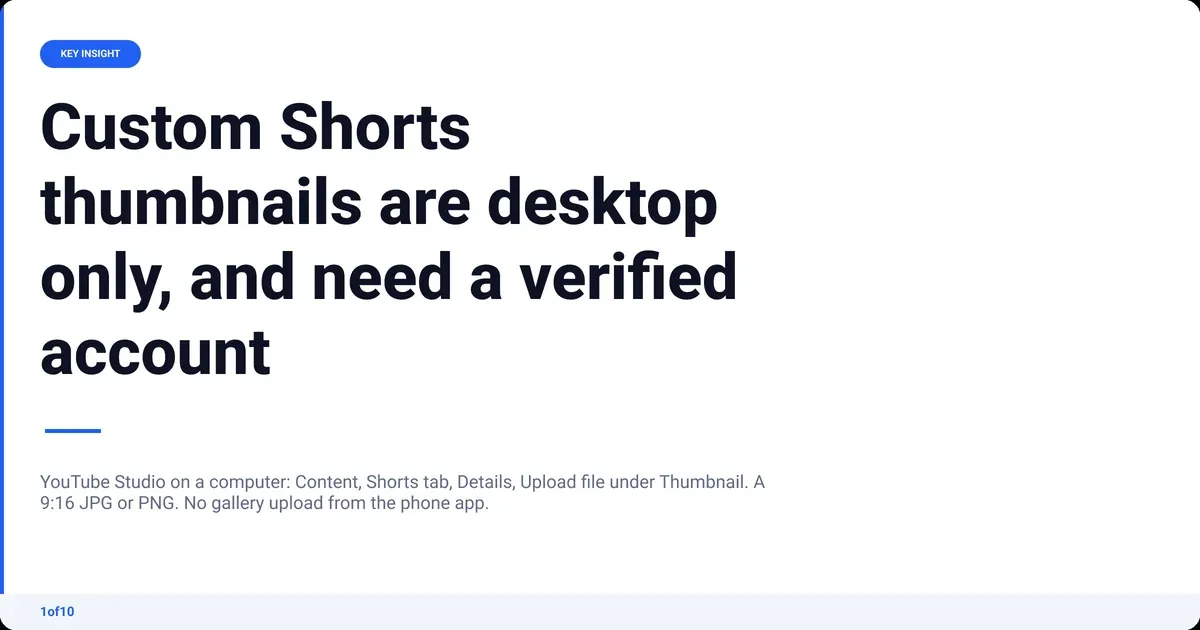
- Sign in to YouTube Studio in a desktop browser.
- Left menu: Content. Click the Shorts tab at the top.
- Hover the Short and click the pencil (Details).
- Under Thumbnail, click Upload file and choose your image.
- Save.
No Upload file button? The YouTube Help page on custom thumbnails says the account must be verified to use the feature. Verify first, then reload Studio.
Can you change a Shorts thumbnail after upload?
Yes, on both routes. On the phone: Your videos, More, Edit, pick a frame, Done. On desktop: Content, Shorts, Details, Upload file. The old answer, that a Shorts thumbnail is locked the moment you post, is out of date, and so are most of the top ten results for this query.
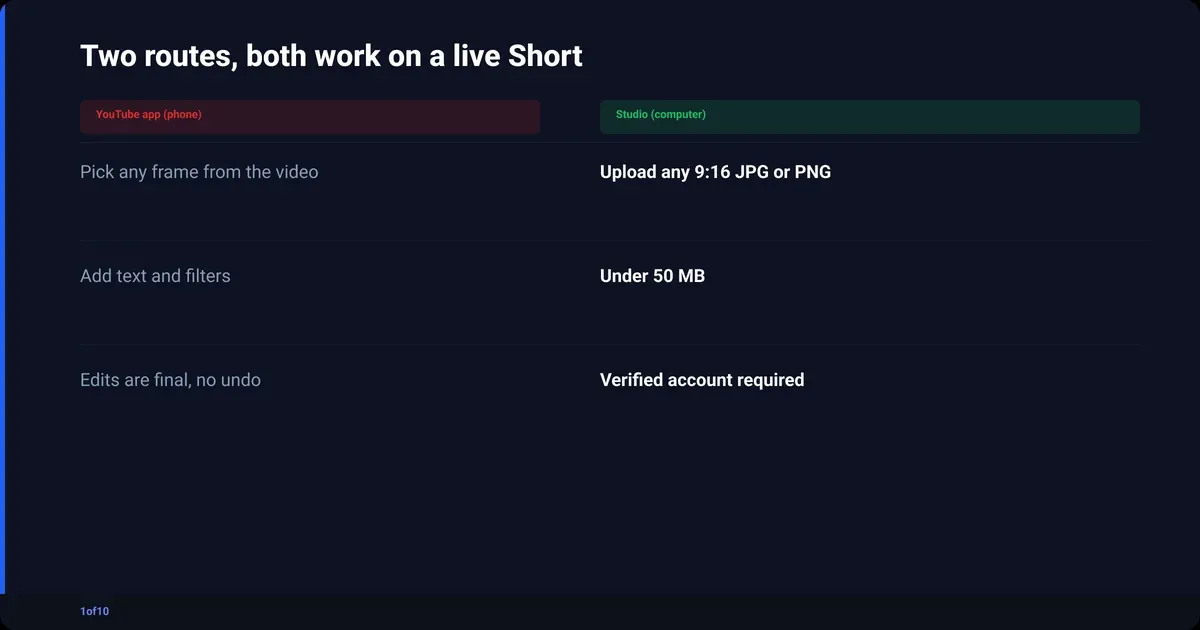
- A frame edit in the app is final. No rollback, only a new edit.
- A custom image needs a verified account and a desktop browser.
YouTube Shorts thumbnail size and specs
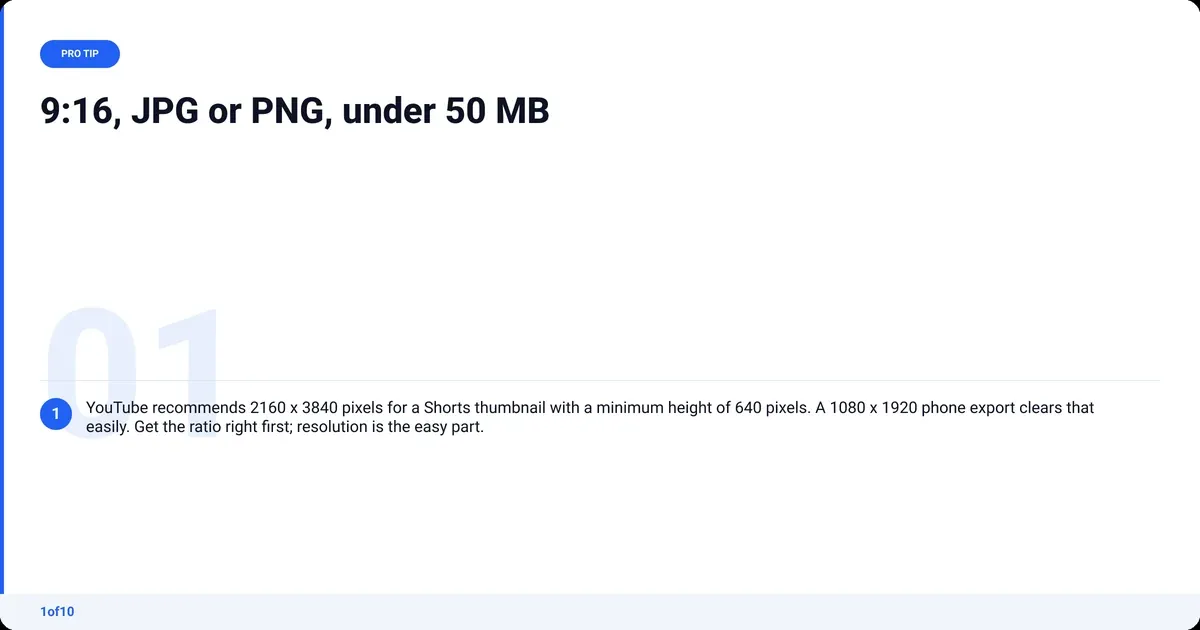
YouTube Help publishes one spec list for custom thumbnails, Shorts numbers next to long-form. For Shorts: 2160 x 3840 pixels at 9:16, JPG or PNG, under 50 MB from a computer.
| Spec | YouTube Shorts thumbnail | Long-form video thumbnail |
|---|---|---|
| Aspect ratio | 9:16 (vertical) | 16:9 |
| Recommended resolution | 2160 x 3840 px | 3840 x 2160 px |
| Minimum | 640 px tall | 640 px wide |
| File type | JPG or PNG | JPG or PNG |
| File size, desktop upload | Under 50 MB | Under 50 MB |
| File size, mobile upload | Not available | Under 2 MB |
| Custom upload from | Studio on a computer only | Studio on computer or the mobile app |
The recommended resolution is a ceiling, not a bar to clear. A 1080 x 1920 export clears the 640 px minimum easily. What matters more is that the image survives being shrunk to a tile: one subject, big contrast, text readable at arm's length. The thumbnail design guide goes deep on that.
Why can't I change my thumbnail on YouTube Shorts?
Almost always one of four things. Check them in order.
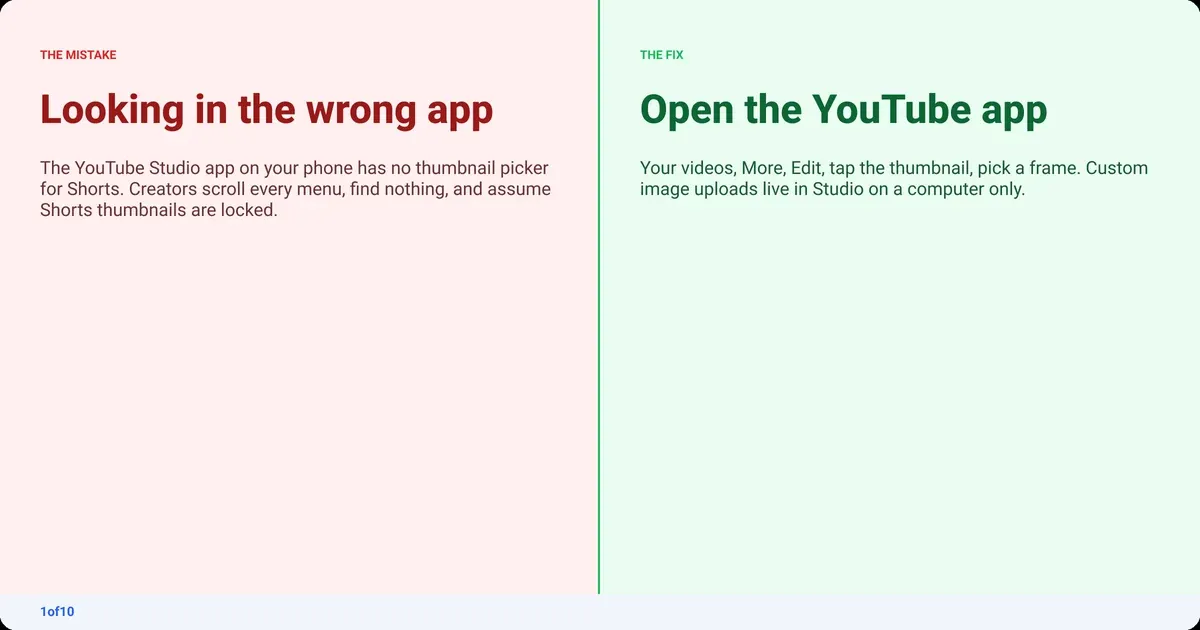
- Wrong app. The YouTube Studio app has no frame picker for Shorts. Open the YouTube app instead.
- Wrong device for a custom image. Gallery uploads for Shorts only work in Studio on a computer.
- Unverified account. The Upload file option needs a verified account.
- File out of spec. Not 9:16, not JPG or PNG, or over 50 MB. Fix the file and retry.
Which route makes a Shorts thumbnail worth clicking?
A frame from the video is free and fast. The desktop upload exists because a frame is rarely the strongest packaging. Pick by what the Short has:

- Frame pick when the video has one obvious peak moment: a reaction, a reveal.
- Custom upload when no frame has a clear subject, or the tile needs a word on it to make sense.
For the custom route, 1of10's AI thumbnail generator starts from outliers rather than a blank canvas. Type the title and it drafts thumbnail options built on the patterns already overperforming in your niche across 1of10's outlier database. Every plan can generate on its monthly AI credits (a thumbnail costs 4). Thumbnail Search shows the thumbnails winning around any topic so you can build your own; the complete guide to the thumbnail generator covers both.
Export at 9:16 or run it through the thumbnail resizer before you upload. Then check Shorts analytics to see whether the new tile earns more views, and the Shorts length rules if you are reshooting anyway.
Frequently asked questions
Can I change my YouTube Shorts thumbnail after posting?
Yes. In the YouTube app, go to Your videos, tap More on the Short, tap Edit, select a new frame and tap Done. In YouTube Studio on a computer, open Content, click the Shorts tab, click Details and use Upload file under Thumbnail. YouTube Help confirms both work on published Shorts.
How do I change the thumbnail on YouTube Shorts on a laptop or PC?
Use YouTube Studio in a desktop browser. From the left menu, choose Content, then the Shorts tab. Click the pencil on the Short you want, and under Thumbnail click Upload file. Choose a 9:16 JPG or PNG under 50 MB and save. Your account must be verified for the Upload file option to appear.
How do I upload a thumbnail on YouTube Shorts from my gallery on my phone?
You cannot, as of September 2026. YouTube Help states that custom Shorts thumbnails are only available in YouTube Studio on a computer. On the phone, the YouTube app only lets you pick a frame from the video and add text or a filter. To use a gallery image, move it to a computer and upload through Studio.
What size should a YouTube Shorts thumbnail be?
YouTube recommends 2160 x 3840 pixels at a 9:16 aspect ratio, with a minimum height of 640 pixels. Use JPG or PNG and keep the file under 50 MB for a desktop upload. A standard 1080 x 1920 vertical export clears the minimum comfortably; the aspect ratio matters more than hitting the top resolution.
Why is there no thumbnail option in the YouTube Studio app for Shorts?
Because YouTube built the Shorts frame picker into the main YouTube app, not the Studio app. YouTube Help says you can only edit a Shorts thumbnail from the YouTube app and not from Studio. Custom image uploads for Shorts live in Studio on a computer. Neither option exists in the Studio mobile app.