
Content Creator Tools: The 2026 YouTube Stack, Sorted by Job
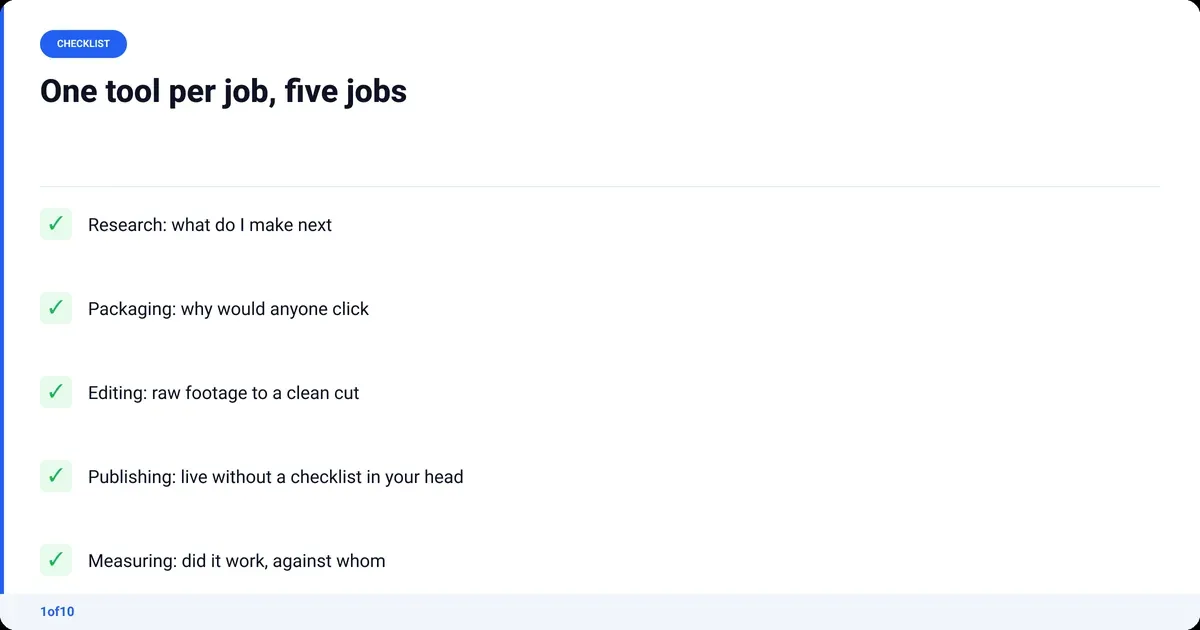
The content creator tools you need in 2026 map to five jobs: research (what to make), packaging (title and thumbnail), editing (the cut), publishing (getting it live) and measuring (what worked). Two or three tools per job is enough. Most of this stack runs free, and each paid piece earns its money on one job, not on a pile of 40 subscriptions.
Every page ranking for this query is a catalogue: 20 to 40 apps sorted into design, video, AI and scheduling. A catalogue is not a stack. A stack is the shortest set of tools that carries one video from idea to published to measured. This one is built for YouTube, with 1of10's outlier search doing the research job and non-competing tools everywhere else.
What tools do I need as a content creator?
You need one tool that answers each of five questions: what do I make, why would anyone click it, how do I cut it, how does it go live, and did it work. Start with the free option for each job and pay only when the free one is costing you hours.
| Job | The question it answers | Tools in this stack |
|---|---|---|
| Research | What do I make next? | 1of10 Outliers, Google Trends, Notion |
| Packaging | Why would anyone click? | 1of10 title and thumbnail generators, Canva, 1of10 Thumbnail Winners |
| Editing | How do I turn raw footage into a clean cut? | OBS Studio, 1of10 AutoCut, DaVinci Resolve or Premiere Pro |
| Publishing | How does it go live without a checklist in my head? | YouTube Studio, a Notion or Google Docs template, 1of10 free tools |
| Measuring | Did it work, and compared with what? | YouTube Studio analytics, 1of10 Trackers, a spreadsheet |
Tools for content creators on other platforms swap a few names; the five jobs do not change. When a new app launches, you know which slot it is competing for and whether that slot is already filled.
Which content creator tools handle research?
Research tools answer one question: what should the next video be? Three tools cover it. 1of10's outlier search finds videos that beat their own channel's usual numbers by a multiple, which is the closest thing YouTube offers to a proven idea. Google Trends tells you whether interest is rising or falling. Notion holds the idea bank so nothing gets lost.
1of10 Outliers (free tier)
An outlier is a video that did far better than its channel's normal. A channel that usually gets 2,000 views and suddenly gets 80,000 has told you something about the idea, title or thumbnail, because the audience stayed the same. 1of10 scores every video that way across 1of10's outlier database of 300,000+ high-performing videos and 62.6 billion analysed views, and the search never uses credits on any plan.
A research session takes about 15 minutes:
- Search your niche keyword and sort by outlier score, not by views.
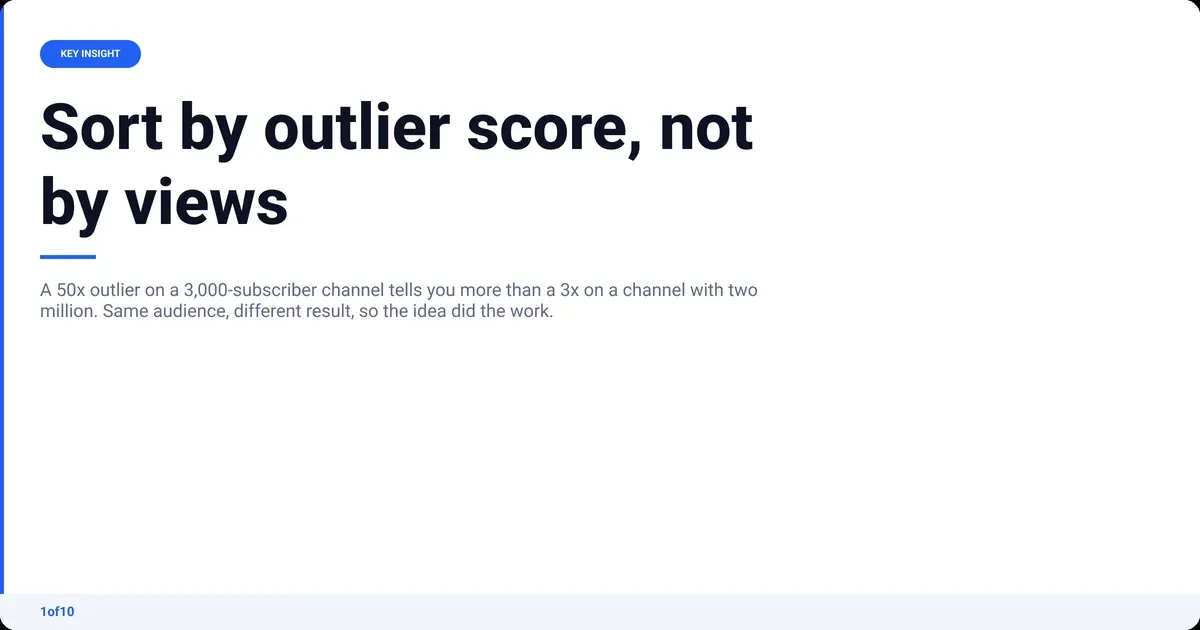
- Filter to channels near your size. A 50x outlier on a 3,000-subscriber channel is a better signal for you than a 3x on a channel with two million.
- Bookmark the five that share a pattern: same hook, same format, same promise in the title.
- Write the pattern down, not the title. You are borrowing the idea shape, not the video.
Google Trends
Trends scales interest from 0 to 100 "based on a topic's proportion to all searches on all topics", per Google's own explanation. Use it for one thing: checking whether an outlier you found is a rising topic or a spike that already happened. Compare two candidate topics over 12 months and make the one still climbing.
Notion (or any notes app you already open)
The idea bank needs four columns: idea, the outlier that inspired it, the pattern it borrows, and a status. The tool matters less than the habit of writing ideas down the moment you find them, then coming back a week later to see which ones still look good.
Packaging tools: titles and thumbnails
Packaging is the title and thumbnail, and it decides whether the research paid off. YouTube defines impressions click-through rate as "how often viewers watched a video after seeing a thumbnail", per YouTube Help. Three tools cover it: a generator, a library of what has won, and a design tool.
1of10 title and thumbnail generators (every plan, on credits)
The AI thumbnail generator, title generator and idea generator are on every plan and run on monthly AI credits: 60 on Free, 150 on Basic, 1,000 on Pro. A thumbnail costs 4 credits and a title or idea run 8. Search never uses credits. Feed the generators the pattern from your research and treat the ten options as a starting sheet, not a finished answer.
1of10 Thumbnail Winners and Trending Formats (in the app)
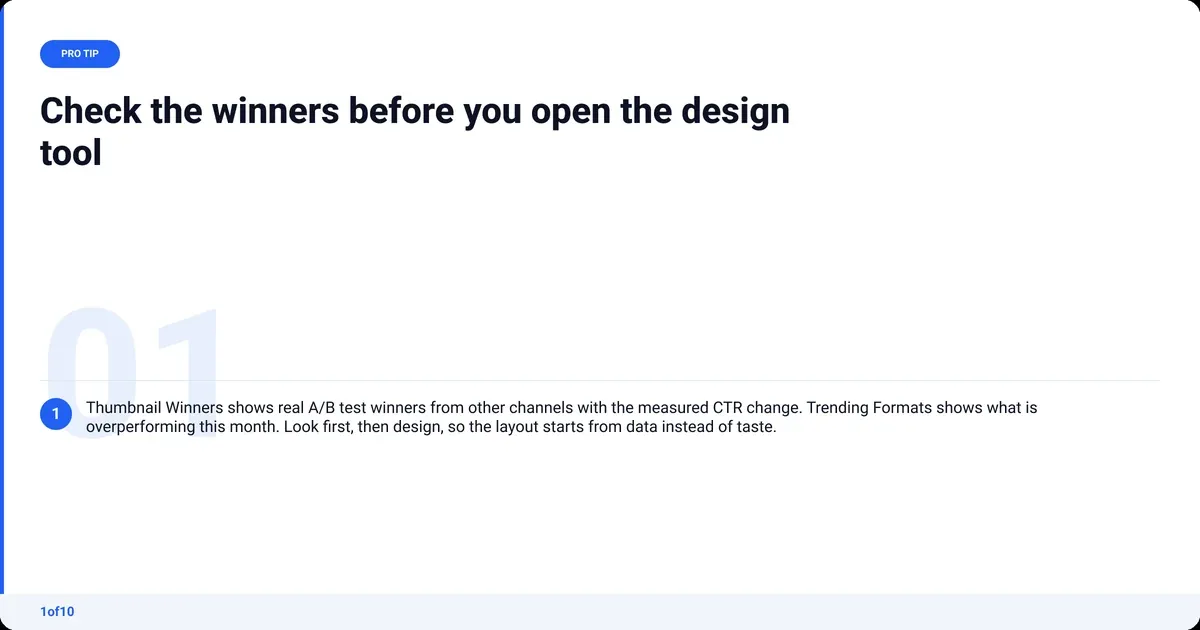
Thumbnail Winners shows real A/B test winners from other channels with the measured CTR change, so you see which version won and by how much. Trending Formats shows the title and thumbnail patterns overperforming right now. Both live inside the app under Analyze. Check them before you open the design tool: they answer "what is working this month" with data, not taste.
Canva (free tier)
Canva is the layout tool (Canva alternatives if it stops fitting): the cutout, the three words of text, the export. The free tier is enough. Keep one template per series so the channel reads as one thing in a feed, and check the result at phone size before you upload; 1of10's free thumbnail preview and resizer tools do that in the browser.
For the benchmark, what counts as a good YouTube CTR depends on channel size and traffic source, so compare against your own last ten videos first.
Editing: which tools cut the video?
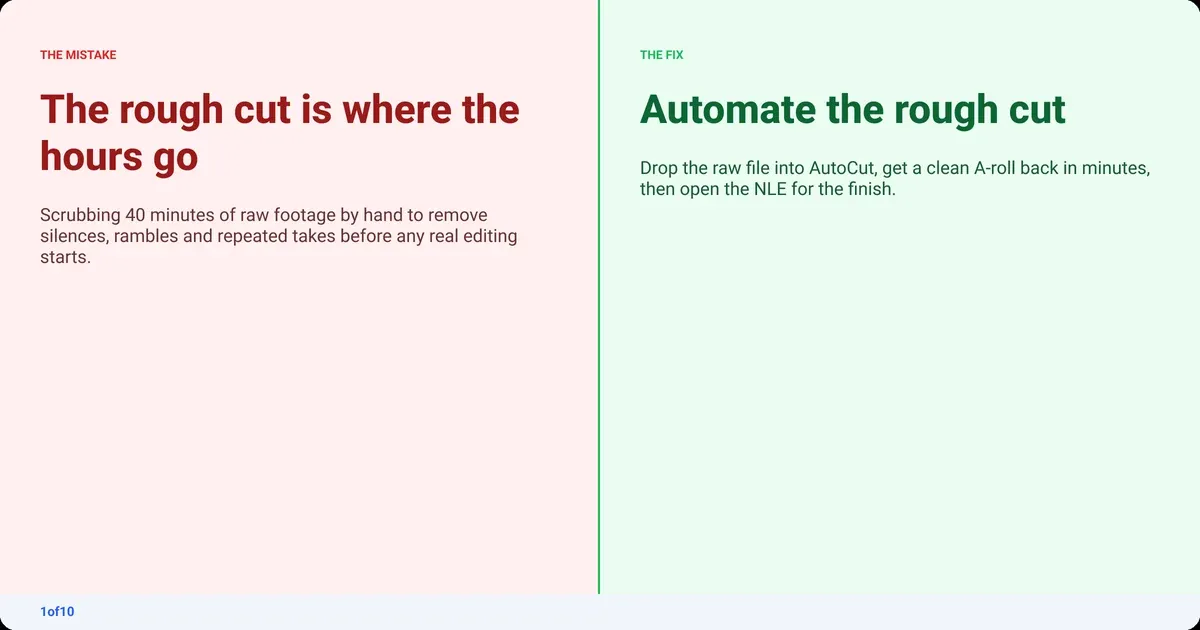
Editing splits into three jobs that most guides treat as one: capture, the rough cut (removing silence, rambles and repeated takes) and the finish (B-roll, titles, sound). The rough cut is where the hours go, and it is the job that became automatic in 2026.
OBS Studio (capture)
OBS is free, open source and records screen, camera and mic to a local file with no watermark. For talking-head and screen-recorded videos it is the whole capture stack.
1of10 AutoCut (the rough cut)
AutoCut, the AI video editor, takes raw talking-head footage, one file or several MP4 or MOV files up to 30 minutes, and returns a clean A-roll with silences, rambles, dead air and repeated takes removed. No prompts, no setup. Audio Enhance removes background noise and improves the voice (including phone and cheap-mic recordings), and Auto Retakes lines up every version of a take side by side so you pick the one you like. The clean A-roll comes back in minutes.
It is not a clip maker. It produces the long video, not vertical highlights, and it works standalone or as the first step before Premiere Pro or DaVinci Resolve. Your first AutoCut is free, on up to 30 minutes of raw footage.
DaVinci Resolve or Premiere Pro (the finish)
Once the A-roll is clean, the finish is B-roll, titles, music and the export. DaVinci Resolve has a free edition that covers all of that for a YouTube channel. Premiere Pro is the subscription option, the right pick if you already know it. Either way, you open the NLE with the boring half done. The full guide to editing YouTube videos walks the timeline from raw file to export.
Publishing tools: getting the video live
Publishing is the least glamorous job and the one where most channels leak time, because it is a checklist done from memory. Two tools fix it: YouTube Studio for the upload and a template for everything around it.
YouTube Studio
Studio is the upload, the scheduling and the end screens. YouTube Help notes you can upload up to 15 videos at a time and that channels have a daily upload limit, which matters if you batch. Schedule rather than publish live, so title, thumbnail and description are in place before the first impression.
A publish template in Notion or Google Docs
One page, copied for every video:
- Title (final, from the packaging step) and two backups
- Description, first two lines written for the search result
- Tags and hashtags
- Chapters with timestamps
- End screen and pinned comment
1of10's free public tag, description, hashtag and timestamp generators cover the fiddly bits of that list, in the browser with no account. Keep them in the template as links.
Measuring tools: what worked, and against whom
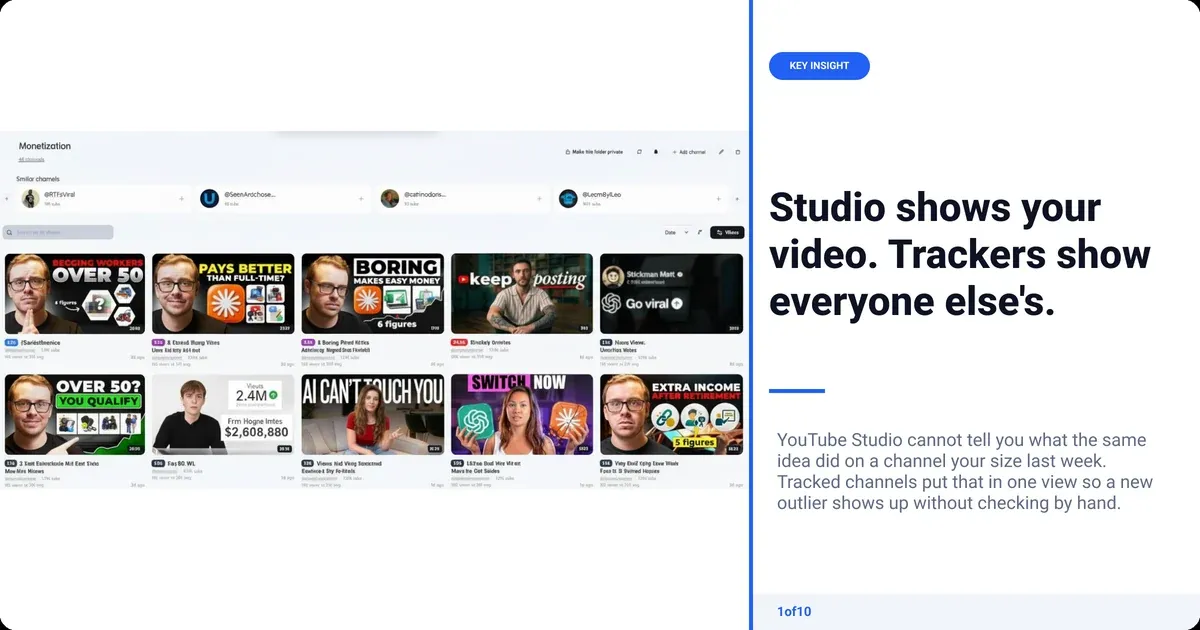
Measuring has two halves. YouTube Studio tells you what your own video did. It cannot tell you what the same idea did last week on a channel your size, which is the number that decides whether the pattern is worth repeating.
YouTube Studio analytics
Watch three numbers in the first 48 hours: impressions, impressions click-through rate and average view duration. CTR says the packaging worked. Duration says the video kept the promise. If CTR is fine and duration is low, the thumbnail wrote a cheque the video did not cash.
1of10 Trackers
Tracked channels put the channels you compete with in one view, so a new outlier on any of them shows up without you checking each one by hand. Every plan includes it. Pair it with the guide to finding and tracking YouTube competitors to pick the right channels.
A spreadsheet
One row per video: publish date, pattern borrowed, CTR at 48 hours, duration, views at 7 days. After 20 rows you have your own outlier data, and it beats anyone else's because the audience is yours.
Free content creation tools: what runs at $0
Every job in this stack has a free option, and a beginner should run the free stack for the first 20 videos before paying for anything. The free stack is the same tools with a limit on volume, not on function.
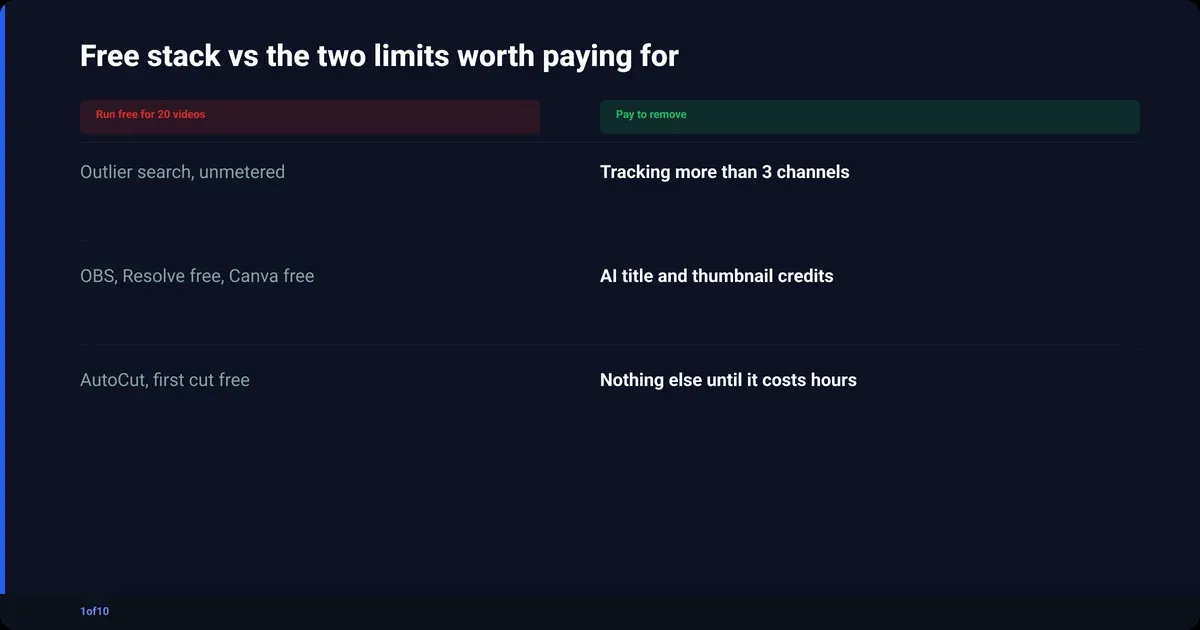
- Research: 1of10 Free (outlier search, bookmarks, competitor tracking) and Google Trends. Limit: Free shows the top 5 outlier results.
- Packaging: Canva's free tier plus 1of10's free thumbnail preview and thumbnail fonts guide. Limit: brand kits, and 60 AI credits a month on 1of10 Free.
- Editing: OBS Studio, your first AutoCut free, and the DaVinci Resolve free edition. Limit: after the first free AutoCut, each edit costs 50 credits.
- Publishing and measuring: YouTube Studio, a Google Doc, 1of10's free tag and description generators, a spreadsheet. Limit: seeing other channels' outliers.
The two limits worth paying to remove are the ones on research and measuring, because they are limits on information, not polish. A channel that knows what to make next and can see what competitors just did beats a channel with a nicer brand kit.
Which AI tools for YouTubers are worth paying for?
Pay for AI where it replaces hours, never where it replaces judgement. Rough-cut editing, noise removal and a first sheet of title options are hours. Deciding what the video is about and whether the joke lands is judgement, and the tools that offer to do it for you produce videos that look like everyone else's.
Worth it on that test:
- AutoCut for the rough cut, because silence removal and retake selection are pure hours.
- 1of10's generators for titles and thumbnails, because ten fast options beat one slow one, and you still choose.
- A general chatbot for outlines and research summaries, used as a faster search, not as a writer.
Not worth it: AI script writers, AI voiceovers for a personality channel, and anything that promises to pick your niche. The pillar on YouTube SEO tools grades the wider field, including the keyword and tag tools this post leaves out.
Best tools for YouTubers: the whole stack in one table
The full set of YouTube creator tools from this post, and when to pay.
| Job | Tool | Free? | When to pay |
|---|---|---|---|
| Research | 1of10 Outliers | Yes, top 5 results | Every result and 150 AI credits (Basic, from $15/mo billed yearly) |
| Research | Google Trends, Notion | Yes | Never |
| Packaging | 1of10 title and thumbnail generators | Yes, 60 AI credits a month | For volume: Pro, 1,000 credits a month |
| Packaging | 1of10 Thumbnail Winners, Trending Formats | Top 3 trending formats | For the full lists |
| Packaging | Canva | Yes | If you need brand kits |
| Editing | OBS Studio | Yes | Never |
| Editing | 1of10 AutoCut | First AutoCut free | After the first free AutoCut |
| Editing | DaVinci Resolve or Premiere Pro | Resolve free edition | If you need paid finishing features |
| Publishing | YouTube Studio, 1of10 free tools | Yes | Never |
| Measuring | YouTube Studio analytics | Yes | Never |
| Measuring | 1of10 Trackers | Yes | For more channels |
The 1of10 Chrome extension ties research and measuring together: it shows outlier scores on YouTube pages as you browse. Get it, run the free stack for 20 videos, then pay per job.
Frequently asked questions
What are the top 5 tools for content creators?
For a YouTube channel: 1of10 for outlier research, Canva for thumbnail layout, OBS Studio for capture, AutoCut for the rough cut and YouTube Studio for publishing and analytics. That covers all five jobs (research, packaging, editing, publishing, measuring) and four of the five are free to start. Add a notes app for the idea bank.
Do I need 10 different social media tools?
No. Ten tools is a catalogue, not a workflow. Sort by job instead: research, packaging, editing, publishing and measuring. Two or three tools per job is the ceiling, and some jobs share one (YouTube Studio handles publishing and your own analytics). A channel that adds a tool only when it hits a real limit ends up with six or seven.
Which content creation tools are free?
Most of the stack. 1of10's free plan includes outlier search (the top 5 results), bookmarks, competitor tracking and 60 AI credits a month; its public tools (tag, description, hashtag and timestamp generators, thumbnail preview and downloader) need no account. OBS Studio and the DaVinci Resolve free edition cover editing, Canva's free tier covers layout, and your first AutoCut is free.
What equipment do you need as a content creator?
Less than any equipment list says. A phone on a tripod, a wired lapel mic and a window are enough for the first 20 videos, and software now covers for hardware: Audio Enhance in AutoCut was built for phone and cheap-mic recordings. Buy a microphone first, a light second and a camera last, when you can name the shot the phone cannot do.
Are content creation tools for beginners different from the pro stack?
Not in kind, only in tier. A beginner runs the free version of each tool in this post; a channel with volume pays to lift the limits on research (every result) and generation (more AI credits). The jobs stay the same from the first video to the thousandth, so start free and pay per job when a limit costs you hours.
Is 1of10 a content creator tool or an analytics tool?
Both, which is why it fills more than one slot. Outliers and Trackers are research and measuring; the title, thumbnail and idea generators are packaging; AutoCut is editing; the public tools cover publishing. Research never uses credits, every plan includes AI credits for generation, and your first AutoCut is free.