
10 Best AI Thumbnail Generators for YouTube in 2026
The 10 best AI thumbnail generators for YouTube in 2026, compared on output quality, training data, and price. See which tools make finished thumbnails.

The average YouTube channel sits at a 4-6% click-through rate. The top 10% of creators consistently hit 9-15%. That gap is packaging, and specifically, it's the thumbnail.
Most AI thumbnail generators don't close that gap. They're built on generic image models (DALL-E, Stable Diffusion, Midjourney) trained on stock photos and digital art, not on thumbnails that actually got clicks on YouTube.
The result: thumbnails that look fine in isolation and fall apart under 150 pixels of mobile screen real estate.
The tools worth using are the ones trained on YouTube performance data, specifically videos that outperformed their channel's average by 10x or more, and that produce finished, production-ready thumbnails you can upload directly.
Not rough drafts. Not unfinished outputs you still have to refine in another tool.
Here are the 10 best AI thumbnail generators actually worth considering in 2026, ranked on output quality, training data, and whether they understand how YouTube works.
TL;DR: The Best AI Thumbnail Generators for YouTube
- 1of10 is the best overall AI thumbnail generator for YouTube, trained on outlier data from 62 billion views and producing finished thumbnails you upload directly.
- Canva is the best pick for non-YouTube creators who need general design work alongside fast, template-based thumbnails.
- VidIQ offers thumbnails as a side-feature to its keyword research and analytics tools, with outputs that require manual fine-tuning before publishing.
- Pikzels is a mid-tier YouTube-focused alternative with FaceSwap and style presets, though outputs tend to copy reference thumbnails closely.
- Subscribr currently bundles AI thumbnails with script writing, useful as a temporary one-tool stack for creators who want both today.
- Thumbmagic is the fastest video-to-thumbnail workflow, generating thumbnails directly from a YouTube URL or video upload - but requires the video to already be uploaded.
- Adobe Express is the right pick for creators already in the Adobe ecosystem who want commercially safe AI generation.
- WayinVideo is the best promptless, upload-your-video tool, with a generous free plan and very low paid pricing.
- Thumbnail.AI is a good free, no-signup option for creators testing AI thumbnails with zero commitment, though results are not as strong as others on the list.
- ThumbnailCreator is a good speed-to-publish option, with a template library used by 15,000+ creators.
1of10 is the top pick because it's the only AI thumbnail maker for YouTube trained on actual outlier data from 62 billion views. It produces finished, production-ready thumbnails you upload directly, not rough outputs you have to refine in Canva or Photoshop. The free plan includes 60 credits (roughly 12 thumbnail generations) with no credit card required.
How We Picked the Best AI Thumbnail Generators for YouTube
We didn't rank these tools on feature counts or marketing claims. We ranked them on whether they can actually produce a thumbnail that earns clicks on YouTube.
Four criteria did most of the filtering.
Output Quality at 150 Pixels (Mobile-First)
Over 70% of YouTube watch time happens on mobile. A thumbnail that looks sharp at full size but turns into noise at 150 pixels fails the only test that matters. Every tool on this list was evaluated on how its output renders at mobile preview size.
Trained on YouTube Data, or Trained on Generic Images?
This is the single most important filter. Tools trained on YouTube outlier data (videos that outperformed their channel average by 10x or more) produce thumbnails grounded in what actually drove clicks.
Tools built on generic image models (DALL-E, Stable Diffusion, Midjourney) produce AI-generated thumbnails that look like stock art, not YouTube packaging.
Finished Thumbnails vs. Starting-Point Concepts
A production-ready thumbnail is one you can upload to YouTube as-is. A concept is a rough output you still have to finish in Canva or Photoshop.
The tools in this list are evaluated on which category they fall into. This distinction matters because the tools that produce finished thumbnails save creators 1-2 hours per video.
Workflow Speed and YouTube Integration
How fast can you go from video idea to uploaded thumbnail? Tools with Chrome extensions, direct YouTube Studio integration, or one-click generation score higher than tools that require prompt engineering or multi-step editing workflows.
Quick Comparison of the Top AI YouTube Thumbnail Generators
A note on pricing: 1of10 Pro is positioned higher than competing AI thumbnail tools because it bundles outlier-data training, the AI thumbnail generator, AI title generator, AI re-packaging, the Chrome extension, and unlimited outlier research under one plan.
Cheaper plans on competing tools either fragment the AI thumbnail generator across separate paid tiers, or skip the outlier-data layer underneath it. The dollar price is one factor in a comparison; what each dollar buys is the bigger one.
Try 1of10's AI thumbnail generator free. No credit card, 60 credits included.
The 10 Best AI Thumbnail Generators for YouTube in 2026
Here's the detailed breakdown of each tool, what it's best at, where it falls short, and who should actually use it.
1. 1of10: Best Overall
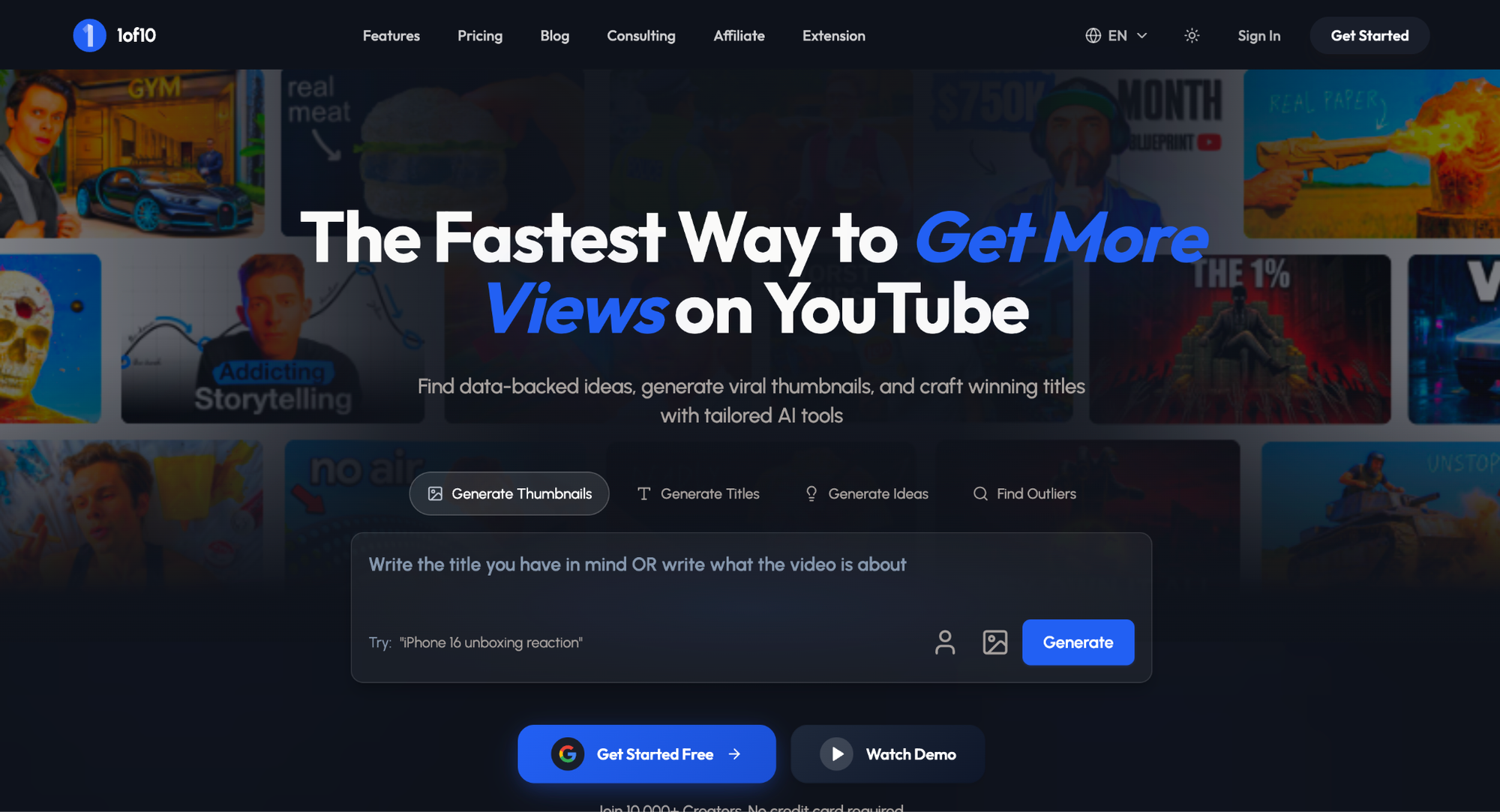
Overview: 1of10 is an AI thumbnail generator trained on YouTube outlier data from 62 billion views. Unlike tools built on generic image models, 1of10's AI learns from videos that outperformed their channel average by 10x to 100x, then generates finished, production-ready thumbnails based on those visual patterns.
Best for: YouTube creators serious about growth who want high-CTR thumbnails they can upload directly without editing in a second tool.
Key features:
- AI trained on YouTube outlier data (62B+ views), not stock photos or generic internet images.
- Produces finished thumbnails you upload directly to YouTube, not rough drafts to refine elsewhere.
- Chrome extension that integrates directly into YouTube's interface (no other tool on this list has this).
- Outlier finder for researching what's currently overperforming in any niche.
- AI title generator included in the same subscription (no tool stacking).
- Thumbnail search for competitive thumbnail research.
- Reference image uploads, variation controls, and multiple AI pipelines on Pro.
Pricing: Free plan (60 credits a month, about 15 AI thumbnails at 4 credits each, no credit card). Basic $19/mo ($180/yr billed yearly) with 150 credits. Pro $89/mo ($69/mo billed yearly, $828/yr) with 1,000 credits. The AI thumbnail generator is on every plan; credits set how many you can make.
Pros:
- The only tool trained on YouTube outlier data, which means outputs reflect what actually performed, not what looks generically good.
- Finished thumbnails that are ready to upload as-is, with no second tool needed.
- Chrome extension puts thumbnail generation inside YouTube's own interface.
- Used by creators in business, comedy, and education niches with multi-million-subscriber channels.
Cons:
- The free plan (60 credits) burns out fast for active publishers posting 2-3 videos per week; you'll exhaust it in under a month.
- The AI thumbnail generator runs on every plan's credits: 60 a month free, 150 on Basic ($19/mo), 1,000 on Pro ($89/mo).
- Free plan thumbnails include a small watermark.
Verdict: 1of10 is the best AI thumbnail generator for YouTube if you want thumbnails built on what actually works on the platform, not on generic image generation.
Try 1of10's AI thumbnail generator free. No credit card, 60 credits included.
2. Canva: Good for Non-YouTube Creators Who Need Something Fast
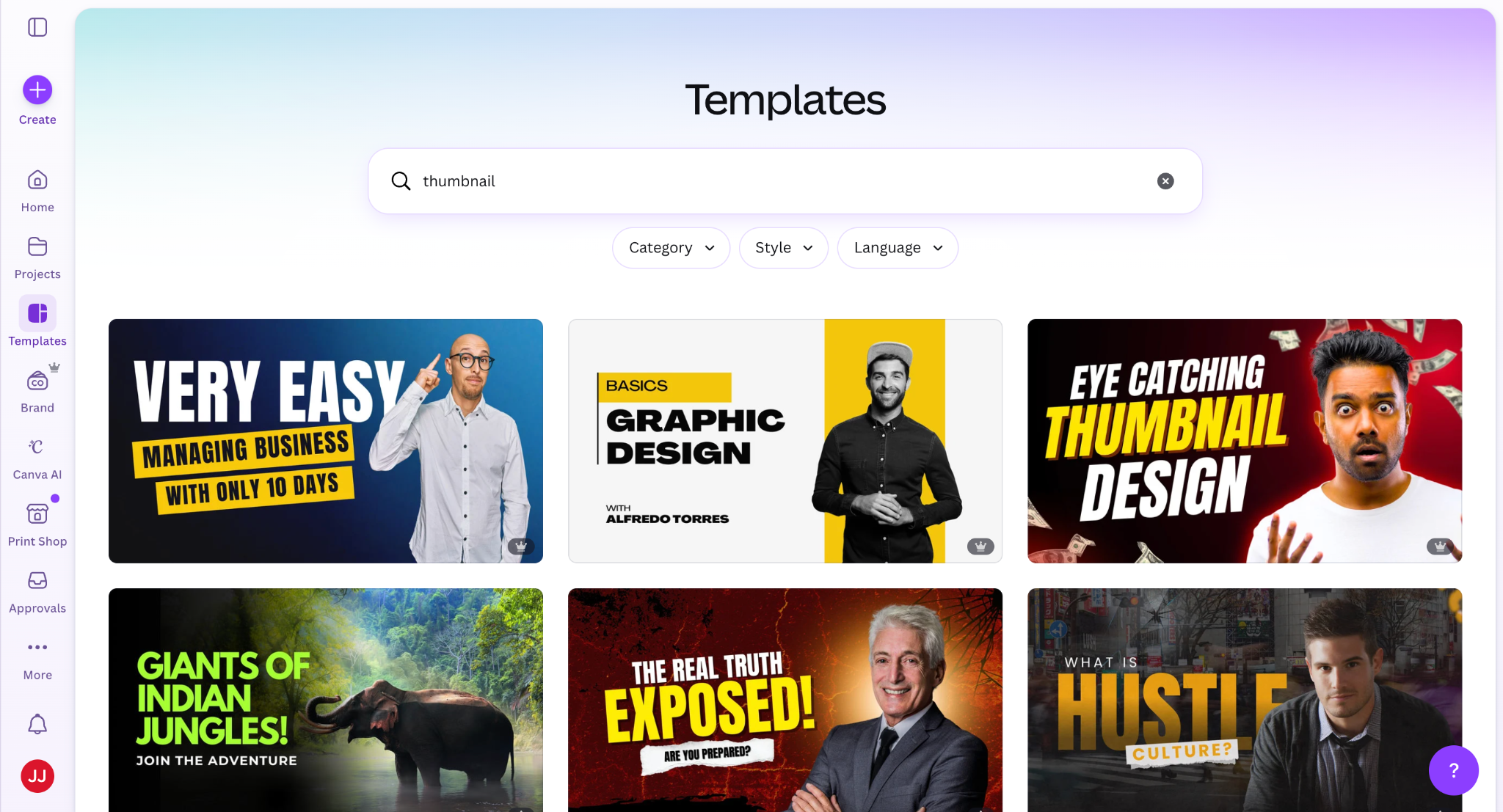
Overview: Canva is the most widely used online design tool with an extensive template library and Magic Media AI image generation. It's not YouTube-specific, but its breadth makes it useful for creators who also need social posts, logos, and presentations.
Good for: Creators who need general design alongside thumbnails and prefer a template-first workflow.
Key features: Thousands of YouTube thumbnail templates, Magic Media AI generation, background remover, Brand Kit on Pro, and collaborative editing.
Pricing: Free plan with limited features. Pro $13/mo.
Pros: Massive template library, intuitive drag-and-drop editor, free plan covers essentials, works across all design formats.
Cons: Generic image generation (not trained on YouTube data), template-heavy outputs can look similar across channels, no YouTube-specific CTR optimization.
Verdict: Canva is the best general-purpose design tool, but it's a design tool with thumbnails as a side feature, not a YouTube thumbnail generator.
3. vidIQ: Good Add-On for Creators Already in the vidIQ Ecosystem
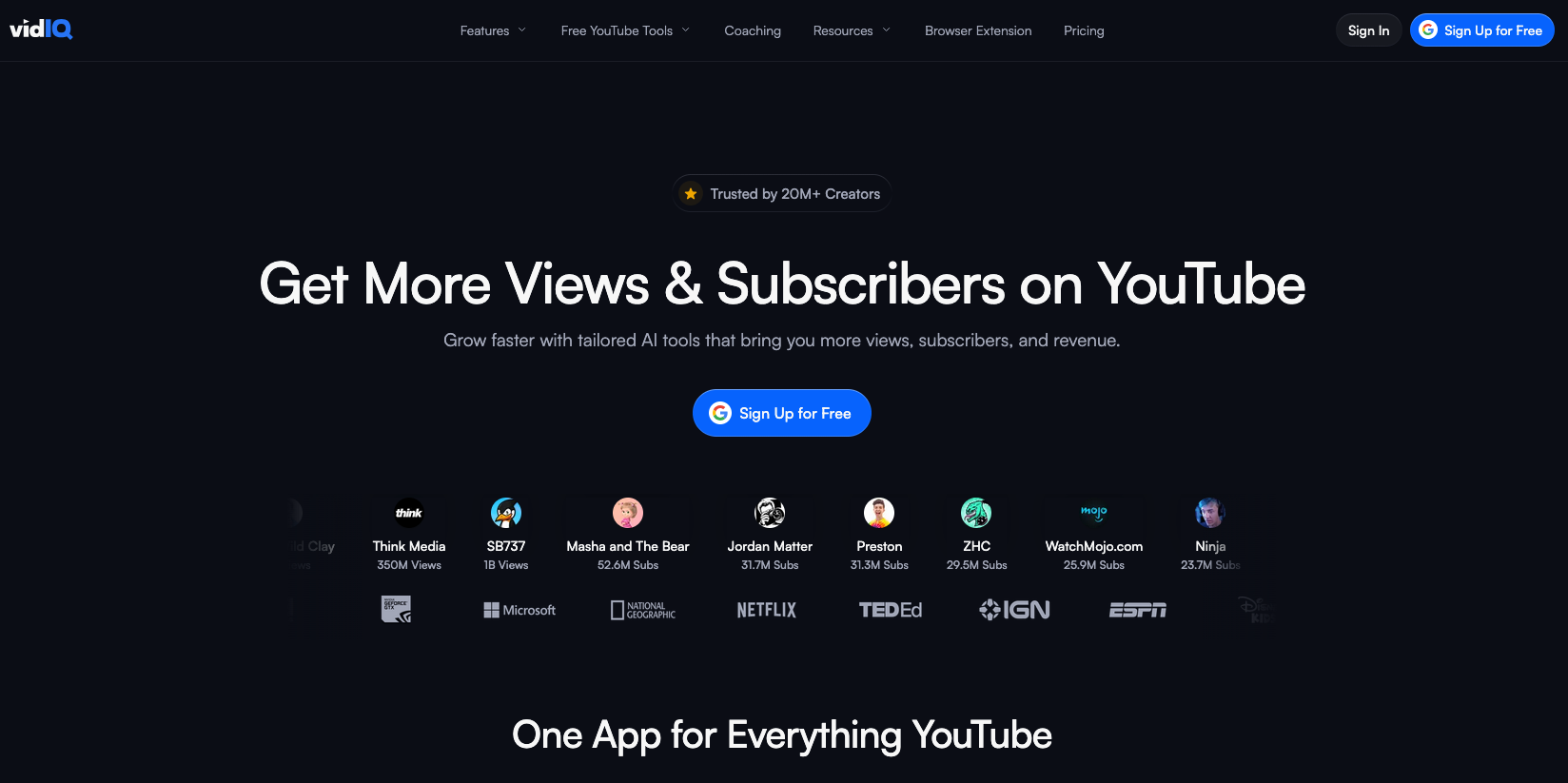
Overview: vidIQ is primarily known for keyword research, analytics, and channel coaching. Its AI thumbnail generator was added as part of a broader AI suite expansion. It analyzes your video or video description and produces thumbnail options you then fine-tune before publishing.
Best for: Creators who already pay for vidIQ for keyword research and want a thumbnail option inside the same platform.
Key features: AI thumbnail generation from video upload or text prompt, FaceSwap-style likeness feature, in-platform editor for text and images, integration with vidIQ's keyword and title tooling.
Pricing: Free plan does not include AI thumbnail generation. The AI suite is gated behind the Boost plan (~$19/mo). Higher tiers are available.
Pros: Convenient if you already subscribe to vidIQ. Keyword research and thumbnail generation in one platform reduces tool stacking. The AI suite has matured noticeably through 2025-2026.
Cons: Outputs are positioned by vidIQ themselves as starting points you fine-tune, not finished thumbnails. The AI is described as trained on high-performing YouTube content, but vidIQ has not published the dataset size or methodology, so the depth of that training signal isn't externally verifiable. Thumbnail generation is locked behind the Boost plan; free users get nothing.
Verdict: vidIQ is a strong utility add-on for creators already in its ecosystem. However, for thumbnail generation as a standalone job, an outlier-trained tool that produces finished outputs (rather than starting points), like 1of10, does a better job in fewer steps.
4. Pikzels: Mid-Tier YouTube-Focused Alternative
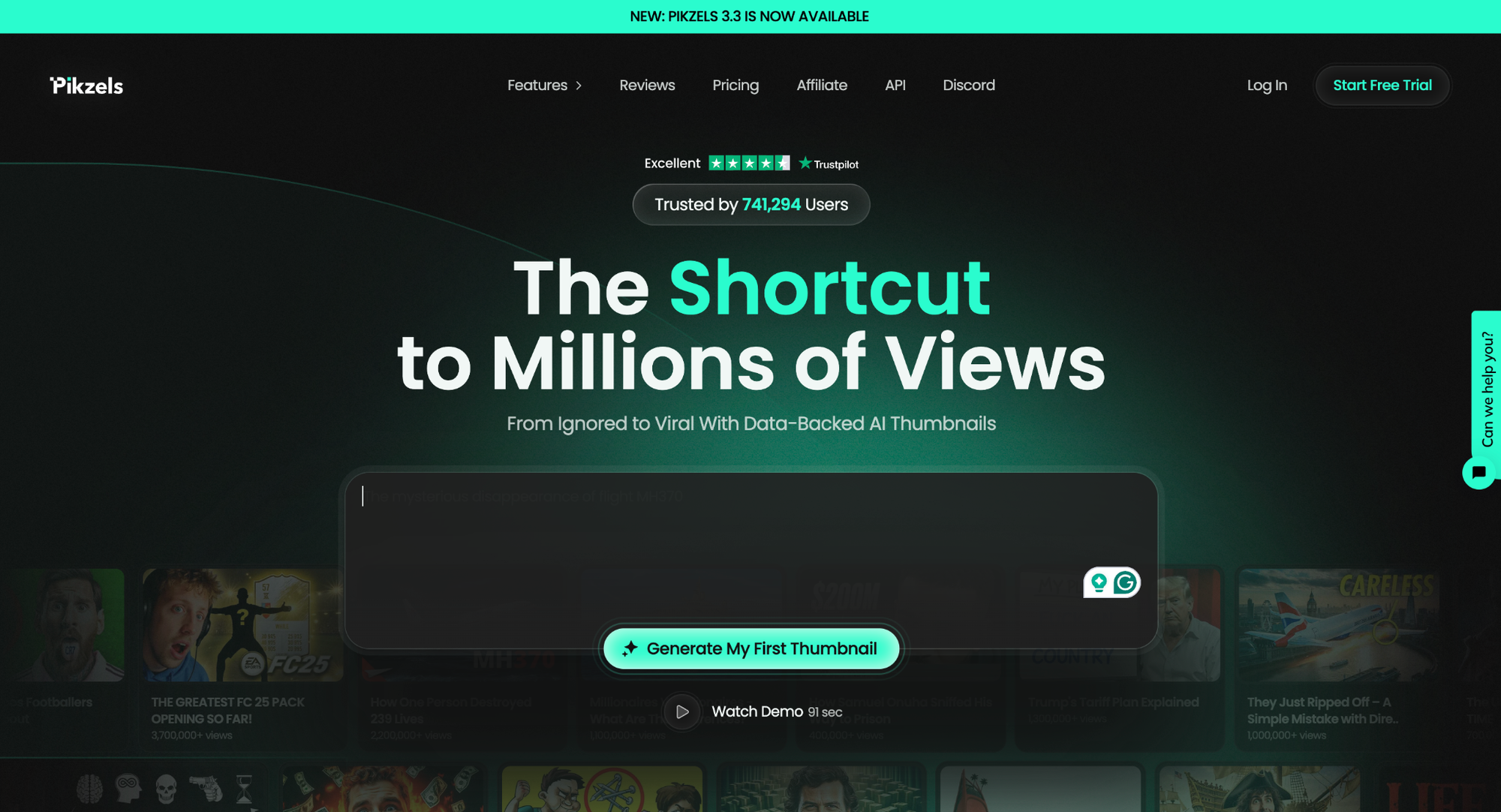
Overview: Pikzels is built specifically for YouTube thumbnails with prompt-to-thumbnail generation, thumbnail recreation, FaceSwap, and a title generator. It's the closest direct competitor to 1of10 in the YouTube-specific space.
Good for: Creators who want a YouTube-focused AI tool and are comfortable iterating on outputs to land on something usable.
Key features: Prompt-to-thumbnail, thumbnail recreation from existing videos, FaceSwap, 12 thumbnail style presets, title generator.
Pricing: From ~$20/mo for the Essential plan. Premium plans with FaceSwap and recreation run $40-$80/mo.
Pros: YouTube-focused (not a generic design tool), strong visual variety, FaceSwap adds personalization, recreation feature lets you riff on proven thumbnails.
Cons: Outputs tend to copy reference thumbnails closely rather than generating original variations, which can produce a same-y look across a channel. Less design variation than 1of10's pipeline. No outlier-data training layer; the AI generates from prompts, not from a performance-data corpus. Credit-based pricing burns through fast if you iterate.
Verdict: Pikzels is workable if you want a dedicated YouTube thumbnail tool and don't mind nudging outputs into shape. For thumbnails grounded in performance data and finished on the first pass, an outlier-trained tool is the stronger choice.
5. Subscribr: Useful for Creators Who Currently Want Scripts and Thumbnails in One Tool
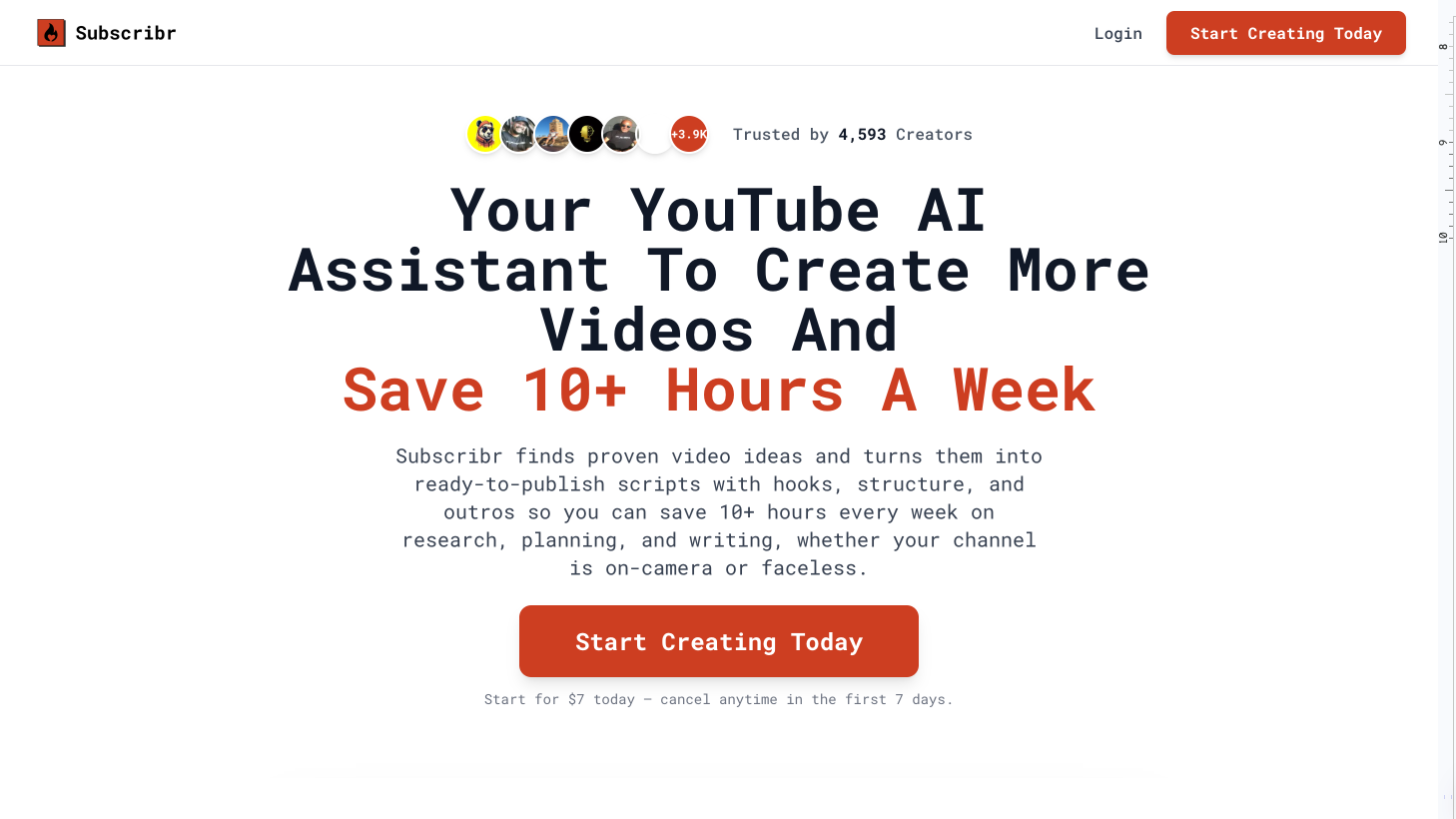
Overview: Subscribr combines AI thumbnail generation with script writing, positioning itself as a two-in-one tool for creators who want both packaging and content creation in a single platform.
Good for: Creators who want script writing and thumbnail generation under one login today.
Key features: AI thumbnail generation, script writing assistant, outlier-inspired workflow, channel-style learning.
Pricing: Free plan with limited features. Paid plans start at ~$25/mo.
Pros: Bundles two workflows that creators often run separately. Useful if you specifically want both in one place right now.
Cons: Generates concept sketches first then renders, which adds steps compared to a one-pass workflow. Subscribr describes its training data qualitatively as a curated YouTube sample; specific size and methodology aren't publicly published. Thumbnail quality is secondary to the scripting feature in product priority.
Verdict: Subscribr is reasonable if your specific need today is one tool that does both jobs. If thumbnails are the priority, a dedicated outlier-trained tool produces stronger thumbnail output, and most creators already have a scripting workflow that doesn't depend on combining both into one subscription.
6. Thumbmagic: Good for Video-to-Thumbnail Workflows
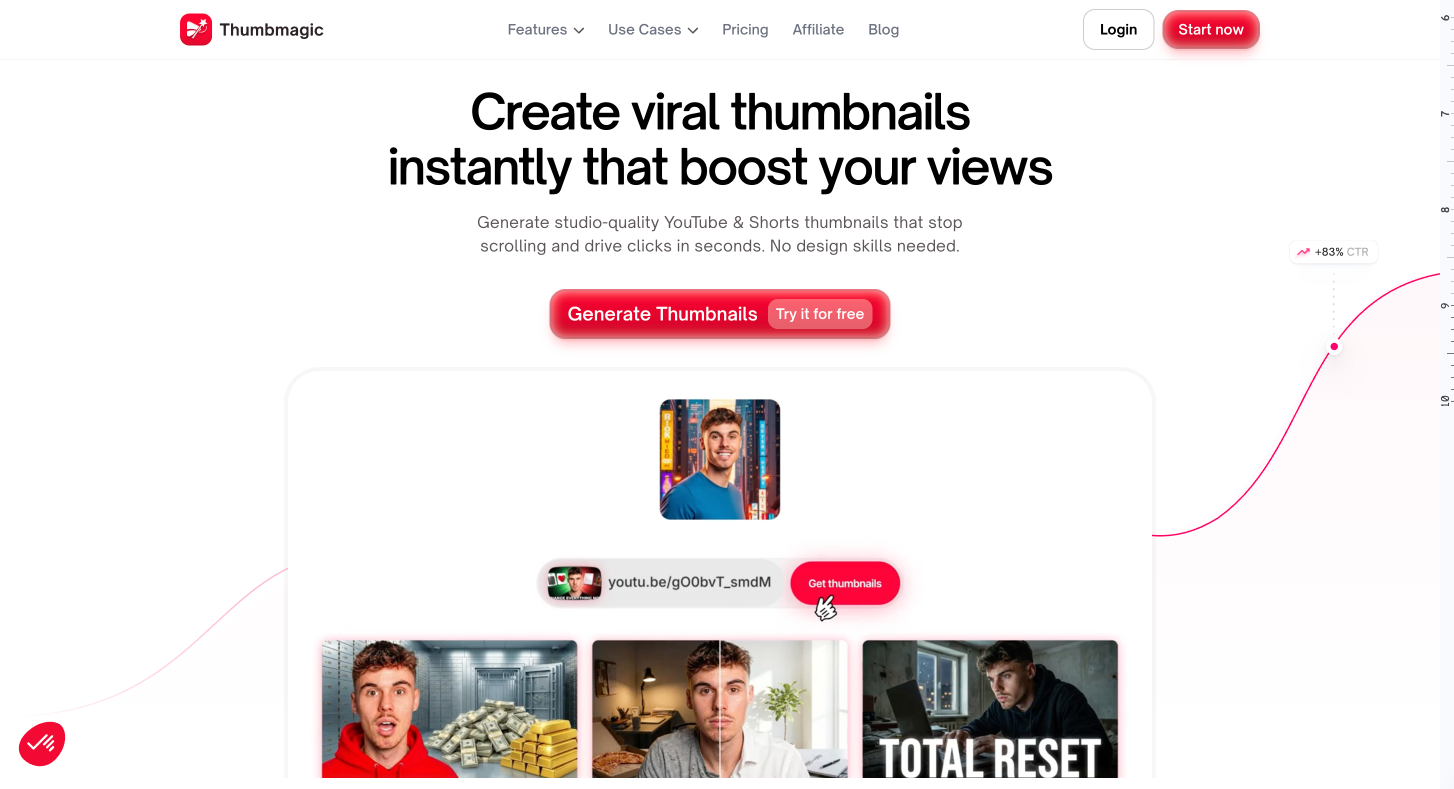
Overview: Thumbmagic takes a video-first approach. Paste a YouTube URL or upload a video and the AI generates matching thumbnails in under a minute. No prompt engineering required.
Good for: Creators who want to generate thumbnails directly from their video content.
Key features: YouTube URL-to-thumbnail, video upload-to-thumbnail, expression changer, text generator, 4 variations per generation.
Pricing: Free plan with limited generations. Paid plans start at ~$15/mo.
Pros: Zero prompt engineering (paste a URL and go), fast generation (~45 seconds), expression changer is useful for reaction-style thumbnails, predictable per-thumbnail pricing.
Cons: Workflow is video-first, which inverts thumbnail best practice. Most established creators design the thumbnail before filming, so the thumbnail sets the expectation the video then has to deliver on. Thumbmagic forces the reverse. Single-purpose tool (thumbnails only, no title gen or ideation), less customization depth than prompt-based tools, no outlier-data research layer.
Verdict: Thumbmagic is the fastest path from "I have a video" to "I have a thumbnail" if you've already filmed and want a quick output, and you're willing to accept the workflow trade-off.
7. Adobe Express: Good if You're Already in the Adobe Ecosystem
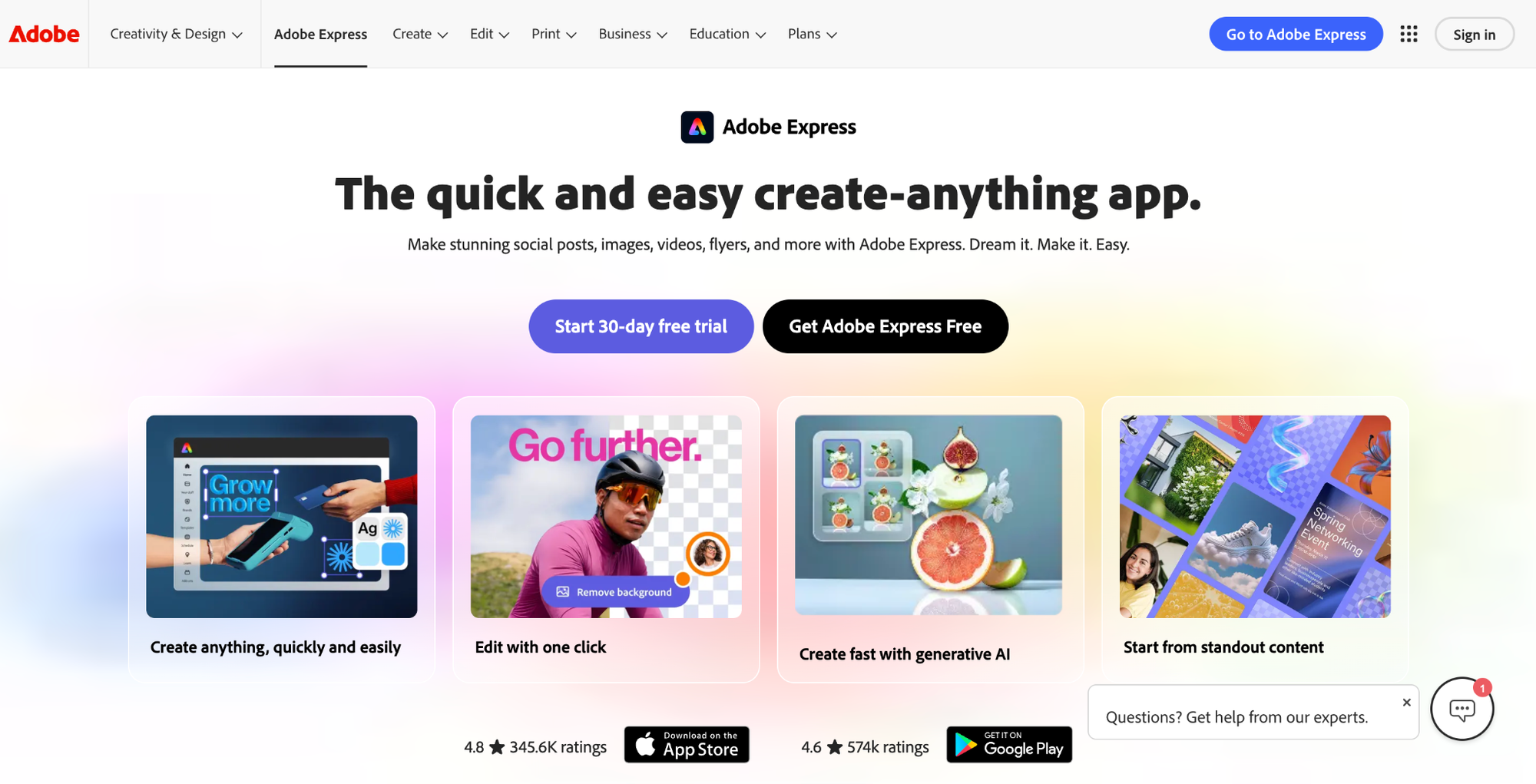
Overview: Adobe Express is Adobe's free-tier design tool with Firefly AI for image generation. Firefly is trained on licensed content, making it commercially safe for monetized channels.
Good for: Creators who already use Adobe Creative Cloud and want thumbnail creation in the same ecosystem.
Key features: Firefly AI generation (commercially safe training data), background removal, Brand Kit, templates, tight integration with Photoshop and Lightroom.
Pricing: Free plan (25 AI credits/mo). Premium ~$10/mo. Included with Adobe Creative Cloud subscriptions.
Pros: Commercially safe AI (licensed training data, no copyright concerns), strong if you're already paying for Adobe, good template library.
Cons: Not YouTube-specific (Firefly is a general image model), 25 free AI credits per month is restrictive, no YouTube performance data informing the output.
Verdict: Adobe Express is the right call if you're already in the Adobe ecosystem. For everyone else, it's a generic tool with a YouTube template layer.
8. WayinVideo: Good Promptless, Upload-Your-Video Tool
Overview: WayinVideo takes a promptless approach: upload your video and the AI generates thumbnails based on the content. No text prompts needed.
Best for: Creators who want AI-generated thumbnails without writing prompts.
Key features: Promptless video-to-thumbnail, custom asset uploads, watermark-free exports, multiple style options.
Pricing: Free plan (200 credits). Paid plans from ~$5/mo.
Pros: Generous free plan (200 credits), very low paid pricing, promptless workflow, watermark-free exports even on budget plans.
Cons: No outlier or performance-data layer, newer tool with a smaller user base, less YouTube-specific than dedicated outlier-trained tools.
Verdict: WayinVideo is the best budget option for promptless thumbnail generation.
9. Thumbnail.AI: Good Free, No-Signup Option
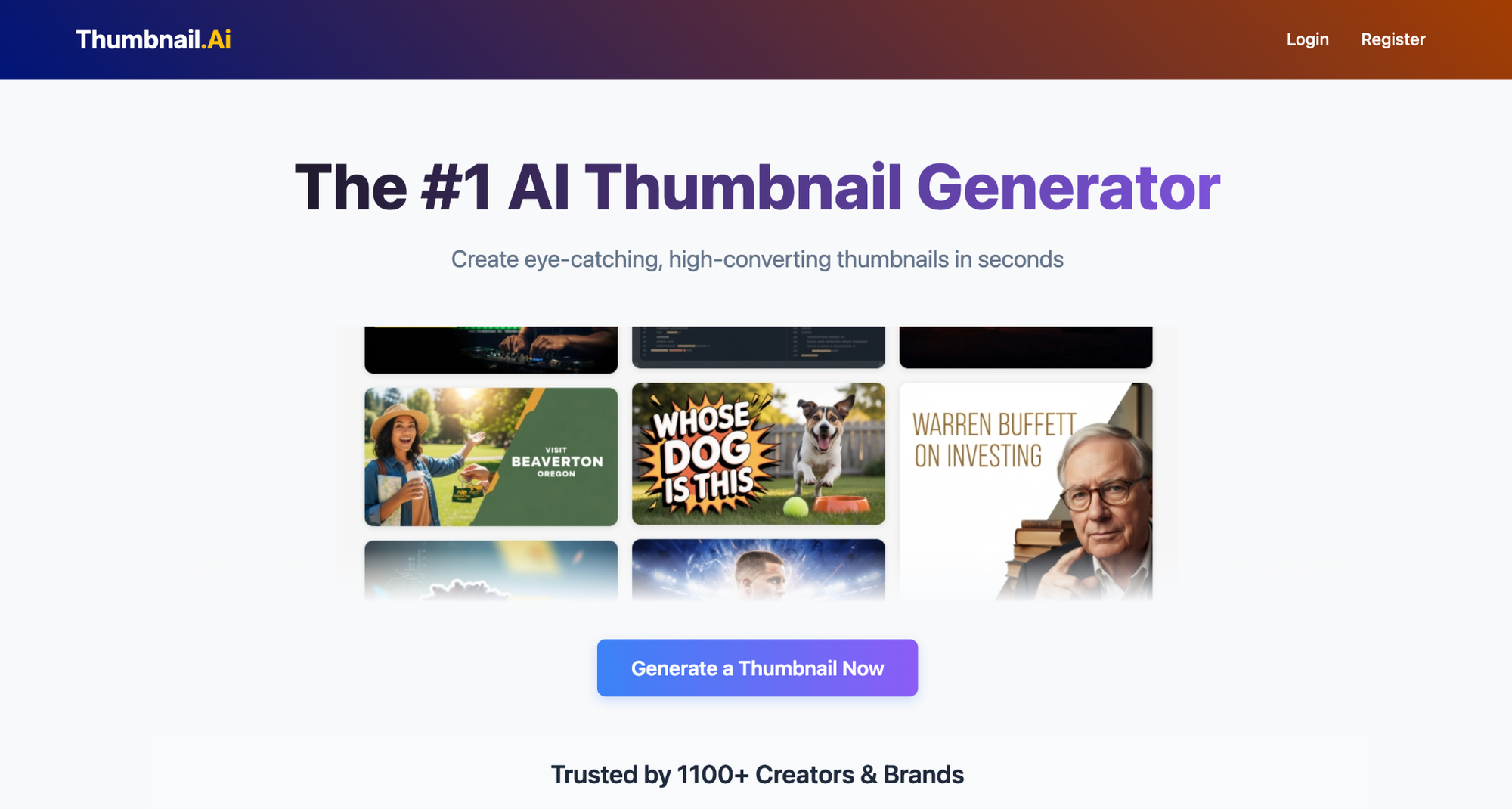
Overview: Thumbnail.AI offers free AI thumbnail generation with no signup required. It's the simplest entry point for creators who want to test AI thumbnails with zero commitment.
Good for: Complete beginners testing AI thumbnails for the first time.
Key features: Free generation, no account required, basic text-to-thumbnail, instant output.
Pricing: Free. Premium options available for higher resolution and more features.
Pros: Zero barrier to entry (no signup, no credit card, no account), instant output, good for testing whether AI thumbnails work for your niche.
Cons: Thin on strategic features (no outlier data, no channel learning, no FaceSwap), output quality lags dedicated YouTube tools, limited customization.
Verdict: Thumbnail.AI is where you go to test the waters. When you're ready for production-quality output, you'll outgrow it fast. Most creators move on to a dedicated tool within a handful of generations.
10. ThumbnailCreator: Good for Speed-to-Publish
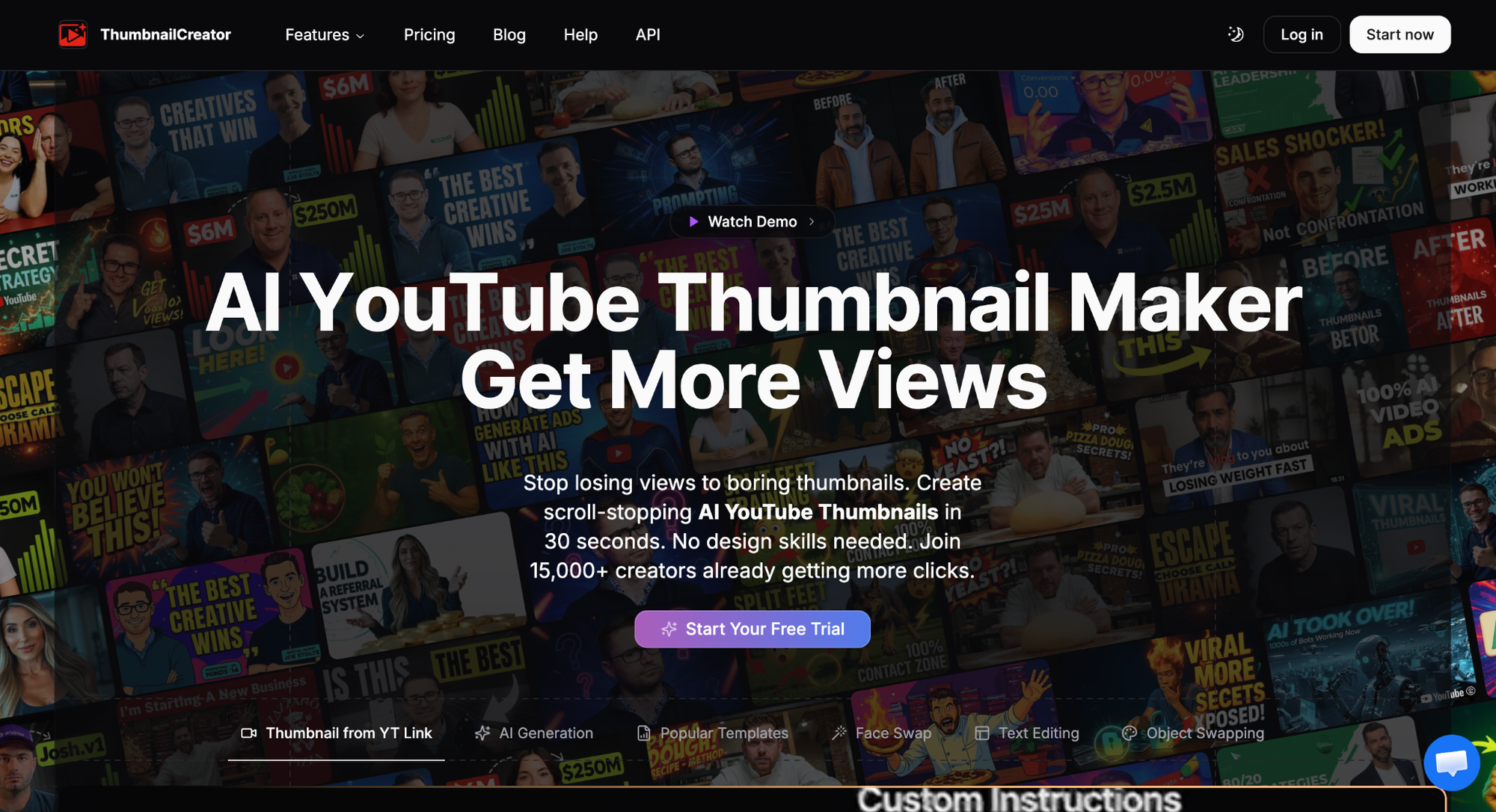
Overview: ThumbnailCreator is a template-based thumbnail tool used by 15,000+ creators, focused on fast generation and publishing speed.
Good for: Creators who prioritize speed and want template-based thumbnails with minimal customization.
Key features: Template library, fast generation, basic text and image editing, channel branding options.
Pricing: 7-day free trial. Paid plans from ~$10/mo.
Pros: Fast workflow from template to publish, 15K+ creator user base, 7-day free trial lets you test before paying.
Cons: Template-based (not AI-generated from performance data), not YouTube-trained, limited creative control compared to prompt-based tools.
Verdict: ThumbnailCreator works for creators who want speed above all else and are comfortable with template-based outputs.
Why AI Thumbnail Generators Matter for YouTube Growth in 2026
Picking the right tool only matters if you understand why thumbnails carry so much weight in the first place. Three platform-level shifts have made AI thumbnail generation a core part of the growth stack.
YouTube is a Recommendation Engine Now, Not a Search Engine
Per 1of10's published research, roughly 70% of YouTube views now come from the homepage feed, not from search. That means most viewers discover videos through thumbnails in their feed, not by typing keywords.
The thumbnail is the primary conversion point between an impression and a view. YouTube thumbnail AI tools trained on this feed-driven reality produce thumbnails optimized for the homepage, not just search.
The CTR Gap Between Average and Top Creators is Almost Entirely Packaging
Industry-standard benchmarks widely cited in YouTube creator education place the average established channel at 4-6% CTR and strong performers at 9-15%. That gap represents 2-3x more views on the same number of impressions.
The content behind the thumbnail matters for retention, but the thumbnail itself is what earns the click.
Manual Thumbnail Design Doesn't Scale
A professional thumbnail designer charges $20-$500 per thumbnail. At 2-3 videos per week, that's $160-$6000/month per channel.
AI thumbnail generators trained on YouTube performance data now match or exceed the output quality of lower-end designers, particularly when the AI is grounded in what's already proven to drive clicks.
These thumbnail generators compress that cost to $19-$89/mo for 1of10 ($15-$69/mo billed yearly), with faster turnaround and the ability to generate multiple variations for A/B testing.
How to Pick the Right AI Thumbnail Generator for Your Channel
The right tool depends on where you are and what you need. Here's how to match the tool to the situation:
- If you're serious about growth, you need an outlier-trained tool. 1of10 is the only option that trains on YouTube outlier data at scale. The outputs reflect what actually drove clicks in your niche, not generic design patterns. This applies whether you're at 5K, 50K, or 500K subscribers; the training signal scales.
- If you want maximum visual customization, 1of10 Pro lets you add reference images, adjust variation levels, and choose between AI pipelines. Pro users can use generated thumbnails as-is or use them as a base they refine further if their channel has a specific visual signature.
- If you're testing the water with zero budget, start with Canva or 1of10's free plan (60 credits, no credit card). Both let you evaluate AI thumbnails before spending anything.
Start Creating Better YouTube Thumbnails Today
The best AI thumbnail generators in 2026 are the ones trained on what actually works on YouTube. Generic image models produce generic thumbnails. Outlier-trained AI produces thumbnails informed by videos that outperformed by 10x or more.
If you want to see the difference, try 1of10's AI thumbnail generator free. 60 credits, no credit card, and finished thumbnails you can upload directly.
More comparisons:
- Best Pikzels alternatives
- Best Thumbmagic alternatives
- Best Canva alternatives for YouTube thumbnails
- Best Photoshop alternatives for YouTube thumbnails
- Canva vs Photoshop for YouTube thumbnails
FAQs About AI Thumbnail Generators
What Is the Best AI Thumbnail Generator?
1of10 is the best AI thumbnail generator for YouTube. It's the only tool trained on YouTube outlier data (62B+ views), and it produces finished, production-ready thumbnails you upload directly. Pikzels is the strongest YouTube-focused alternative. Canva is the best non-YouTube generalist option.
Can AI Make YouTube Thumbnails?
Yes. Modern AI thumbnail generators produce finished, production-ready thumbnails you can upload directly to YouTube. The best tools generate complete thumbnails in under two minutes, including text, composition, and color, without requiring editing in a second tool.
Is There a Free AI Thumbnail Generator?
Yes. 1of10 offers 60 free credits (about 15 AI thumbnails at 4 credits each, no credit card). Thumbnail.AI requires no signup at all. Canva's free plan includes basic Magic Media AI generation within its free-tier limits.
How Much Does an AI Thumbnail Generator Cost?
Free plans exist at most providers. Paid plans range from ~$5/mo (WayinVideo) to ~$80/mo (Pikzels Premium). Most YouTube-focused tools fall in the $20-$50/mo range, with annual billing discounts of 30-40%.
Are AI-Generated Thumbnails Good for YouTube?
Yes, when the tool is trained on YouTube performance data. AI thumbnail generators trained on outlier YouTube videos produce outputs informed by what actually drove clicks and retention. Tools built on generic image models produce thumbnails that look like stock art and underperform on the platform.
What's the Difference Between a Starting-Point Concept and a Finished Thumbnail?
A finished thumbnail is one you upload directly to YouTube without further editing. A starting-point concept is a rough visual you still have to refine in Canva or Photoshop. 1of10 outputs finished thumbnails. Many other AI tools output starting points you fine-tune before publishing.
Do AI Thumbnail Generators Work for Faceless Channels?
Yes. 1of10 works particularly well for faceless and cash-cow channel operators because the outlier dataset includes millions of faceless videos across gaming, finance, history, and compilation niches. The AI generates thumbnails based on visual patterns proven to drive clicks in those formats.