
Comparison
Best Thumbmagic Alternatives in 2026
Yes, 1of10 is on this list. We built it, so we are not a neutral referee. What follows is specific about where each tool fits, including where Thumbmagic is the better choice.
You do not know what the thumbnail should be of
1of10, testable free before you pay.
You want another focused generator to compare
Pikzels.
You want to design it yourself and need other design work too
Canva, but start from a blank canvas rather than a template.
You want free editing control
Photopea.
You have design skill and want no limits
Photoshop.
You are building a consistent series
Figma.
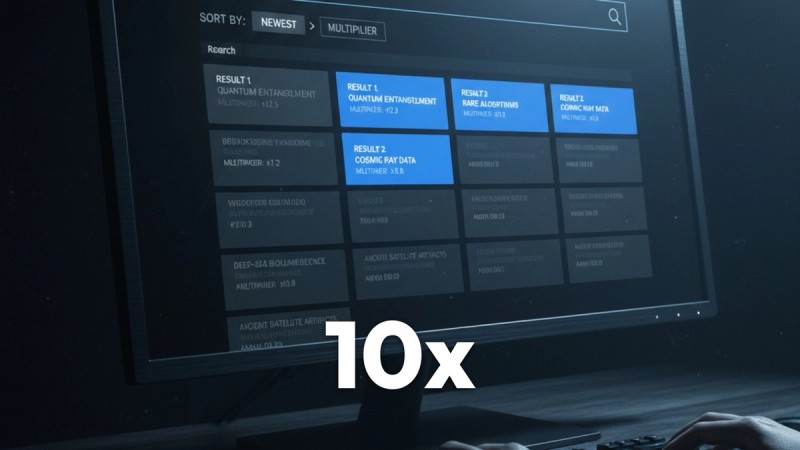
1of10, research plus generation
What it is: a research tool built on 62 billion analysed YouTube views, with AI thumbnail, title and idea generation on every plan. It scores every video against its own channel average and surfaces the ones beating it by 10x to 100x. Who it suits: creators who want to know what the thumbnail should be about before generating it. Price: free at $0 with outlier search, competitor tracking and 60 AI credits a month, no card. Basic $19/mo or $180/yr. Pro $89/mo or $828/yr with 1,000 AI credits. Four variations per generation, Magic Edit for regional refinement, 4K upscale. Does better: the generation is informed by outlier data rather than a prompt alone, so the concept has evidence behind it. Research and AI creation on every tier; Pro has the most credits. Does worse: it is a larger product than a thumbnail generator, priced accordingly. If you genuinely only want thumbnails and have research covered, that breadth is something you are The A/B Test Winners feed shows real before and after thumbnails from other channels, up to 164M subscribers, with the measured CTR change attached, so you can see which packaging changes actually moved the number rather than guessing. Trending Formats surfaces the title and thumbnail patterns currently overperforming, with the videos that prove each one.
Pikzels, the closest direct comparison
What it is: a dedicated AI thumbnail generator, the nearest equivalent to Thumbmagic in scope. Who it suits: creators comparing focused generators against each other. Price: verify at signup. Does better: more established than Thumbmagic with a larger user base, and a short path from prompt to output. Does worse: the same structural limit. No research layer, so it cannot tell you whether the concept is worth generating.
Canva, manual control
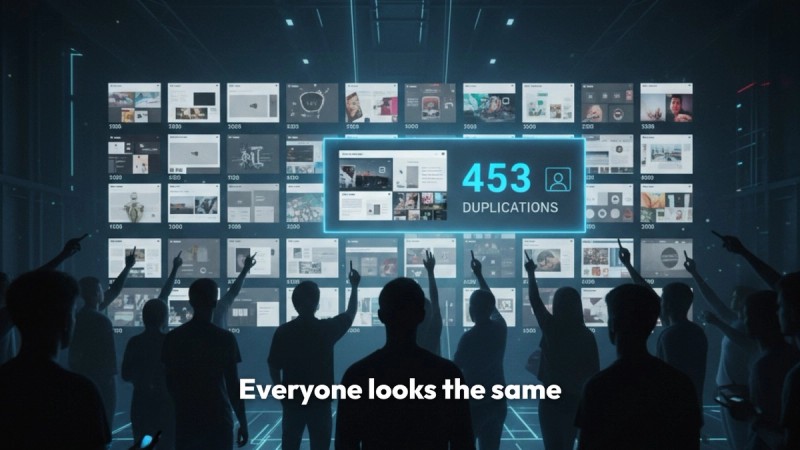
What it is: the mainstream design tool with thumbnail templates and a large asset library. Who it suits: creators who want to place elements themselves, and who also need channel art, socials and decks. Price: free tier is genuinely usable, Pro around $120/yr. Does better: total layout control and a free tier that covers most thumbnail work. Handles every other design job a channel has. Does worse: templates produce sameness, and sameness is the one thing a thumbnail cannot afford. No knowledge of what performs on YouTube.
Photopea, free editing
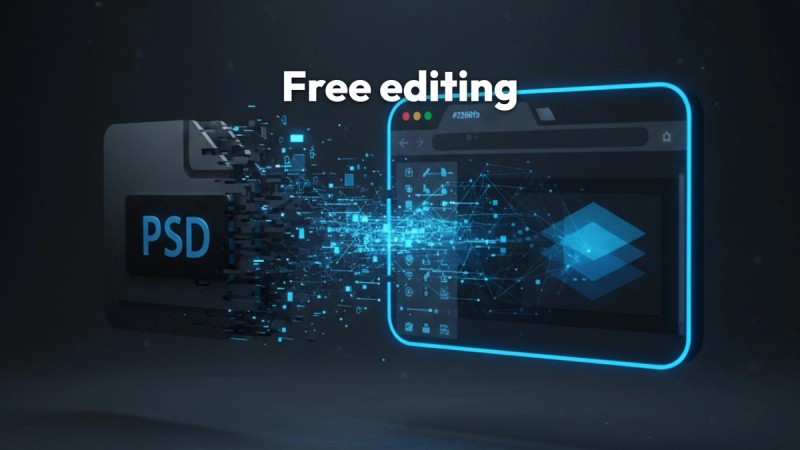
What it is: a browser-based editor with a Photoshop-style interface. Who it suits: creators who want real layer control at no cost. Price: free, ad supported. Does better: proper editing power for nothing, and it opens layered files from other tools. Does worse: no AI generation at all, so it is a different kind of tool rather than a like-for-like swap.
Photoshop, total control
What it is: the professional standard for image editing. Who it suits: creators with design skill who want no constraints. Price: $19.99/mo on the Photography plan, about $239.88/yr, or $22.99/mo for Photoshop on its own. Does better: unmatched control, and Generative Fill handles background extension and object removal better than anything else here. Does worse: expensive and demanding for a job that is one image at 1280 x 720. It knows nothing about YouTube conventions.
Figma, best for a series
What it is: a collaborative design tool built on reusable components. Who it suits: creators producing a consistent series, or small teams. Price: free tier, paid from around $144/yr. Does better: consistency across many thumbnails becomes close to automatic. Does worse: built for interface design, not photographic composition, and no AI generation.
Simplicity
It does one thing and the path through it is short. There is genuine value in a tool that is not trying to become a platform, and no onboarding to sit through.
No methodology to adopt
You are not committing to a research process or changing how you plan videos. You want a thumbnail, you get a thumbnail.
Low commitment
For a creator who already has research covered elsewhere and needs generation only, adding a focused tool is cheaper and simpler than switching platforms.
Speed
From idea to usable output quickly, with no workflow to navigate first.
Find What Already Overperformed
Free plan, outlier search, competitor tracking and 60 AI credits a month, no card. See the videos in your niche beating their own channel average by 10x to 100x. All pricing verified August 2026 and re-checked before each update.
No credit card required