
Comparison
Best Opus Clip Alternatives in 2026
Yes, 1of10 is on this list, and we should be straight before you read further: Opus Clip cuts long videos into short ones. 1of10 does research. If you need clipping, five of the six tools below are your real options and we are the odd one out. We have included ourselves because a meaningful share of people looking for a clipping alternative are actually frustrated with something else, and it is wo
You want free and full control
CapCut.
Caption quality is your priority
Submagic.
You edit dialogue-heavy content
Descript.
You want no install
Veed.
You want the same thing cheaper
Vizard.
Your clips are well made and still not performing
1of10, and keep your editor.
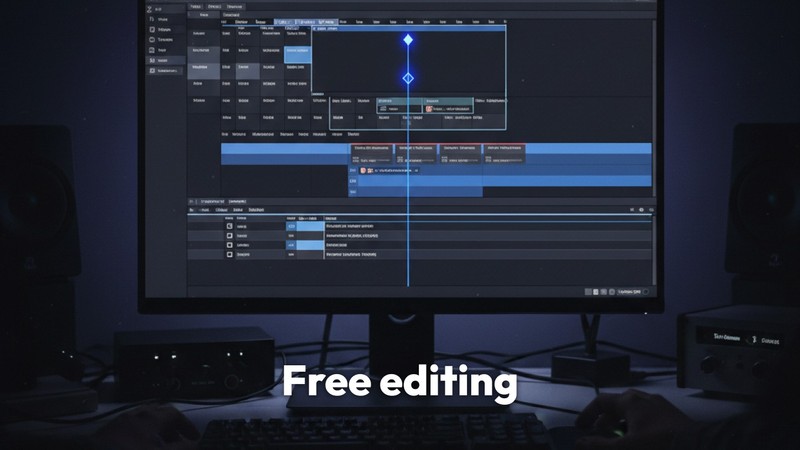
CapCut, best free alternative
What it is: a full video editor with strong auto-caption support, free. Who it suits: creators who want control over how clips look and do not mind doing the cutting themselves. Price: free, with paid tiers for extras. Does better: free, genuinely capable, and full manual control over caption styling, which is the easiest way to escape the default look everyone else is using. Does worse: manual. You find the moments yourself, which is exactly the work Opus Clip was doing for you.
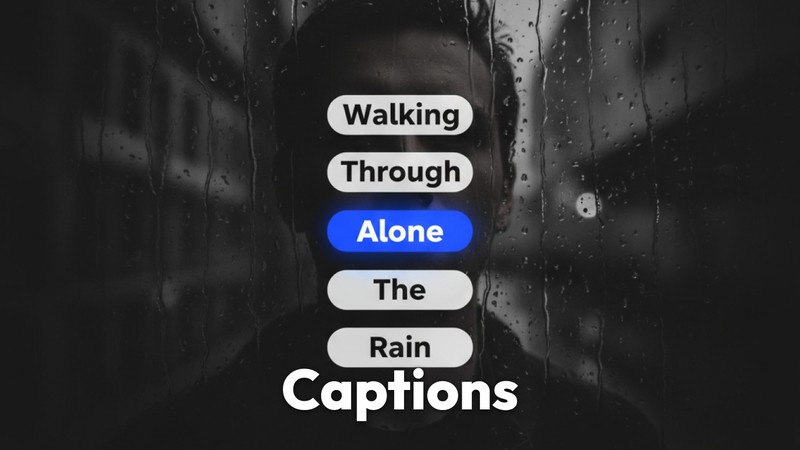
Submagic, best captioning
What it is: a short-form editing tool focused on captions and styling. Who it suits: creators whose priority is caption quality rather than automatic clip discovery. Price: verify at signup. Does better: caption accuracy is consistently strong, including with accents and technical vocabulary, and the styling presets look professional with no design work. Does worse: weighted towards captioning rather than finding the clips, so you are still choosing moments.
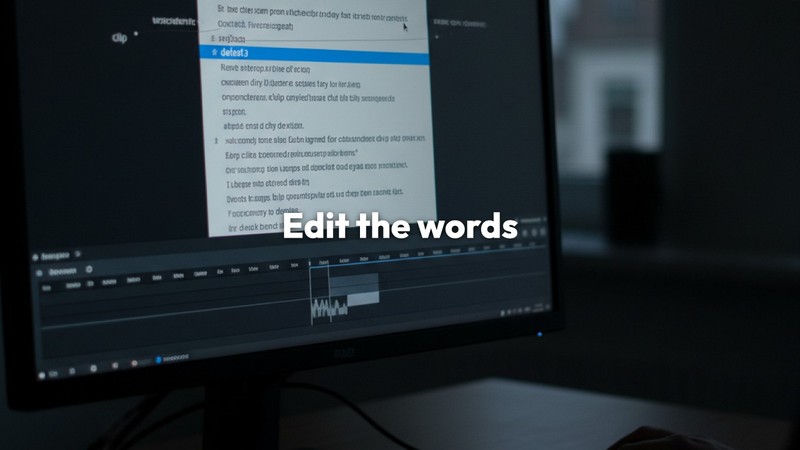
Descript, best different workflow
What it is: an editor where you cut video by editing its transcript. Who it suits: talking-head creators, podcasters and interviewers. Price: verify at signup. Does better: genuinely faster for dialogue-driven content, and finding a moment by reading is quicker than scrubbing. Does worse: a real learning curve, and less suited to visually driven edits where the words are not the point.
Veed, best browser-based
What it is: online video editing with subtitles and templates. Who it suits: creators who want to work anywhere without installing software. Price: verify at signup. Does better: no install, works on any machine, decent subtitle accuracy. Does worse: heavier and slower than a purpose-built clipping tool.
Vizard, cheaper auto-clipping
What it is: an auto-clipping tool in the same category as Opus Clip. Who it suits: creators who want the same workflow at a lower price. Price: verify at signup, pricing moves. Does better: closest like-for-like swap, often cheaper. Does worse: smaller product with fewer integrations, and clip selection has the same fundamental inconsistency.
1of10, for the step before clipping
What it is: a research tool built on 62 billion analysed YouTube views. It scores videos against their own channel average and surfaces the ones performing 10x to 100x above it, with the title, thumbnail and format behind them. Who it suits: creators whose real frustration is that the clips are not performing, rather than that clipping is slow. Price: free at $0 with outlier search, competitor tracking and 60 AI credits a month, no card. Basic $180/yr, Pro $828/yr. Does better: answers which formats and ideas are actually working in your niche, which no clipping tool addresses. If your shorts are well edited and still not landing, the edit is not the problem. Does worse: it is not an editor. No clipping, no captions, no video output. If you came here for a clipping tool, take one of the five above and keep it. The A/B Test Winners feed shows real before and after thumbnails from other channels, up to 164M subscribers, with the measured CTR change attached, so you can see which packaging changes actually moved the number rather than guessing. Trending Formats surfaces the title and thumbnail patterns currently overperforming, with the videos that prove each one.

It genuinely automates the boring part
For a long back catalogue, having it propose clips is faster than scrubbing hours of footage yourself, even accounting for review.
Auto-reframing
Converting landscape to vertical while keeping the subject in frame is done well, and it is tedious manually.
The complete pipeline
Clip, reframe, caption, export, in one pass. Most alternatives do part of that.

Volume
If you publish short-form daily from long-form source, nothing here beats it for throughput.
Find What Already Overperformed
Free plan, outlier search, competitor tracking and 60 AI credits a month, no card. See the videos in your niche beating their own channel average by 10x to 100x. All pricing verified August 2026 and re-checked before each update.
No credit card required