
Comparison
Best Canva Alternatives for YouTube Thumbnails in 2026
Yes, 1of10 is on this list. We built it, so we are not neutral. This page is specifically about making YouTube thumbnails, not design tools in general, because that is where these tools actually differ for a creator.
Your problem is not knowing what to design
1of10, testable free.
You want control and pay nothing
Photopea.
You have design skill and want no limits
Photoshop.
You are building a consistent series or working with a team
Figma.
You want thumbnails generated, not designed
Pikzels.
You want free and offline
GIMP.
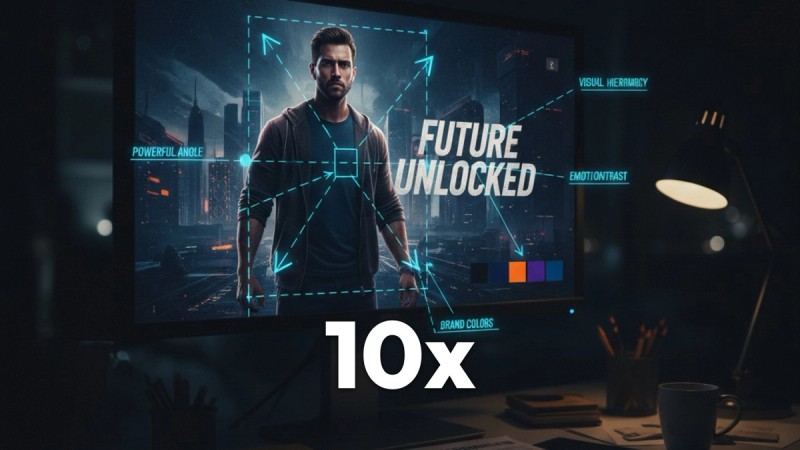
1of10, thumbnails informed by data
What it is: a research tool built on 62 billion analysed YouTube views, with AI thumbnail generation on every plan. It surfaces videos beating their own channel average by 10x to 100x, so you see what worked in your niche before you design. Who it suits: creators whose real problem is not the design software but not knowing what the thumbnail should be of. Price: free at $0 with outlier search, competitor tracking and 60 AI credits a month, no card. Basic $19/mo or $180/yr. Pro $89/mo or $828/yr with 1,000 AI credits. Four variations per generation, Magic Edit for regional fixes, 4K upscale. Does better: avoids the template problem entirely, because generation is informed by high-performing thumbnails rather than a fixed layout. Does worse: it is not a general design tool. You cannot make a presentation, a poster or an Instagram carousel in it. If thumbnails are one of many jobs you use Canva for, replacing it d The A/B Test Winners feed shows real before and after thumbnails from other channels, up to 164M subscribers, with the measured CTR change attached, so you can see which packaging changes actually moved the number rather than guessing. Trending Formats surfaces the title and thumbnail patterns currently overperforming, with the videos that prove each one.
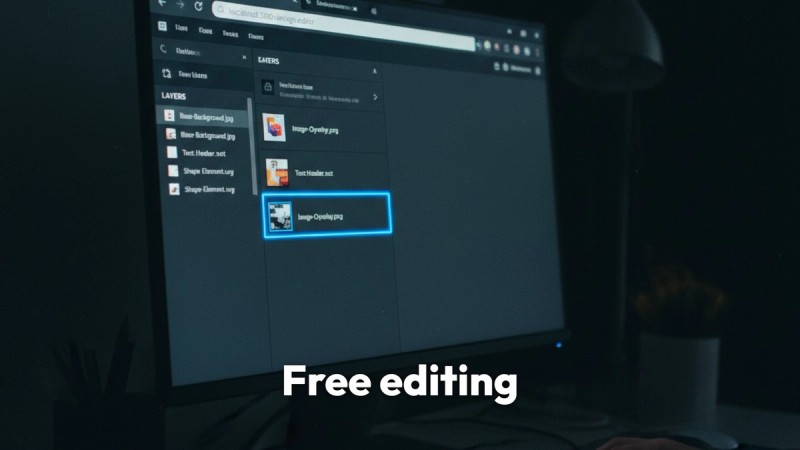
Photopea, best free alternative
What it is: a browser-based editor with a Photoshop-style interface that opens PSD files. Who it suits: creators who want real layer control without paying. Price: free, ad supported. Does better: far more control than Canva at no cost, and it opens layered files from other tools so you are not locked in. Does worse: no templates, no AI generation, and the interface assumes you know what a layer mask is.
Photoshop, total control
What it is: the professional standard. Who it suits: creators with design skill, or a channel with a designer. Price: $19.99/mo on the Photography plan, about $239.88/yr, or $22.99/mo for Photoshop on its own. Does better: unmatched control, and Generative Fill is genuinely useful for extending backgrounds and removing objects cleanly. Does worse: expensive against Canva's free tier, a real learning curve, and no YouTube knowledge at all.
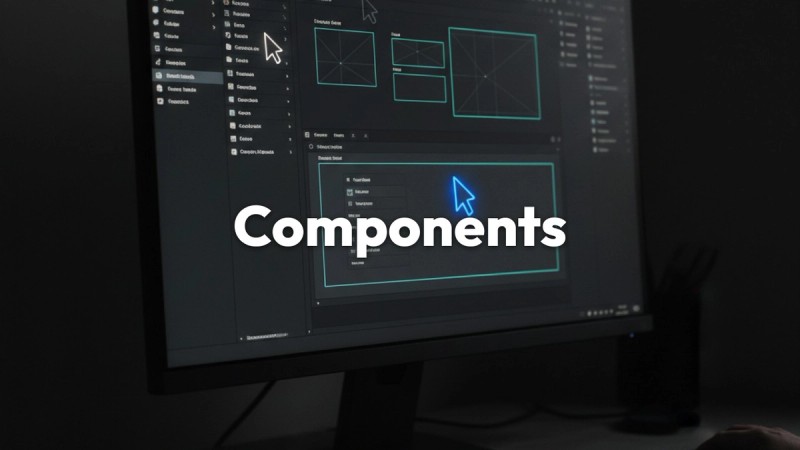
Figma, best for a consistent series
What it is: a collaborative design tool built around reusable components. Who it suits: creators producing a recognisable series, or teams where more than one person makes thumbnails. Price: free tier is generous, paid from around $144/yr. Does better: components make visual consistency across dozens of videos nearly automatic, and collaboration is far ahead of Canva. Does worse: built for interface design, not photographic composition. No AI thumbnail generation.
Pikzels, focused AI generation
What it is: a dedicated AI thumbnail generator. Who it suits: creators who want thumbnails generated rather than designed. Price: verify at signup. Does better: fast, focused, no design skill required. Does worse: no research layer, so it will generate a polished thumbnail for a weak concept without ever telling you the concept is weak.
GIMP, free and powerful
What it is: the long-standing free desktop image editor. Who it suits: creators who want full editing power, offline, at zero cost. Price: free. Does better: genuinely capable, no subscription, no account. Does worse: the interface is dated and it is slow for the quick iterative work thumbnails demand.
The free tier is genuinely good
Most creators can make every thumbnail they need without paying. Very little else here can say that.
Speed for non-designers
Blank canvas to finished thumbnail faster than any editor in this list, with no design background required.
It does everything else too
Channel art, end screens, social posts, presentations, sponsor decks. If you run a channel as a business, one tool covering all of it has real value a thumbnail-only tool cannot match.
Brand kits
On Pro, locking fonts and colours across everything keeps a channel coherent and saves real time.
Mobile
The app is good, and editing a thumbnail on a phone is occasionally exactly what you need.
Find What Already Overperformed
Free plan, outlier search, competitor tracking and 60 AI credits a month, no card. See the videos in your niche beating their own channel average by 10x to 100x. All pricing verified August 2026 and re-checked before each update.
No credit card required