
vidIQ Review 2026: Pricing, Flaws, Verdict
vidIQ review after testing all 4 plans: 2026 pricing from $0 to $468 per year, what the AI Coach really delivers, and 2 alternatives that beat it.
Full disclosure before you read a single word: 1of10 competes with vidIQ, so judge our take accordingly. Here is the honest version anyway.
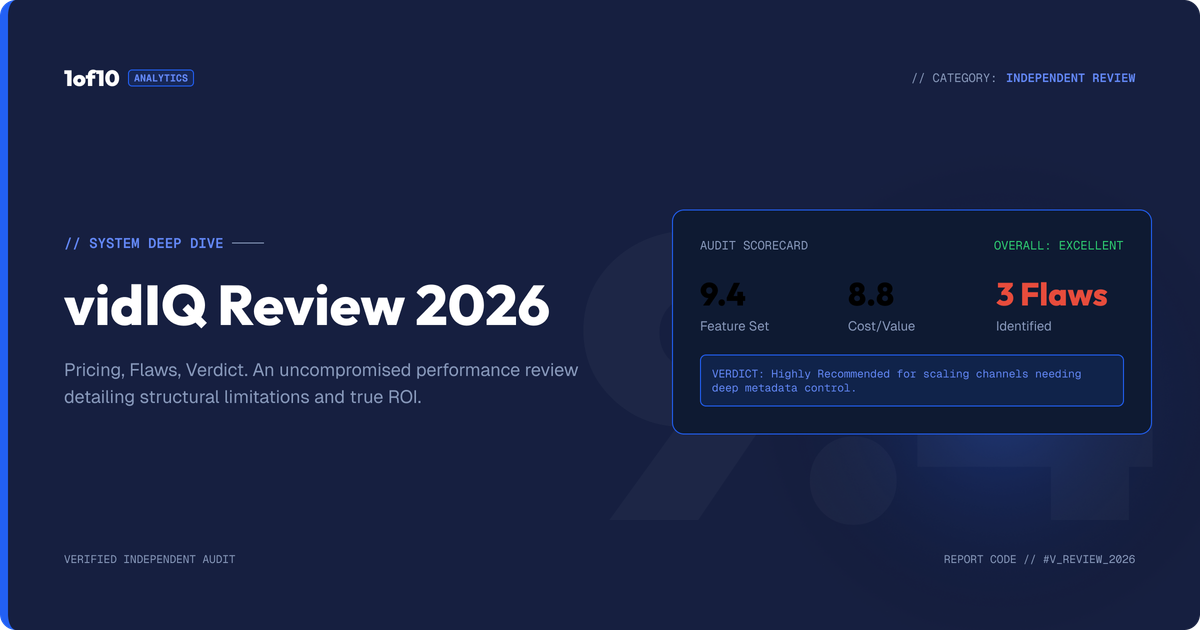
This vidIQ review is based on hands-on testing of all 4 plans in July 2026. The short answer: vidIQ is a genuinely good YouTube research tool with best-in-class keyword data and a Chrome extension millions of creators rely on. It is much weaker at turning research into video ideas and packaging, its AI Coach gives generic advice, and its credit system drains fast. Our score: 6.4/10.
That number comes from a 5-part rubric we apply to every YouTube tool we review: ideation, packaging, analytics, research, and value. vidIQ scores an 8 on two of them and a 5 on two others. The gap between those numbers is the whole story, and it decides whether the $199 to $468 per year is worth it for your channel.
Here is everything we found, plan by plan and feature by feature.
Suggested hero image: vidiq-review-2026-scorecard.png, alt: "vidIQ review 2026 scorecard showing ratings for ideation, packaging, analytics, research, and value"
What is vidIQ?
vidIQ is a YouTube growth platform built around keyword research, channel analytics, and a browser extension that overlays data directly on YouTube. Founded in 2011, it is one of the two oldest tools in the space alongside TubeBuddy. In 2023 it pivoted hard into AI, adding an AI Coach, AI title and description generators, a thumbnail maker, and a credit-metered system that now sits underneath almost every feature.
The core promise: type a topic, see what people search for, get a score that tells you whether you can rank for it, then optimize your title, tags, and description to match.
That promise made sense in 2016, when YouTube search drove a meaningful share of views. In 2026, the algorithm surfaces most content through browse and suggested feeds, where packaging and idea selection matter far more than tags. vidIQ has bolted AI features onto its search-era foundation to keep up. Some of those bolts hold. Some do not.
What does vidIQ do well?
Four things, and it does them properly. Credit where it is due.
1. Keyword research is still the best in class
vidIQ's keyword tool remains the strongest reason to pay for it. You get search volume, competition scores, related terms, rising queries, and a single 0-100 "keyword score" that combines them. For channels in search-driven niches, this is genuinely useful.
What you get:
- Search volume and competition for any query, with historical trend lines
- A weighted keyword score that beginners can act on without reading a data table
- Rising keyword alerts for terms gaining volume in your niche
- Question-based query suggestions pulled from real searches
If your channel lives on search traffic, tutorials, how-to content, product reviews, local topics, this tool alone can justify the Boost plan. No honest vidIQ review can pretend otherwise.
2. Daily Ideas keeps beginners publishing
Daily Ideas generates video suggestions based on your channel data and what is working in your niche. The ideas skew safe and derivative, but for a creator staring at a blank calendar, safe and derivative beats nothing. It is a decent momentum tool for channels under 10,000 subscribers that have not yet developed an instinct for topic selection.
3. The extension is everywhere, and that matters
The vidIQ Chrome extension has been installed millions of times (Chrome Web Store), and ubiquity is its own feature. It overlays stats on every YouTube page you visit: views per hour, tags, engagement rates, channel comparisons. Watching any video becomes a mini research session. The free tier of the extension is generous enough that many creators never uninstall it, which is exactly the point.
4. Education is a real value-add
vidIQ's masterclasses, weekly live streams, and YouTube channel are legitimately good. The Boost plan includes creator masterclasses that would cost real money as standalone courses. For a first-year creator, the education bundle is arguably worth more than the software.
Suggested image: vidiq-extension-overlay.png, alt: "vidIQ Chrome extension stats overlay on a YouTube watch page"
Where does vidIQ fall short?
Three structural problems, all of them showing up consistently in user reviews on G2 and Capterra, and all of them confirmed in our own testing.
1. The AI Coach is an upsell wearing a product costume
The AI Coach is vidIQ's flagship AI feature and its weakest one. In our testing, and in the pattern of 1-star and 2-star reviews across G2 and Capterra, the Coach's advice converges on the same generic playbook regardless of your channel: post consistently, improve your thumbnails, research keywords. Reviewers report near-identical advice going to channels with 200 subscribers and channels with 200,000.
Worse, the Coach is the tip of a constant upsell funnel. Free users get "personalized growth tips" that regularly resolve to "upgrade to unlock the full answer." Boost users get pushed toward Max for "deep thinking" mode and 3x more Coach conversations. The product is designed so that the answer to your question is frequently one plan tier away.
2. Credit metering and feature gating punish the users who like it most
Everything AI in vidIQ now runs on credits: 150 per month on Free, 2,000 on Boost, 6,000 on Max. Generate titles, thumbnails, descriptions, or Coach conversations and the meter runs. Heavy users report exhausting Boost's 2,000 credits well before the month ends, which converts a $199 per year plan into a $468 per year plan for anyone who actually uses the AI features daily.
The gating pattern has history. Between 2022 and 2024, features that once lived on the free tier migrated behind paywalls without prominent announcement. The free keyword tool now returns only a handful of results per search. None of this is unusual for SaaS. All of it compounds the feeling, common across review platforms, that the product is optimized for conversion pressure rather than creator outcomes.
3. Keyword-first is the wrong starting point in 2026
This is the deepest problem, and it is philosophical rather than technical. vidIQ's entire workflow starts with a keyword: find a term, check the score, make a video about it. But YouTube's algorithm today distributes most watch time through browse and suggested feeds, where the question is not "what do people search" but "what do people click." We broke down how that distribution works in our guide to how the YouTube algorithm works.
The creators growing fastest in 2026 work idea-first: they find proven outlier videos, videos performing 10x to 100x above their channel's average, and reverse-engineer why the idea and packaging worked. Keyword tools cannot see outliers. They can tell you a topic has 40,000 monthly searches. They cannot tell you that a specific framing of that topic just did 47x a channel's baseline. That difference is where views actually come from, and it is the gap vidIQ's architecture was never built to close. We compared the two workflows directly in how to find YouTube outliers the hard way vs the fast way.
How much does vidIQ cost in 2026?
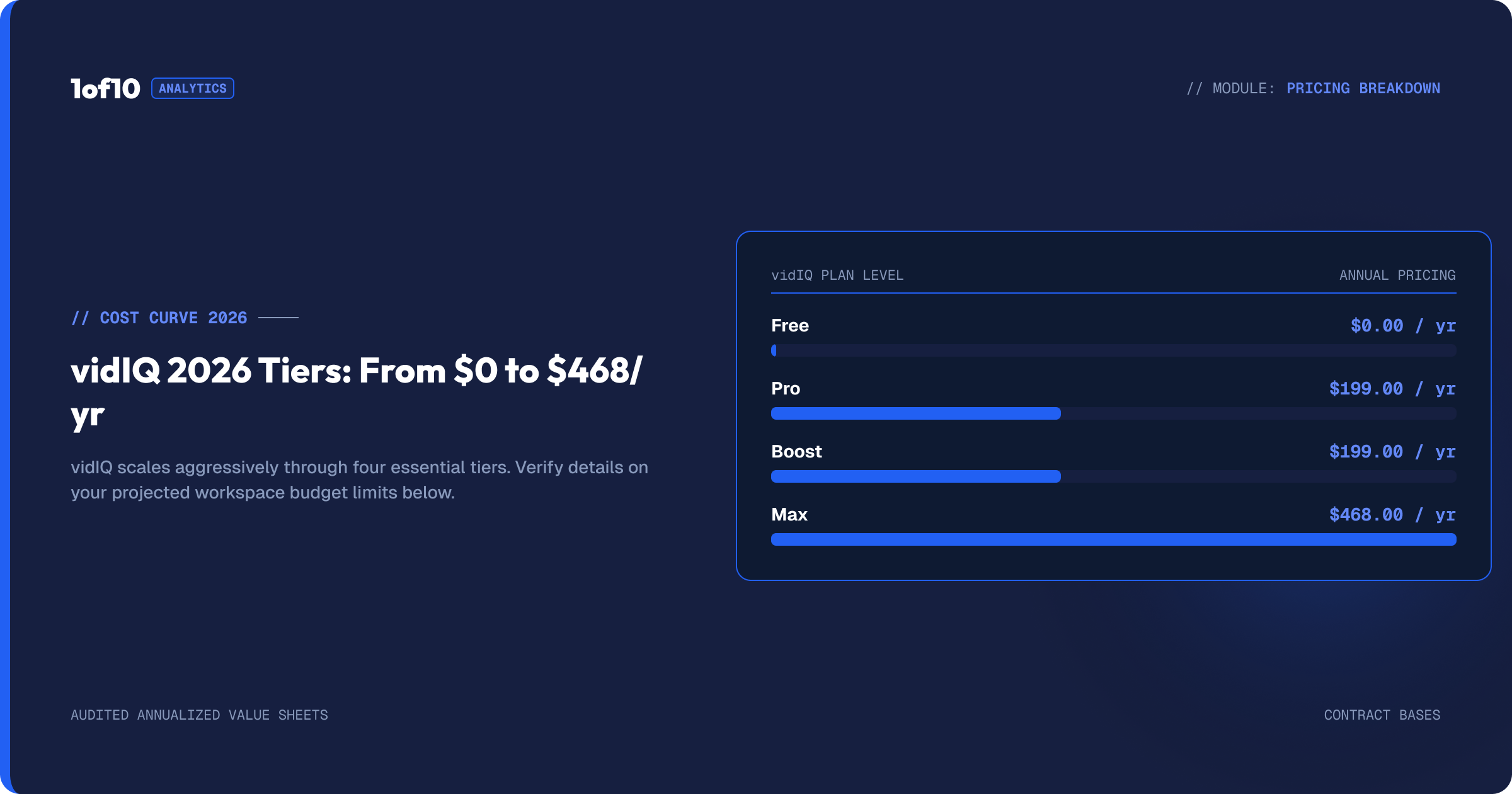
vidIQ runs 5 plans in 2026: Free, Boost, Max, Coaching, and Enterprise. Prices below were checked against vidiq.com/plans in July 2026. vidIQ changes pricing more often than most tools in this space, so treat the exact numbers as a snapshot.
| Plan | Monthly billing | Annual billing | AI credits/mo | Best for |
|---|---|---|---|---|
| Free | $0 | $0 | 150 | Testing the extension |
| Boost | $39/mo | $199/yr (about $16.58/mo) | 2,000 | Search-driven channels |
| Max | Not offered | $39/mo billed yearly (about $468/yr) | 6,000 | Heavy AI users |
| Coaching + Boost | Not offered | About $99/mo billed yearly | 2,000 | Creators who want 1-on-1 help |
| Enterprise | Custom | Custom | Custom | Brands, agencies, MCNs |
Plan-by-plan, here is what the numbers actually buy:
Free ($0). The extension's core overlay, basic channel stats, limited Daily Ideas, and 150 AI credits. The keyword tool returns only a few results per search. The free plan exists to show you what you are missing, and it is effective at exactly that. Expect regular upgrade prompts.
Boost ($199/yr annual, $39/mo monthly). The real product. Unlimited keyword and trend research, thumbnail generation, subscriber insights, the full AI Coach, and the masterclass library, with 2,000 AI credits per month. Note the spread: annual billing costs $199 while month-to-month costs $468 per year. That 57% gap is one of the widest in the category and is clearly designed to push annual commitments.
Max ($39/mo, billed yearly only, about $468/yr). Everything in Boost plus 6,000 credits, up to 3x more AI Coach conversations, "Max Mode" AI, and up to 11 hours of short-form clipping and generation. vidIQ advertises a $120 saving against month-to-month pricing, which implies a $49/mo monthly rate, but at review time Max was only purchasable on annual billing.
Coaching + Boost (about $99/mo, billed yearly). Boost plus scheduled 1-on-1 sessions with a human coach and a custom growth plan. At roughly $1,188 per year, you are paying about $989 over Boost for the human layer. Whether that beats simply hiring a freelance channel strategist for the same money is an open question.
Enterprise (custom). Multi-channel access, team roles and permissions, cross-channel reporting, priority support. Standard enterprise fare, priced by sales call.
What is not included at any tier: an outlier database across all of YouTube, idea generation grounded in proven performance data rather than keyword volume, and thumbnail generation trained specifically on high-CTR thumbnails. Those are different products, which is where the alternatives section comes in.
Suggested image: vidiq-pricing-plans-2026.png, alt: "vidIQ pricing table comparing Free, Boost, Max, Coaching, and Enterprise plans in 2026"
Who is vidIQ right for?
Be honest about your channel type before spending anything. vidIQ earns its price for 4 kinds of creators:
- Search-first channels. Tutorials, how-to, software, finance explainers, product reviews. If Google and YouTube search drive your views, vidIQ's keyword engine is the best available and Boost at $199/yr is fair value.
- Beginners under 10,000 subscribers who need structure. Daily Ideas, the education library, and the extension overlay give new creators a daily workflow when they have none. The training wheels are good training wheels.
- Creators who want everything in one dashboard. vidIQ bundles research, analytics, alerts, and AI tools into one subscription. The bundle is wide, even where individual pieces are shallow.
- Data-curious viewers. If you just want to see stats on every video you watch, the free extension does that indefinitely at zero cost.
Who should skip vidIQ?
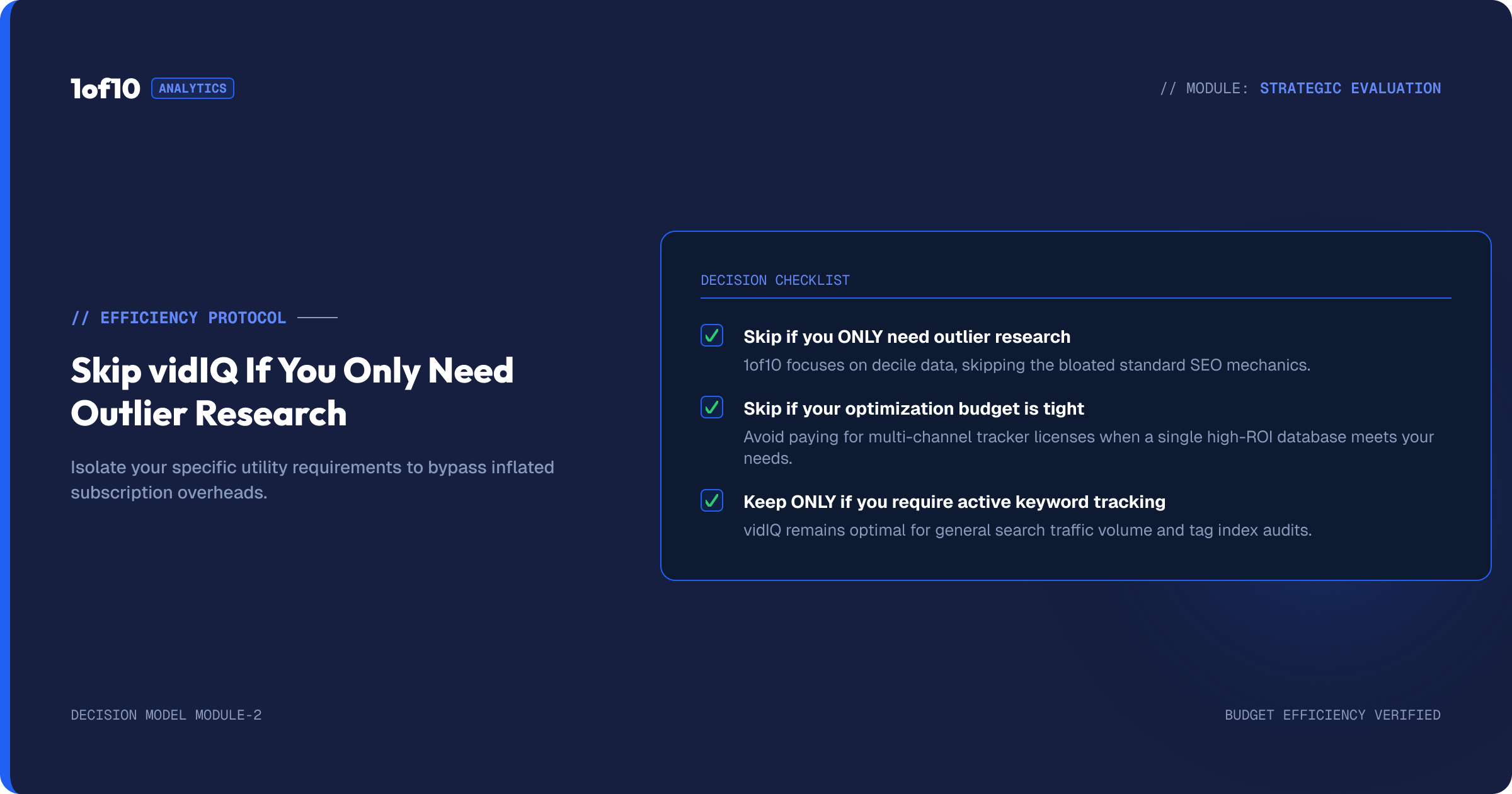
Three profiles get poor value, and the pattern in negative reviews confirms it:
- Browse-driven and entertainment channels. If your views come from browse and suggested feeds rather than search, keyword scores are close to noise. Your growth levers are idea selection and packaging, and vidIQ is weakest at exactly those. Check where your traffic comes from before you pay for a search tool; our breakdown of what counts as a good click-through rate on YouTube shows why packaging is the lever that moves browse traffic.
- Creators who already know their niche. Once you have published 50+ videos, vidIQ's suggestions start echoing what you already know. Multiple long-term users describe outgrowing it around this point.
- Anyone allergic to upsell pressure. If a product nudging you toward the next tier several times per session sours you, this is not your tool. The conversion machinery is constant and reviewers cite it constantly.
What are the best vidIQ alternatives?
Two tools cover the ground vidIQ misses, and they miss different ground themselves. We keep a wider list in our roundup of the best tools to get more views on YouTube, but these are the two that matter in a vidIQ decision.
1of10: idea-first research and AI packaging (yes, that is us)
Same disclosure as the top of the page: this is our product. Here is the factual case, and you should verify every claim on a free account.
1of10 starts from the opposite premise to vidIQ. Instead of asking what people search, it scans millions of channels for outlier videos performing 10x to 100x above their channel's average, then feeds that performance data into AI generators for thumbnails, titles, and video ideas. The thumbnail generator is trained on high-performing thumbnails specifically, and the idea generator is grounded in what provably worked rather than keyword volume.
Pricing: Free plan with outlier search, competitor tracking and 60 AI credits a month, Basic at $19/mo with 150 credits, Pro at $89/mo with 1,000 credits (pricing). There is also a free Chrome extension that shows outlier scores directly inside YouTube.
Where vidIQ still wins: search keyword data, channel audits, and breadth of education content. 1of10 does not try to be a keyword tool. We wrote a full head-to-head in 1of10 vs vidIQ if you want the feature-by-feature version.
TubeBuddy: bulk workflows and channel operations
TubeBuddy is the other veteran, and its edge is operational. Bulk end-screen updates, bulk card edits, bulk description find-and-replace across hundreds of videos, thumbnail A/B testing, and comment management. For channels with large back catalogs, or managers running multiple channels, TubeBuddy's bulk tooling saves real hours that neither vidIQ nor 1of10 addresses. Its research and AI features trail both. Pricing runs from a limited free tier to Legend at roughly $32.99/mo, with the A/B testing locked to higher tiers.
The clean split: vidIQ for search research, 1of10 for idea and packaging research, TubeBuddy for channel operations at scale.
Suggested image: vidiq-vs-1of10-vs-tubebuddy.png, alt: "Comparison chart of vidIQ, 1of10, and TubeBuddy strengths by category"
Verdict: is vidIQ worth it in 2026?
Here is the rubric, scored from our testing across all plans:
| Category | Score | Why |
|---|---|---|
| Research (keywords/trends) | 8/10 | Best keyword engine in the category, strong trend alerts |
| Analytics | 8/10 | Extension overlay plus channel stats are genuinely useful daily |
| Ideation | 6/10 | Daily Ideas helps beginners but skews derivative; no outlier data |
| Packaging (thumbnails/titles) | 5/10 | AI generators are serviceable, not trained on performance data |
| Value | 5/10 | Fair at $199/yr annual; credit metering and upsells erode it fast |
| Overall | 6.4/10 | Great research tool, mediocre growth tool |
The one-line verdict: vidIQ is an 8/10 research tool trapped inside a 5/10 growth platform, worth $199 a year for search-driven channels and a pass for everyone else.
If your channel wins on search, buy Boost on annual billing, ignore the AI Coach, and you will get your money's worth. If your channel wins on ideas and thumbnails, which in 2026 is most channels, your money works harder in an idea-first tool. Start with the outlier method either way: find the outliers in your niche for free and see what proven demand looks like before you pay anyone, including us.
FAQ
Is vidIQ worth it?
vidIQ is worth $199 per year for search-driven channels: tutorials, how-to, reviews, and explainer content that ranks in YouTube search. Its keyword engine scored 8/10 in our testing. For browse-driven and entertainment channels, where idea selection and packaging drive growth, the value drops sharply and an idea-first tool fits better.
Is vidIQ free?
Yes, vidIQ has a permanent free plan. It includes the Chrome extension's core stats overlay, basic channel analytics, limited Daily Ideas, and 150 AI credits per month. The free keyword tool only returns a few results per search, and most AI features push you toward the $199 per year Boost plan quickly.
What is better than vidIQ?
It depends on the job. For idea research and AI packaging grounded in proven performance data, 1of10 is stronger: it finds outlier videos doing 10x to 100x a channel's average and trains its thumbnail generator on high-CTR examples. For bulk editing across large back catalogs, TubeBuddy is stronger. For pure keyword research, vidIQ still leads.
How much does vidIQ cost per month?
In July 2026, Boost costs $39 per month on monthly billing or $199 per year (about $16.58 per month) on annual billing. Max costs $39 per month but is billed yearly only, about $468 per year, with 6,000 AI credits. Coaching plans run about $99 per month billed yearly. Prices change often, so check vidiq.com before buying.
Does vidIQ actually help you grow on YouTube?
vidIQ helps most when search is your traffic source: better keyword targeting genuinely lifts search-driven views. It helps least with the 2 factors that drive browse traffic, idea selection and thumbnails, because its suggestions come from keyword volume rather than proven video performance. No tool grows a channel by itself; the workflow you build around it does.
CTA block: vidIQ tells you what people search. 1of10 shows you what people click. Search millions of channels for videos doing 10x their average, free, at 1of10.com.