
Minecraft Thumbnail Maker: How To Create Viral Minecraft Thumbnails With AI
Why Minecraft Thumbnails Decide Your Views

Minecraft thumbnails are the difference between a scroll and a click.
Viewers decide in under three seconds if your video is worth their attention.
Your thumbnail must communicate the idea, emotion, and payoff instantly.
Minecraft is one of YouTube’s most competitive categories. Every niche, Hardcore, SMP drama, Modpacks, Speedruns, Texture Packs, PvP, has its own thumbnail language.
The best creators understand these patterns. They use consistent color, clean subjects, and strong emotion. The rest blend in.
1 Why AI Matters for Minecraft Creators
AI removes guesswork. The right tool studies your channel and helps you create thumbnails that perform consistently.
1of10 is built specifically for that. It doesn’t rely on templates. It analyzes your past uploads, learns your color tones and visual style, then generates thumbnails tailored to your content and audience.
What 1of10 Does for Minecraft Channels
- Scans your channel to learn color tones, framing, and layout.
- Recognizes faced vs. faceless content and adapts designs accordingly.
- Generates multiple high-CTR options that match your existing brand.
- Includes AI editing tools for faces, lighting, and backgrounds.
- Keeps your channel consistent, no matter how often you upload.
- Connects with other 1of10 tools, so your packaging works as a full system.
Quick links:
The 3-Second Rule
Your thumbnail has three seconds to stop the scroll. It must:
- Show the subject clearly (build, boss, or challenge).
- Show the emotion (shock, fear, pride, curiosity).
- Show contrast (bright vs. dark, simple vs. complex).
Avoid tiny text. Avoid five competing ideas. Avoid dim, flat lighting.
Faced vs. Faceless in Minecraft
Faced Channels
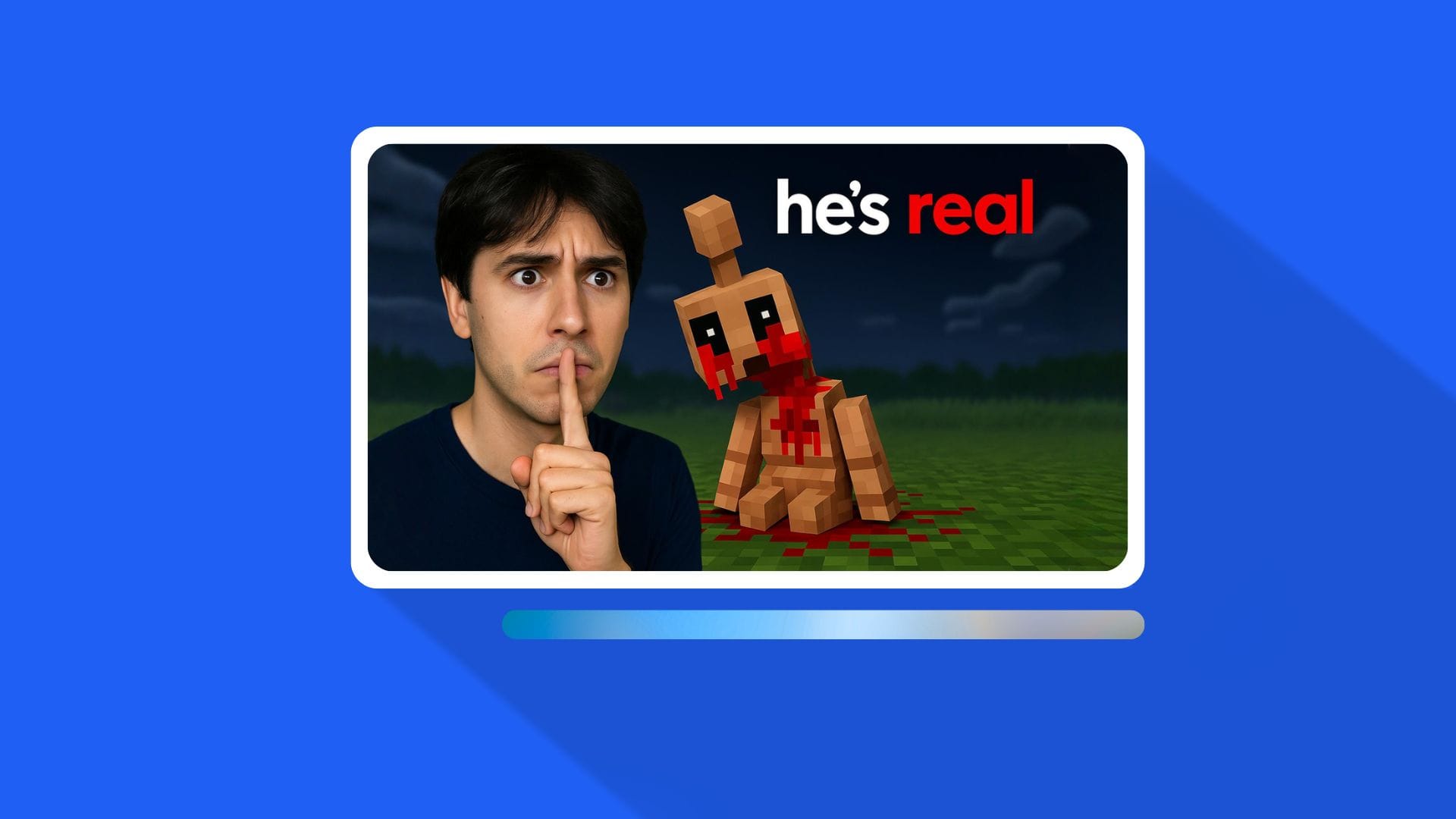
You sell emotion through expression.
Your goal: make viewers feel what you feel.
- Keep your gaze or gesture pointed toward the main subject.
- Maintain consistent lighting and shirt color for recognizability.
- Use simple text that reinforces emotion (e.g., “ONE HEART” or “DAY 100”).
Faceless Channels
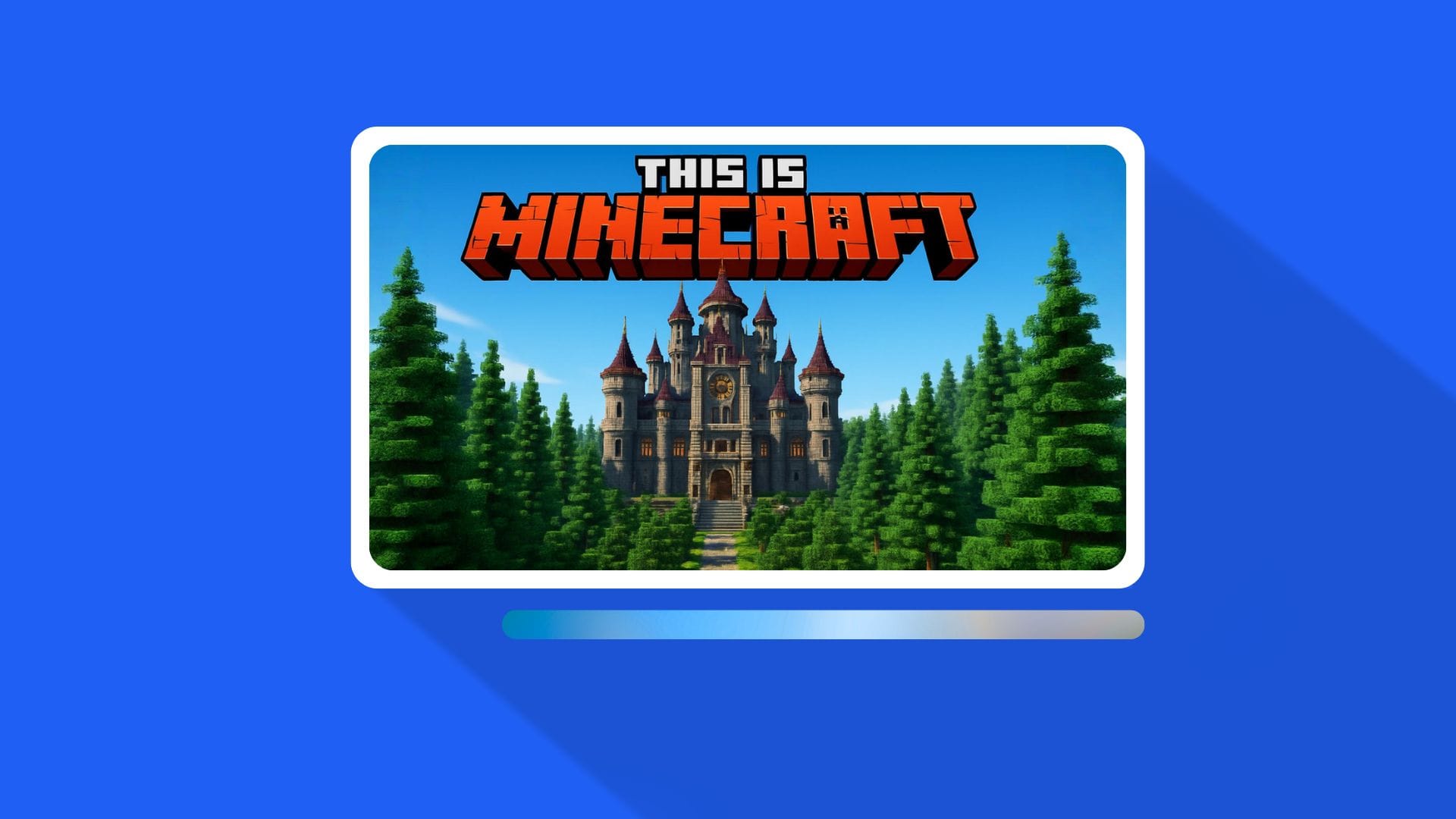
You sell clarity and concept.
Your goal: make the gameplay or story visually irresistible.
- Focus on builds, mobs, or tools as the “character.”
- Use arrows or motion lines to create tension.
- Keep the frame clean and the subject large.
The Prompt Framework
Use this prompt format when generating with 1of10’s AI YouTube Thumbnail Maker.
It takes longer to write, but yields much stronger results.
Why this works:
- Central composition keeps attention.
- One clear emotion gives immediate clarity.
- White text in the upper third improves visibility.
- The red shirt adds a consistent accent that pops against Minecraft backgrounds.
- Background description gives the AI clear visual direction.
Add detail about:
- Scene, mob, or item.
- Lighting direction and color.
- Text placement.
- Depth and contrast.
Prompt Examples for Faced Creators

1. Nether Escape
2. Hardcore Day 100
3. Clutch Moment
Prompt Examples for Faceless Creators
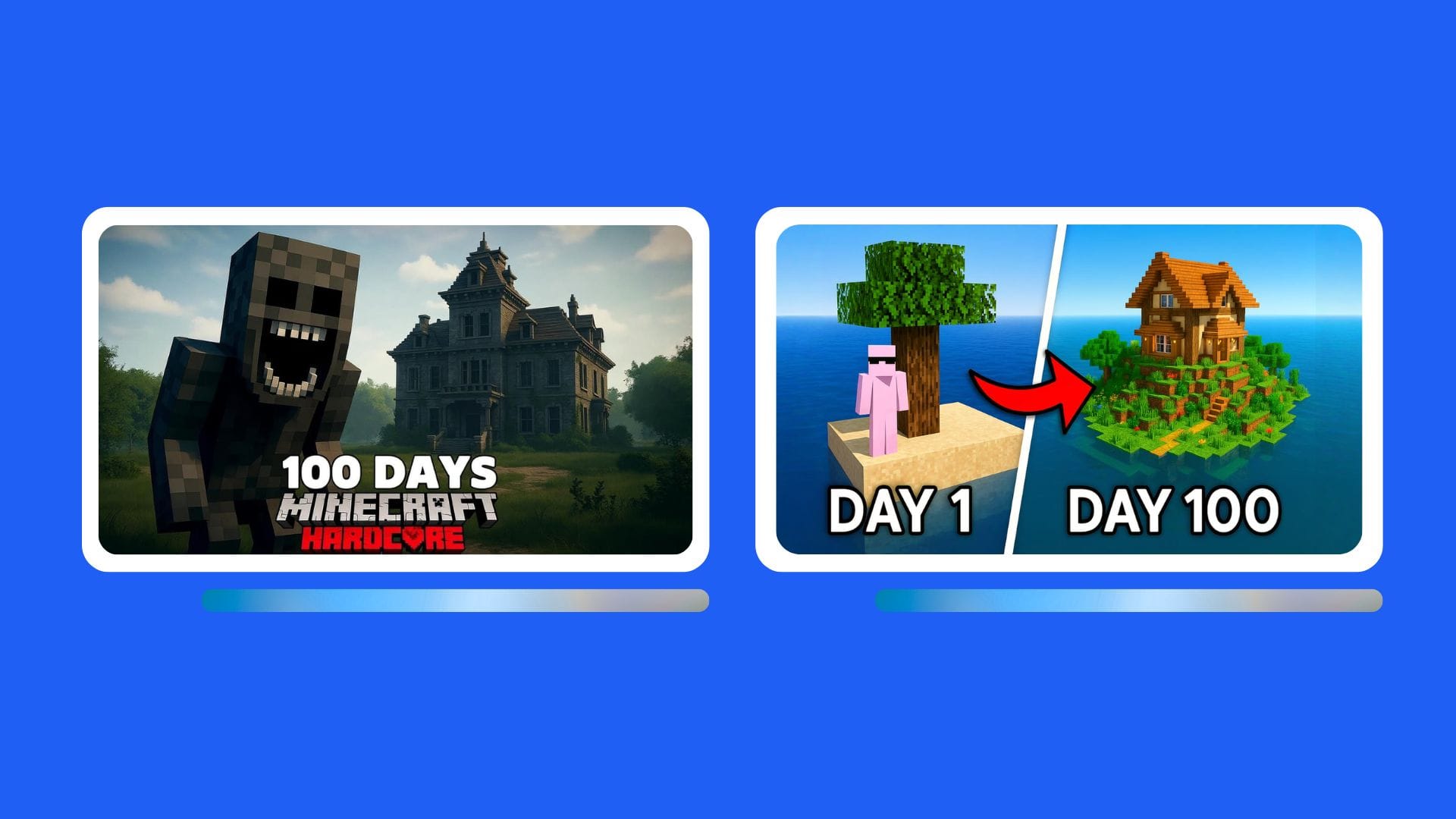
1. Ancient City Horror
2. Rare Biome Seed
3. Build Transformation
How to Improve Prompt Output
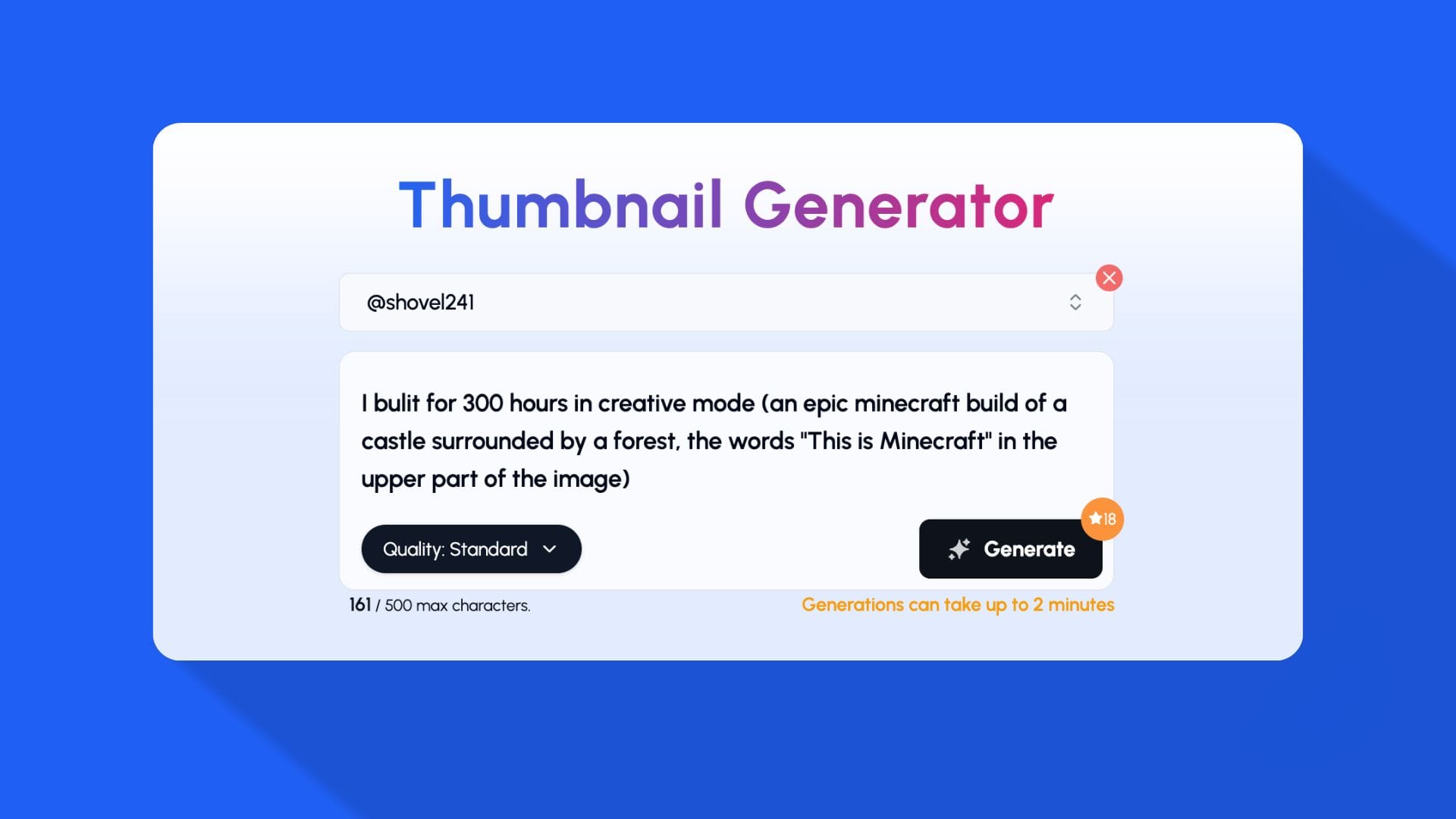
Add detail for stronger AI control:
- Lighting: “Strong rim light from lava on right side.”
- Depth: “Background blur on fortress.”
- Color temperature: “Cool cyan background, warm rim on subject.”
- Focal point: “Dragon head top right is brightest point.”
- Font style: “Bold condensed white text, thick stroke.”
- Motion cue: “Subtle motion blur on ghast fireball.”
Example (Advanced Prompt):
Editing and Finishing in 1of10
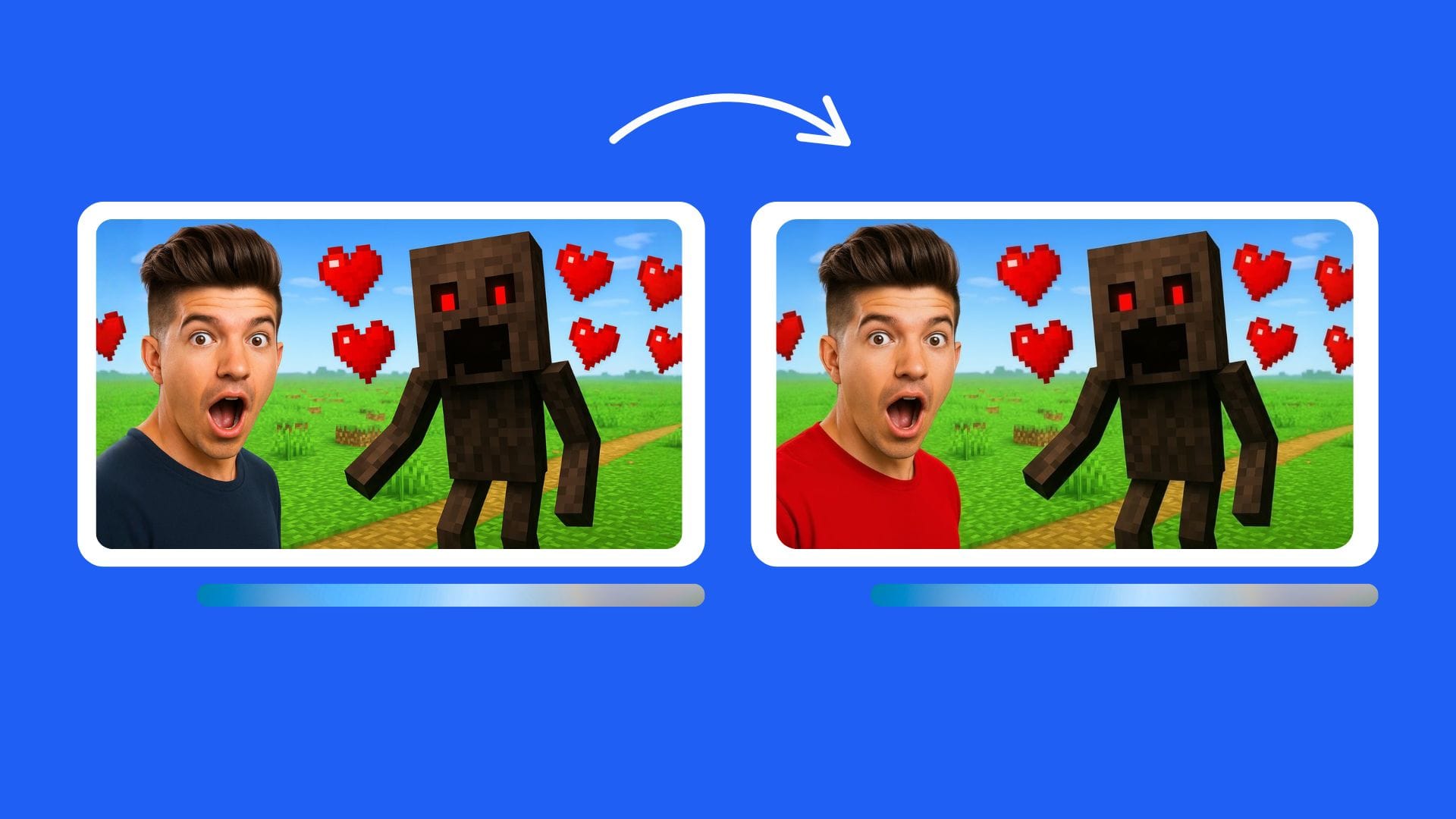
After generating your base image in Thumbnail Generator:
- Use edit to enhance emotion or correct anything in the thumbnail.
- Adjust contrast, saturation, and sharpness using the built-in AI editor.
- Pair with a strong title from the Title Generator.
- Track CTR improvements in Trackers.
- Save your best-performing thumbnail patterns for reuse.
Common Thumbnail Mistakes in Minecraft
- Too much text or cluttered fonts.
- Trying to tell multiple stories at once.
- No contrast or subject separation.
- Colors blending into biomes (e.g., green text on grass).
- Dark Nether shots without key light.
- Ignoring mobile preview.
Tip: Always preview at small size before posting. If you can’t read it at 10% scale, it won’t perform.
Recommended Workflow Inside 1of10
- Paste your detailed prompt into the Thumbnail Generator.
- Generate 3–5 options.
- Enhance lighting and color automatically.
- Export the final and one backup version.
- Create matching titles with the Title Generator.
- Upload, track CTR, and iterate.
2. What Makes a High-CTR Minecraft Thumbnail
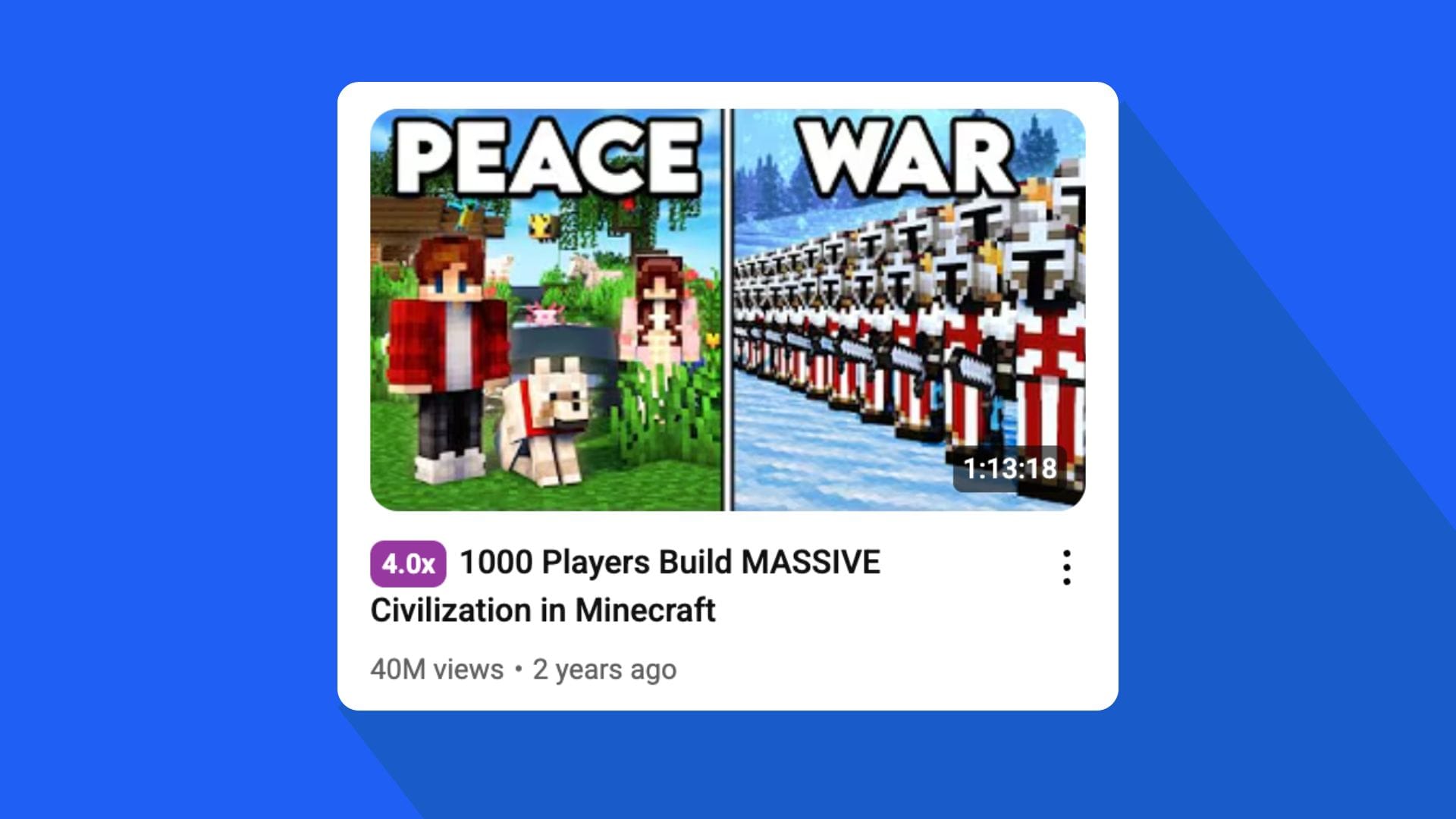
A Minecraft thumbnail has one job, to make the viewer stop scrolling.
It doesn’t need to be pretty. It needs to be understood instantly.
Every element in the frame should push one message: “Click this video.”
Below is a breakdown of what consistently works for high-CTR Minecraft thumbnails, why it works, and how to think about it when generating with AI.
2.1. Core Visual Principles
1. Clear Focal Point
The eye must know where to look first.
That means one subject only, a player, mob, build, or object.
Everything else supports that focal point.
If a viewer needs to “read” your thumbnail, you already lost.
2. High Contrast
Minecraft is blocky and busy. Contrast cuts through noise.
Use light-vs-dark, warm-vs-cool, or complementary colors to separate your subject.
Never let the subject blend with the biome.
3. Bold Emotion
For faced creators, emotion is the hook.
For faceless creators, the emotion comes from action or danger.
If there’s no feeling in the frame, the thumbnail feels flat.
4. Text Discipline
One short word or phrase only.
Keep it upper third, behind or beside the subject, not over the face.
Use white or yellow text with a strong stroke.
Your text must survive mobile compression.
5. Saturation and Sharpness
Minecraft visuals are naturally flat.
Boost saturation and clarity slightly to make edges pop.
AI editing inside 1of10’s Thumbnail Generator already applies this automatically.
2.2. Visual Patterns That Drive Clicks by Niche
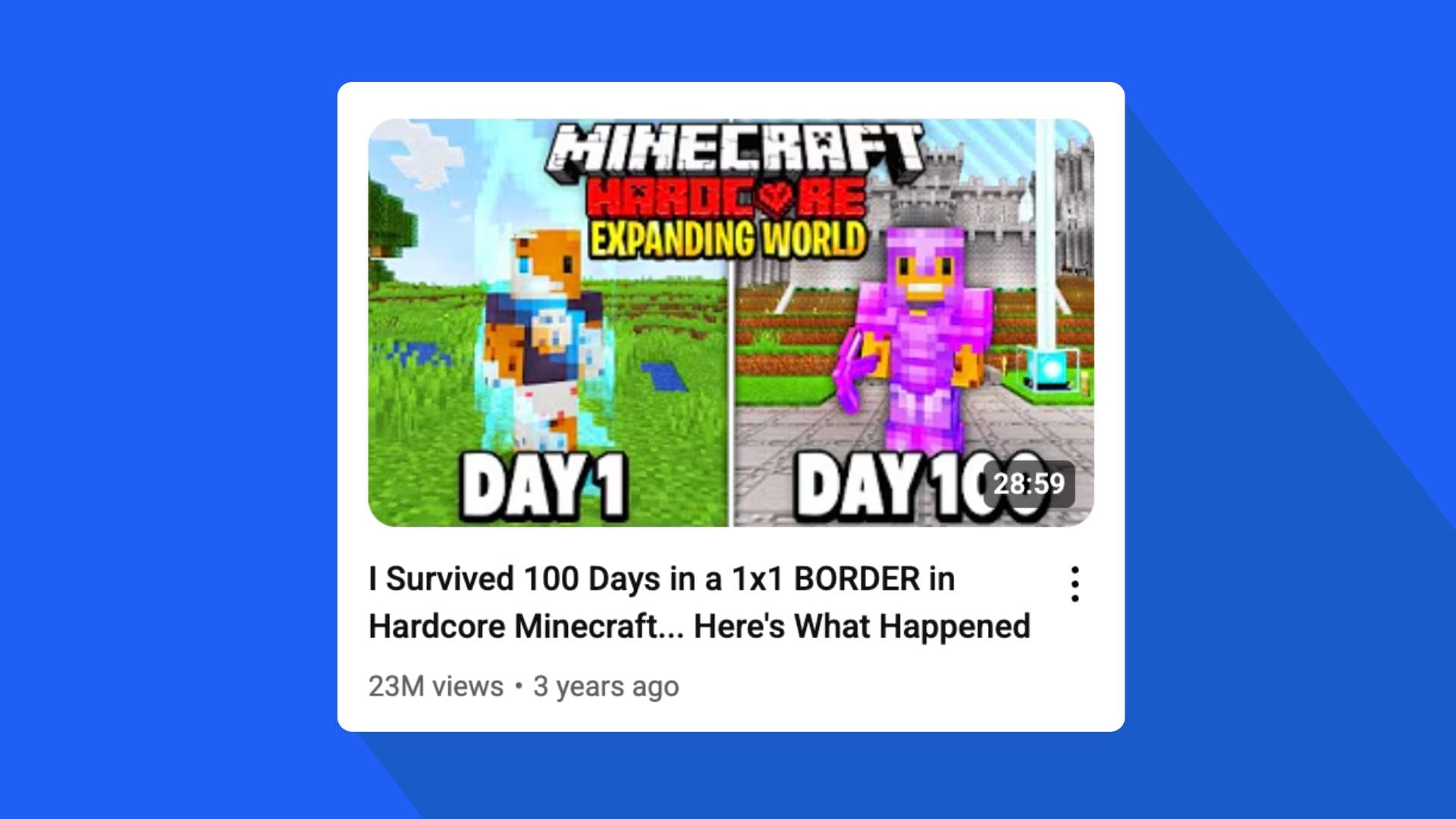
Hardcore Survival
- Dominant colors: orange, red, yellow (danger, urgency).
- Emotional tone: fear, pride, tension.
- Common cues: broken hearts, totem of undying, lava, fall damage, creeper jump scare.
- Composition: player front and center, dramatic camera tilt, rim light from lava or sunset.
AI prompt tip:
Mention “broken hearts HUD,” “lava reflection on armor,” “totem glowing,” and “camera angle low looking up at player.”
SMP & Story Content
- Dominant colors: mix of warm (character) and cool (environment).
- Emotional tone: curiosity, betrayal, conflict.
- Common cues: two players facing off, stolen items, secret bases, split frames for before/after.
- Composition: rule of thirds, slight blur on secondary characters, text hinting at drama.
AI prompt tip:
Describe facial expressions (“me angry left, friend smug right”), light source between them, and warm-cool color split.
PvP / Speedrun
- Dominant colors: red, blue, and black for intensity.
- Emotional tone: competition, dominance, clutch.
- Common cues: swords, explosions, blurred motion, countdown timers.
- Composition: close framing, motion lines, sparks, camera shake.
AI prompt tip:
Add “motion blur on background,” “flying particles,” and “heat glow around sword.”
Make your expression confident or fierce.
Redstone / Building / Tutorials
- Dominant colors: white, light blue, green (clarity, creativity).
- Emotional tone: excitement, satisfaction, discovery.
- Common cues: clean backgrounds, symmetry, blueprint overlays, arrows showing flow.
- Composition: 45-degree angled shot of the build, wide depth, bright lighting.
AI prompt tip:
Mention “isometric view,” “arrows pointing to contraption parts,” “clear daylight,” “minimal shadows.”
Modpacks / Texture Packs
- Dominant colors: vivid and balanced, often contrasting mod colors.
- Emotional tone: surprise, curiosity, power.
- Common cues: custom mobs, item mashups, UI comparisons.
- Composition: side-by-side layout, clear difference between left and right.
AI prompt tip:
Use “split image left modded world, right vanilla,” “red accent on divider,” and “label text behind player reading MODDED.”
2.3. Color Mapping by Biome
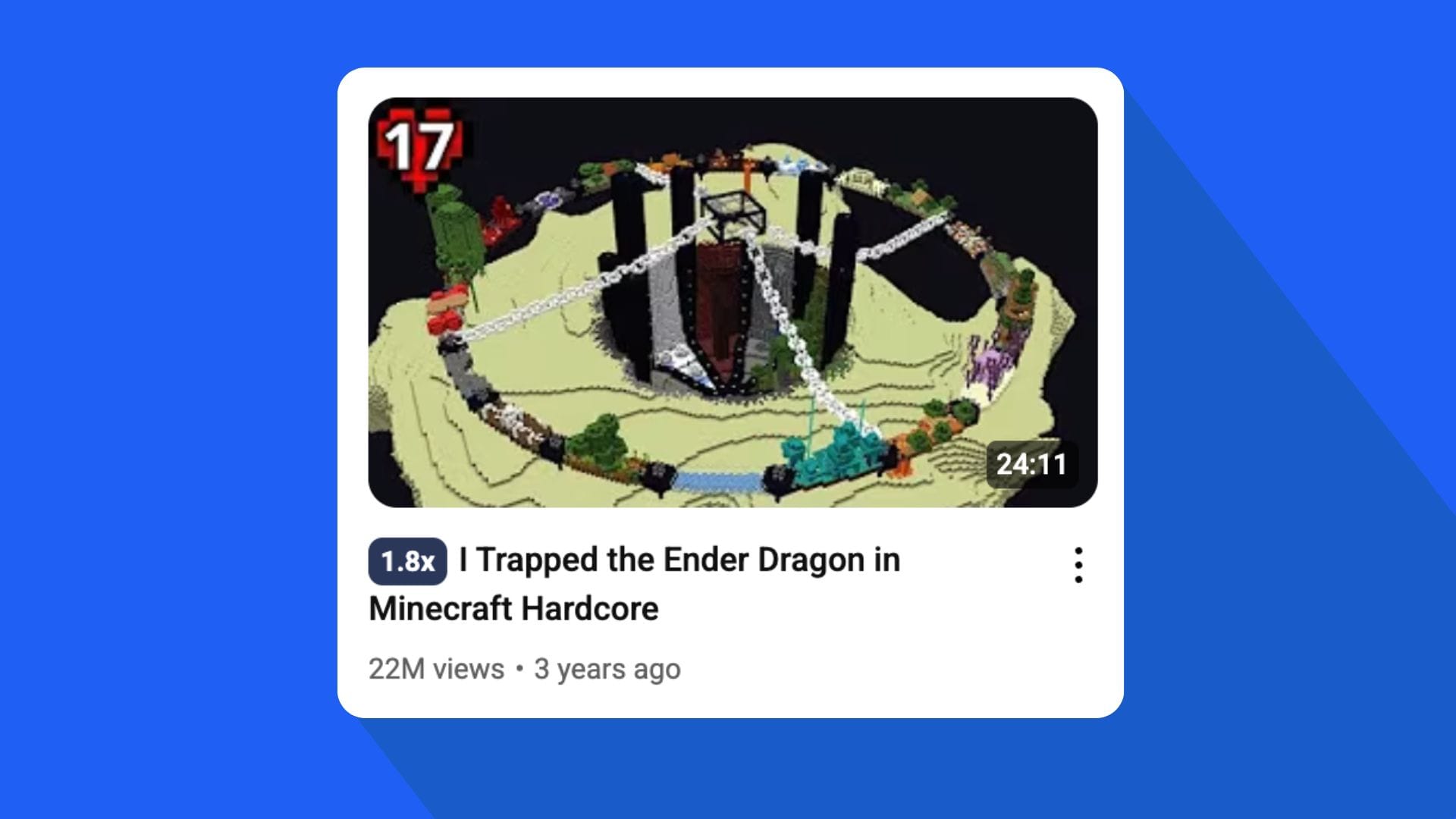
| Biome / Setting | Color Strategy | Lighting Style | Tone Goal |
|---|---|---|---|
| Overworld (Grasslands) | Warm greens + orange/red accent | Sunset or midday | Optimistic, adventurous |
| Nether | Reds, oranges, and yellows | Lava rim light | Danger, intensity |
| End | Purple, cyan, white | Cold ambient, fog | Mystery, final battle |
| Cave / Deep Dark | Blue, cyan, dark gray | Low light, glowing highlights | Fear, suspense |
| Ocean | Teal, blue, white | Bright top light | Exploration, calm |
| Desert | Yellow, orange, brown | Harsh light, high contrast | Heat, challenge |
AI prompt tip:
Explicitly name lighting direction and biome. Example:
“Bright warm light from right, Nether lava behind, cyan bounce from below.”
2.4. Emotional Hierarchy
You can rank emotions by how well they convert clicks on gaming content.
These work for both faced and faceless thumbnails:
- Shock / Panic – “ONE HEART”, “NO WAY”, “ALMOST DIED”
- Awe / Surprise – “INSANE LOOT”, “SECRET ROOM”
- Confidence / Pride – “DAY 100”, “I BUILT THIS”
- Curiosity / Mystery – “WHAT HAPPENED HERE?”
- Fear / Tension – “THE WARDEN IS BACK”
Use emotion as the storytelling device.
If your face is visible, it’s the emotion.
If not, the situation provides it (lava, mobs, explosions).
2.5. Thumbnail Structure Blueprint
Think of your thumbnail as layers:
Layer 1: Background environment or biome
Layer 2: Subject (you, mob, or build)
Layer 3: Lighting and contrast effects
Layer 4: Text or symbol (simple, bold)
Layer 5: Minor effects (arrows, blur, glow)
Each layer must have a single purpose.
1of10’s AI handles this layering logic internally, so your generated results already follow visual hierarchy rules.
2.6. Behavioral Triggers for Clicks
| Trigger Type | Visual Cue | Psychological Effect |
|---|---|---|
| Risk | Hearts missing, lava close, falling scene | Triggers curiosity and tension |
| Reward | Rare loot, enchanted items, boss drops | Signals satisfaction and payoff |
| Discovery | Arrows, new area, light rays | Encourages curiosity |
| Progress | “Before / After”, “Day 1 / Day 100” | Reinforces achievement |
| Conflict | Characters facing each other | Stimulates story interest |
Use one trigger per thumbnail. Never stack more than two.
2.7. Composition Templates That Work Repeatedly
Template A – Center Focus (Faced)
Subject centered, bold expression, white text behind upper third, bright background contrast.
Best for: Hardcore, Speedrun, PvP.
Template B – Side Split (Faceless)
Before vs. after, or old vs. new. Diagonal or vertical split with accent arrow.
Best for: Build, Modpack, Texture Pack.
Template C – Overhead Danger (Faced or Faceless)
Subject low in frame, danger above (ghast, dragon, lava fall).
High tension, strong color contrast.
Best for: Clutch moments, escapes.
Template D – Object Focus
No character, only item or mob close-up with bright rim and text behind.
Best for: Loot, Redstone, or crafting showcase.
2.8. How 1of10 Applies These Rules Automatically
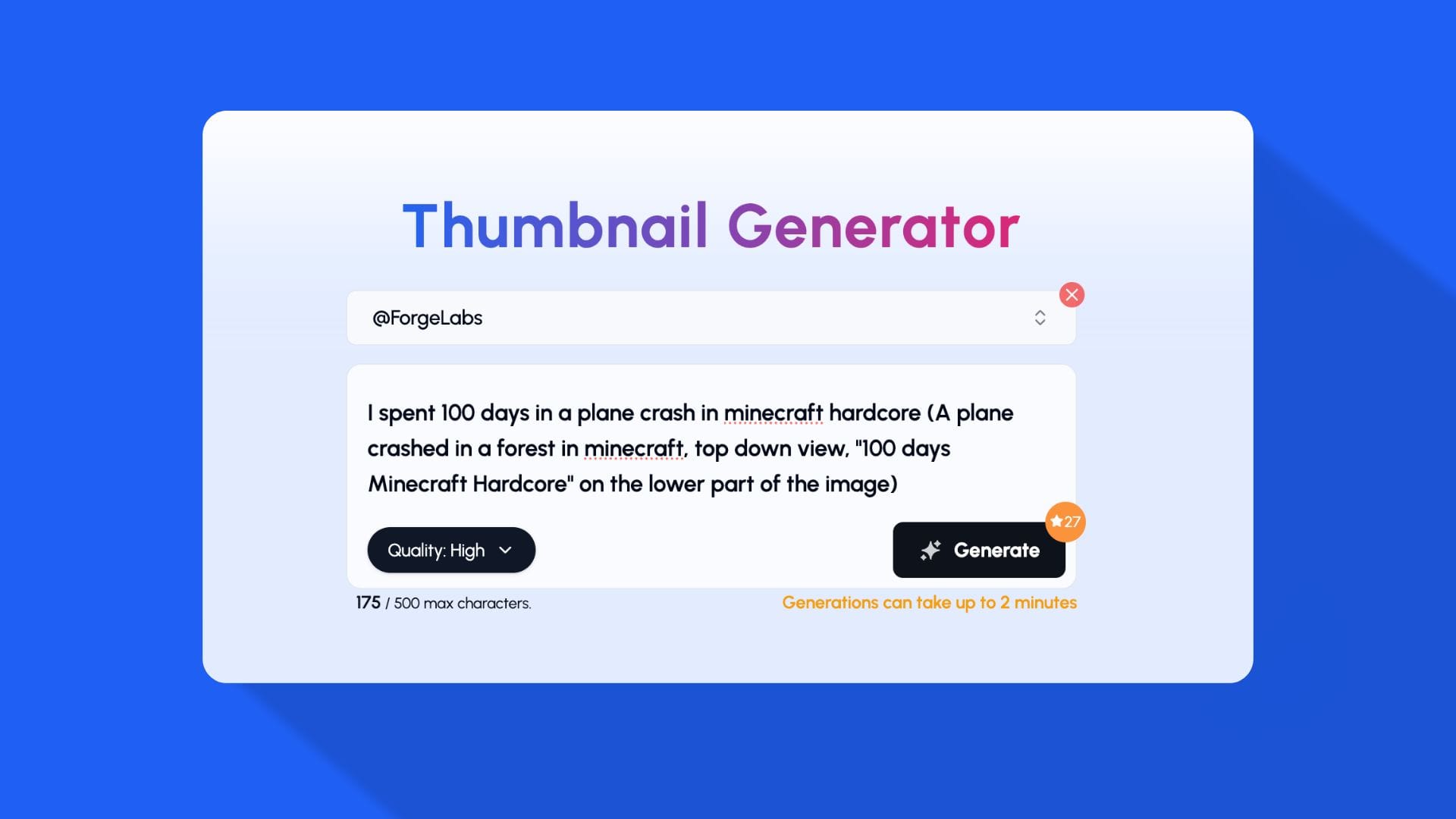
The 1of10 AI Thumbnail Generator analyzes YouTube-wide performance data to identify what designs work per niche.
When you enter a title like “Hardcore Day 100”, the AI references thousands of thumbnails from similar channels to build an optimized layout.
Then it personalizes lighting, emotion, and tone based on your past uploads.
This gives you two layers of advantage:
- Global optimization (what works on YouTube right now).
- Local optimization (what works for your own audience).
It means you no longer guess, you design backed by pattern data.