
10 Iconic YouTube Thumbnail Ideas for More Views
You've spent hours on a video. Edited it perfectly. Hit upload. Then... crickets.
Meanwhile, someone else posts the same topic and gets 50,000 views in a day. What the hell are they doing that you're not?
I'll tell you: it's not the video. It's the thumbnail.
You already know your content's good. But if your thumbnail looks flat, outdated, or just blends into the feed, people scroll right past it. You're invisible.
Here's the thing: the channels crushing it aren't guessing. They're using proven thumbnail formulas that trigger curiosity, emotion, and clicks. The same ones, over and over.
You don't need design skills. You don't need to reinvent the wheel. You just need to understand what works, and why.
In this post, I'm breaking down the most iconic thumbnail types that get clicks. Use them as inspiration. Steal the structure. Make them yours.
1. Big, Bold, & Colourful
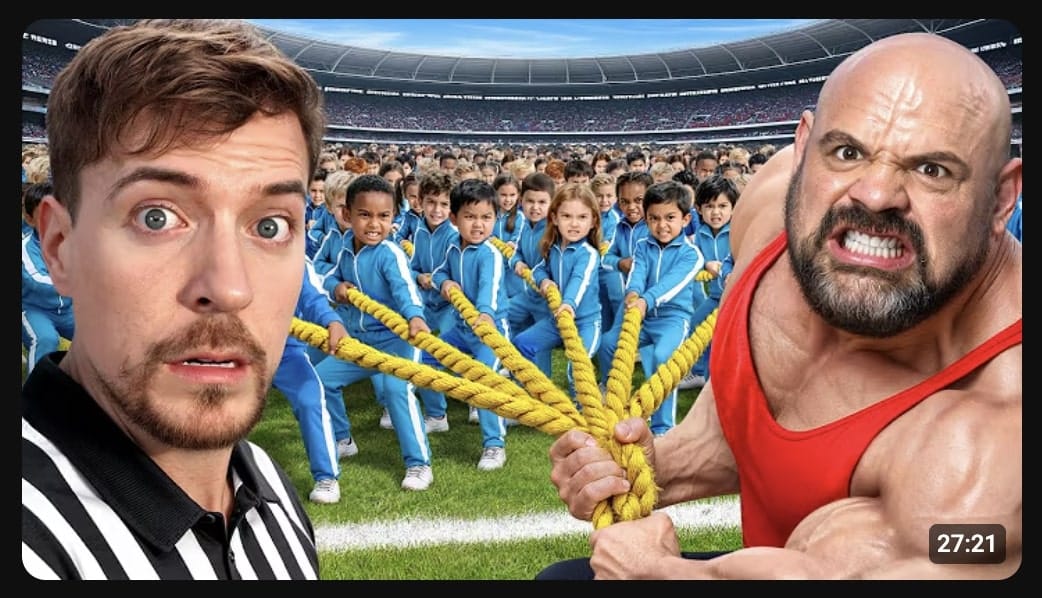
What it is:
- Bright, saturated colors that pop off the screen
- Large text or imagery that dominates the frame
- High contrast between background and subject
Why it works:
This style screams for attention in a crowded feed. When someone's scrolling at lightning speed, bold colors act like a visual speed bump. Your brain can't help but notice them.
Channels like MrBeast built empires on this formula. It's loud, it's unapologetic, and it works. People like to MrBeastify thumbnails in order to stand out.
When to use it:
- Entertainment content
- Challenge videos
- Anything targeting younger audiences
- When you need to stand out in a saturated niche
2. Raw
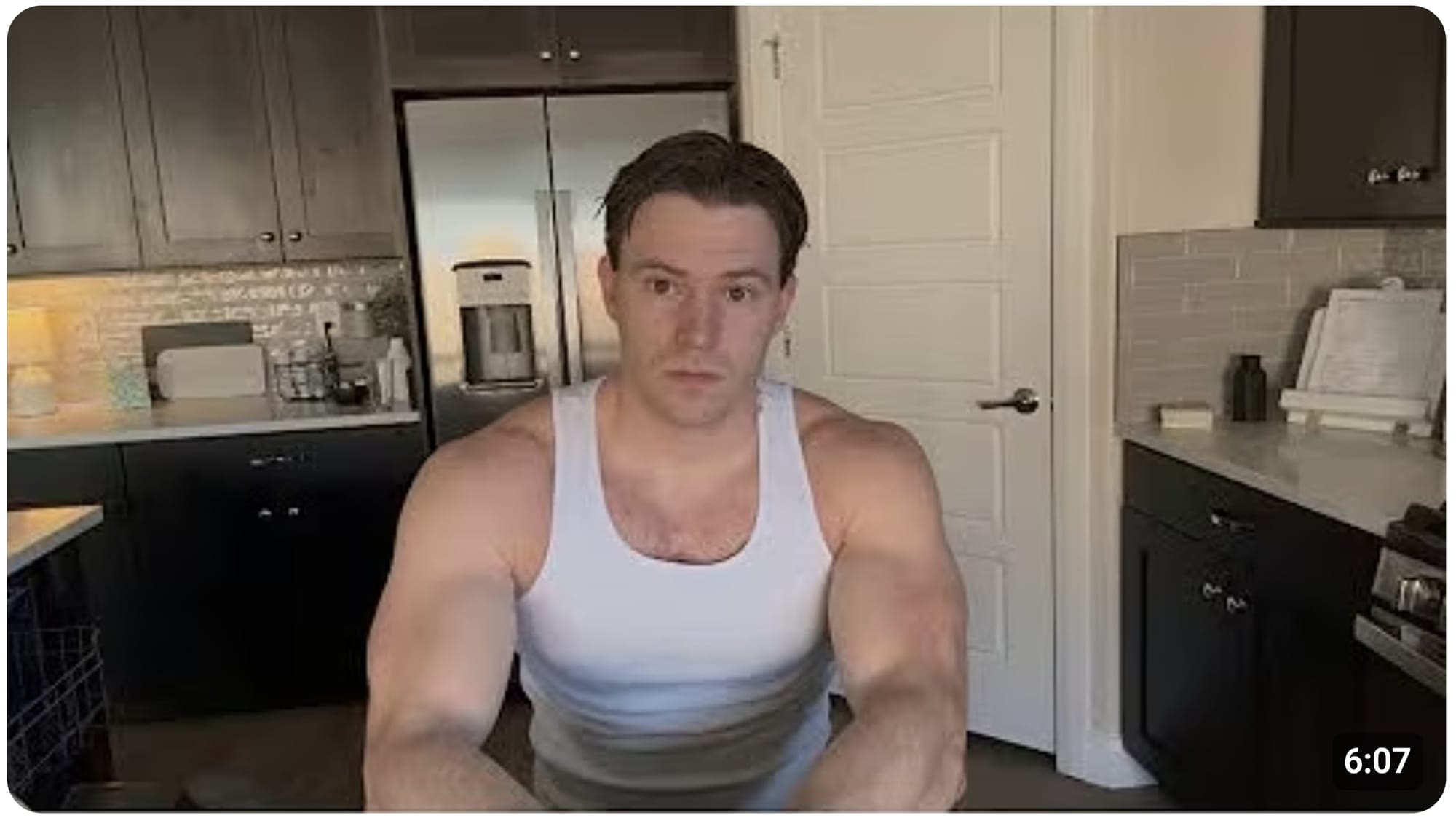
What it is:
- Unpolished, authentic, "caught in the moment" style
- Minimal editing or effects
- Often screenshot-style from the actual video
- Grainy, real, sometimes chaotic
Why it works: Raw thumbnails feel honest, like you're getting the unfiltered truth. It's the opposite of the polished, studio-lit thumbnail. And that contrast makes it click-worthy.
When to use it:
- Storytime or drama content
- Exposés or behind-the-scenes videos
- Documentaries or investigative content
- Vlogs where authenticity is your brand
3. Before and After
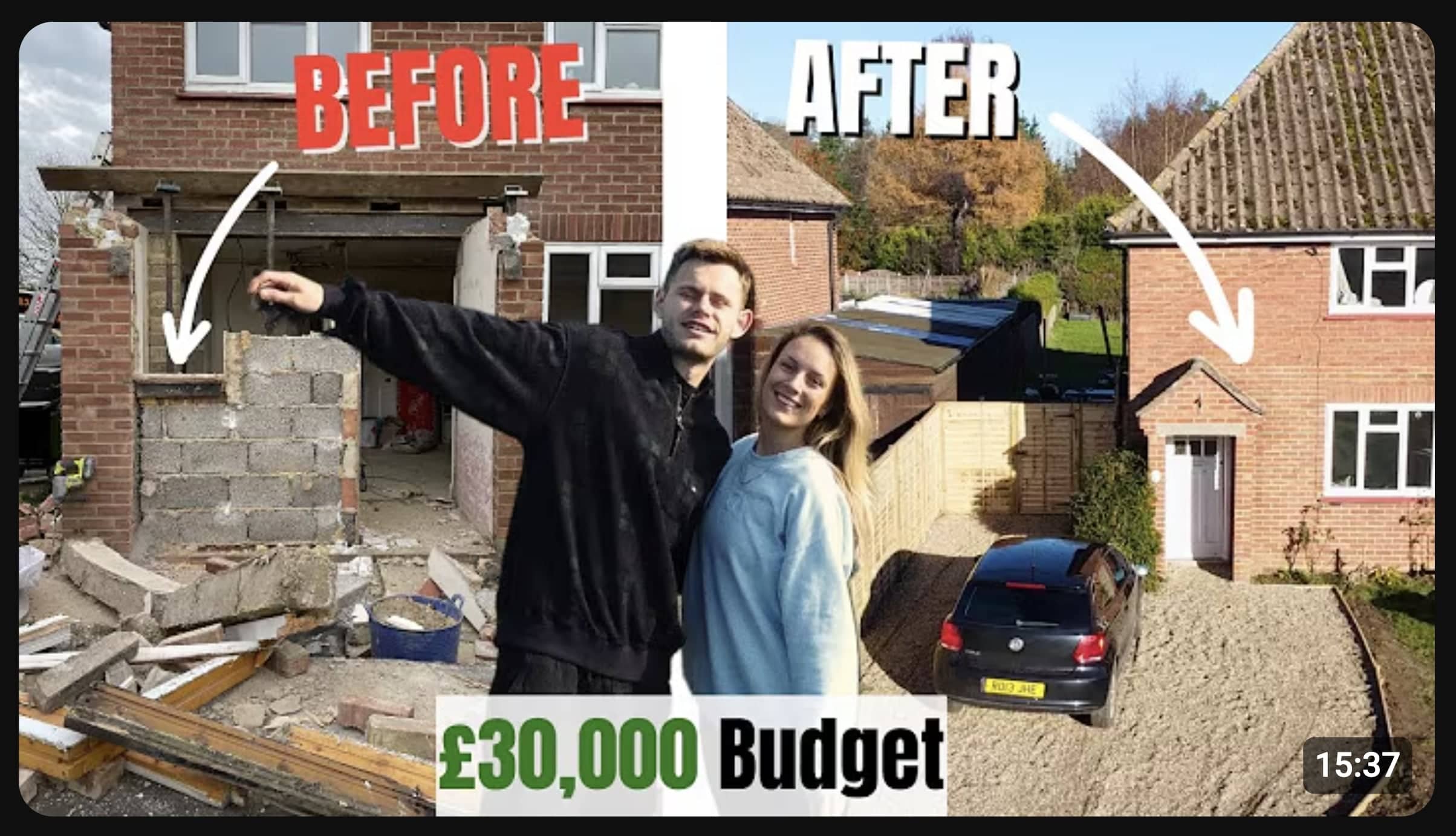
What it is:
- Split-screen showing a transformation
- Clear visual contrast between two states
- Often uses arrows, versus symbols, or dividing lines
Why it works: Humans are wired to notice change. A before and after thumbnail is a mini story in one frame. It promises a result. If you've got a problem (the "before"), this video shows you the solution (the "after"). That's irresistible.
Fitness channels, home renovation creators, and tutorial-makers use this religiously because it works. You're not just telling people what you did, you're showing them the payoff upfront.
When to use it:
- Makeover content (any kind)
- Tutorials with visible results
- Progress update videos
- Comparison content
4. Products
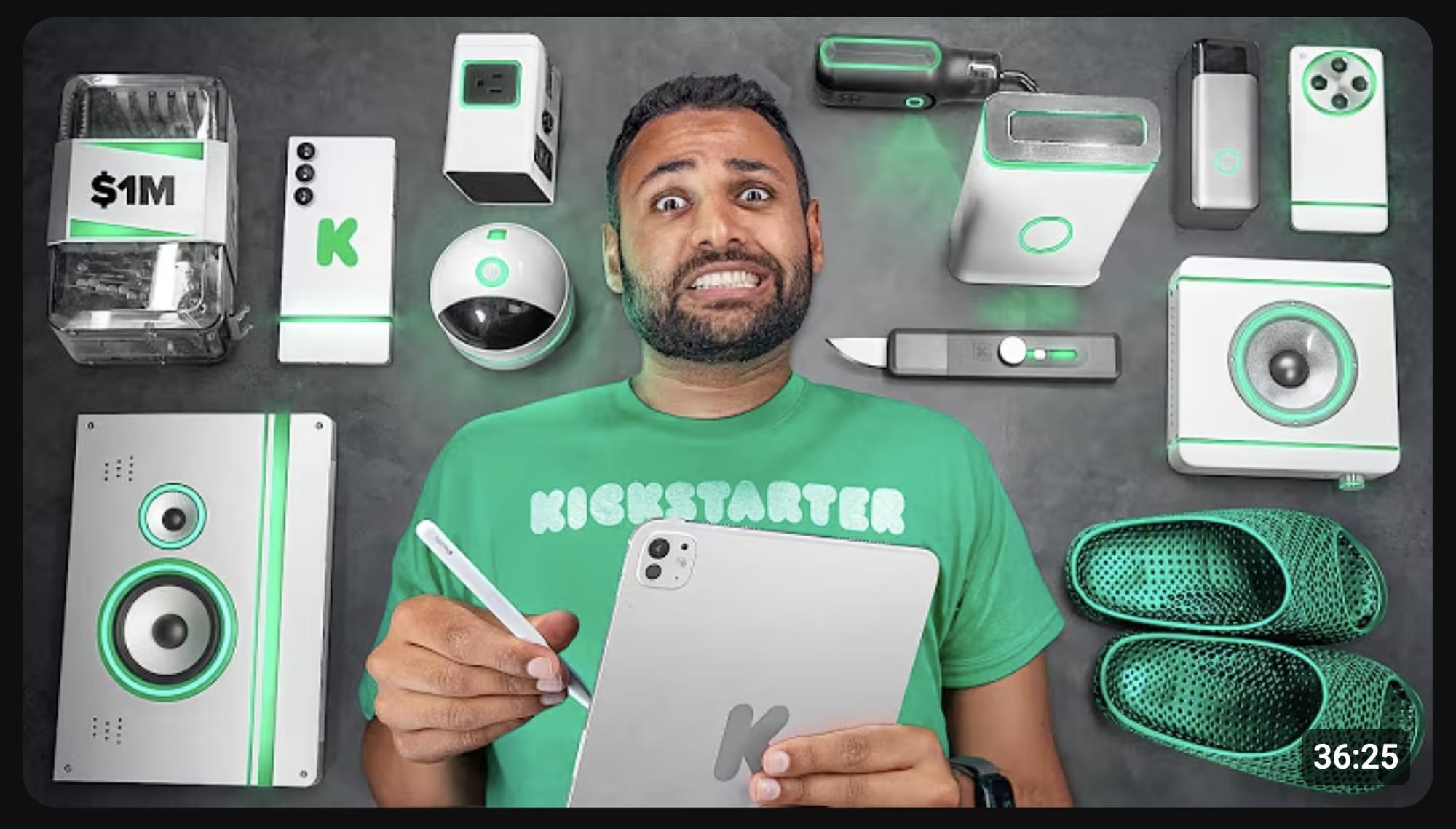
What it is:
- Physical product featured prominently in the thumbnail
- Often held up, unboxed, or displayed center-frame
- Clean background or staged setup
Why it works:
People are nosy. If you're holding something interesting, they want to know what it is.
Product thumbnails work because they're specific. Instead of vague text like "My favourite thing," you're showing the actual item. That specificity builds trust and curiosity.
Tech reviewers, unboxers, and haul creators live by this format. If the product is recognizable or looks interesting, half your job is done.
When to use it:
- Reviews or unboxings
- Hauls or favourites videos
- Comparison or testing content
- Anything where the product IS the story
5. Numbers
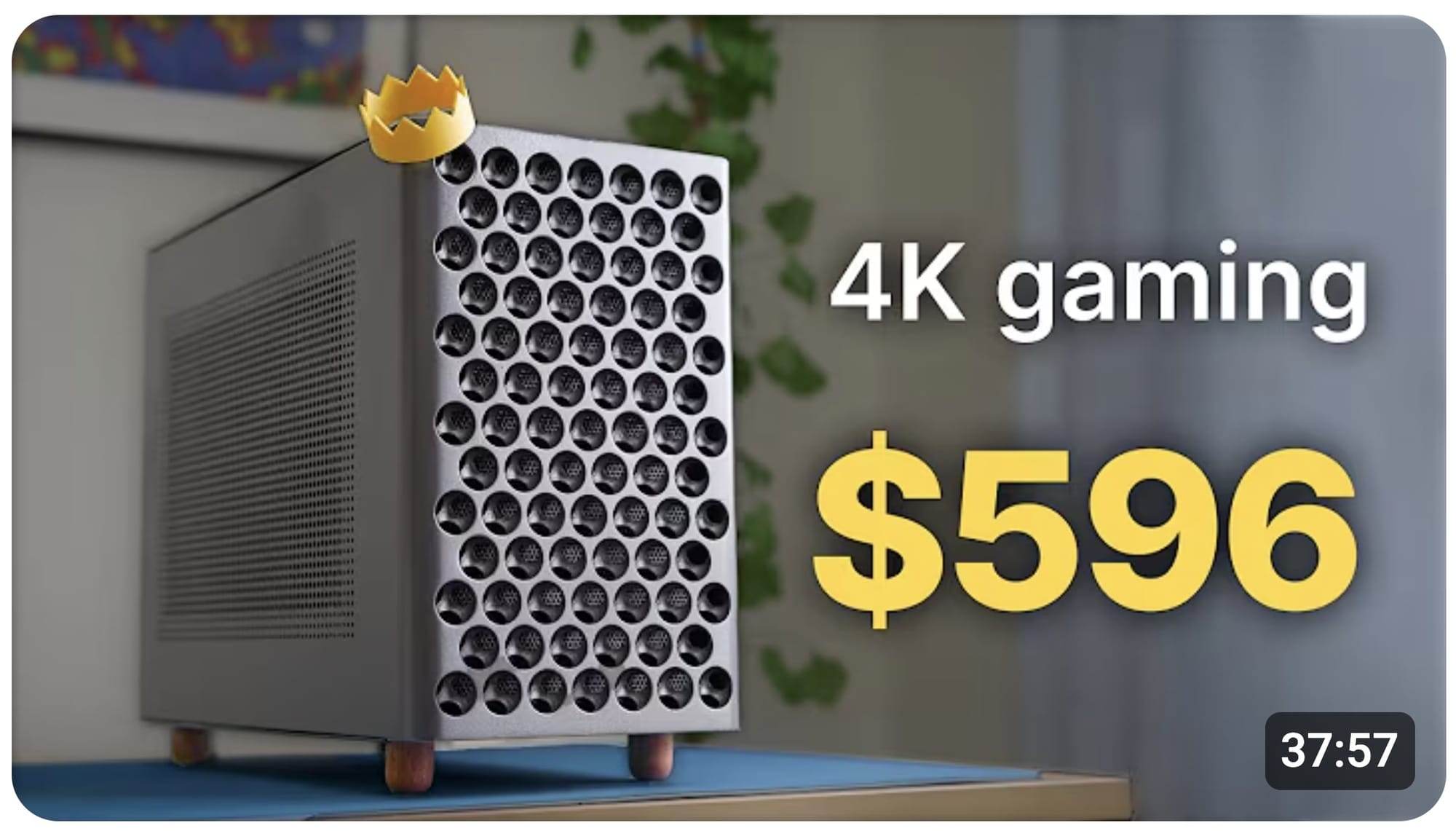
What it is:
- Large, bold numbers front and center
- Can be stats, rankings, countdowns, or quantities
Why it works:
Numbers are concrete. They promise structure and make your brain feel like it knows what it's getting into. "I tried 100 foods" is more compelling than "I tried lots of foods." The number gives scale and makes the challenge feel real.
Lists, rankings, and stat-based content perform because numbers feel factual. Even if it's subjective, slapping a number on it makes it seem authoritative.
When to use it:
- Listicles or ranking videos
- Challenge content with quantity
- Data-driven or educational videos
- Any time you can quantify something interesting
6. Scary
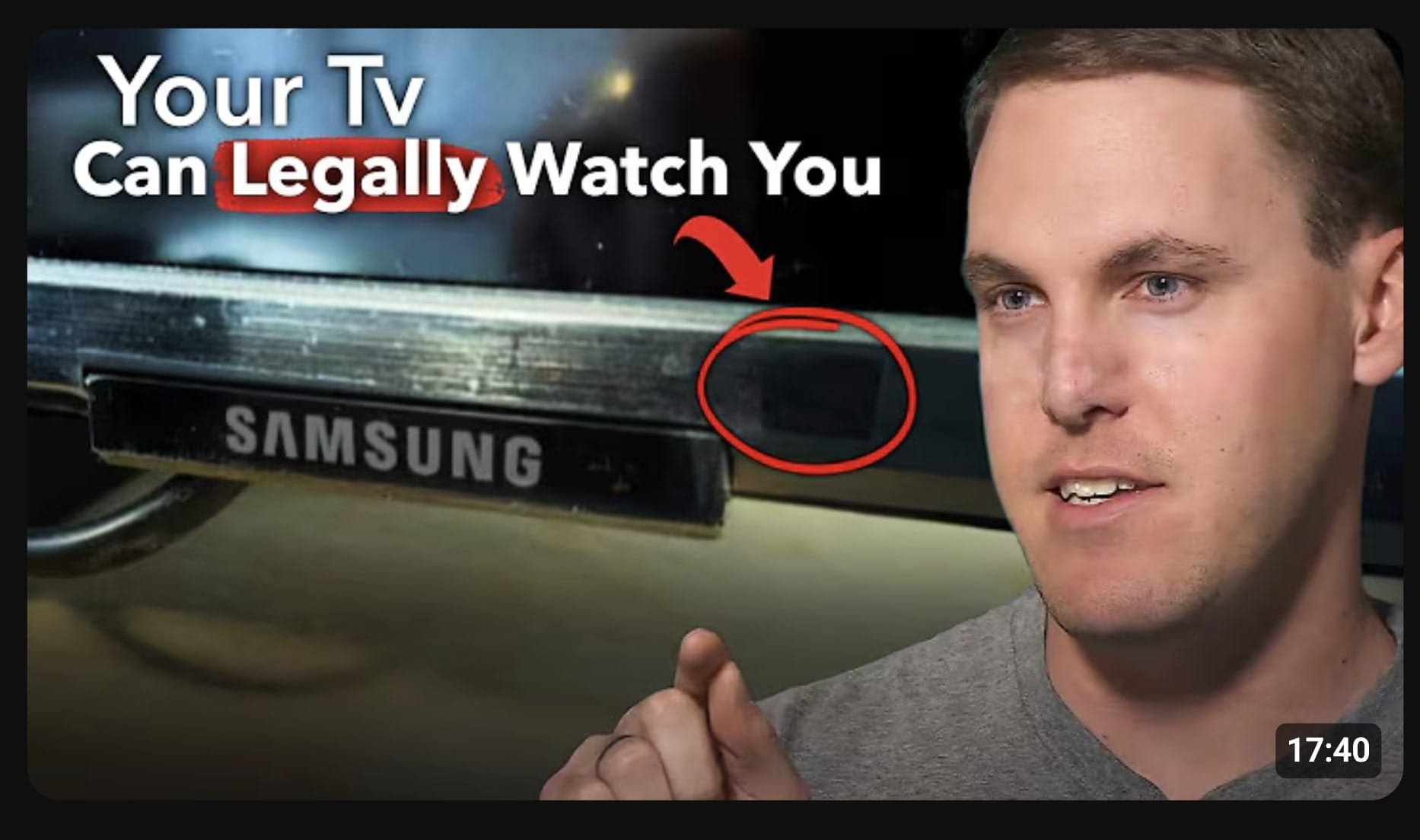
What it is:
- Dark, ominous imagery or lighting
- Shocked or fearful facial expressions
- Text hinting at danger, mystery, or something going wrong
Why it works: Fear gets attention. It's primal.
A scary thumbnail makes you stop scrolling because your brain's threat-detection system kicks in. "What's dangerous here? Should I know about this?"
True crime channels, mystery creators, and even tech YouTubers (think: "Your phone is listening") use fear to drive clicks. It doesn't have to be horror, just imply something's off.
When to use it:
- True crime or mystery content
- Exposés or investigative videos
- Warning or cautionary tales
- Anything with stakes or consequences
7. Reactions
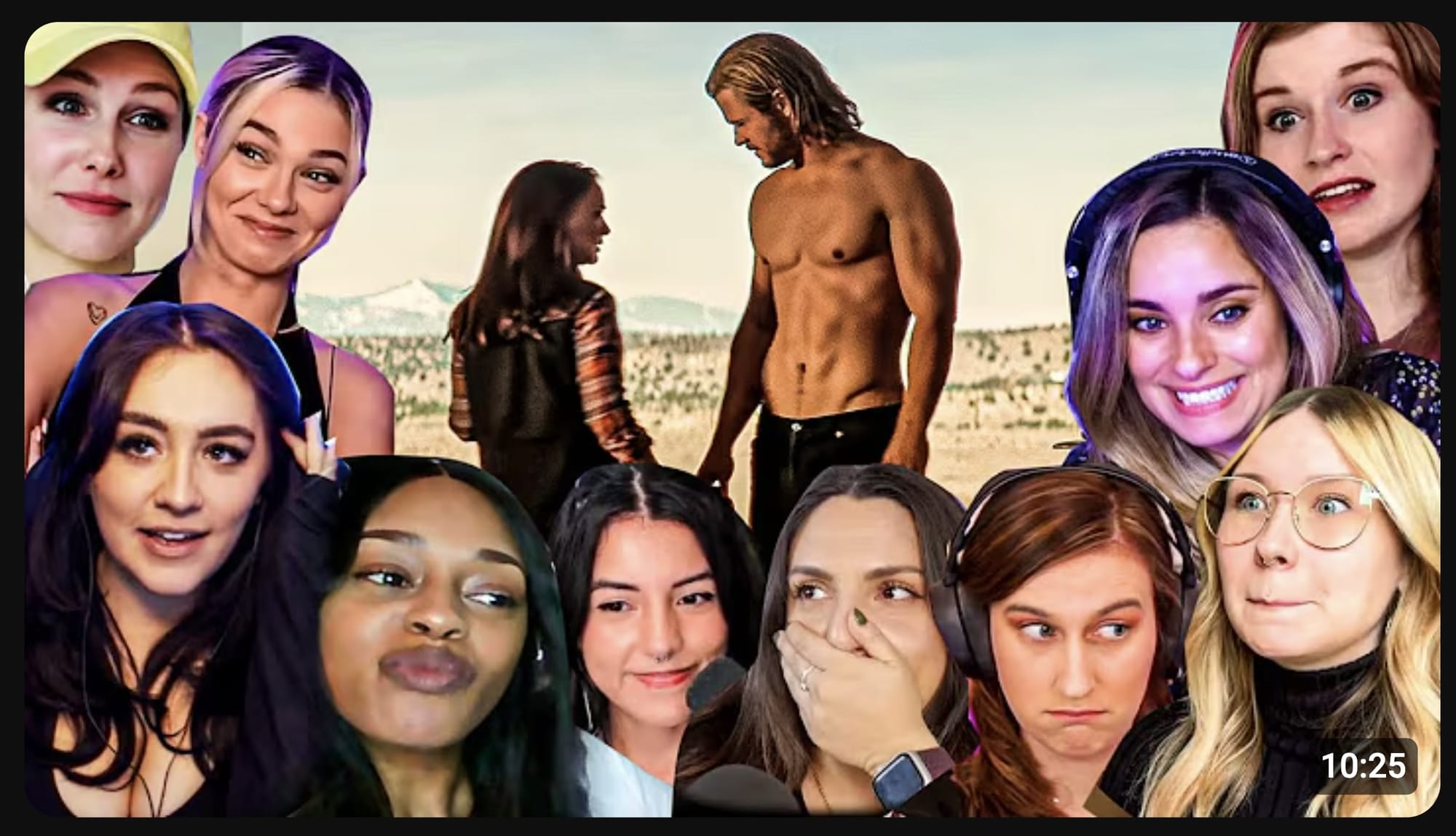
What it is:
- Exaggerated facial expression, usually shock, disgust, or excitement
- Subject reacting to something off-screen or in their hands
- Often paired with minimal text
Why it works:
Emotions are contagious. When you see someone shocked, you want to know why. A reaction thumbnail is a cliffhanger. It shows the payoff (the emotion)
Reaction videos, commentary channels, and entertainment creators use this constantly. If your face tells a story, people will click to hear it.
When to use it:
- Reaction or commentary videos
- Shocking news or updates
- Entertainment or comedy content
- Any video where your response IS the hook
8. Nostalgic
What it is:
- References to past trends, shows, or cultural moments
- Retro styling, fonts, or imagery
- Often taps into specific eras (90s, early internet, childhood favorites)
Why it works: Nostalgia is emotional jet fuel. It makes people feel something instantly.
When you see something from your past, your brain lights up. It's comfort, curiosity, and connection all at once. "I remember that! What's this video about?"
When to use it:
- Retrospective or history content
- Pop culture commentary
- "Remember when..." style videos
- Content targeting specific generations
9. Quotes
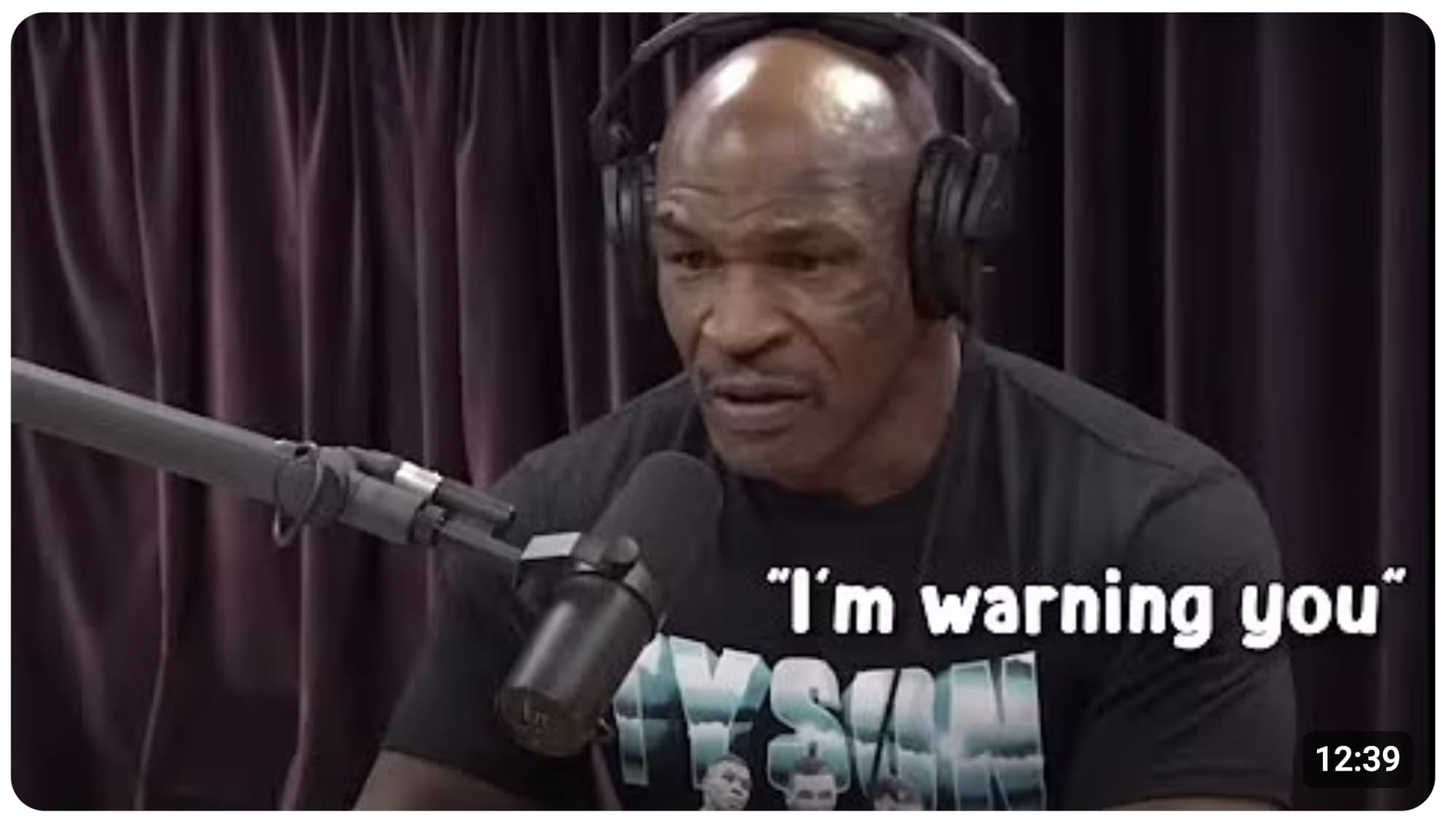
What it is:
- Bold text featuring a provocative or intriguing statement
- Often paired with the speaker's face or a relevant image
- Short, punchy, sometimes controversial
Why it works: A good quote is a shortcut to curiosity. It makes a claim, sparks debate, or promises insight.
Quote thumbnails work because they give you just enough information to disagree, get curious, or want context. "Who said that? Why? Do I agree?"
When to use it:
- Interview or podcast clips
- Commentary or opinion videos
- Motivational content
- Educational content with bold claims
- Any video where a statement is the hook
10 Comments
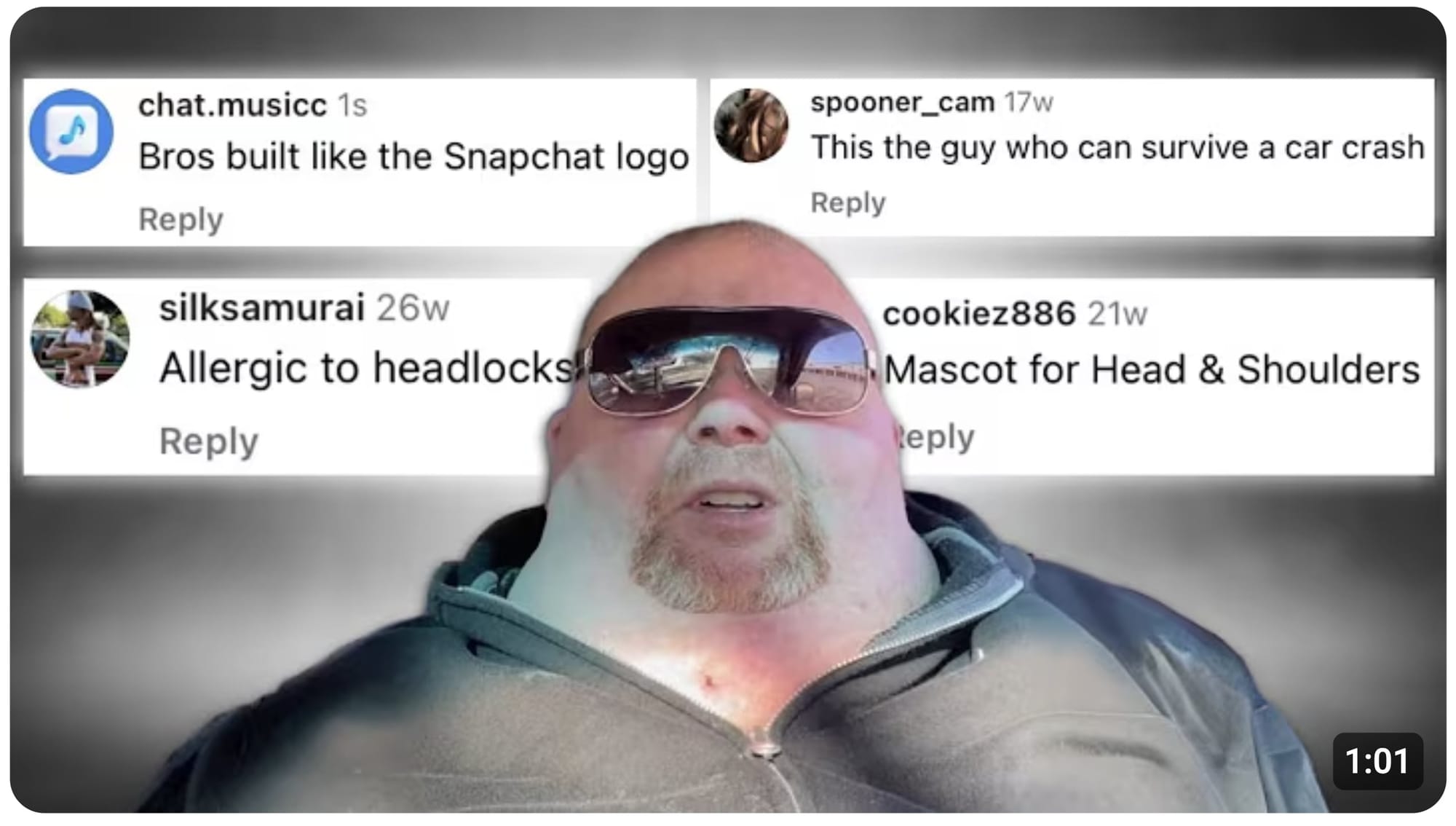
What it is:
- Screenshots of YouTube comments, tweets, or messages
- Often highlighting something funny, controversial, or shocking
- Paired with a reaction or response
Why it works: Comments feel like insider info. They're social proof that something's happening, it can imply drama, community, or validation.
When to use it:
- Response or addressing-feedback videos
- Drama or controversy content
- Community engagement videos
- Any time your audience's words are part of the story
Create any thumbnail type in 5 minutes
Now you know what works, you just need to become a Photoshop wiz or hire a graphics designer, right?
WRONG!
1of10's thumbnail generator does the heavy work for you. It's not some basic template tool that spits out garbage. It actually understands what makes thumbnails click-worthy.
Here’s how it works:
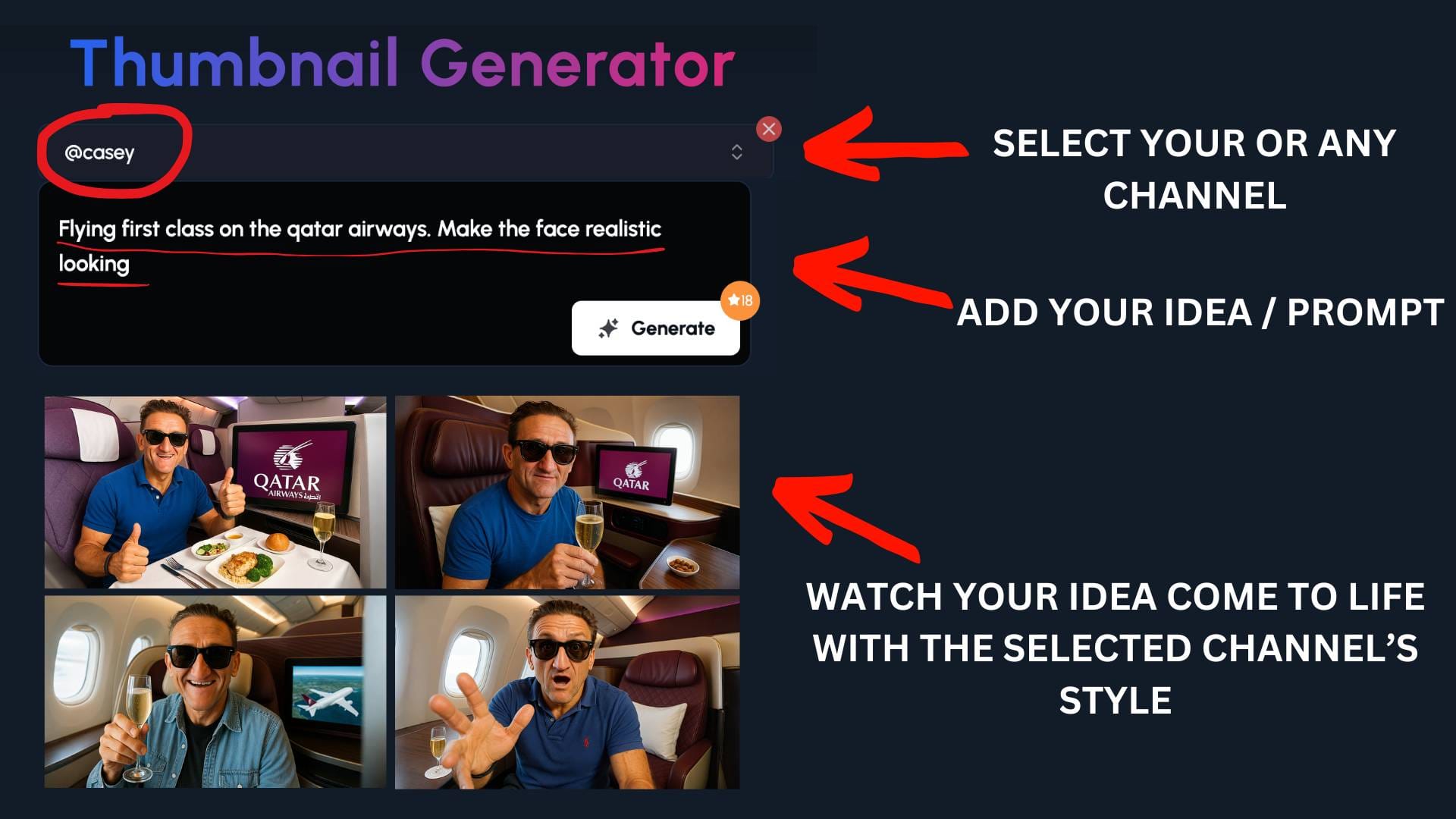
- Select A YouTube Channel
Either select your own or someone else’s channel you would like to draw inspiration from.
- Add your idea
- Input your video concept and let 1of10 work its magic
Watch your idea come to life
Get your high-converting thumbnail instantly
No design degree needed. No tutorial rabbit holes. Just instant results.
Why 1of10's different:
Most tools in this space are bloated with features that don't matter. 1of10 focuses on what actually drives growth: packaging.
That means your idea, title, and thumbnail are working together.
While other tools like VidIQ give you keyword scores and surface-level data, 1of10 digs into outliers, the videos that broke the pattern and got massive views.
1of10 VS VidIQ - What the Test Show
Clickbait vs Credibility: Where to Draw the Line
Let's talk about the elephant in the room: clickbait.
You've seen it. Heck, you've probably clicked on it. A thumbnail so outrageous, so shocking, that you can't help yourself. Then you watch the video and feel... duped.
Here's the thing: clickbait might get you one view. But it kills your channel long-term.
The long-term cost of lying: When you mislead people with your thumbnail, they don't just leave disappointed. They remember. They don't come back. They don't subscribe. And YouTube's algorithm notices.
Watch time drops. Retention tanks. The algorithm stops recommending your videos because people are clicking away. You traded one view for your channel's reputation.
I've seen creators chase the clickbait high, only to plateau or decline because their audience stopped trusting them. It's not worth it.
Click-worthy isn't clickbait: There's a massive difference between a thumbnail that makes someone curious and one that lies.