
How to Start a Faceless Gaming Channel
Mastering the faceless gaming niche can launch your channel to success without revealing your identity—but what crucial setup step are most beginners missing?
Want to Start a Gaming YouTube Channel Without Showing Your Face?
You’re not alone.
You’re sitting there with lots of video ideas. But the thought of being on camera? Instant no. Your hands get sweaty just thinking about it. Maybe it’s insecurity, or maybe you just don’t want someone from your old school stumbling on your videos and recognizing you.
I get it. Most faceless creators don’t start because they want to be mysterious.
You just don’t want to put your face, your name or your entire life online to do it.
And good news, you don’t have to.
Why Go Faceless on YouTube?
Let’s break that down.
1. You value your privacy
You might be shy. Or anxious. Or maybe you just don’t want your nosy co-worker saying “Hey, I saw your video!” during a grocery run.
Going faceless gives you the space to create without constantly checking who’s watching.
2. You hate being on camera
Not everyone’s built to light up a lens. And if you're camera-shy, no amount of ring lights will fix that.
The idea of talking into a lens like it’s your best mate? Awkward. So faceless it is.
3. It’s cheaper and faster
No camera setup. No lighting. No makeup. You can get started with just gameplay footage, screen recording.
Or even AI voice overs if you don’t want to speak. That means less friction and way more speed.
4. You can still build a brand
Faceless doesn't mean forgettable. Think Dunkey, can anyone forget his videos? It cracks me up just thinking about him.
Can You Really Succeed Without Showing Your Face?
Yes. Creators like Dream, VanossGaming and H2ODelirious have built huge audiences without ever showing their face. Proving viewers care more about your content than your camera.
The idea that you have to show your face to build trust is outdated.
Connection doesn’t require a face.
It just needs consistency, personality, and a bit of flair can be the rocket fuel you need.
What kind of vibe do your videos give off?
So, how do you stand out?
Simple. You lean into what faceless creators can do better:
- Polished edits
- Voice overs or text commentary with greater resonance
- Distinct visual styles (like color grading, intros, sounds)
- Consistent formats that viewers love and expect
- Titles and thumbnails that give that “ooh what’s that?” feeling.
Faceless doesn’t mean featureless.
You’re not hiding, you’re building differently.
Quick Reality Check
Before you get hyped and go hard, let me keep it real:
Yes, it’s clearly possible.
But faceless channels still need effort.
You’ll still need solid ideas, great packaging (idea + title + thumbnail), and a system that helps you post consistently.
And I’ll show you how to do that step-by-step, no fluff, no gimmicks, and no ring lights required.
7 Proven Faceless Gaming Content Styles
Let’s get one thing straight.
There’s no “one format to rule them all.”This isn’t Lord of the Rings, it’s YouTube.And you’re not trying to impress Frodo.You're trying to get clicks and keep eyeballs.
So here’s a breakdown of styles that actually work without a facecam (not necessarily in order of effectiveness).
1. Let’s Plays, Walkthroughs, and Tutorials
Old school. Still gold.
Walkthroughs work well if you're good at explaining things without talking like a robot.
Tutorials, on the other hand, kill it in search results. Especially for new games where you inevitably search up how to do something.
If you want to succeed in “Let’s Plays”:
- Think “I Survived 100 Days in Hardcore Minecraft”
- “Can You Beat Elden Ring Without Taking Damage?”
- These aren’t just gameplay videos. They’re narrative experiences with hooks that keep viewers engaged.
Having a voice over will really elevate the video, but it’s not always needed.
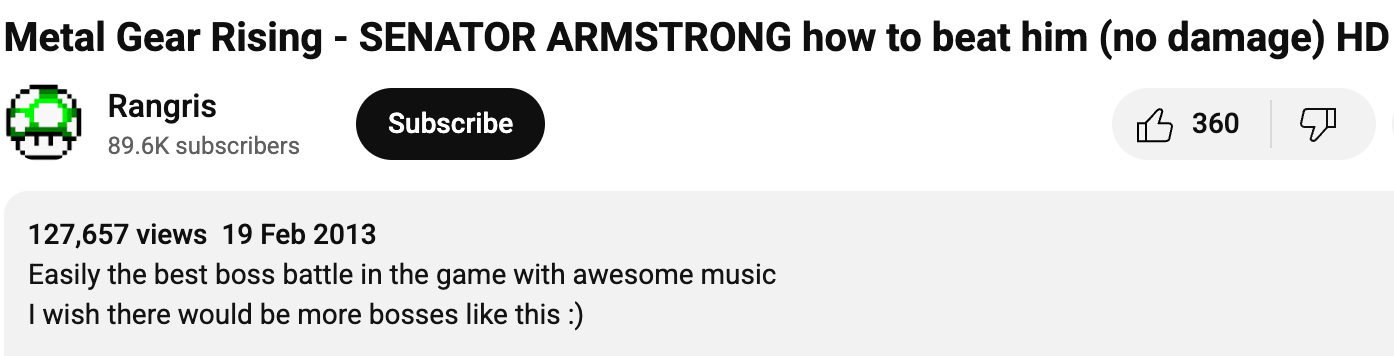
“How to Beat [Boss Name] Without Taking Damage (No Voice)”
127,000 views and climbing
2. Funny Edits & Challenges
This is where faceless channels thrive.
Challenges are also easy to batch.
Think: “Can I beat Minecraft in a boat-only world?” or “Every time I take damage, the screen shrinks.”
3. Search-Based Content
If someone’s typing a question into YouTube, that’s where you strike.
Search-based videos = discoverable videos.
Types of content that do well:
2. “Best settings for smoother FPS in [game]”
3. “Where to find [rare item] in [game]”
And the best thing? These videos don’t just get views and then die. They keep accumulating with the passage of time
Chasing oversaturated keywords and trying to rank search-based videos against massive gaming channels is a waste.
If you're trying to rank for terms like “Warzone loadout” or “Minecraft survival tips”, you’re already 50 steps behind. These spots are dominated by established creators with millions of views, years of authority, and teams behind them.
Instead, focus on content that builds momentum over time, videos with unique angles, high replay value, or emotional pull.
The technical term is, “longtail keyword”.

As you can see, YouTube is suggesting the keyword, which means people are looking it up.
4. Trend Hopping
Trends are candy. Sweet and short-lived.
No need to go full parody. Just be quick and add your spin. Some people may consider this a bit dirty and low effort, but it’s how you win.
5. Reviews & First Impressions
This works best if you’re early.
6. Top Lists, Compilations & Retrospectives
If you’ve ever watched “Top 10 Saddest Game Moments” at 1am, you know why this works.
These videos don’t need a face, just structure. Add gameplay clips, music, transitions, and tight voiceovers. Even better if you add some humor or hot takes.
Don’t just do “Top 10 Games”, do “Top 10 Co-op Horror Games on Mobile” or “5 Hidden Gems on Xbox Game Pass.”
7. Lore Deep Dives & Explainers
This is where faceless creators really shine.
People LOVE a good story.
Especially one with music, tension and visuals. If you can script and edit well, you’ve got an audience.
Think:
- “The Secret Backstory of [Character]”
- “How [World] Fell Apart in [Game]”
- “Timeline of the [Game Universe] Explained”
These take more time to make. But they’re evergreen. One great lore video can bring in traffic for years.
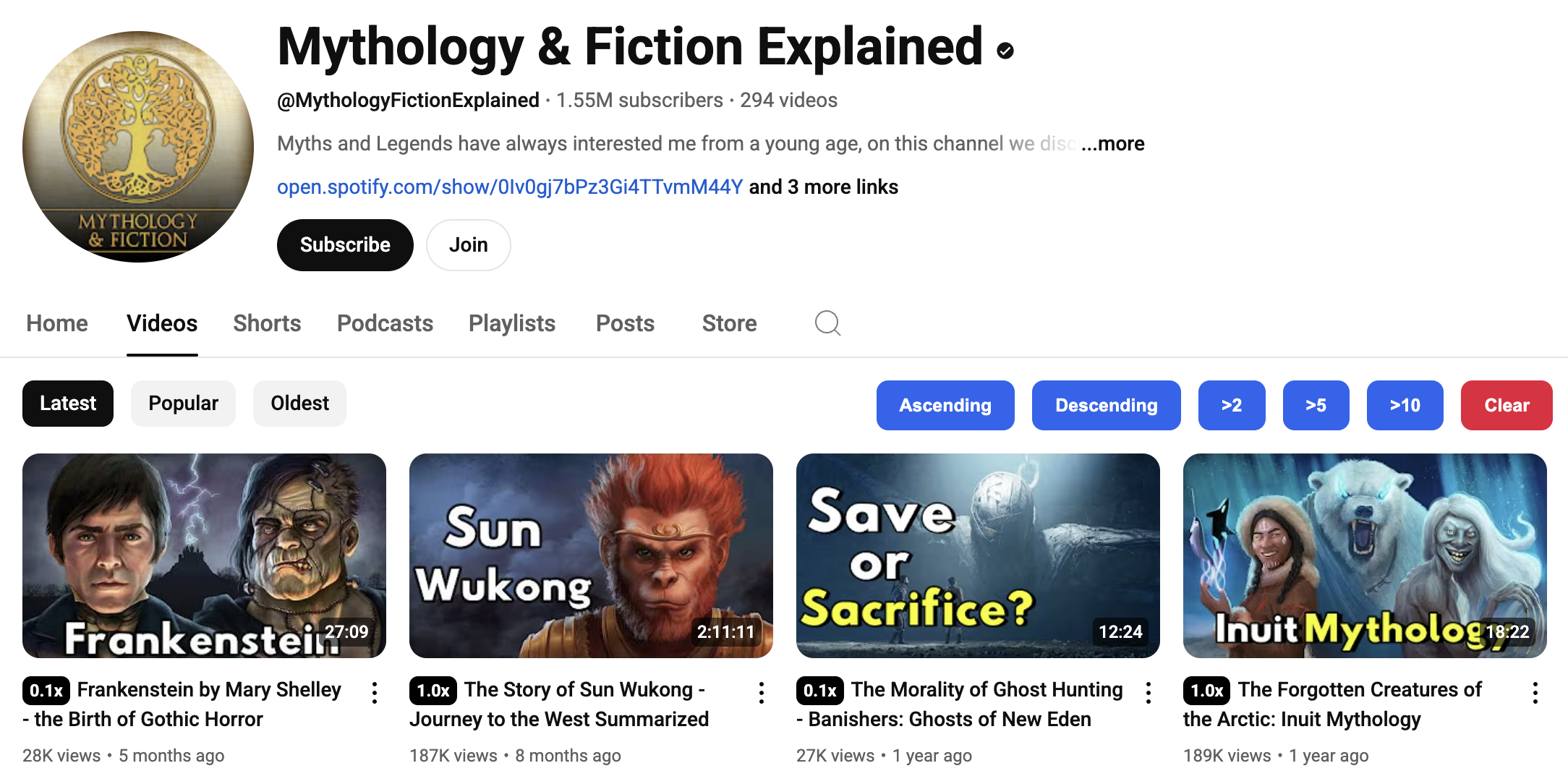
It’s outside the gaming space but think Mythology & Fiction Explained
Long-Form vs Shorts
Both work, but in different ways.
Here’s how to use both without showing your face:
⚡ Pro Tip: Post Shorts regularly to tease or promote your longer videos. Let them act like trailers.
Livestreams vs Edited Videos
Scripting vs Talking on the Fly
- Scripted = tighter, polished, generally more replayed.
- Freestyle = natural, chaotic, fun, but needs serious editing.
Voiceovers vs Text-Only vs AI Voice
Here’s the rundown:
If you're unsure, start with text + music.Upgrade to AI voice if you're not ready to speak.Eventually, add voice overs, even with a cheap mic.
You don’t need a perfect voice. Just one that’s actually human. Skip the Ai voice and subtitles.
6 Ways to Keep People Watching Without a Face
- Open strong. Your first 5 seconds matter more than anything.
- Add open loops. (e.g. “You won’t believe what happened at the end.”)
- Ask for viewer input. (e.g. “Should I do this with [Game X] next?”)
- Use pinned comments and community posts to start conversations.
- Encourage community-submitted challenges.
- Keep editing tight. No one cares about dead air.
How to Grow a Faceless Channel (Without Relying on Personality)
You don’t need a million-dollar smile or a quirky personality to grow.
You need a system.
One that works even if no one knows your name, your face, or your accent.
Let’s break down how you grow, faceless and fearless.
1. Pick One Game, Niche, or Format to Start
Jumping between 10 games is a great way to stay invisible.
Build a reputation in one space before branching out. Think: Minecraft Redstone, Roblox Obbies, Mobile Horror, or Lo-fi Shooters.
The goal? Become the person for that thing.
No one's stopping you from becoming the MrBeast of horror, but don’t try to be that from day one.
2. SEO Like A Professional
Here’s what the SEO expert Zukais recommends:
YouTube is a search engine. Treat it like one.
- Go to YouTube,
- type in your game + a few words,
- and let autocomplete do its thing.
Examples:
- “Fortnite best settings for…”
- “Horror games where you…”
“Minecraft how to make…”
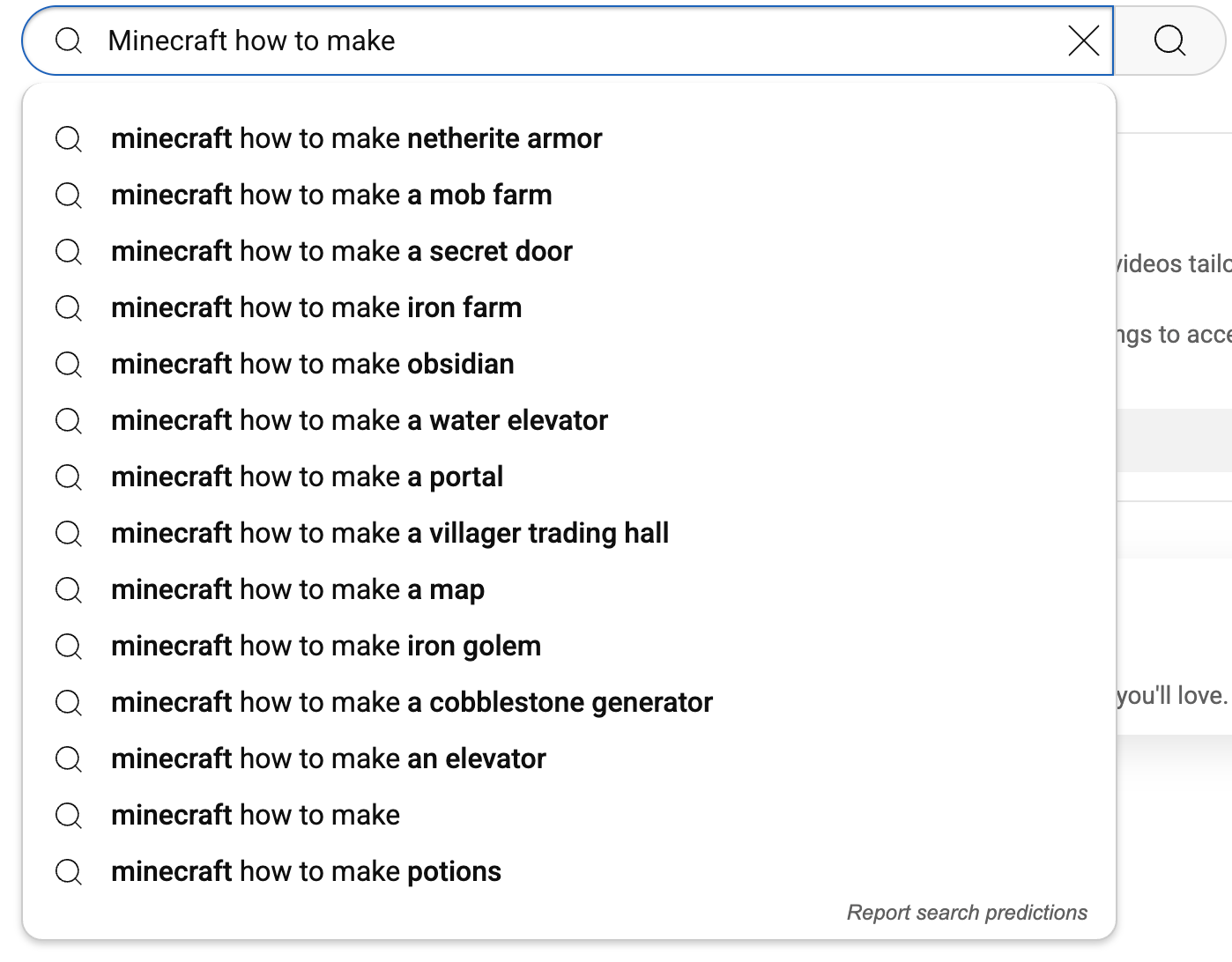
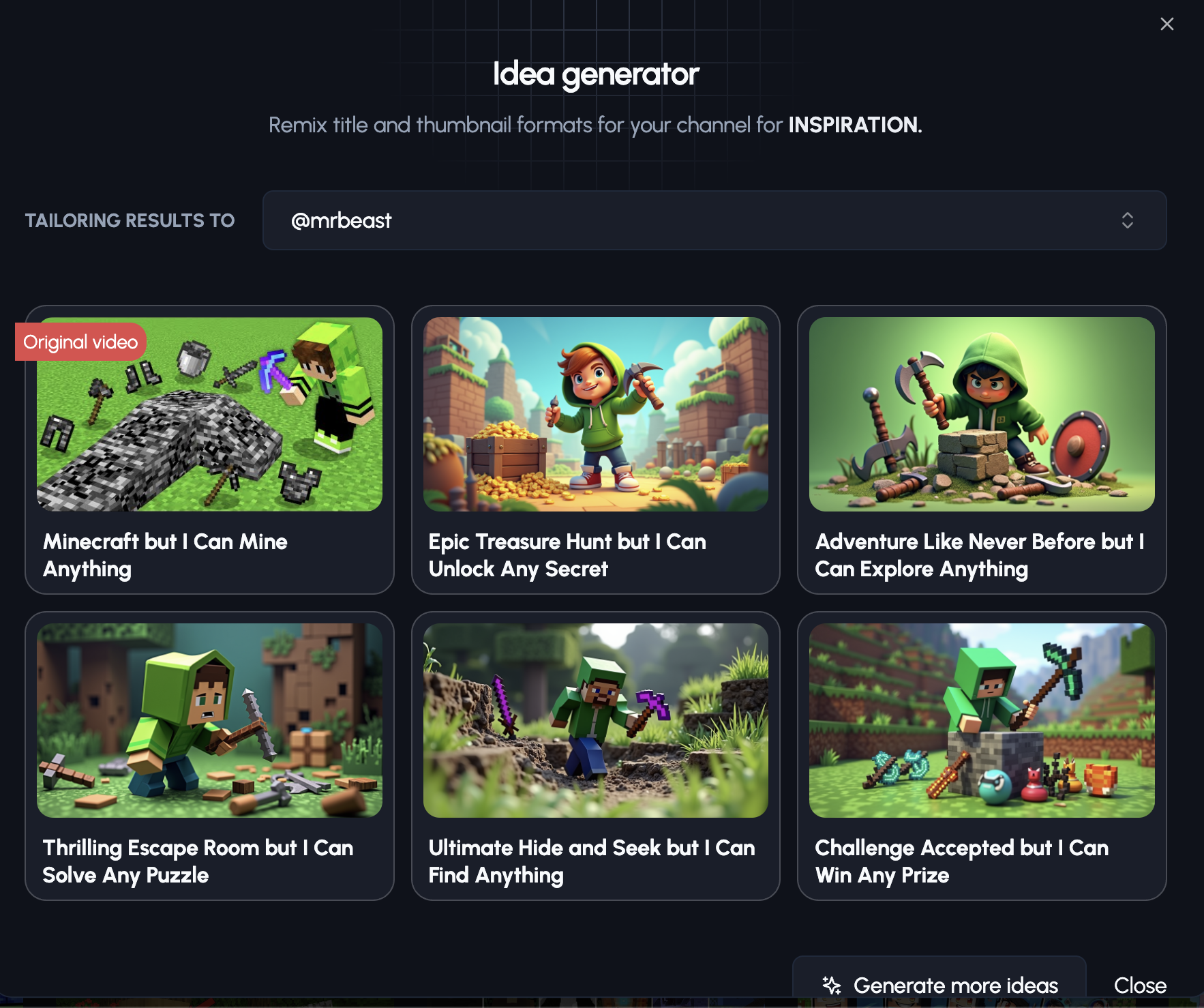
Pair this with 1of10 to find click-worthy titles
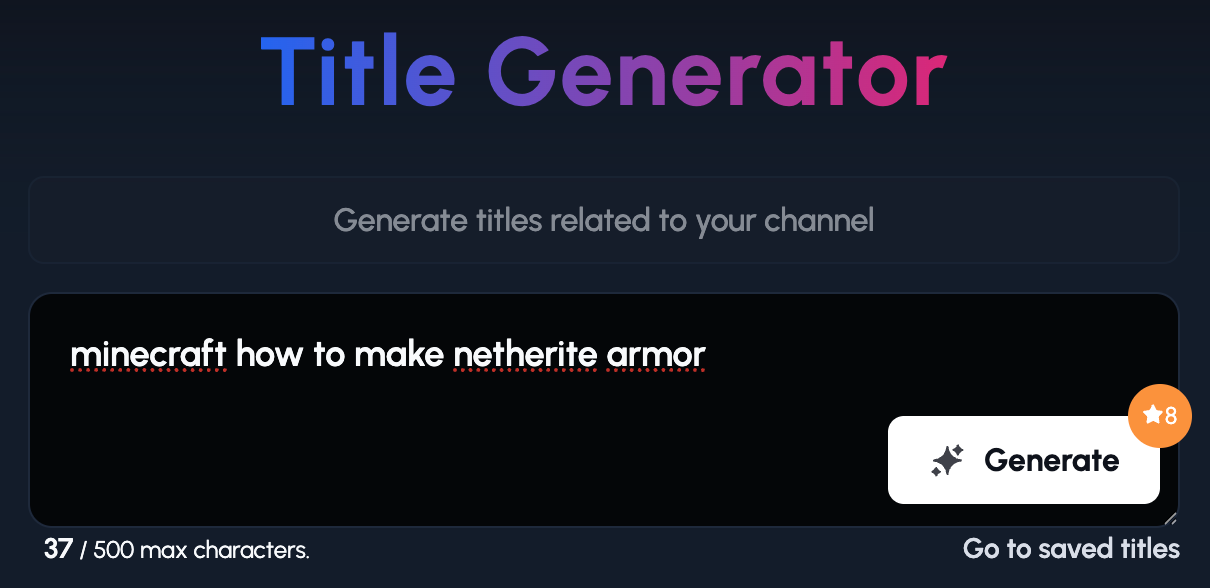
1of10 has takes the title you give it and creates titles based on outliers on that topic.
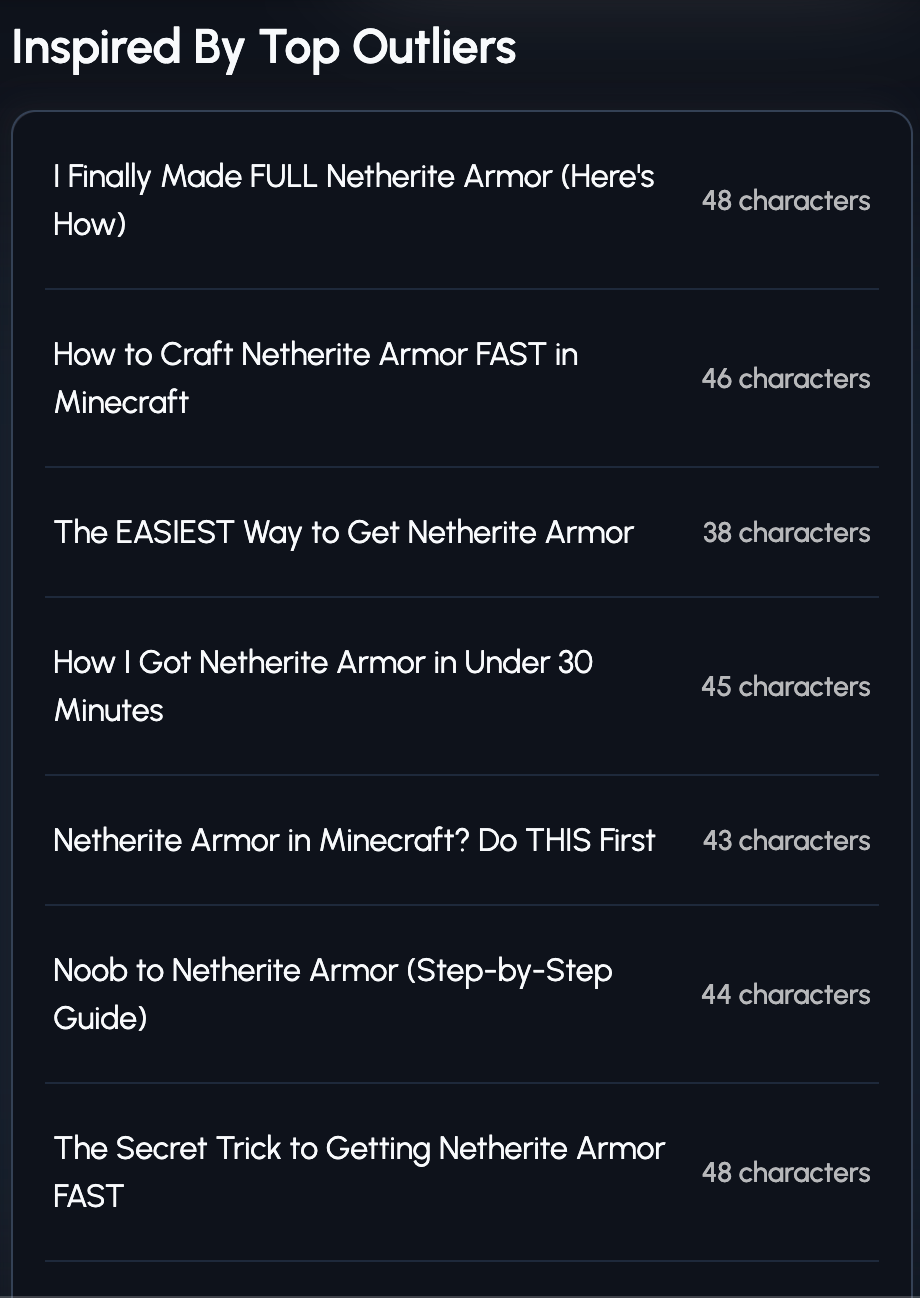
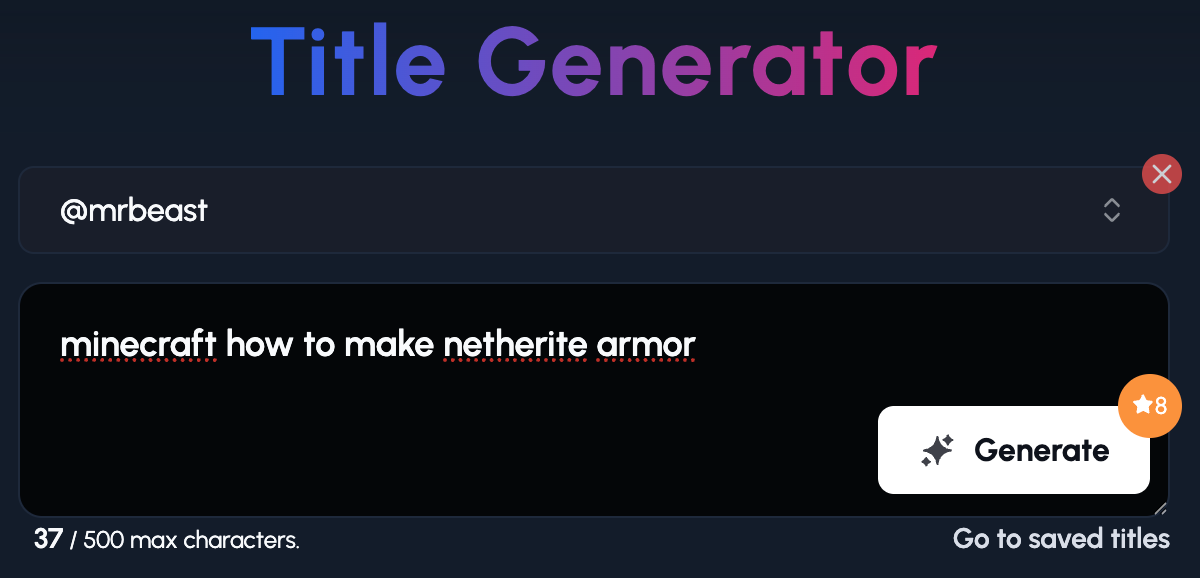
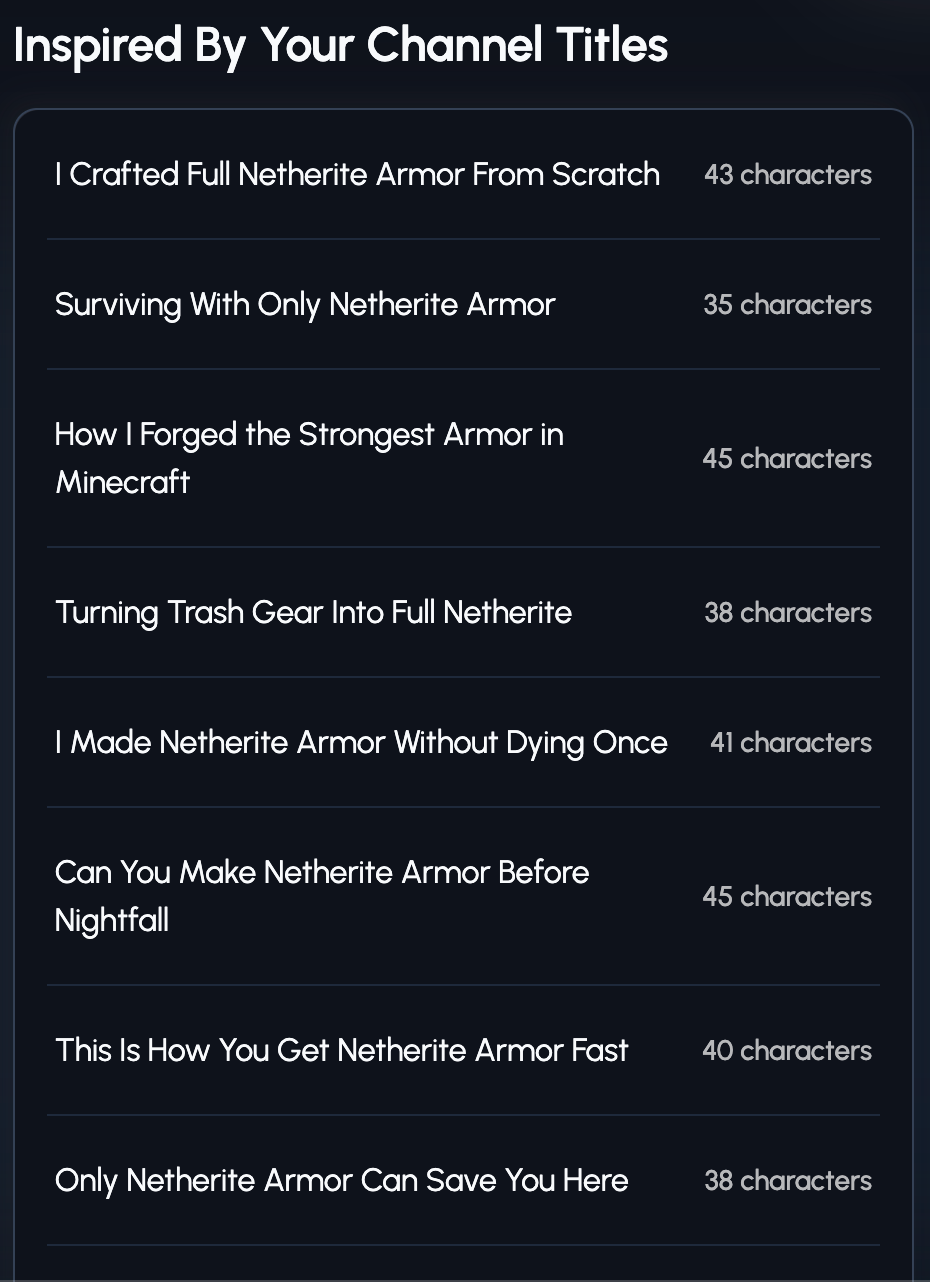
These titles have been inspired by the Mr Beast YouTube channel.
- You see, the autocomplete is based on past data.
- YouTube is only suggesting these because people have previously typed them in.
But what if you could predict what the searcher will eventually type in?
It’s easier than it sounds.
For example, we know that GTA 6 is coming out and guess what people are going to be searching for?
- GTA 6 review
- Is GTA 6 worth it?
- GTA 6 overhyped
Of course you don’t have access to an early copy of GTA 6 so here’s what you could do instead.
Let’s say a new game is being released and you get your hands on a copy on day 1.
Ask yourself, “What problems will people have in that game you could solve?”
- How to find [X] item/location
- How to fix [X] bug
- Why is [GAME] [PROBLEM]?
I hope you’re seeing the power of this strategy.
3. Create Clickable Thumbnails (No Face Needed)
99% of creators spend nearly all their time creating the video but the title and thumbnail are just an after-thought.
Your thumbnail is your billboard. No clicks = no views. Period.
Here’s what works without a face:
- High contrast colours
- Zoomed-in action shots
- Big, bold text (no more than 3–5 words)
- Arrows or circles (sparingly)
- Reaction from the game, not from you
Here’s how you create clickable gaming thumbnails in seconds
- Type in a topic you want to create a video about (in this case, Minecraft)
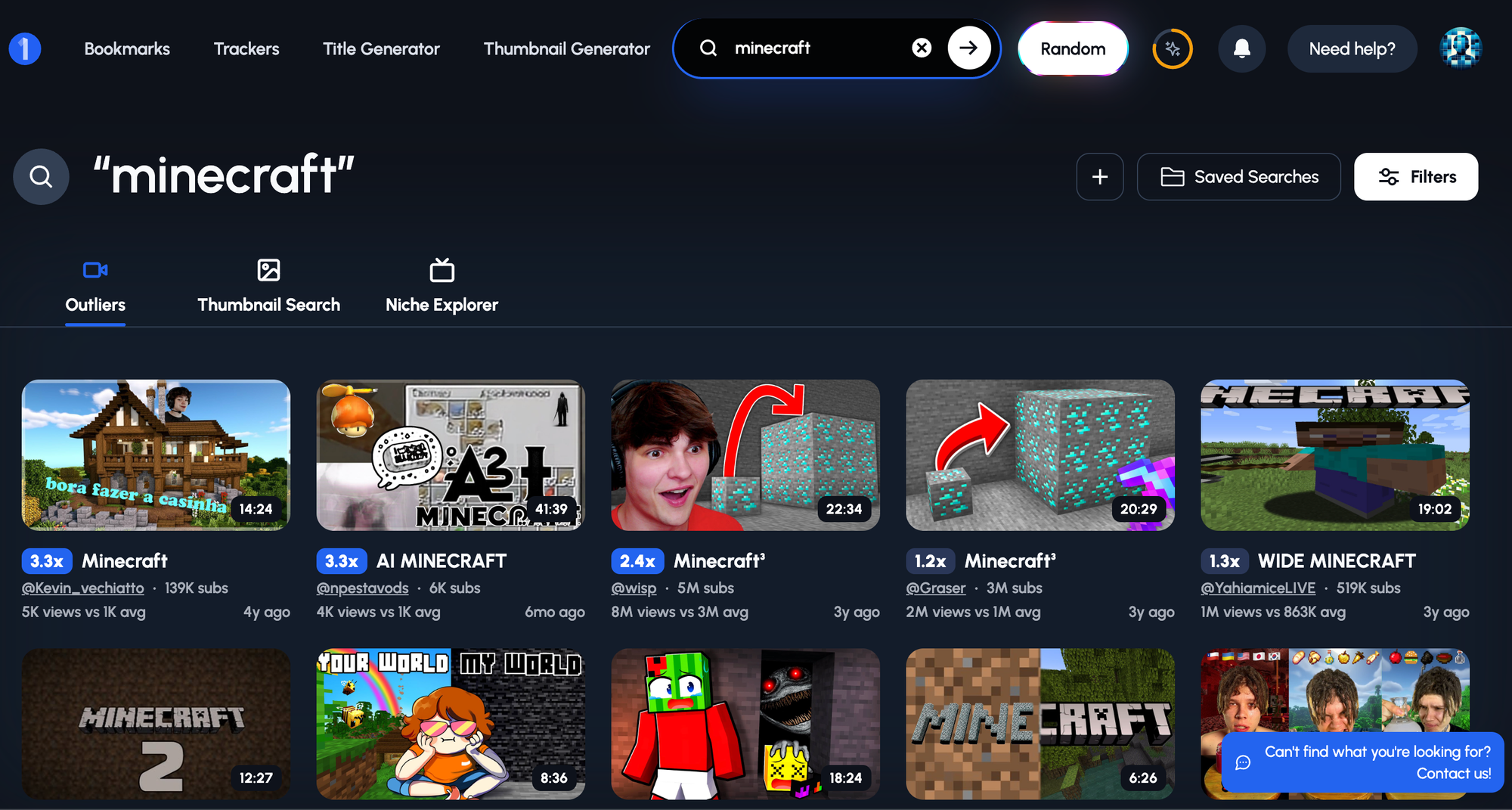
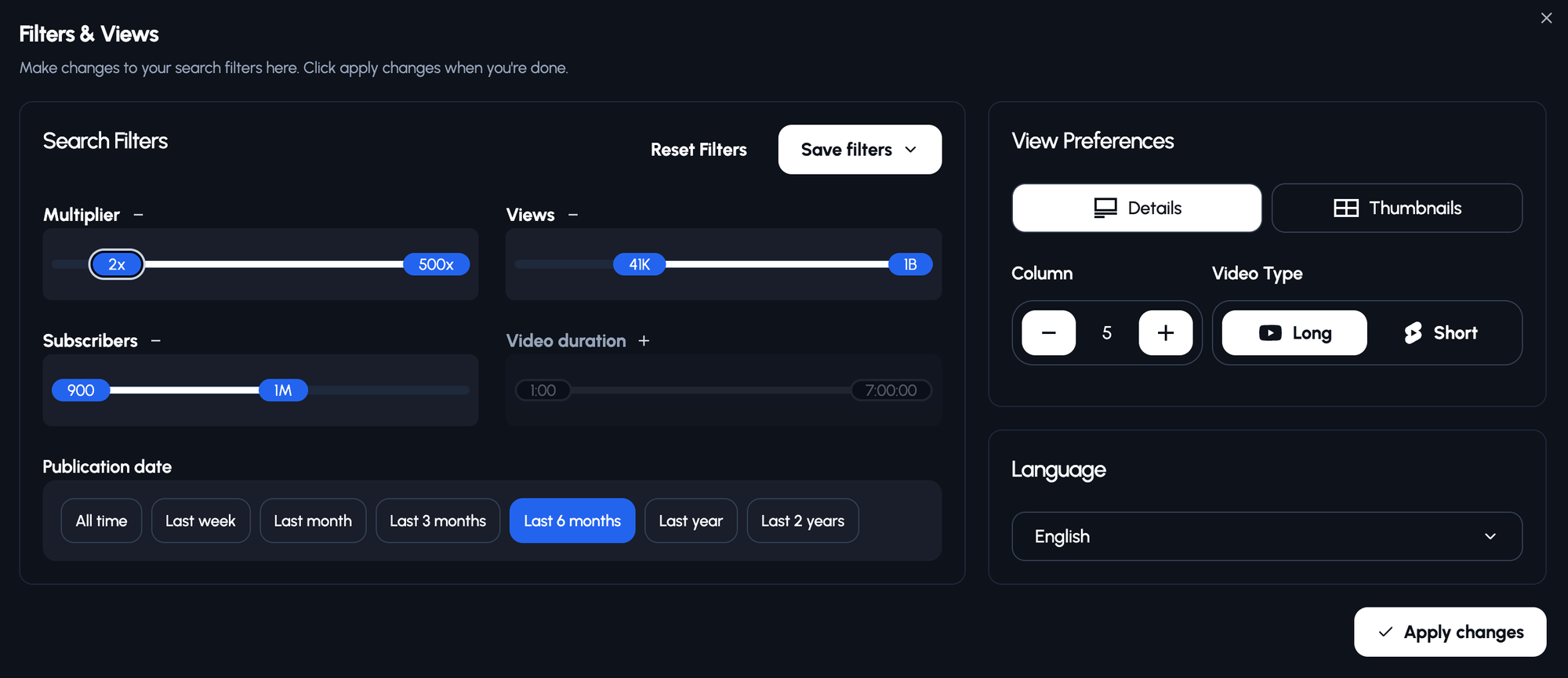
- You can apply different filters to help you find viral video ideas:
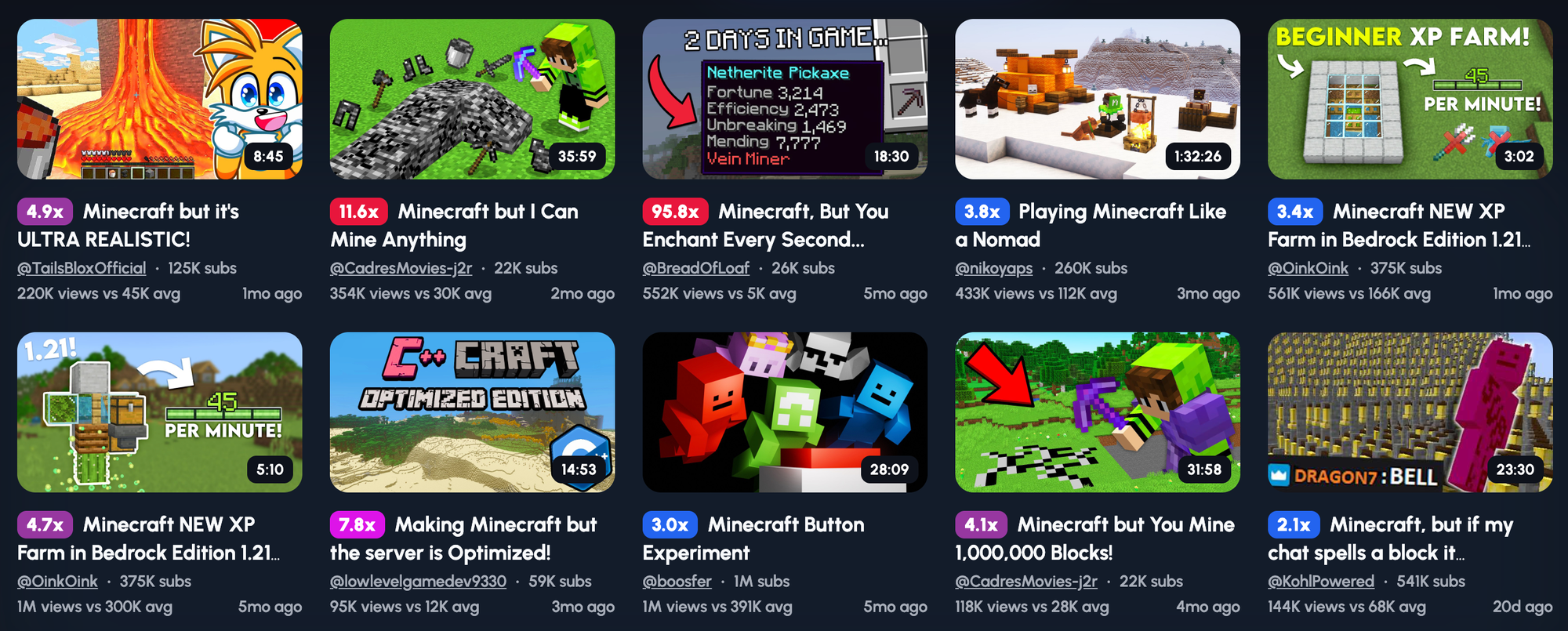
- Once you find something you like, you can generate:
- Topics
- Thumbnails
- Channels
- And Ideas
Based on on that video.
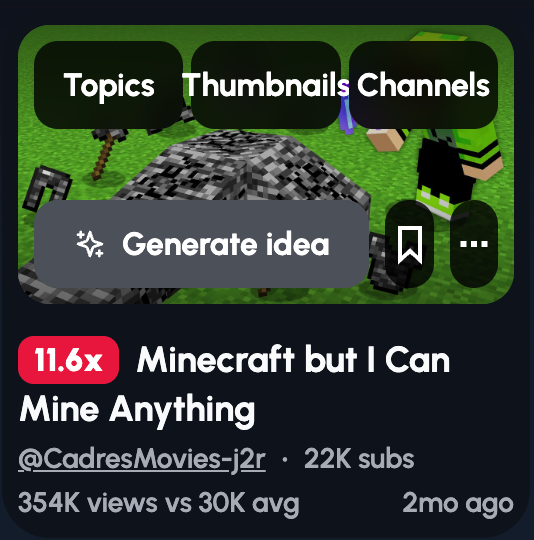
- You can generate and tailor ideas, thumbnails, and titles based on YouTube channels you like:
4. Start With a Strong Hook
Most people drop off in the first 30 seconds. You’ve got 5 to grab them.
Hook ideas:
- Surprise: “I did this… and it actually worked.”
- Suspense: “I thought I’d win. I was wrong.”
- Tease: “Keep watching, it gets insane at the end.”
Avoid the “Hey guys” or long-winded intros. Open with action or a question.
5. Edit Like It’s Life or Death
1. Showing someone how to beat a boss? They’re going to want to see everything apart from your deaths. So no need for lots of edits.
2. Doing an explainer video? Lots of visuals explaining what your saying will go a long way.
Even without a face, your editing keeps the energy alive.
Use:
- Jump cuts
- On-screen text
- Zooms
- Music shifts
- Sound effects
- Memes
- Subtle screen shake or motion blur
Keep the viewer visually stimulated WITHOUT overdoing it. This all comes with trial and error and learning more about your audience and the type of game.
If you’re playing CIV 5, you probably don’t need a hyper action-packed edit. It’s all about context.
6. Get People Talking
You can’t build a community if you're a ghost.
Even faceless creators can:
- Ask questions mid-video (“What would you do here?”)
- Pin comments
- Drop polls
- Reply to every single comment early on
- Build a Discord for fans
- Let viewers suggest challenges or topics
Give them a reason to stay connected.
1. A connection
2. Entertainment
7. Share Your Content Smartly
Get your video in front of the right eyes:
- TikTok (cut clips into 15–30 second highlights)
- YouTube Shorts (acts as bait for your channel)
- Gaming forums
- Discord servers
But don’t spam. Be helpful. Comment first. Add value.
Then drop the link like, “Hey, made this, curious what you all think.”
8. Collab (Even Without Showing Your Face)
You don’t need to appear on someone’s screen to work together.
Ideas for faceless collabs:
- Shared challenges (both do the same concept, then link to each other’s video)
- Voiceover swaps
- Dual-commentary gameplay
- Editing each other’s videos
- Group game sessions with shared highlight reels
Audience crossovers are powerful.
9. Focus on What You Can Control
- Don’t try to be funny if you’re not.
- Don’t obsess over having the best equipment.
Can You Build a Brand Without a Face?
Yes, and many faceless creators do it better than on-camera ones. Your editing style, visuals, voice and consistency become your brand. You don’t need a face, you need familiarity.
- People don’t follow you for your selfie.
- They follow because something about your content feels you.
1. Choose a Channel Name That Sticks
You want something:
- Easy to remember
- Easy to type
- Related to your niche (bonus points if it sounds like a gamer tag)
Make it punchy. Two to three words max.
Avoid weird spellings unless you like explaining it forever.
2. Design a Logo & Avatar
Use:
- A clean logo (2-3 colors max)
- A mascot (e.g. owl, robot, ghost, banana in a hoodie)
- A stylised letter or emblem
Make sure it looks good tiny.
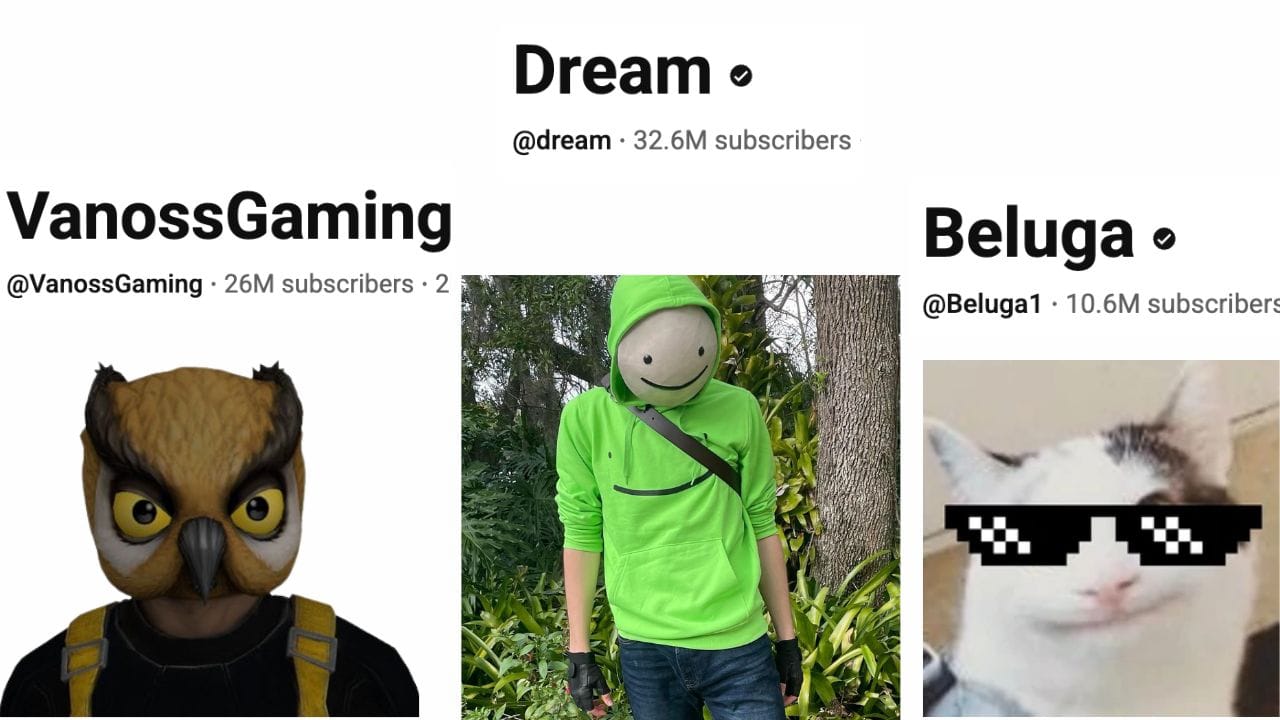
Use this logo everywhere: YouTube, TikTok, Discord, Shorts watermark, etc.
3. Develop a Signature Editing Style
Faceless channels can live or die by this.
What makes people say, “Oh this looks like one of your videos”?
Ideas:
- Custom transitions
- Deadpan humour edits
- Glitch effects or VHS overlays
- Memes inserted at specific beats
- Zoom-in punchlines or reaction cuts
- Static pop-ins like emojis or mini avatars
Pick 2 or 3. Use them every time.
4. Stick to a Thumbnail Style
This is branding in thumbnail form.
Use the same:
- Font family
- Color palette
- Layout (left text, right image or vice versa)
- Logo placement
- Type of imagery

HOWEVER!
This is a double-edged sword. When you’re starting out you want to experiment… A LOT!
After all, you’re new and don’t know what does and doesn’t work. So make sure you’re using the 1of10 AI thumbnail generator to get lots of epic ideas.
You can create thumbnails based on other gaming channels:
5. Create a Memorable Intro and Outro
You don’t need to show your face to have a killer intro.
Use:
- A catchy 2-second audio tag
- A distorted voice line (e.g. “Respawning…” or “Let the chaos begin”)
- A synthesised sound effect
- A remixed in-game sound cue (like a Minecraft item pickup or COD headshot noise)
Pro tip: Use it consistently at the start of every video so it becomes part of your channel identity.
- Motion Graphic or Logo Animation - You don’t need a camera, you need identity.
- Glitch-style animations (perfect for FPS or horror channels)
- Pixelated logo builds (great for Minecraft, Roblox, retro-style games)
- Cinematic transitions (ideal for story-driven or challenge videos)
- Signature music or sound effects
- An 8-bit chime
- A bass-heavy drop
- Lo-fi intro music if your tone is chill and narrative
This consistency helps you stand out and gives returning viewers a sense of familiarity.
Tying the intro all together:
- Make the intro part of the hook
- The best intros flow directly into the video’s premise. For example:
- Show a 2-second animation, then cut straight into a dramatic moment or challenge teaser.
- Time your audio tag to land just as something explodes, breaks, or gets intense in the gameplay.
- This creates a rhythm, and makes your content feel polished and addictive.
Outros can be simple:
- “This strategy was OP, but the next one is even crazier.”
- "But this build gets even more broken when you add THIS item, check it out here"
- Light Branded Animation - Add a short animated card showing your:
- Channel name or logo
- Social handles (only if you're active there, otherwise, skip it)
- Catchphrase (if you have one)
- Sign Off with Style
- “That’s all from the ghost, I’ll see you in the shadows.”
- “Respawning in 3… 2… 1… See you there.”
- “Another mission complete, next level’s waiting.”
- This helps make your channel memorable and easier to binge.
1. Tease the Next Video
It adds polish and builds brand recognition without killing momentum.
Pro Tip: Don’t end with “like, comment, and subscribe”, viewers hear that 10 times a day. Instead, focus on getting them to the next video.
6. Build a Voice Identity (Even Without a Face)
Voiceover holds significant power.
You don’t need to sound like Morgan Freeman.You just need to sound like you, consistently.
You can be:
- Calm and instructional
- Chaotic and unhinged
- Snarky and sarcastic
- Chill and deadpan
Whatever fits your style, lock it in.
7. Use Recurring Visuals and In-Jokes
Fans love recognising stuff.
Add:
- The same emotes or overlays
- A mini mascot that pops up
- A specific sound effect when something crazy happens
- A meme you always use when you win or lose
Example: Every time you rage-quit, a sad trombone plays while a dancing banana moonwalks off-screen.
It’s stupid, and that’s the point. It sticks.
8. Optional: Try VTuber Avatars or Mascots
Not necessary, but they work.
VTuber-style models can give your channel a “face” without showing yours.
Mascots (like Beluga’s cat or a custom PNG character) also work for reactions or thumbnails.
Even a static image that reacts with subtitles can add personality.
How Do Faceless YouTube Channels Make Money?
Let’s kill the myth:“You can’t earn without showing your face.”
Total nonsense.
There are faceless channels pulling in six figures a month, all because they understand how to monetize, not just how to upload.
Here’s how you can do the same.
1. YouTube Partner Program (AdSense)
From there, YouTube runs ads on your videos and you get a cut.
The more views, the more you earn.
Shorts also pay, not much per view, but they build exposure that funnels into monetized long-form content.
2. Affiliate Links (Earn When They Buy)
In every description, you should have:
- Amazon affiliate links for gear, gadgets, accessories
- Game store links (like Humble Bundle or Green Man Gaming)
- Referral links to tools or platforms you actually use
And the best part? You don’t need to say a word. Just write a sentence in the description like:
“Here’s the mic I use (no facecam needed 😅): [link]”
3. Sponsorships & Brand Deals (Yes, Without a Face)
Brands care about:
- Your audience
- Your niche
- Your engagement
Examples of faceless-friendly sponsors:
- Gaming chairs
- Game keys
- Headphones
- Software (VPNs, editing tools, etc.)
They might ask for a shoutout, a banner, or a custom video. You can deliver without ever turning on your webcam.
4. Merch Sales
You’ve already got a logo, right? A name? A vibe?
Slap that on a hoodie, mug, or mousepad.
Even simple text-based merch works:
- Channel slogan
- Inside joke from your videos
- Funny one-liner or meme
Tools like TeeSpring, Printful or Fourthwall let you set it up in minutes, no inventory needed.
Start with:
“If you’ve made it this far into the video, grab the ‘No Face, No Problem’ hoodie in the description.”
5. Patreon, Memberships & Donations
If you’re building a fanbase, let them support you.
Patreon: Offer exclusive behind-the-scenes content, bloopers, bonus videos, or Discord access.
Channel Memberships: Unlock badges, emojis, or early access for loyal fans.
Donations: Especially powerful during live streams.
6. Sell Digital Products
You’ve got skills, package them.
Ideas:
- Custom Game Settings: Share your controller layout, keybinds, or macros
- Overlays: Sell custom HUDs, emotes or alert designs
- Game Guides: Write or record walkthroughs (PDFs or video bundles)
- Private Coaching: Offer tips, reviews or strategy calls
Even with a small channel, digital products scale fast.
And you guessed it, no face needed.
So, Can You Actually Make Money Without Being on Camera?
Yes. From ads to affiliates, merch to memberships, faceless creators have more monetisation options than ever. Your content and community are what matter most.
No personality cult. No ring light setup. No awkward camera stares.
Just smart content, loyal fans and a little bit of hustle.
How Do You Stay Private as a Faceless Creator?
Being faceless is one thing.Being private is another.
If you want to truly stay anonymous, not just off-camera, but off-grid, you’ll need to take a few extra steps.
Let’s cover the basics.
1. Be Conscious of the Slip
It only takes one slip.
Avoid:
- Using your real name in your channel name
- Linking personal socials in descriptions
- Saying your name in voiceovers
- Registering accounts with your main email
- Set up a separate email for your YouTube channel, socials and login info. Keep everything compartmentalised.
2. Keep Your Accounts Separate
No crossover allowed.
Use:
- A dedicated YouTube email
- A new Twitter/X handle
- A fresh TikTok account
- A different Discord account
That way, even if someone finds your TikTok, they won’t stumble onto your Facebook holiday pics.
3. Mask Your Voice (If You Want To)
If your voice makes you feel exposed, you've got options.
- Use AI voice tools like ElevenLabs or Uberduck
- Go full text-based (not recommended)
- Use pitch shifting or effects in your editor (deepen, distort, etc.)
Some faceless creators use text-to-speech and still pull millions of views, the key is to keep it consistent and well-edited.
4. Avoid Background Giveaways
This one catches people out.
- Personal tabs or bookmarks
- Background clutter that hints at where you live
- Username pop-ups in multiplayer games
Always double-check your footage. Blur out anything sensitive. Crop gameplay when needed.
5. Never Link Payment Accounts to Personal Info
Use business accounts or payment platforms that allow pseudonyms or brand names.
Faceless doesn’t automatically mean anonymous, but with the right habits, you can keep your real identity completely private.
No face.No name.No awkward “Is that you on YouTube?” moment at a family dinner.
Just content, cash, and complete control.
What Gear Do You Need to Start a Faceless Channel?
You don’t need a studio.You don’t need £3,000 of gear. And you definitely don’t need a DSLR pointing at your face.
Here’s what actually matters.
1. PC Requirements
You don’t need a gaming beast, but you do need a machine that won’t die mid-edit.
Minimum specs for beginners:
- CPU: Intel i5 / Ryzen 5
- RAM: 8GB (16GB is better)
- GPU: GTX 1650 or better
If you're editing 1080p footage and using software like DaVinci Resolve, Adobe, or CapCut, this setup will do the job.
2. Mic (Your Most Important Tool)

Your mic matters way more than your graphics card.
If viewers can’t hear you clearly, they’ll leave. Doesn’t matter how good the gameplay is.
Budget pick:
- Fifine K669B ($30–$40)
- Includes a stand, sounds great out the box
Mid-range:
- Blue Yeti or Elgato Wave 3 ($90–$120)
- Extra controls, better clarity
Add-on tip: Get a pop filter or foam cover to cut out breathing and harsh ‘P’ sounds.
3. Capture Card (If You’re on Console)
Playing on PS5, Xbox or Switch? You’ll need this.
Best budget option:
- Elgato HD60 S (around $120)
- Plug your console into it, then into your PC
This lets you record gameplay or stream to OBS with no facecam needed.
4. Sound Treatment (Optional But Helpful)
You don’t need a padded studio, but some basic upgrades help:
- Foam panels on the wall behind your mic (you can get 12 for under $25)
- Rug or carpet to stop echo
- Pop filter to reduce plosive sounds
- Mic arm to free up desk space and help with mic positioning
Treat your mic setup like a camera, if it’s clean and sounds pro, people stick around longer.

5. Other Essentials
- Screen recording software (OBS, Xbox Game Bar, or Medal)
- Video editor (CapCut, DaVinci Resolve, or Premiere Pro)
- Thumbnail tool (1of10)
- A decent pair of headphones (Not just for editing, but for catching audio issues before they go live.)
6. Budget Breakdown
Shoestring Starter ($0–$50)
- Use your current PC/laptop
- Free tools: OBS + CapCut
- Built-in mic (not great, but usable)
- Record browser/mobile games or basic PC titles
Budget Setup ($150-$250)
- Mid-range mic (Fifine or Blue Snowball)
- Basic pop filter or foam
- 16GB RAM upgrade if needed
- Elgato HD60 if you’re using console
What Software Do You Need to Edit Faceless YouTube Videos?
No, you don’t need After Effects.No, you don’t need to sell a kidney to get started.
Here’s what you do need.
1. Video Editing Software
These are your main tools for cutting, trimming and adding spice to your content.
Beginner-friendly (and free):
- CapCut Desktop - Simple interface, drag-and-drop effects
- DaVinci Resolve - More advanced, but insanely powerful for a free tool
- HitFilm Express - Good balance between creative effects and ease of use
Paid (if you’re serious or scaling):
- Adobe Premiere Pro - Industry standard, lots of tutorials, steep learning curve
- Final Cut Pro - Great for Mac users, fast and clean
- Vegas Pro - Popular with gaming creators
Look for tools that support:
- Keyframes (for animations and zooms)
- Audio editing
- Subtitles or captions
- Green screen/chroma key (if using avatars or overlays)
Here's an awesome tutorial showing you how to edit your gaming video:
2. Screen Recording Tools
To capture gameplay or tutorials, use:
- OBS Studio - Free, highly customisable, perfect for recording or streaming
- Xbox Game Bar - (built into Windows) Quick and simple
- Medal.tv - Easy highlights tool, great for clipping moments
If you’re on console, pair this with a capture card like Elgato HD60.
3. Audio Tools
For cleaning up or recording voice:
- Audacity - Free, lightweight, good for voice overs
- Adobe Audition - For advanced audio cleaning, noise removal and mastering
- Krisp.ai - Removes background noise in real-time (great if you don’t have foam panels)
4. VTuber Software (If You Want an Avatar)
VTubers need a model and tracking software. You don’t need to show your face to use these.
Free/cheap options:
- Veadotube Mini - PNGTuber tool that reacts to mic input (great for faceless commentary)
- Animaze by FaceRig - Custom 3D avatars, real-time tracking
- VSeeFace - High quality, works well with OBS and face tracking
- TTS + PNG combo - Use a text-to-speech voiceover and swap between reaction images
Here's a quick tutorial showing you how to setup a PNGTuber tool:
5. Thumbnail & Title Tools
If your thumbnails and titles aren’t amazing, YouTube will not work for you. Simple.
Use:
- 1of10 - For creating titles and thumbnails that actually get clicks
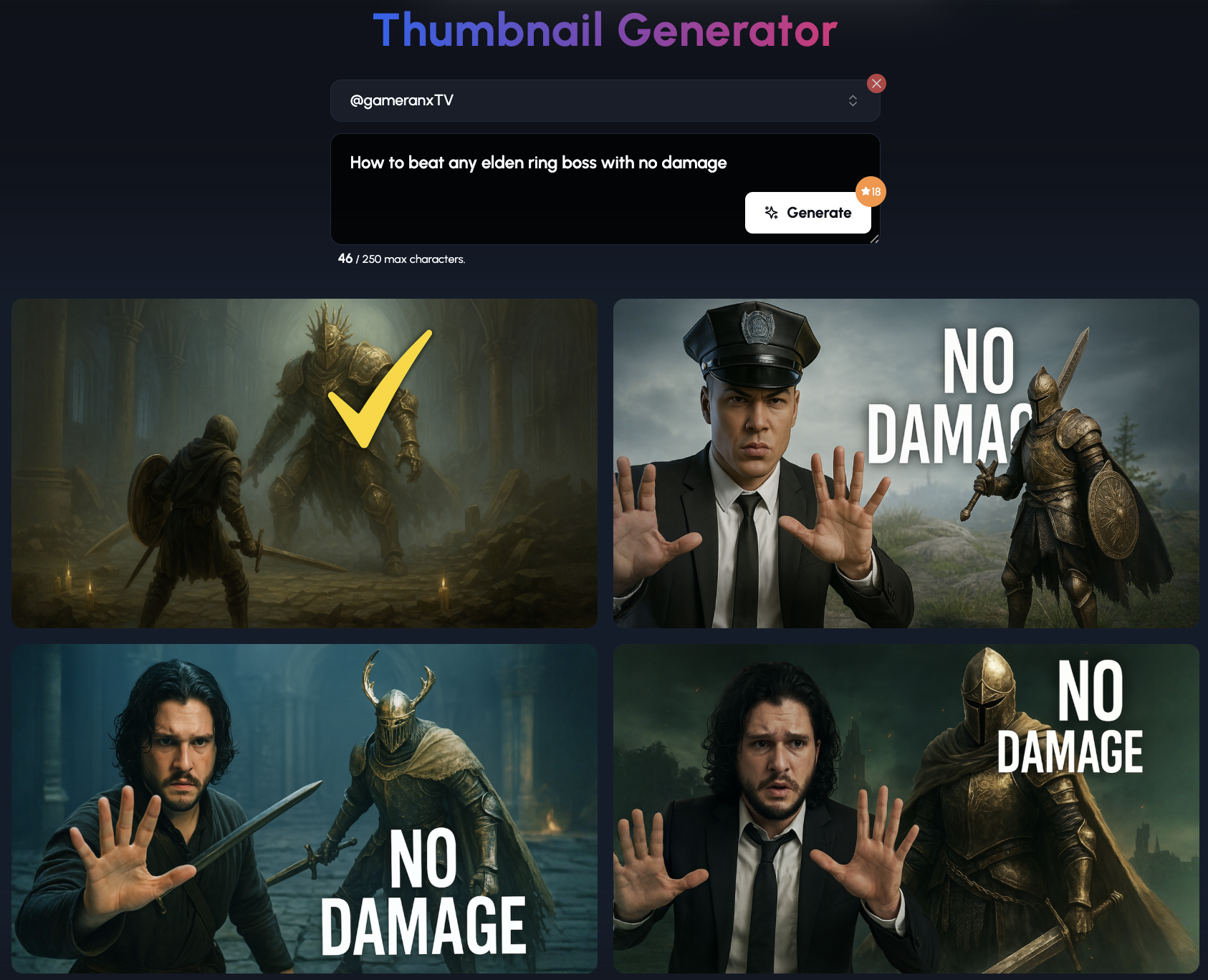
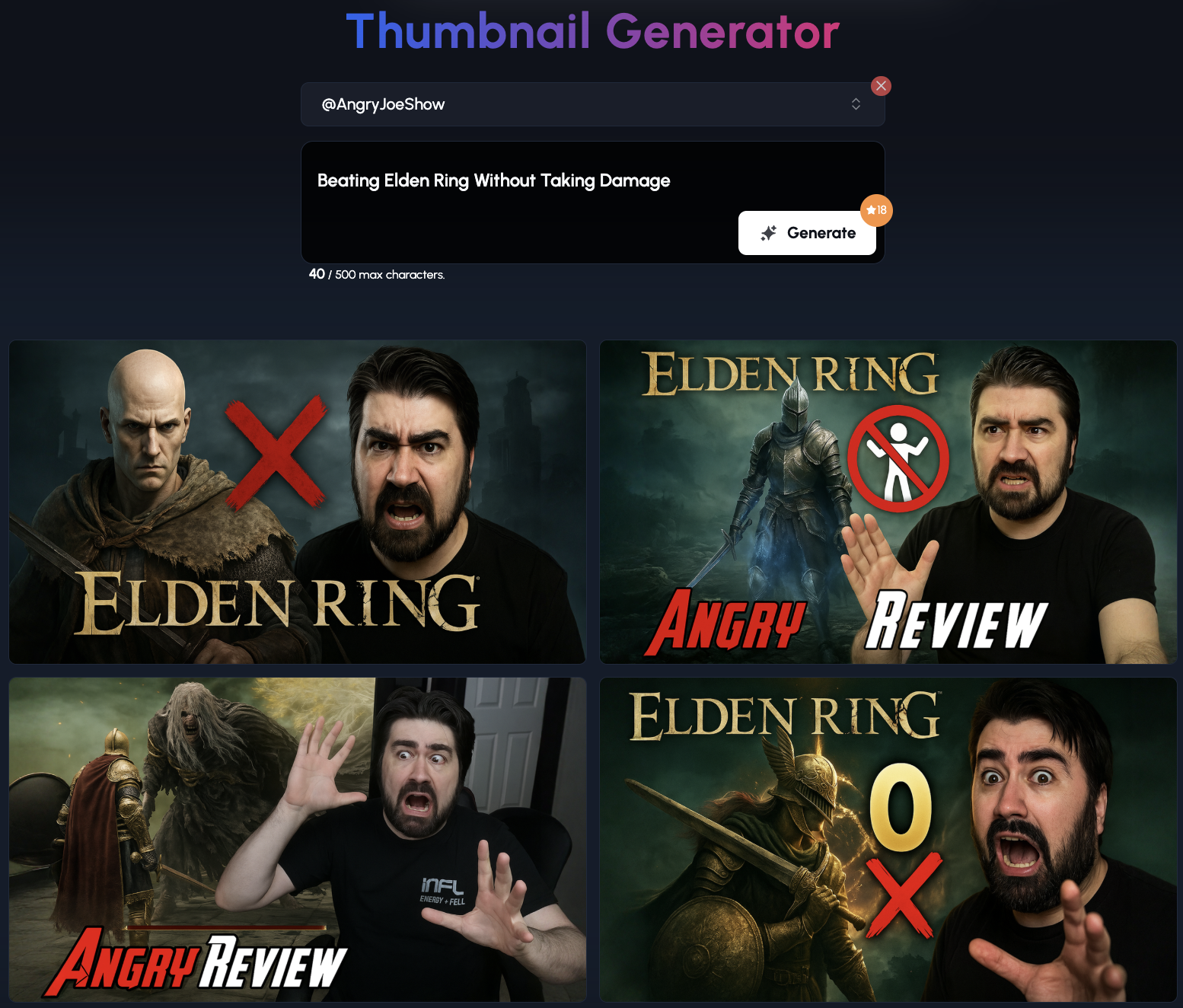
You can use the Thumbnail Generator to create any thumbnail you like with any style you like.
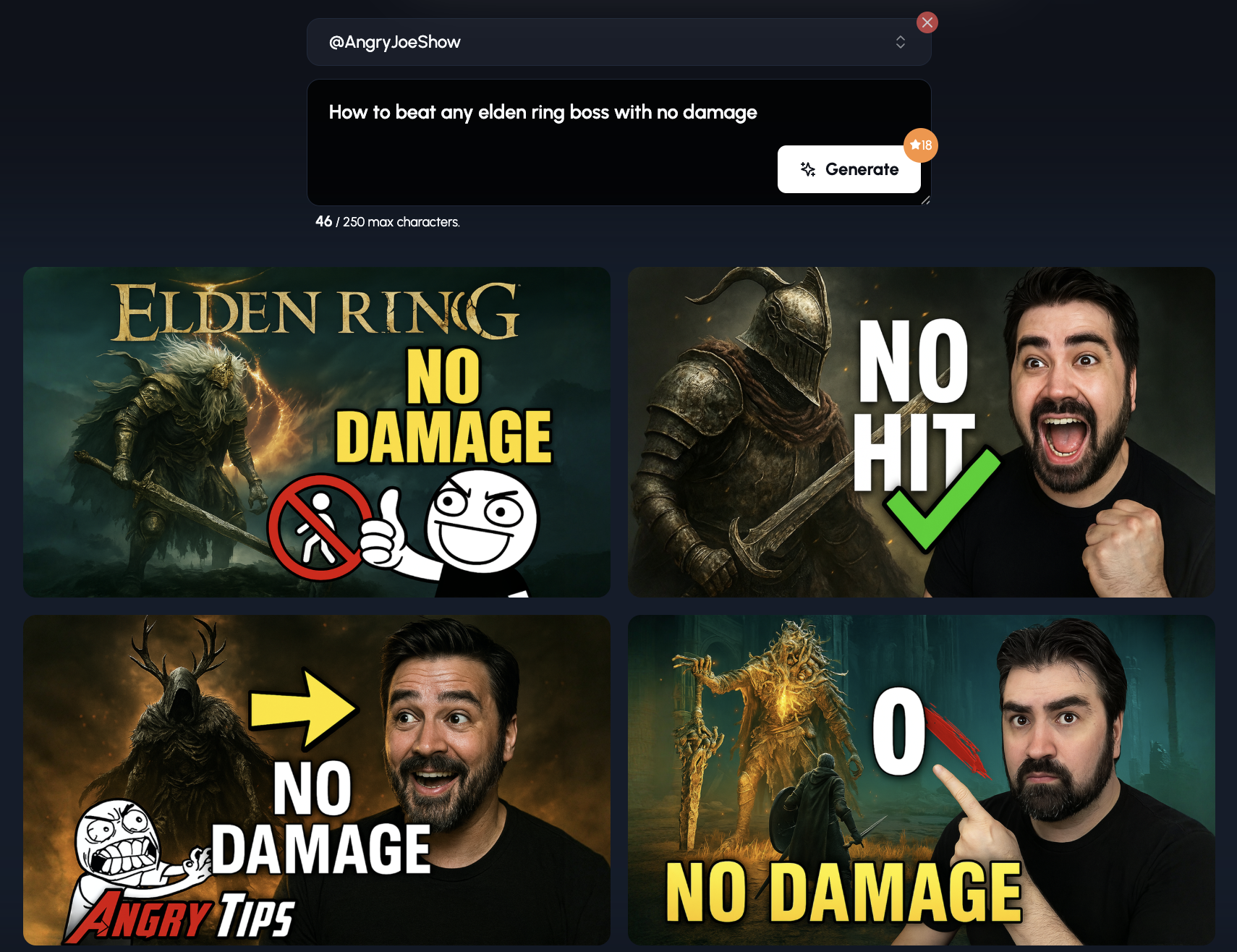
Let's use the same prompt but using the Angry Joe Show YouTube Channel:
Oh, but it gets better!
Right below the thumbnails, you can see outliers based on your video's topic:
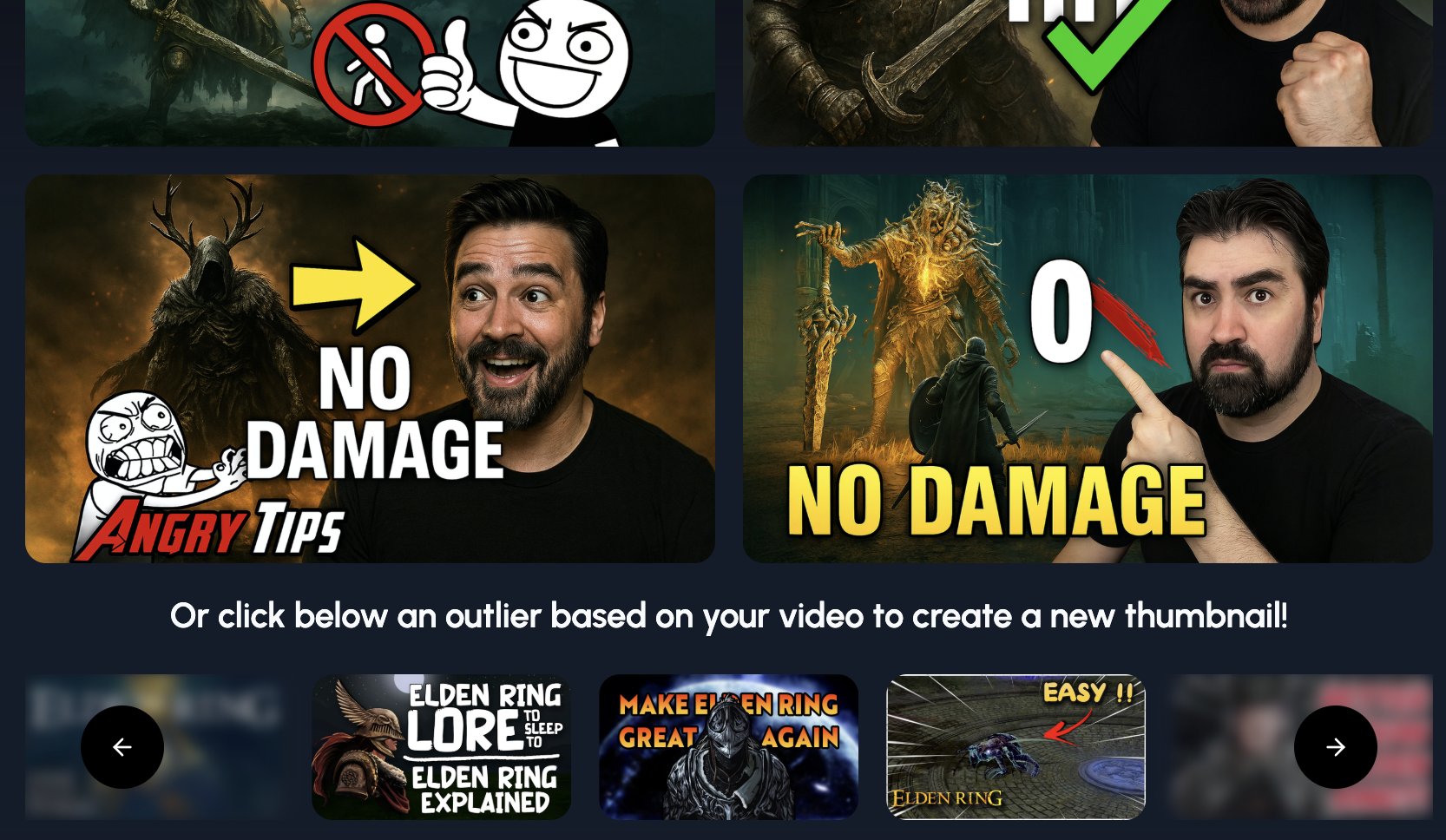

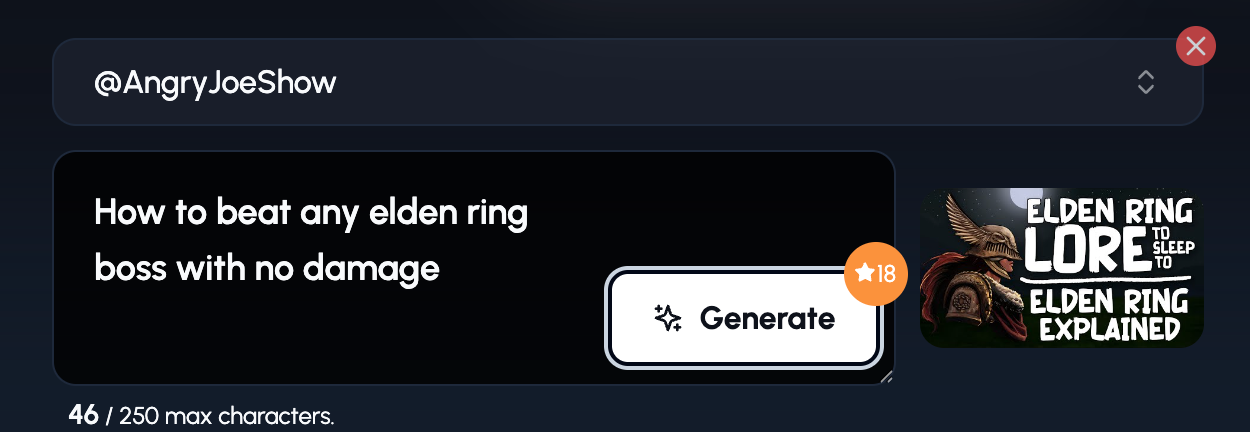
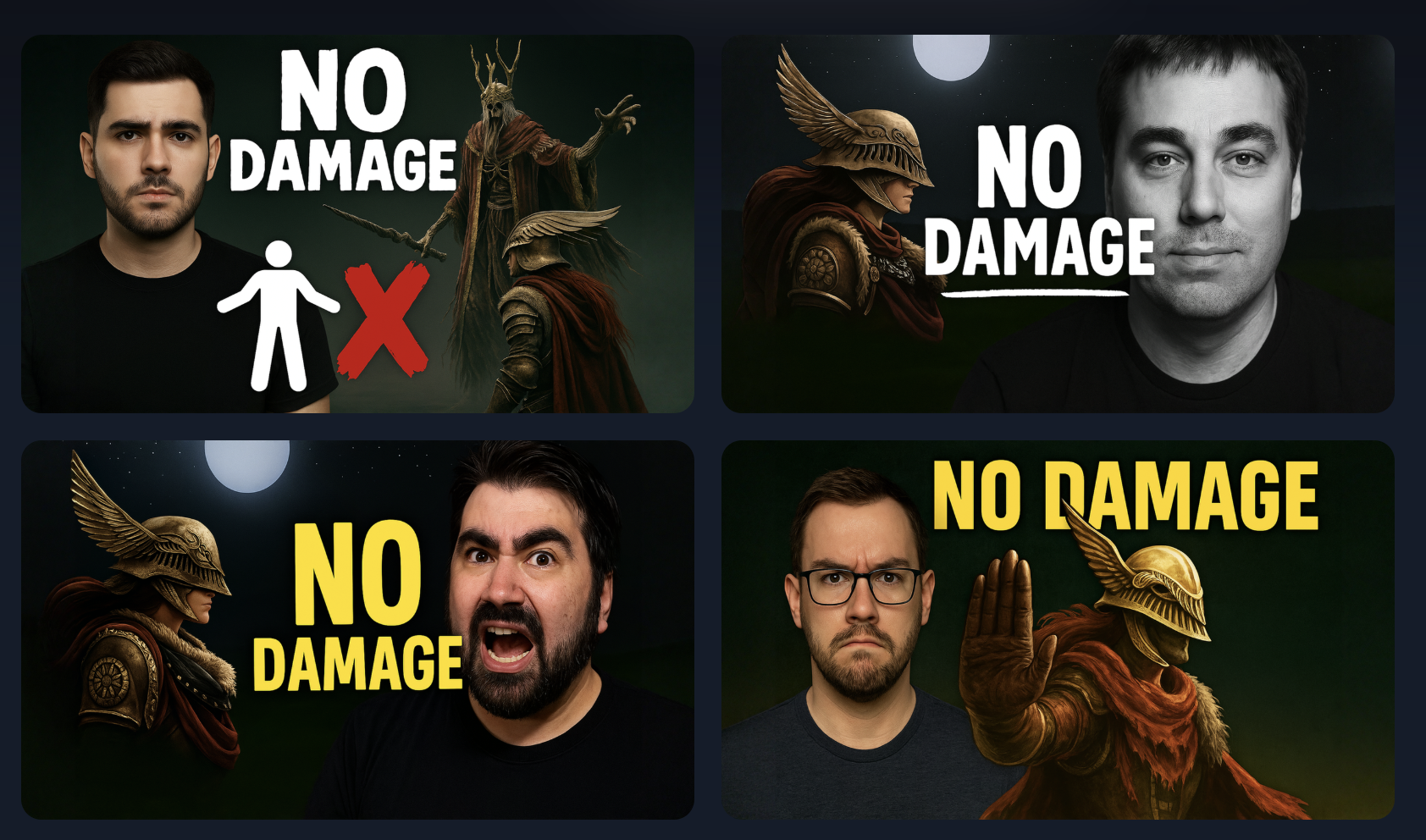
1of10 has now generated thumbnails based on the Angry Joe Show channel AND based on the outlier.
So if you have your own unique style and want an Ai thumbnail generator to include that style, 1of10 is the tool for you.
Final Word on Software
Don’t let choice stop you, pick one tool and learn it well.
You can record in OBS, edit in CapCut, voiceover in Audacity, and publish with zero face involved.
The trick isn’t the software.
It’s how you use it to hook attention, hold it, and keep people coming back.
What Fears and Mistakes Hold Faceless Creators Back?
Being faceless doesn’t mean being fearless.Most creators who quit didn’t fail, they just got stuck in their own head.
Let’s fix that.
1. Mic Anxiety
The first time you hear your voice on playback? Yeah. It’s cringe.
You think:
“Do I really sound like that?” “Why do I sound so awkward?” “No one’s going to want to listen.”
Truth is, everyone starts there.Even big YouTubers hated their voice at first.
Fix it by:
- Writing your script first so you're not rambling
- Recording in small bursts
- Practising without publishing until it feels smoother
- Using a decent mic to boost clarity and confidence
🎤 Optional tool: Audacity’s “normalize” and “noise reduction” settings can clean up even a cheap mic.
2. Quitting Too Early
You post 10 videos. They get 21 views total. You start Googling “is YouTube even worth it anymore?”
Every channel starts slow.
Don’t judge success by your first month.
3. Posting Gameplay With No Commentary
Why? Because there’s nothing unique about it.
If you’re not talking, editing, or reacting, the viewer may as well play the game themselves.
Add something:
- Voiceover
- Subtitles
- On-screen commentary
- Memes or reactions
- Music sync and stylised cuts
Silent gameplay isn’t bad, it’s just forgettable unless it’s insanely good. Like beating the Elden Ring boss with no damage in 3 minutes.
4. Overusing AI or Text-to-Speech
AI voices are fine if they’re well-paced and edited. But too much TTS with no human energy? It sounds like a robot reading tax law.
Viewers clock out fast.
Solution:
- Add background music to soften the robotic feel
- Use better tools (e.g. ElevenLabs sounds more natural than generic TTS)
- Write with rhythm, short, punchy lines work better for AI delivery
- Or better yet… use your real voice once you’re ready
5. No Niche = No Direction
If your channel is:
- “Gaming + reactions + vlogs + tutorials + tech unboxings” You’re not mysterious. You’re lost.
That doesn’t mean doing the same thing forever. It just means owning one space first. Get known for something.
Tip: Think niche in 3 layers, Game > Format > Style. Example: Minecraft (Game) + Tutorials (Format) + Funny voice overs (Style).
You don’t need to be perfect. You just need to keep showing up.
Faceless creators succeed by building trust, not hype.
Avoid the rookie traps.Speak, even if you sound weird.Pick your lane.Edit with purpose.And keep uploading, even when the views are low.
That’s what separates the winners and losers.
Faceless Creators Who Made It Big (And How They Did It)
Let’s break down how they did it.
1. Dream - The Masked Speedrunner
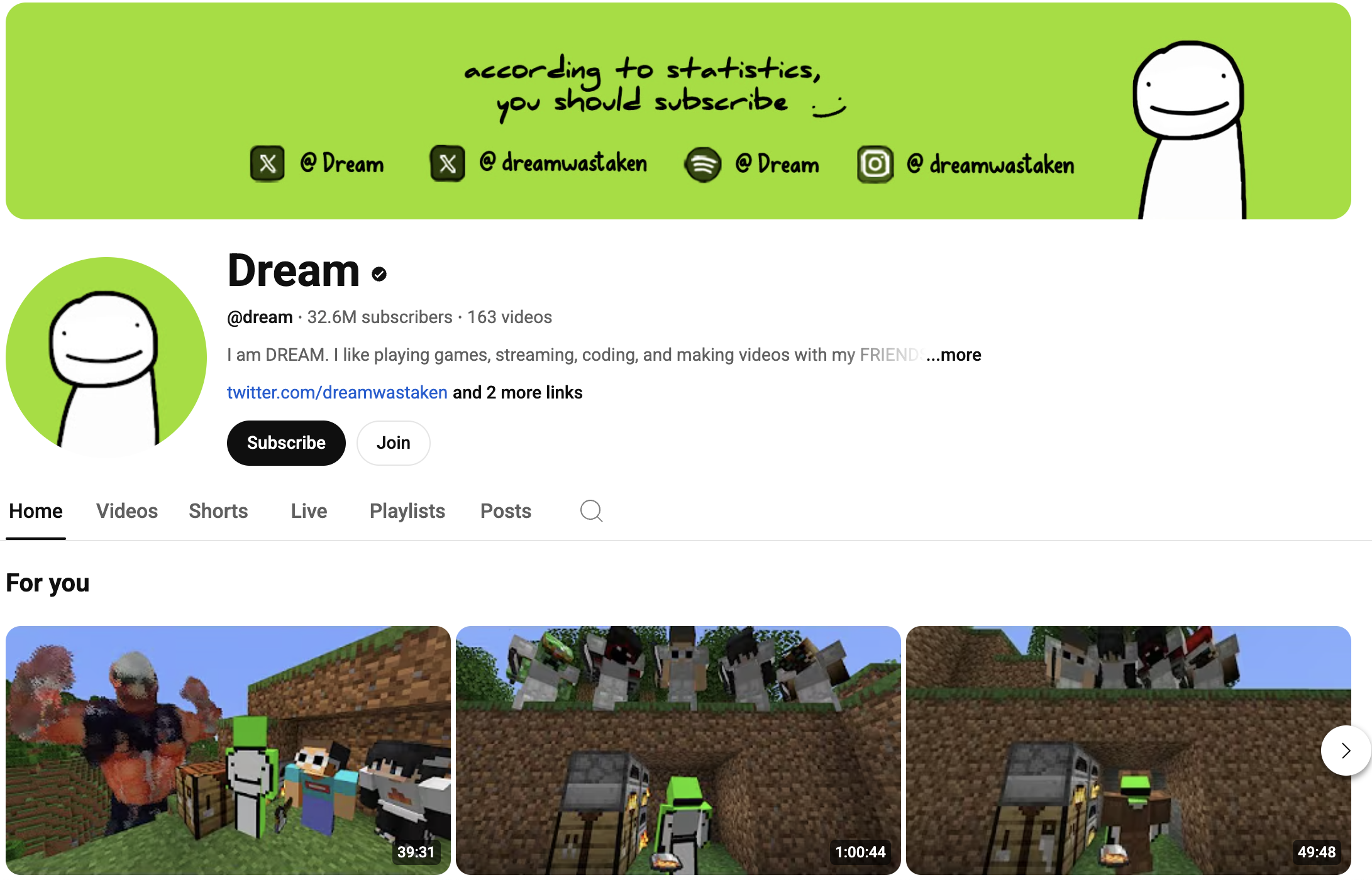
Dream exploded with Minecraft manhunts, speedruns and some of the most replayable titles on YouTube.
He stayed completely faceless until 2022, after passing 30 million subscribers.
What worked:
- Brilliant concepts (“Minecraft but…” challenges)
- Tight, suspenseful editing
- Bold thumbnails
- A brand built entirely around a green smiley face
No face. Massive connection.
2. H2ODelirious - 13M Subs, Still Masked
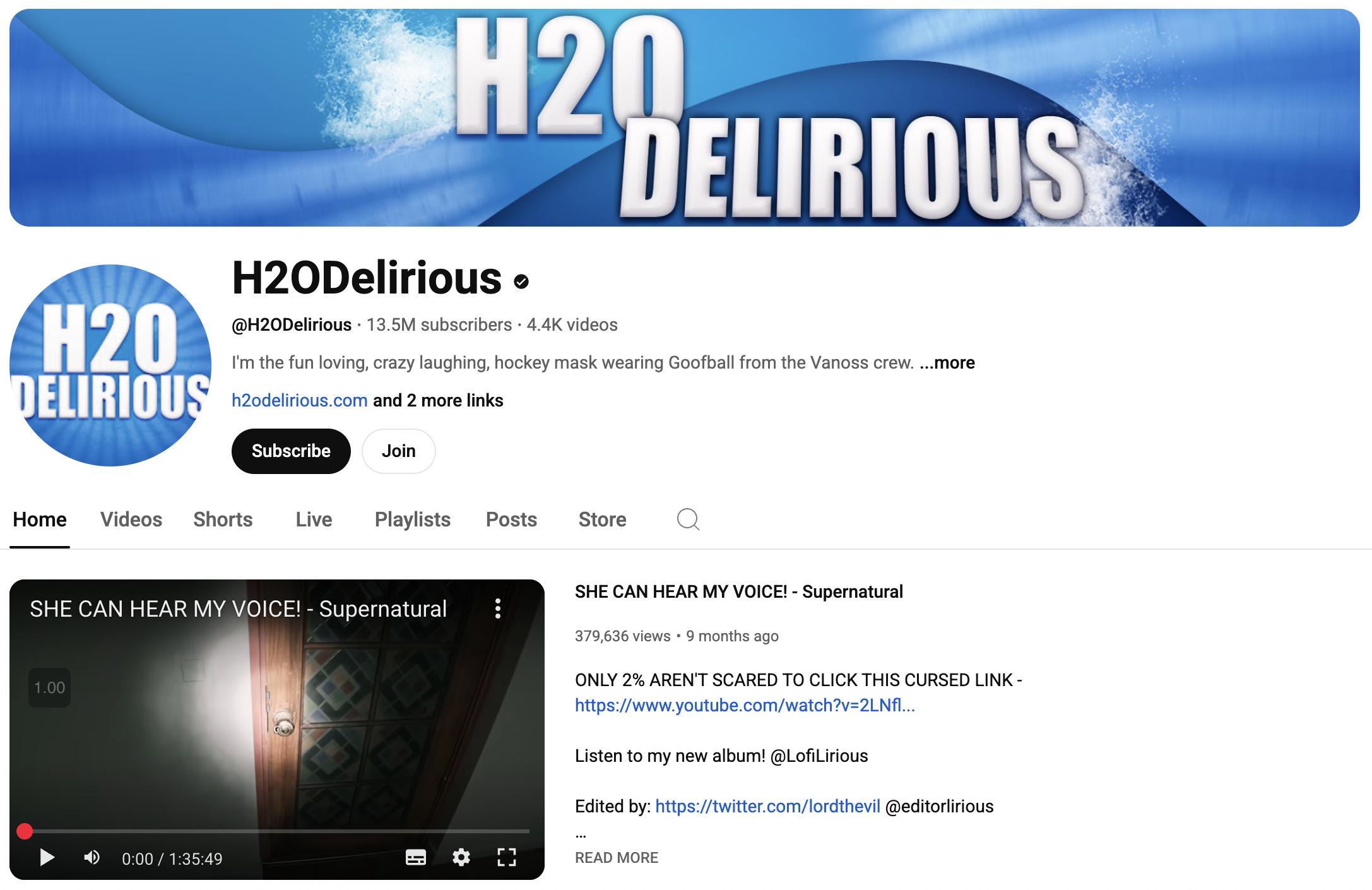
H2ODelirious made his mark with pure chaos, a killer laugh, and a masked avatar.
He’s never shown his face, and nobody cares. They come for the gameplay and the personality in his voice.
What stood out:
- Masked branding
- Over-the-top, hilarious reactions
- Consistent uploads over a decade
- Tight circle of faceless collaborators
3. VanossGaming - The King of Group Edits
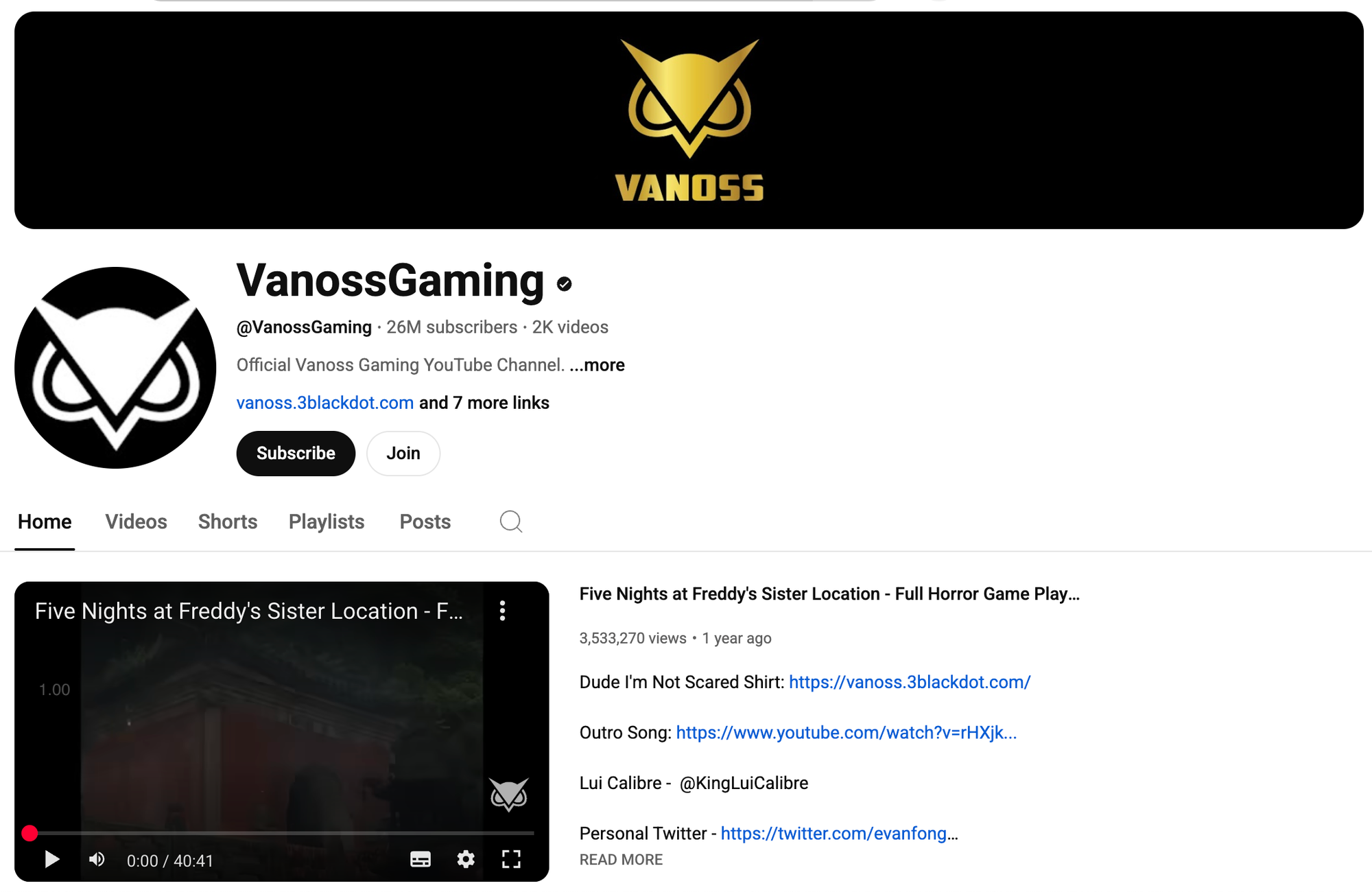
VanossGaming is a masterclass in faceless brand building.
With over 26 million subs, he’s known for:
- Fast-paced group gameplay
- Hilarious edits
- His iconic owl logo
- Never showing his face, ever
His brand is built on energy, not expressions.
4. Dunkey - Satire + Skill + Zero Facecam
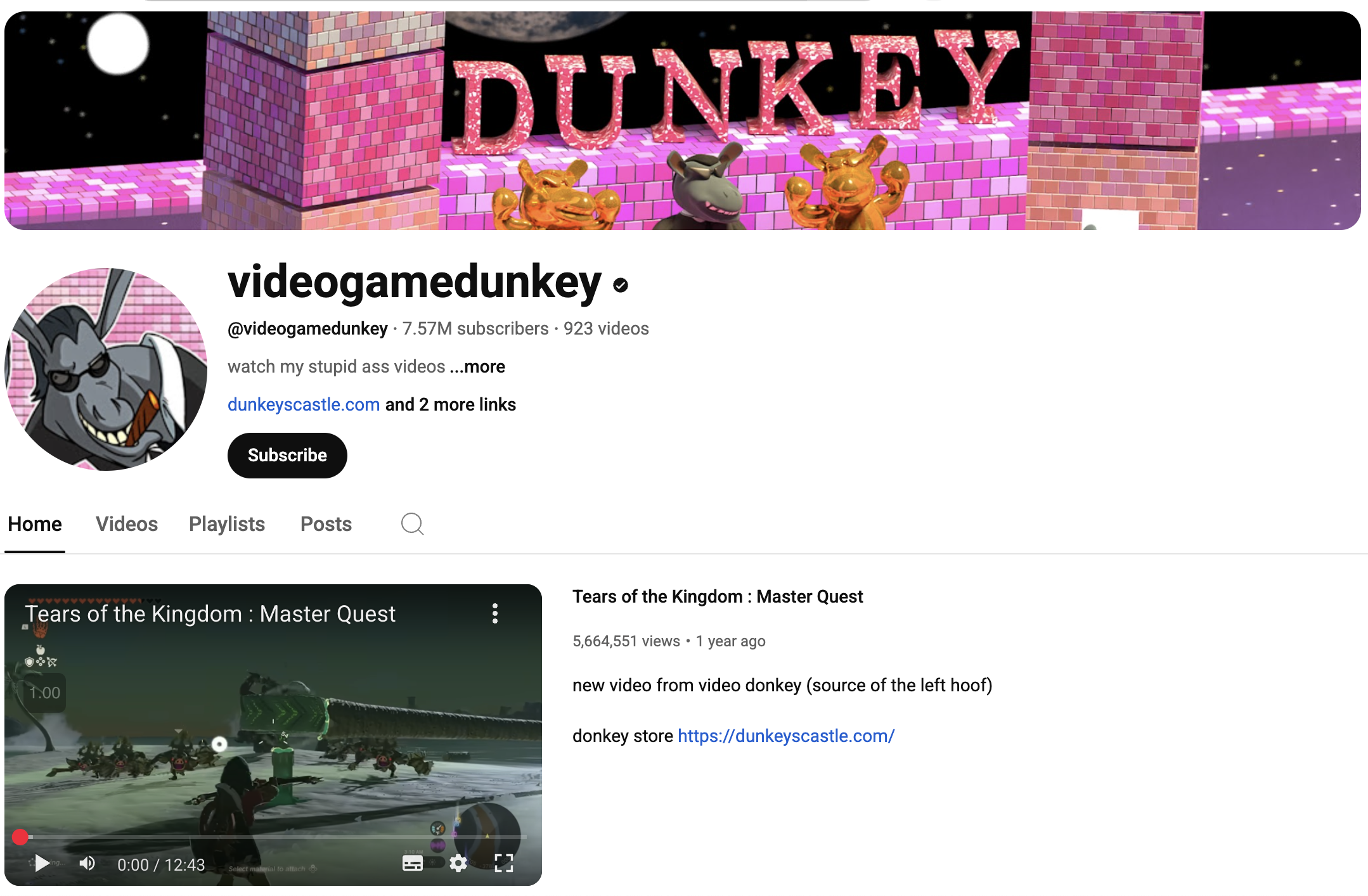
Dunkey (aka videogamedunkey) rarely shows his face, and when he does, it’s never the focus.
He built an empire by mixing:
- Sharp wit
- Honest reviews
- Meme-driven edits
- Bloody hilarious delivery
Why it works:He made his voice the brand. His humour, timing and editing became instantly recognisable.
No facecam. No fake reactions. Just raw, witty content that hits different.
5. Levinho - Silent But Deadly
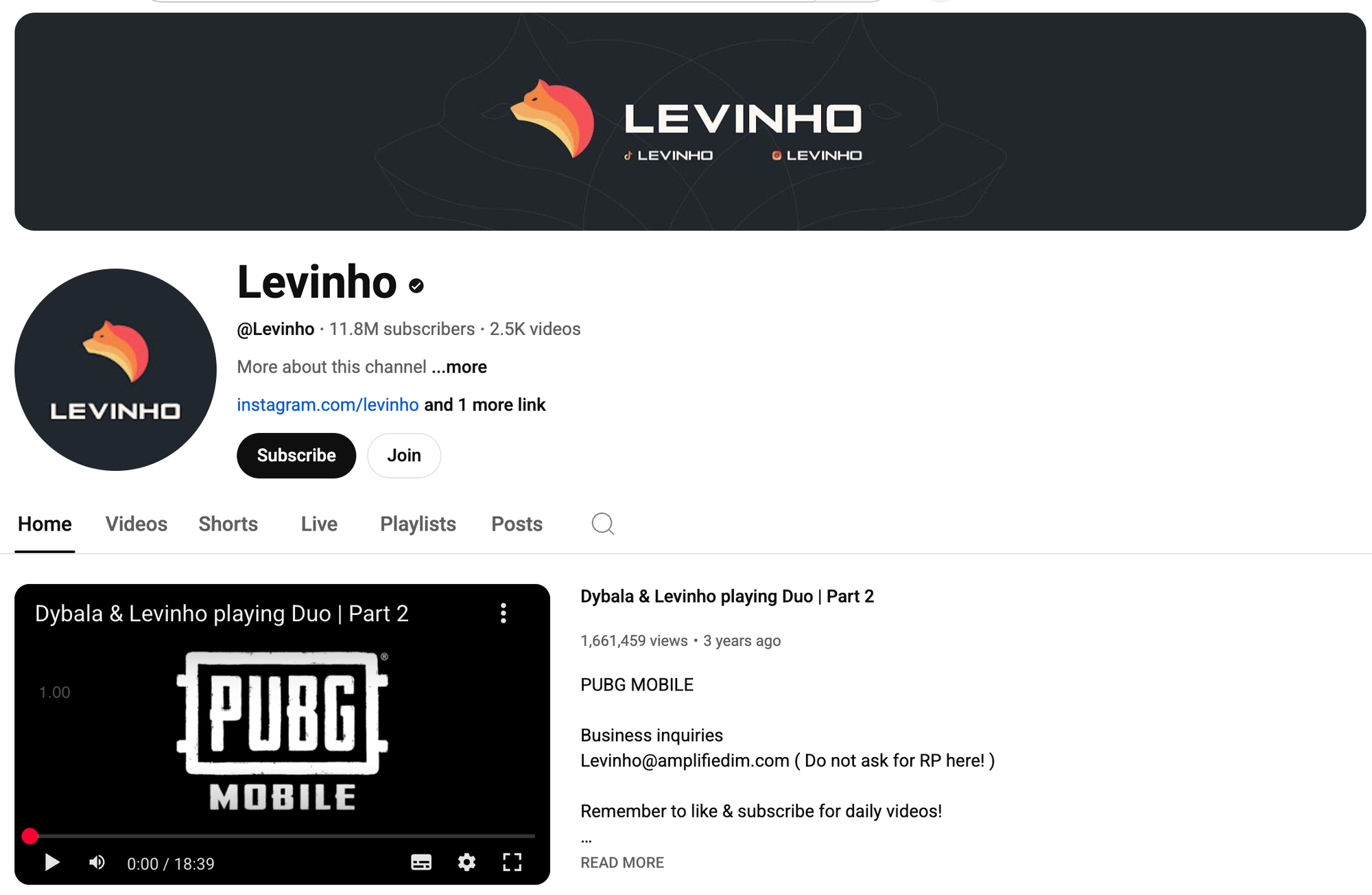
Levinho barely speaks. No camera. No intro.
Just crisp PUBG Mobile gameplay and clean kills.
What he did right:
- Super smooth mobile gameplay
- Sharp cuts and smart pacing
- Consistent branding
- A viewer experience that’s satisfying to watch, even without commentary
He lets skill speak louder than words.
These creators prove one thing:You don’t need your face to build a fanbase, just something worth watching.
Should You Start a Faceless Channel?
Yes. If you value privacy and hate being on camera ,a faceless channel is the way to go.
You don’t need perfect gear. You don’t need to be loud or funny. You just need to start, and keep going.
1. Uploading consistentlyImproving with every video
2. Nailing your packaging (idea + title + thumbnail)
3. Letting your voice, editing or gameplay carry the content
The faceless path might grow slower at first.But it’s less stressful, more flexible and 100% doable.
So stop overthinking it.Start with what you have.And let your skills speak louder than your face ever could.